
Quick wins for a faster PC:
Clear out junk files and repair common Windows errorsFree Scan →Fix the driver behind crashes, sound loss and screen glitchesFind Drivers →iTechGuides is reader-supported. When you buy through links on our site, we may earn an affiliate commission. As an Amazon Associate I earn from qualifying purchases. Learn more
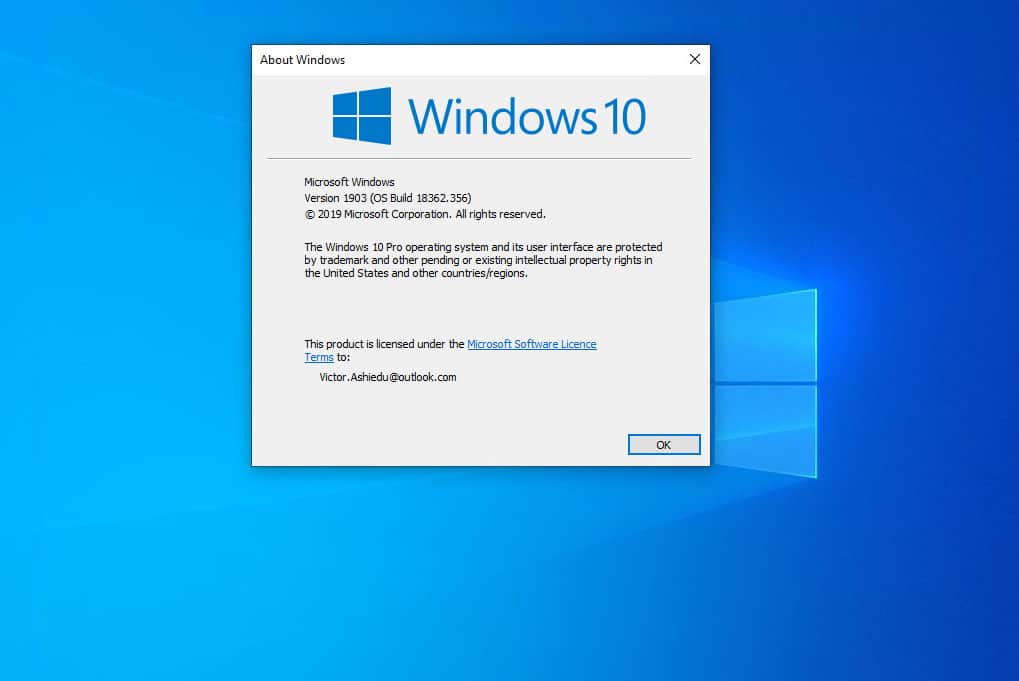
The steps in this guide demos how to manually install Windows 10 May 2019 update. May 2019 update is called Build 1903.
It was released May, 2019 but as at the time of writing this guide, 1903 is not yet available to all users via Windows update
Step 1: Download Windows 10 Media Creation Tool (MCT)
Here are the steps to download MCT:
- Open Windows 10 upgrade/installation page.
- Then scroll down to Create Windows 10 Installation Media and click Download tool now.

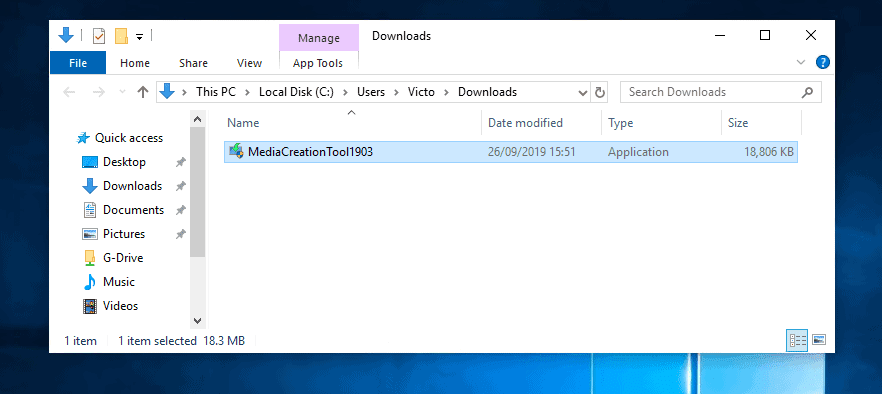
- Save the MCT file to a location on your PC.
Step 2: Manually Install Windows 10 May 2019 Update
Here are the steps to manually install Windows 10 May 2019 Update:
Do these 3 things before closing this tab:
1Repair Windows errors before they cause bigger problems2Scan for outdated or missing drivers - takes under a minute3Clear out junk files and repair common Windows errors- Open the folder you saved the MCT file. Then double-click it to start installation.
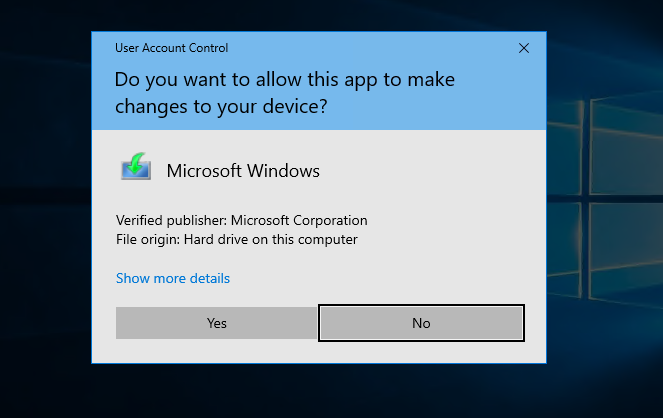
- At User Account Control confirmation click Yes.
- The installer will initiate install…

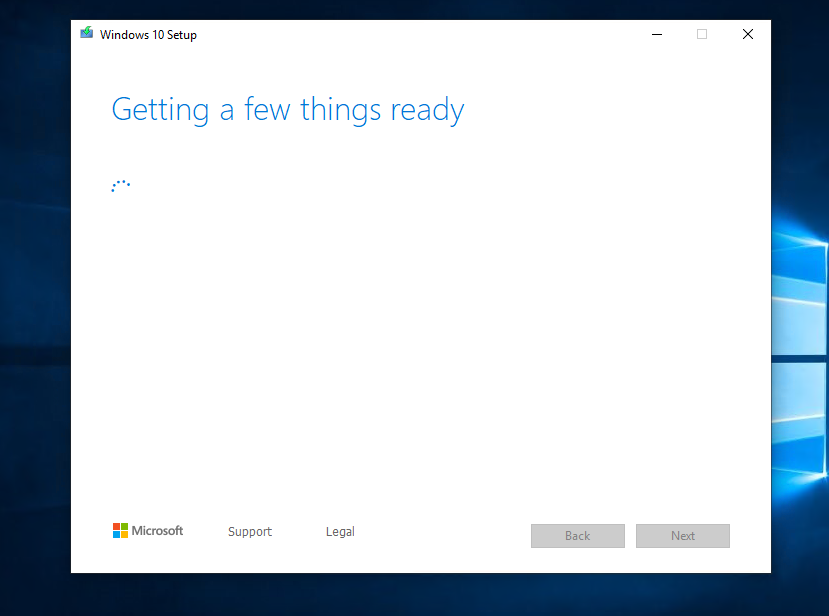
- Then it will initiate “Getting a few things ready”. Wait for the installer to get ready..

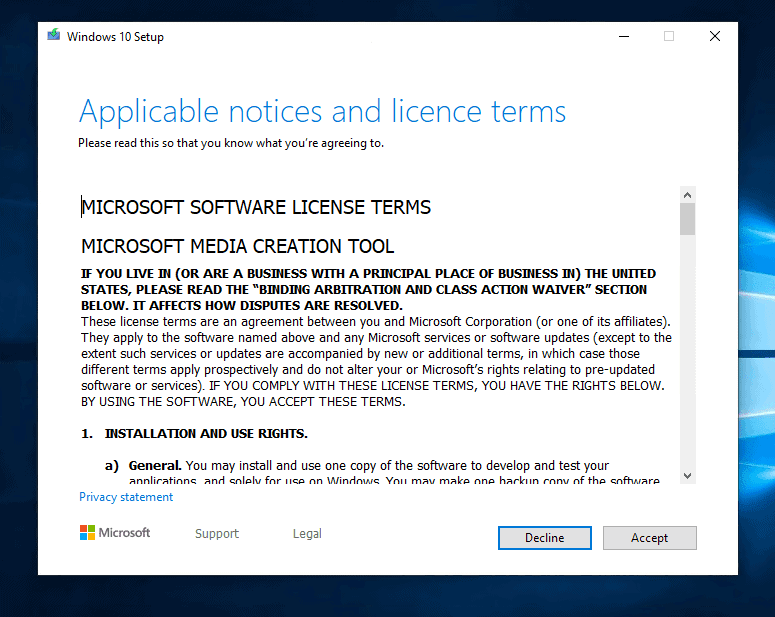
- At the Applicable notices and licence terms screen, click Accept.
- Then wait again…
- When the What do you want to do screen loads, select Upgrade this PC now. Then click Next.

- Then, yet another wait!

- Finally Windows 10 download will start. Wait for the download to get to 100%.

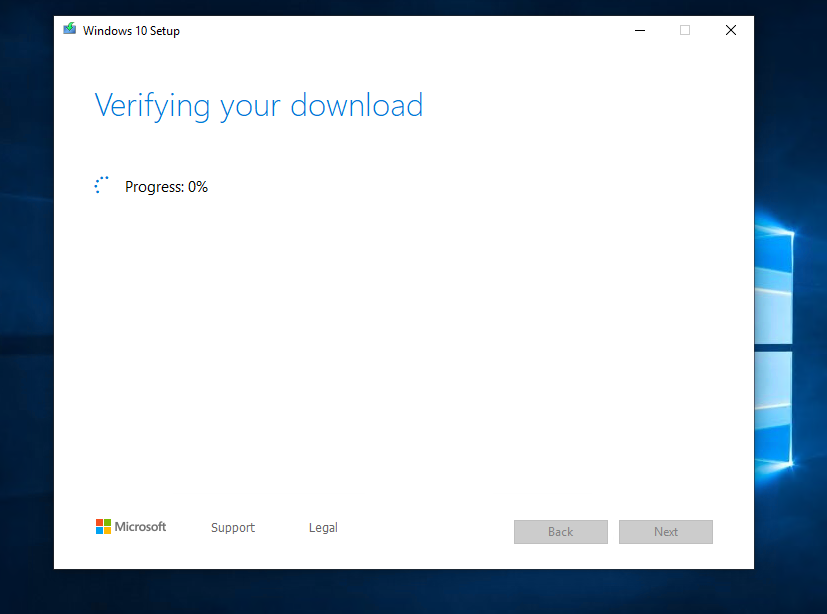
- When the download completes successfully, the installer will verify it..
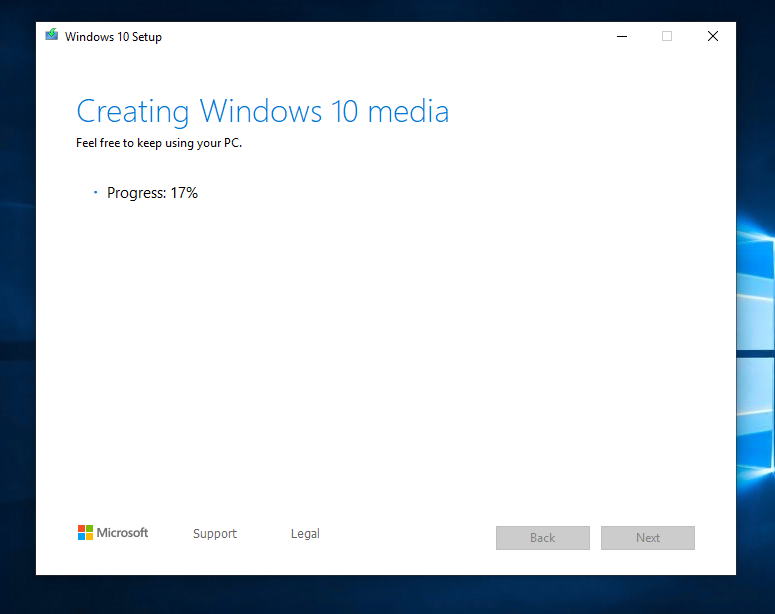
- Then it will create the media…
- When the last step is completed, the installer will perform additional checks. Then it will display the licence agreement again. Click Accept.
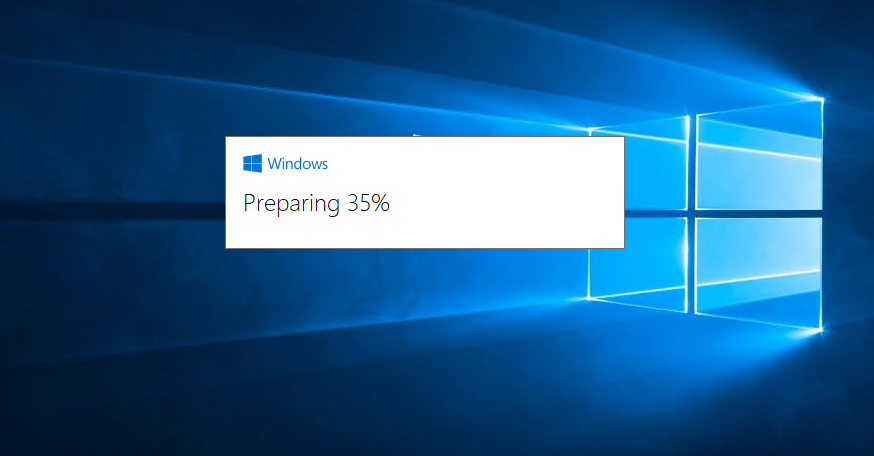
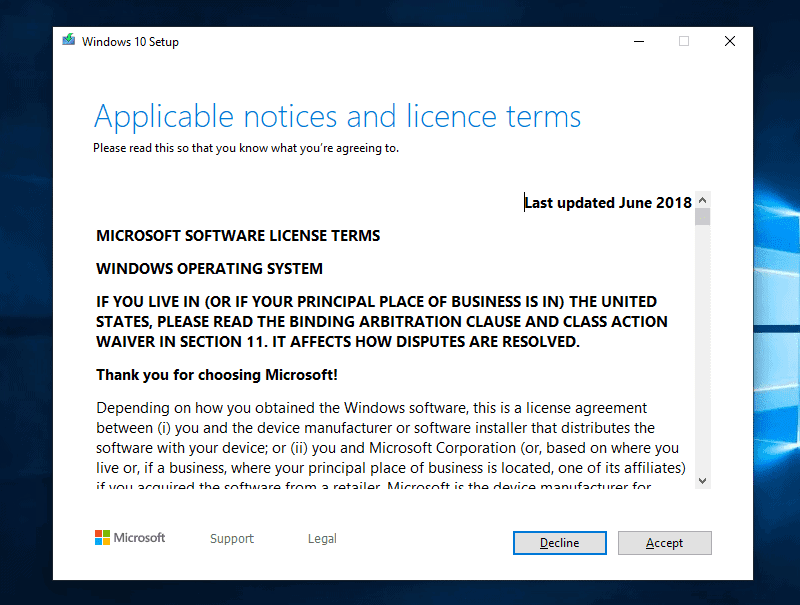
- Windows 10 will check for updates

- Finally, the Ready to install screen you have been waiting for! To manually install Windows 10 May 2019 update, click Install.

- The manual install will begin. During this phase of the installation, your PC will restart several times.

- When the update is fully installed, log into to your PC.

- Then wait for the upgrade to perform final setup configurations…
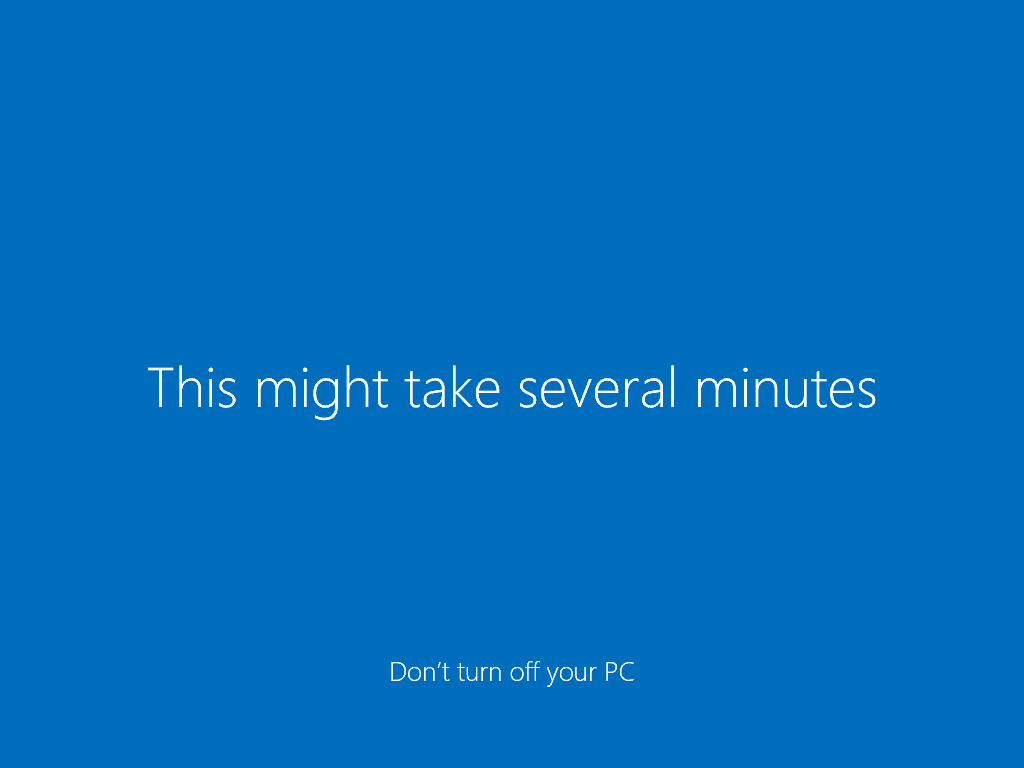
- Finally, your new Windows 10!
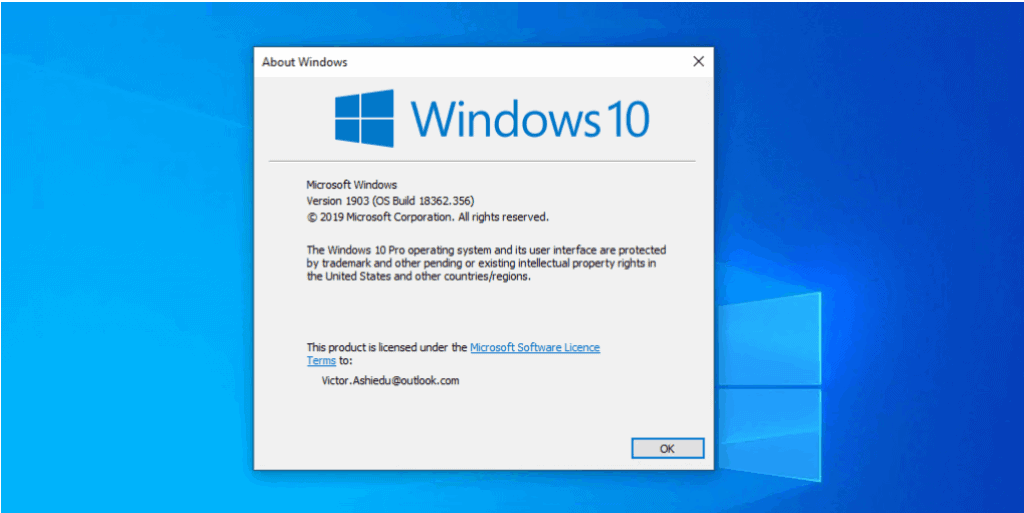
Conclusion
Windows 10 1903 (May 2019 update) was released May 2019 but the update are still not available to all users via Windows update. With this guide you can install this feature update manually.
Popular on Amazon

- 10 Pack USB Sticks: 10 pieces of USB flash drives are fit for a variety of scenarios. Whether the flash drives USB are used as school supplies for high school students to backup data storaged in USB jump drives or music USB flash drive for car, zip drive can meet the basic storage needs. USB drive pack of 10 has a higher cost performance. USB flash drive pack of 10 is suitable for ordinary users with appropriate needs, but also for special groups such as companies, schools or other organizations that need a large number of U disks. In short, thumb drives can meet the needs of different customers.
- Swivel Design: With the 360° swivel design, all the ports of the thumb drives 10 pack can be hidden inside the metal casing. When needed, simply swivel the casing gently and the ports will automatically expose, making it convenient for you to insert and remove. This design is not only fashionable and beautiful but also more user-friendly, whether you'd like your flash drive for photos, flash drive for video storage, or memory sticks for computers. In addition, the swivel design can effectively protect the interface from damage and pollution, increasing the service life of the flash USB drive.
- Portability: The small hole on the thumbdrive USB is designed for lanyards, which is convenient to carry. Besides, the USB flash drive keychain can also be tied through the small hole to prevent loss. This design is very thoughtful and reflects the humanized design concept of the memorias USB flash drive.
- Plug and Play: You can use the computer storage flash drive immediately for data storage or backup without any additional installation after inserting it into the computer. This plug and play feature makes the laptop storage drive a very convenient external ssd. You can copy the required data files to the external drive at any time without worrying about computer system compatibility issues. In addition, the design of the external flash drive enables it to be quickly recognized by the system after being inserted into the computer. (NOTE: Please check if your device has a USB-A port before purchasing. If not, a USB-C hub is needed.)
- FAT32 format: The default system format for 8GB flash drive is FAT32. FAT32 USB flash drive is widely applicable, such as in televisions, DVD players, vehicles, printers, embroidery machines, etc. Be patient if you have problems with system recognition. It may take some time for initial recognition, but it will happen.
If you are curious to see the new features offered by this update, read our guide – New Features of Windows 10 May 1903 Feature Update.
I hope you found this article helpful. If you did, share your thoughtsby responding to the “Was this page helpful?” question below.
Also popular on Amazon
- [Package Offer]: 1 Pack USB Flash Drive 8GB Available in black.
- [Plug and Play]: No need to install any software, Just plug in and use it. The metal clip rotates 360° round the ABS plastic body which. The capless design can avoid lossing of cap, and providing efficient protection to the USB port.
- [Compatibilty and Interface]: Supports Windows 7 / 8 / 10 / Vista / XP / 2000 / ME / NT Linux and Mac OS. Compatible with USB 2.0 and below. High speed USB 2.0, LED Indicator - Transfer status at a glance.
- [Suitable for All Uses and Data]: Suitable for storing digital data for school, business or daily usage. Apply to data storage of music, photos, movies, software, and other files.
- [Warranty Policy]: 12-month warranty, our products are of good quality and we promise that any problem about the product within one year since you buy, it will be guaranteed for free.
Lastly, for more Windows guides visit our Windows How To page.
Crashes, No Sound, or Screen Glitches?
Random freezes, missing sound and display glitches usually trace back to one bad driver. Find and replace yours safely.Free scan · under a minutePC Slower Than It Used to Be?
A free scan shows the junk files, broken settings and background clutter dragging Windows down - then fixes them in one click.Free scan · Windows 10 & 11Quick Recap
Also popular on Amazon

- Ultra-compact and portable contoured styling
- Share your photos, videos, songs and other files between computers with ease
- Protect your private files with included SanDisk SecureAccess software (Password protection uses 128-bit AES encryption and is supported by Windows Vista, Windows 7, Windows 8, Windows 10 and Mac OS X v10.6+ (Software download required for Mac, see official SanDisk Secure Access website for more details.))
- Store more with capacities up to 8GB (1 gigabyte (GB) = 1 billion bytes. Some capacity not available for data storage.)
Also popular on Amazon
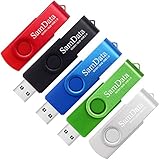
- [Package Offer]: 5 Pack USB 2.0 Flash Drive 8GB Available in 5 different colors - Black Blue Green Red Silver. The different colors can help you to store different content.
- [Plug and Play]: No need to install any software, Just plug in and use it. The metal clip rotates 360° round the ABS plastic body which. The capless design can avoid lossing of cap, and providing efficient protection to the USB port.
- [Compatibilty and Interface]: Supports Windows 7 / 8 / 10 / Vista / XP / 2000 / ME / NT Linux and Mac OS. Compatible with USB 2.0 and below. High speed USB 2.0, LED Indicator - Transfer status at a glance.
- [Suitable for All Uses and Data]: Suitable for storing digital data for school, business or daily usage. Apply to data storage of music, photos, movies, software, and other files.
- [Warranty Policy]: 12-month warranty, our products are of good quality and we promise that any problem about the product within one year since you buy, it will be guaranteed for free.
Also popular on Amazon

- Bulk Flash Drives: 20 pack 8GB USB flash drive with 20 lanyards. MECHEER thumb drive with flexible storage and color options! Perfect for business needs, events, giveaways, or personal use. These versatile storage solutions work great whether you're handling corporate projects, or just organizing your digital life.
- Durable & Portable: This pocket-sized flash drive(2.27" x 0.75") travels effortlessly with you. USB drive featuring a 360-degree metal swivel cap that safeguards the USB port, the pen drive rugged aluminum casing withstands daily wear & tear. USB memory stick is equipped with a detachable lanyard and easily attach to your key chain or bags to avoid from losing and for easy carrying.
- Zero-Setup Convenience: Plug and play thumbdrive, no need to install any software - even your grandma can use it. USB memory stick can instantly works on any device - just plug in and start transferring files. USB flash drive universal compatibility with windows: XP, Vista, 7, 8, 10 & 11. USB 2.0 flash drive backwardly compatible with 1.1 ports, perfect for older laptops and car stereos.
- FAT32 Format: The default file system for 8GB flash drives is FAT32, providing read/write compatibility with both Windows and macOS. This format is ideal for storing music, photos, videos, software installers and general document files. Pro Tip: Maximize performance by reformatting to your optimal file system.(FAT32: Universal compatibility (files under 4GB); exFAT: Cross-platform large file support; NTFS: Advanced Windows features (encryption/compression))
- LED Indicator: The end of the USB storage flash drive is designed with an indicator. The LED indicator lights up when you plug the zip drive usb into the devices, the light blinks while write/read activities are in process. In this case, do not remove the USB drive pack. Otherwise, data integrity and the service life of the USB drives are affected.



