

Do these 3 things before closing this tab:
1Repair Windows errors before they cause bigger problems2Fix the driver behind crashes, sound loss and screen glitches3Clear out junk files and repair common Windows errorsiTechGuides is reader-supported. When you buy through links on our site, we may earn an affiliate commission. As an Amazon Associate I earn from qualifying purchases. Learn more
This Itechguide teaches you how to delete Instagram photos. The guide covers steps to delete photos from the Instagram App for Android and for iPhone.
Option 1: Delete Photos Using the Instagram Android App
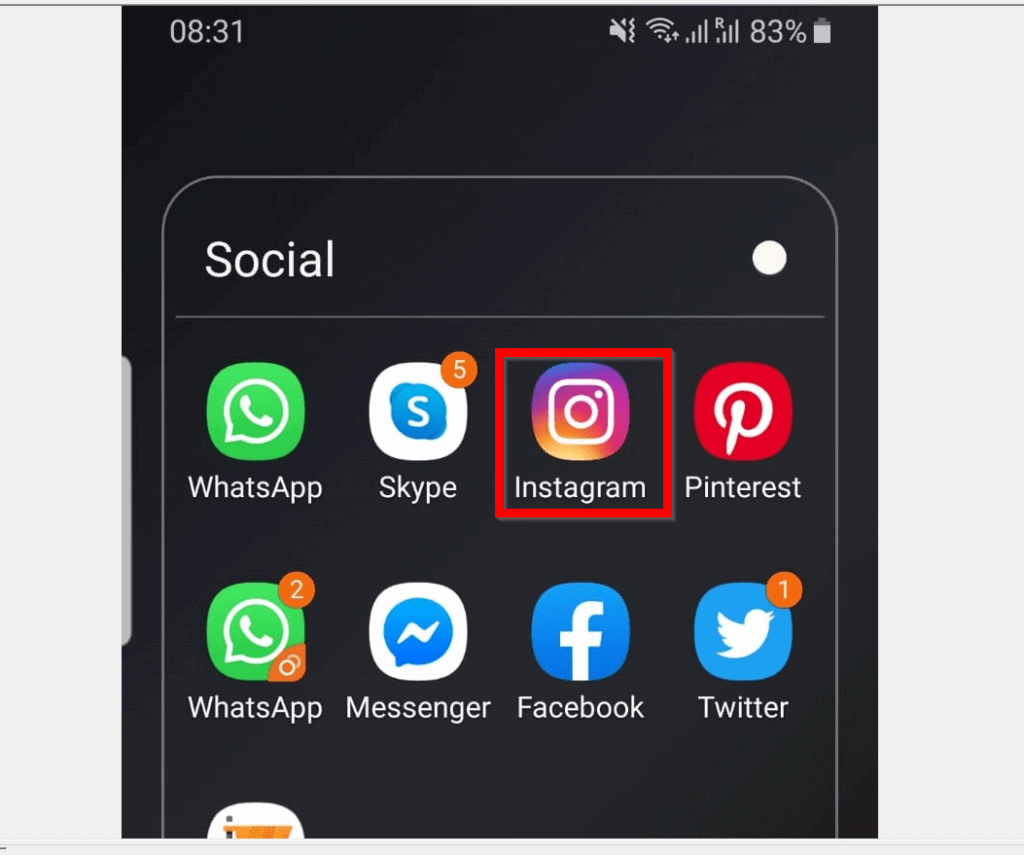
- Open the Instagram App on your Android phone. If you have not signed in to the App, sign in with your Instagram Account.
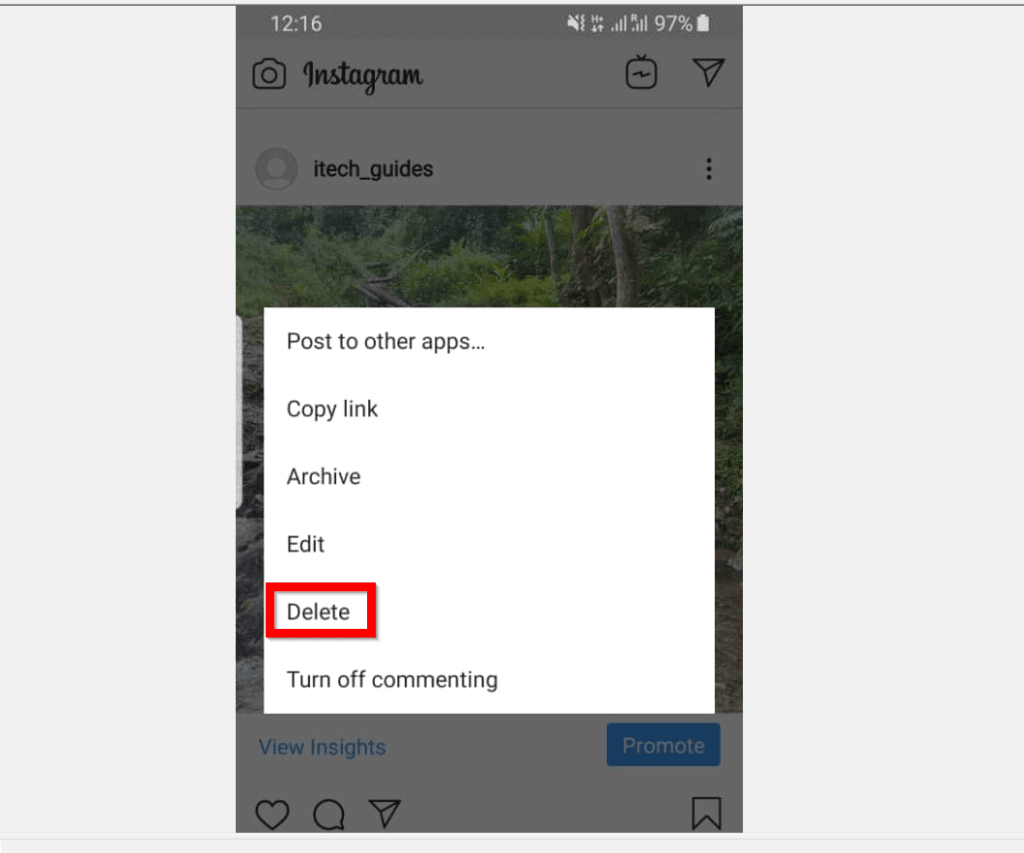
- Then, on the Instagram App home page, locate the photo you want to delete. On the top right of the photo, tap the 3 vertical lines. A list of options will be displayed.

- From the displayed options, locate and tap Delete – Delete is before the last item on the list.
- Finally, to delete the photo, on the Confirm delete pop up window, tap Delete.

Option 2: Delete Photos via the Instagram iPhone/iPad App
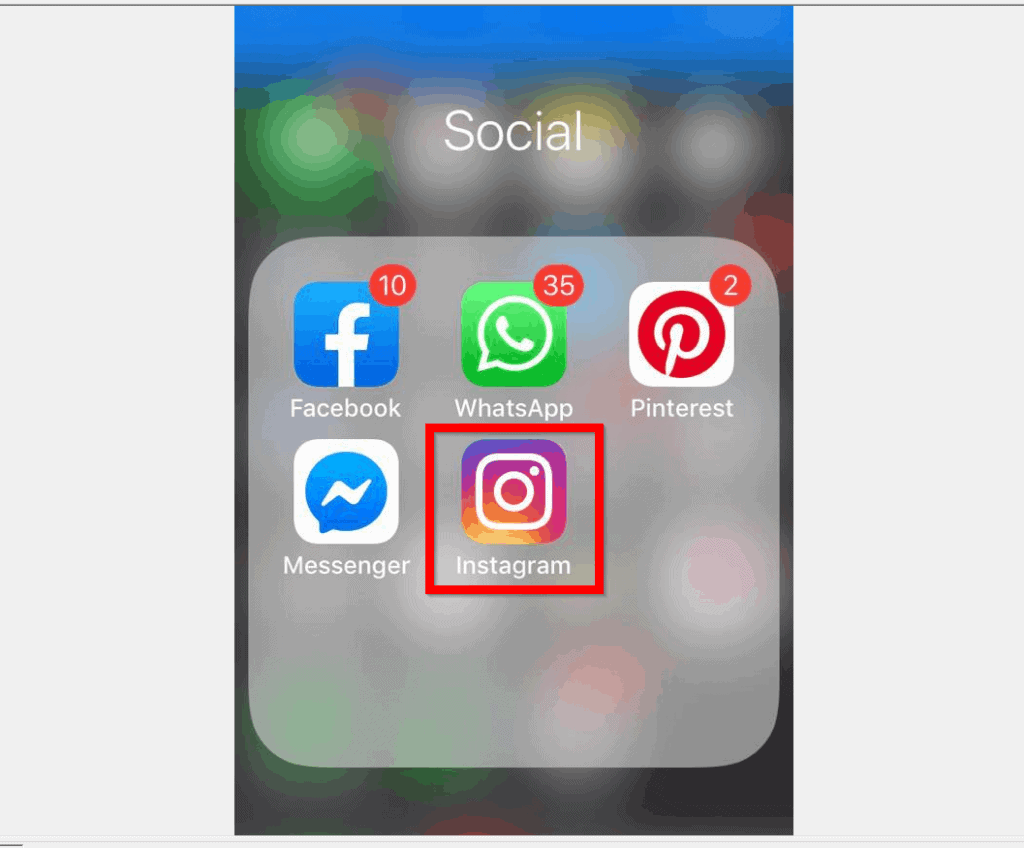
- Open the Instagram App on your iPhone. Then, login with your Instagram account.
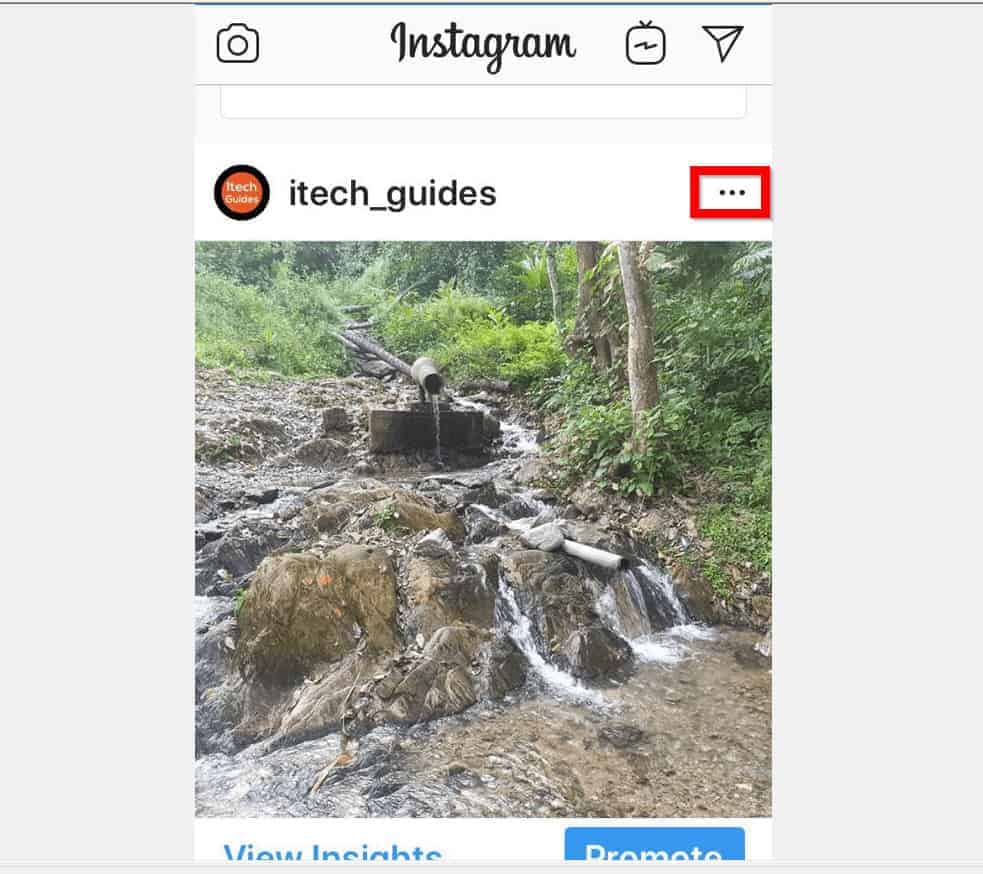
- On your Instagram App home, locate the photo you want to get rid of. Then, on the top right of the photo, tap the 3 horizontal lines. Tapping the line displays more options.
- From the list of displayed options, locate and tap Delete. For the iPhone App, the Delete option is right on top of the list – it is also in red.
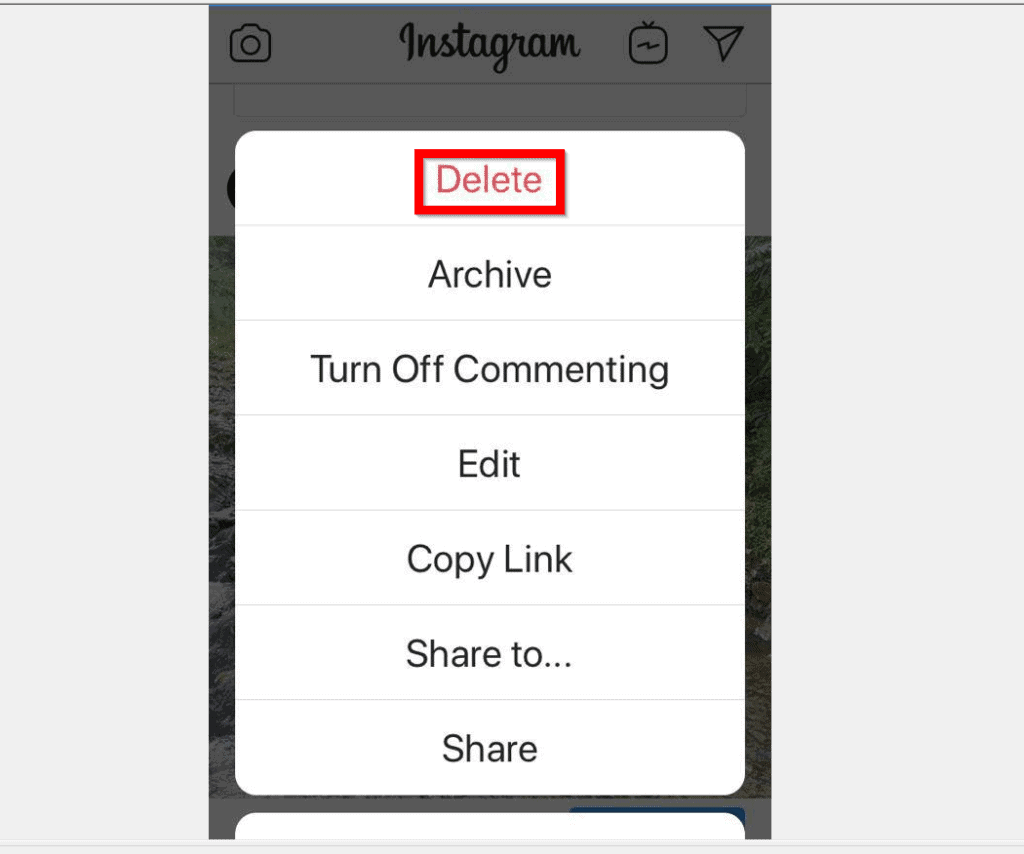
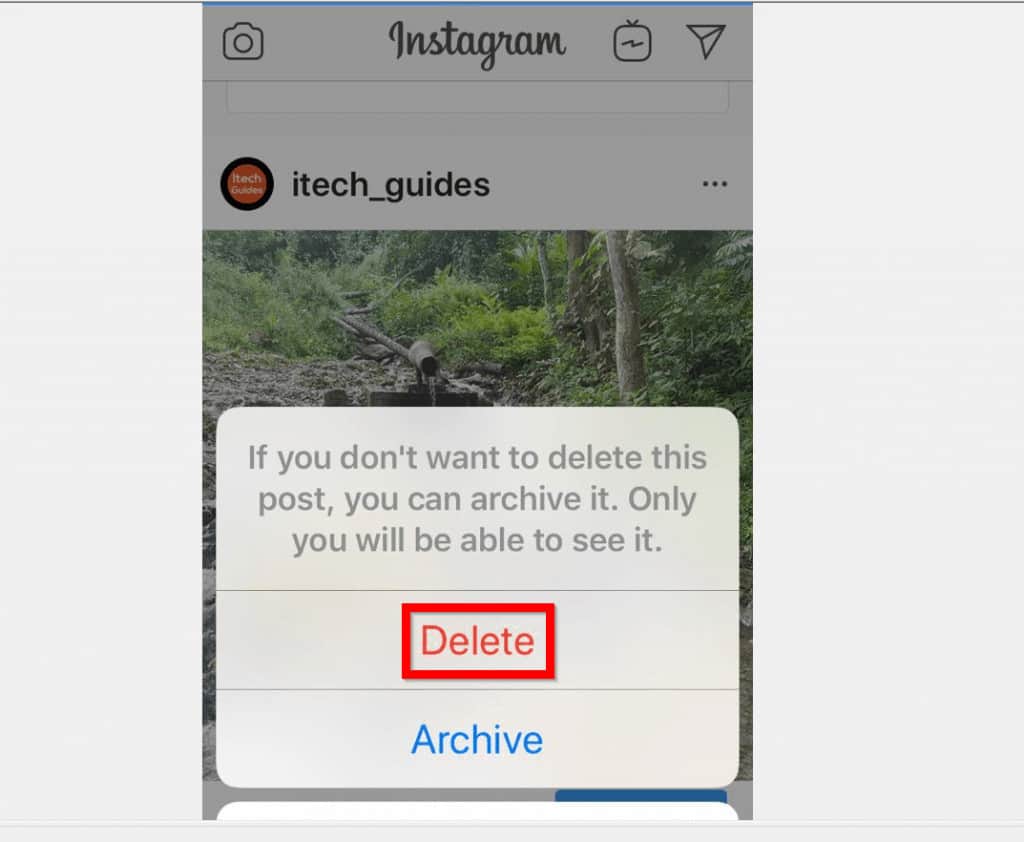
- Finally, to delete the photo, from the confirmation pop up options, tap Delete. You may also take a less drastic action by archiving, instead of deleting the photo.
I hope that you found it helpful. If you did, click on “Yes” beside the “Was this page helpful” question below.
You may also express your thoughts and opinions by using the “Leave a Comment” form at the bottom of this page.
What’s actually slowing this PC down?
Pick the symptom - the matching free tool is one click away.
Finally, for more Social media Itechguides, visit our Social Media how to page.
Quick Recap
Also popular on Amazon

- 【Up to 150MB/s High-Speed Transfer】 Yottamaster 128GB USB C flash drive delivers transfer speeds of up to 150MB/s, making it easy to move photos, videos, documents and other files between compatible devices. Ideal for everyday file transfers and mobile storage.
- 【Photo & Video Backup】 Keep your important photos and videos within easy reach. This 128GB USB C flash drive provides convenient external storage for backing up and transferring photos, videos and files, helping free up valuable space on your smartphone or tablet.128GB holds up to 30,000 photos or hours of video.
- 【Magnetic Design for Mobile Use】 The portable flash drive can attach to iPhones and phone cases with MagSafe support, and the included magnetic ring provides attachment for devices and cases without built-in magnets. A convenient solution for mobile photography and on-the-go storage. Note: When using with a phone case, use the included magnetic ring for a more secure attachment.
- 【Premium Aluminum Alloy & Compact Design】 Crafted from durable aluminum alloy with a sleek, compact body, this USB C flash drive is lightweight and easy to carry. Its pocket-friendly design makes it ideal for everyday storage, photo backup and file transfers on the go.
- 【Broad Device Compatibility】 Yottamaster 128GB USB C flash drive works with compatible smartphones, tablets, MacBooks, Windows PCs and other USB-C devices. It supports Windows, macOS, Linux and Android for convenient plug-and-play file storage and transfer. Note: iPhone 14 and earlier models require a compatible OTG adapter for connection.
Also popular on Amazon
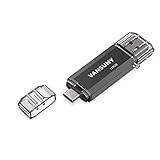
- 【Important】: Default format of the usb flash drive 128gb is exFAT as this is the format recognized by the smartphones and tablets. These 128gb thumb drives are only compatible with C-Port enabled mobile phones & computers only. While formatting the usb flash drive dual type c usb 3.0 OTG keep a check on the drive format
- 【Easy to Use】: Directly plug the 2-in-1 USB flash drive and play, no need to install any software. The jump drive is easy to be recognized by computer, laptop, notebook, PC, car audio, speaker, smart TV, vidoe projector etc
- 【Fast Speed】: High-speed USB 3.0 flash drive for fast data transfer, backwards compatible with USB 2.0 easy to complete the storage and transport functions. USB 3.0 and Class A chip help you transfer a 4G movie from the thumb drive to your smartphone in about 40 seconds, and reverse transfer in 2 mins to save memory for your smartphone with Type C port.Save your time
- 【Good Compatibility】: Dual connectors USB type C + USB 3.0. Support windows 7 / 8 / 10 / XP / 2000 / ME / NT Linux and Mac OS, compatible withUSB 3.0 & USB 2.0 backwards USB1.1. Support videos formats: AVI, M4V, MKV, MOV, M P4, MPG, RM, RMVB, TS, WMV, FLV, 3GP; AUDIOS: FLAC, APE, AAC, AIF, M4A, MP3, WAV
- 【OTG Function】:Support nearly all mobile phones which support OTG function,and very easy to operate
Popular on Amazon
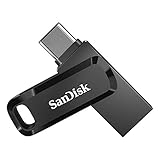
- The 2-in-1 flash drive with a reversible USB Type-C and a traditional Type-A connector.
- Seamlessly move content between your USB Type-C smartphone, tablets, and Mac and USB Type-A computers. (Mobile device requires USB Type-C port and On-The-Go (OTG) support. See SanDisk website for list of compatible devices.)
- Free up space on your USB Type-C smartphone so you can take more photos (Mobile device requires USB Type-C port and On-The-Go (OTG) support. See SanDisk website for list of compatible devices.)
- Automatically back up photos with SanDisk Memory Zone app (Download and installation of SanDisk Memory Zone app required.)
- High-performance USB 3.2 Gen 1 drive with up to 400MB/s ultra-fast read speeds (1 MB/s = 1 million bytes per second. Based on internal testing; performance may vary depending upon host device, usage conditions, drive capacity, and other factors. USB Type-C port with USB 3.2 Gen 1 support required.)
Product prices and availability are accurate as of the date/time indicated and are subject to change. Any price and availability information displayed on Amazon at the time of purchase will apply.
Independent reader supportYour contribution helps us test, update, and keep practical guides available for everyone.


