

iTechGuides is reader-supported. When you buy through links on our site, we may earn an affiliate commission. As an Amazon Associate I earn from qualifying purchases. Learn more
This Itechguide teaches you how to convert Word to Google Docs. The guide covers steps to convert Word to Google Docs from Google Docs or from Google Drive.
Option 1: Convert to Google Doc from Google Drive
- Open Drive.Google.com from a browser on your PC and sign in with your Google Account.
- Then, upload the Microsoft Word document to Google Drive.

- To upload the Word document to Google Drive, place the folder with the Word document side by side Google Drive page.
- Then, drag the Word document from your computer to Google Drive.

- The file will start uploading from your computer to Google Drive. The upload progress bar will be displayed at the bottom right of your browser window. Wait for the upload to complete.

- When it is fully uploaded, the progress bar will display a tick with a green background.

- Once the Word document is fully uploaded to Google Drive, it is automatically converted to Google Docs.
- Open the folder you uploaded the document to (if it is not on the root of “My Drive”). The file will be displayed as a Google Docs document.

Option 2: Convert to Google Doc from Google Docs
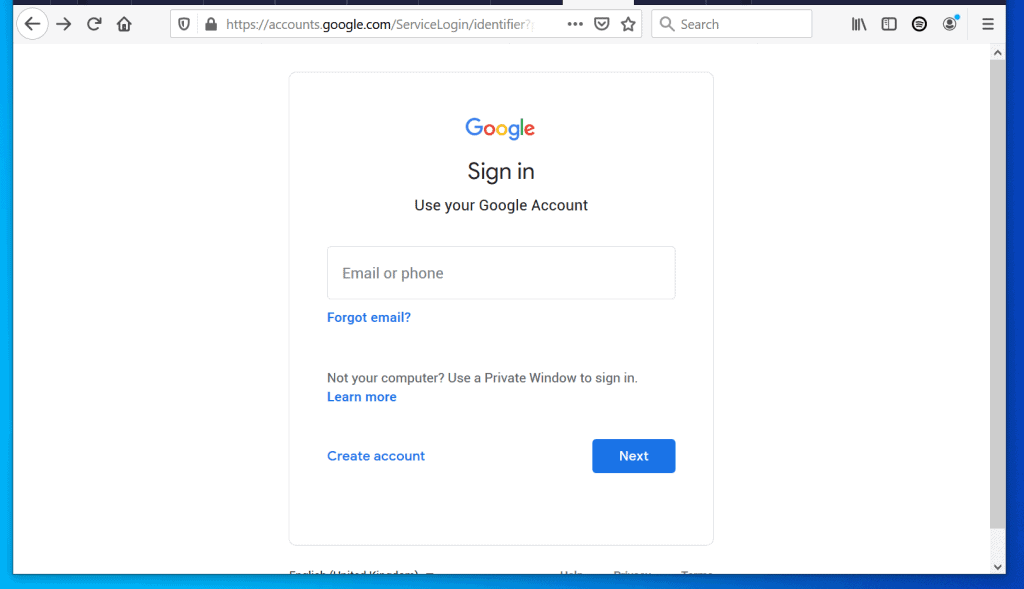
- Open Docs.Google.com from a browser on your PC. Then, sign in with your Google Account.
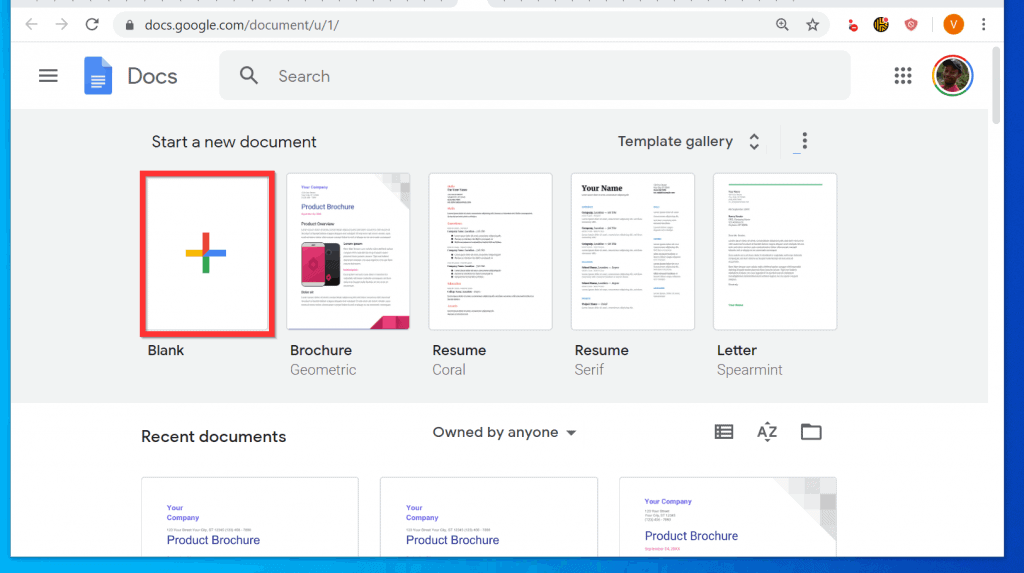
- On Google Docs homepage opens, open a blank document.
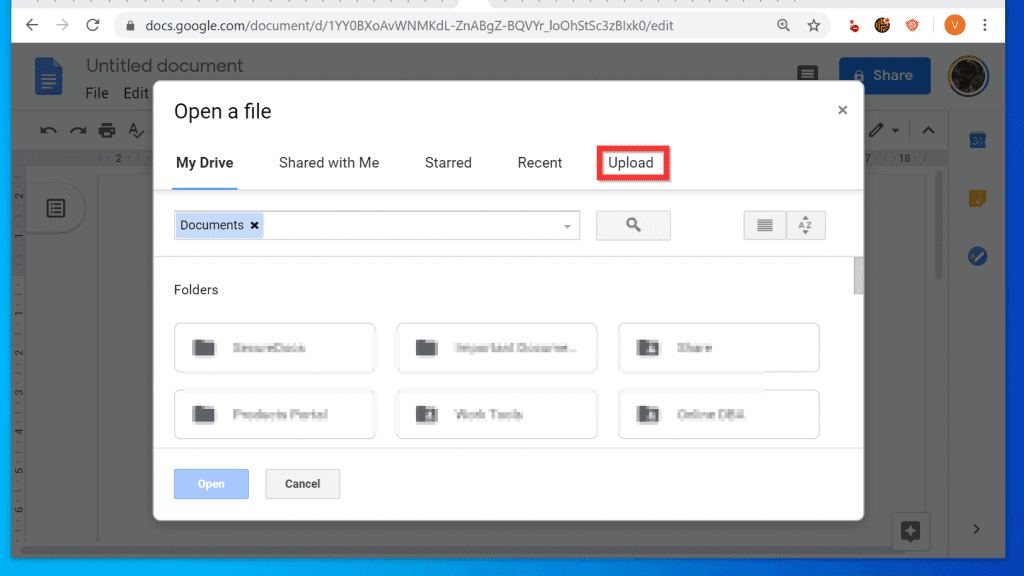
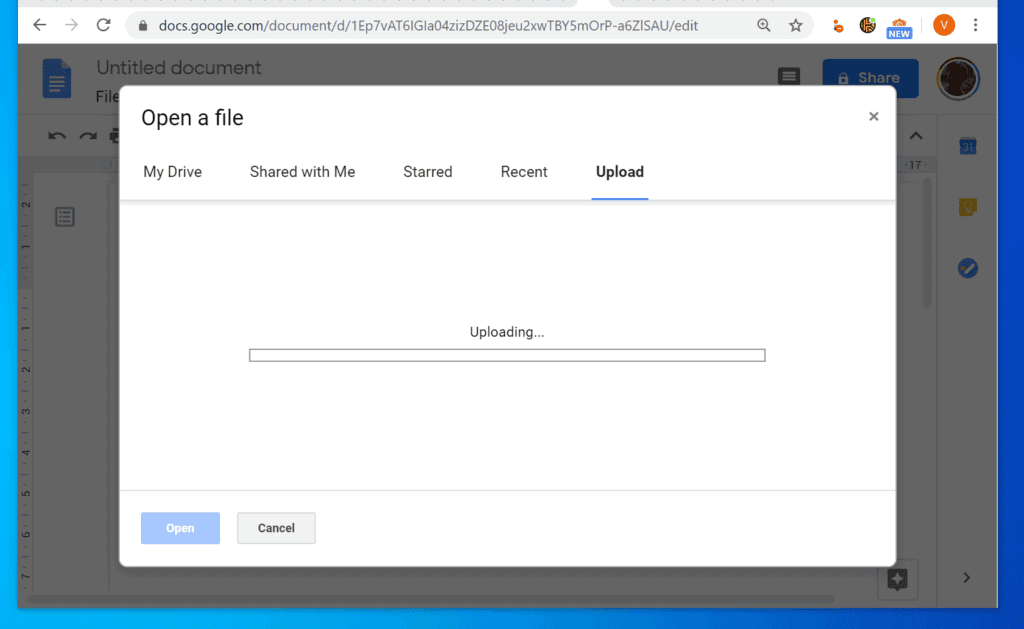
- Then, on the top left of the Google Docs document menu, click File. From the displayed options, select Open. The Open file pop up window will be displayed.

- At the far right of the popup window, click the Upload tab.
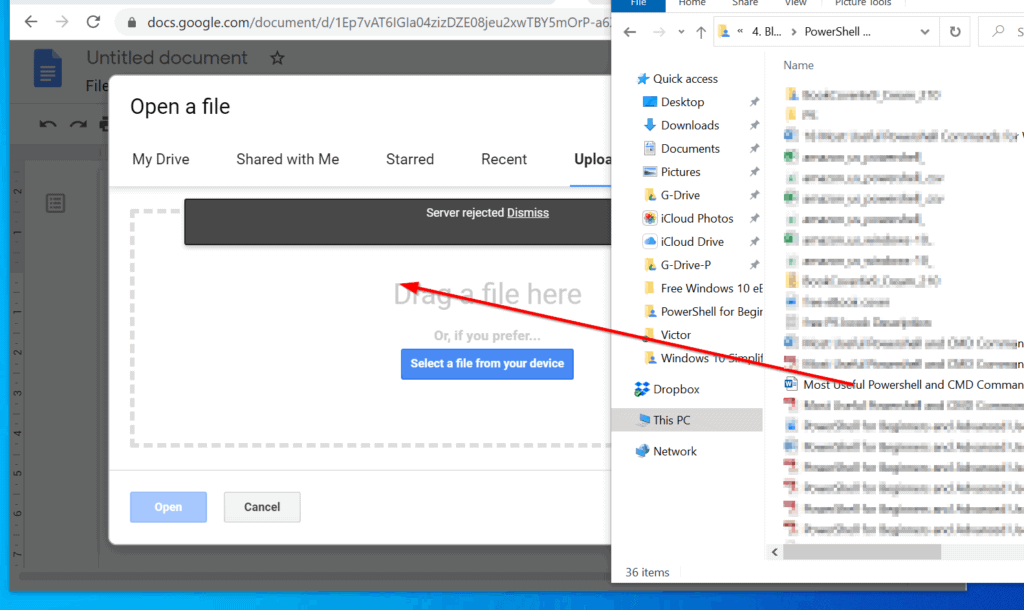
- Then, to open the Word document from Google Docs, drag the file from your computer to the Open a file popup.
- You can also click Select a file from your computer. Then navigate to the location of the Word document and upload it.
- Wait for the file to upload to Google Docs.
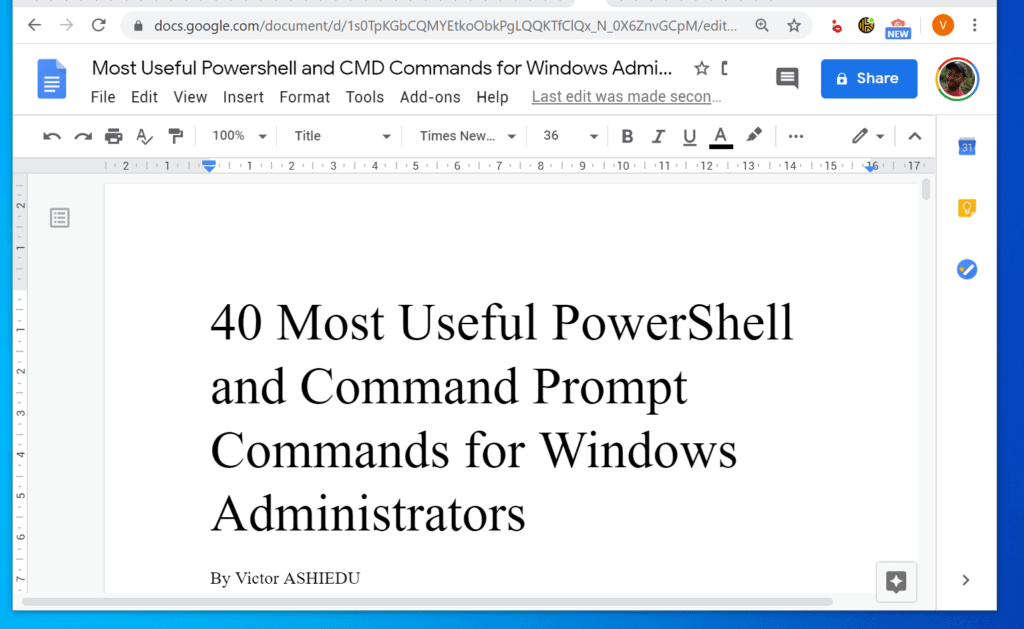
- When the Word document is uploaded, the document will be converted to Google Docs. It will also open automatically in Google Docs.
It is easy to convert Word to Google Doc! I hope you found this Itechguide helpful. At Itechguides, we love to hear from you.
Hence, if you found this article helpful, click on “Yes” beside the “Was this page helpful” question below.
You may also express your thoughts and opinions by using the “Leave a Comment” form at the bottom of this page.
Popular on Amazon

- Convert over 50 document file formats.
- Preview your files from Doxillion before converting them.
- Use batch conversion to convert thousands of files at once.
- Enjoy an easy-to-use, intuitive interface with a Drag and Drop file option.
- Burn your converted or original files directly to disc.
Finally, for more Google Itechguides, visit our Google How-To page.
Quick Recap
Also popular on Amazon
- AUDIO ALL-ROUNDER – convert your audio or video files into almost any audio format - edit, trim, merge, adjust sample and bit rate, extract audio from videos
- Supported input formats - MP3, MP2, AAC, AC3, WAV, WMA, M4A, RM, RAM, OGG, AU, AIF, AIFF, PG, MPEG, MPEG 2, MP4, M4V, MJPG, MJPEG, HD TS, HD MTS, HD M2TS, HD MPG, HD MPEG, HD MP4, HD WMV, QuickTime HD MOV and others
- Supported output formats - AAC, AC3, AIFF, AMR, AU, FLAC, M4A, MKA, MP2, MP3, OGG, WAV, WMA
- EASY TO INSTALL AND USE - user-friendly and intuitive interface, free tech support whenever you need assistance
- compatible with Windows 10, 8 and 7 (32 and 64-bit versions) - single user license
Also popular on Amazon

- Convert over 50 document file formats.
- Preview your files from Doxillion before converting them.
- Use batch conversion to convert thousands of files at once.
- Enjoy an easy-to-use, intuitive interface with a Drag and Drop file option.
- Burn your converted or original files directly to disc.
Also popular on Amazon

- Convert between many different text document formats
- Supports Word converting doc and docx
- Convert source code to html
- Batch convert thousands of files at once
- Use your right click menu to convert documents from outside the program
Product prices and availability are accurate as of the date/time indicated and are subject to change. Any price and availability information displayed on Amazon at the time of purchase will apply.
Independent reader supportYour contribution helps us test, update, and keep practical guides available for everyone.


