
Quay
Quay: A flexible registry for teams that need hosted convenience or self-hosted control. Ranked #2 of 61 in Container Registries by our editors (9.3/10); pricing: Free plan · 30-day trial; best for open-source teams needing hosted or self-hosted options.
At a glance
- Editor score9.3 / 10
- PricingFree plan · 30-day trial
- Best forOpen-source teams needing hosted or self-hosted options
- Free planYes
- Image scanningYes
- Facts checked22 Sep 2026
Where it wins
- Automated vulnerability scanning with Clair
- OCI 1.1 referrers, immutable tags, and retention policies
- Mirroring and geo-replication for distributed repositories
Where it doesn't
- Project Quay and hosted Quay.io require a deployment choice
- Advanced controls may exceed basic image-storage needs
- Self-hosted deployment adds operational responsibility
Our verdict on Quay
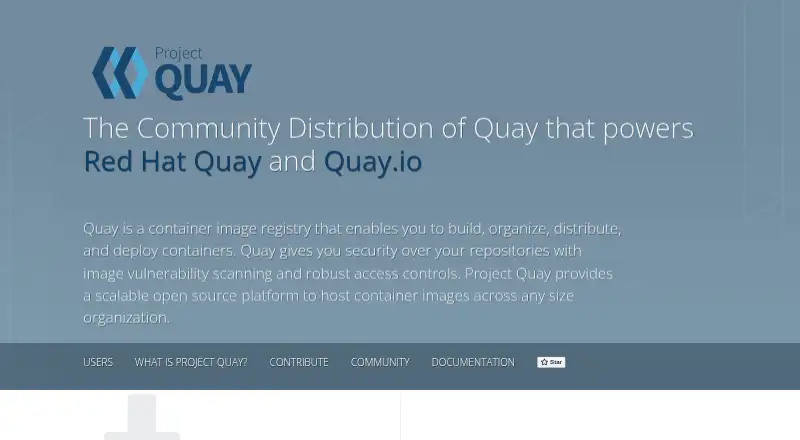
Quay is a container registry for developers and organizations that build, store, organize, scan, and distribute container images and other OCI artifacts. It supports web and API access, as well as self-hosted deployment. Project Quay is the open-source distribution, while Quay.io is Red Hat’s hosted service. The product fits open-source teams that want to keep a path to self-hosting while supporting Docker, Podman, Kubernetes, and OpenShift workflows.
Its strongest differentiator is the depth of registry controls beyond image storage. Quay supports automated vulnerability scanning through Clair, repository access controls, team permissions, robot accounts, immutable tag policies, tag expiration, and automatic pruning. It also supports Dockerfile-based image builds and build triggers, OCI media types, OCI 1.1 referrers, logging, auditing, and API access. These capabilities suit teams that need governance around image lifecycle and automated access, rather than a registry used only for pushing and pulling images.
Distribution and ecosystem fit are also central. Repository mirroring and multi-region geo-replication support geographically distributed delivery, while integrations with LDAP, OIDC, Prometheus, Grafana, ORAS, Docker, Podman, Kubernetes, OpenShift, and Clair connect Quay to common container environments. The hosted service has free and paid tiers, and the self-hosted option gives organizations another deployment route. Choose Quay when scanning, policy controls, OCI support, and replication matter; a simpler registry may be a better fit for teams that need only basic image storage and distribution.
Your product? Our editors can test Quay in depth and publish a review, labelled as paid · from $149/mo →
Quay pricing
Quay fact sheet
| Free plan | Yes |
|---|---|
| Paid from | Not verified |
| Image scanning | Yes |
| OCI artifacts | Yes |
| Immutable tags | Yes |
| Retention policies | Yes |
| Replication scope | Multi-region |
| Included storage | Not verified |
| Maximum image size | Not verified |
| Free trial | 30 days |
| Deployment | Cloud, Self-hosted |
| Platforms | Web |
| Support | Phone, Tickets, Community, Docs |
| Built for | Solo, Small business, Mid-market, Enterprise (editorial estimate) |
| Integrations | 5 integrations: GitHub, Bitbucket, GitLab, Self-hosted Git repositories, OpenShift Container Platform |
| Pricing | Free plan · 30-day trial (source) |
| Website | projectquay.io |
| Facts checked | 22 Sep 2026 |
Quay integrations
Quay lists 5 integrations on its own site.
- GitHub
- Bitbucket
- GitLab
- Self-hosted Git repositories
- OpenShift Container Platform
Alternatives to Quay
- HarborA self-hosted Harbor registry with strong policy, scanning, signing, and replication controls.9.4
- 8gears Container RegistryA security-focused Harbor registry with OCI support, policy controls, and flexible deployment options.9.2
- Zot RegistryA self-hosted OCI registry with scanning, retention, mirroring, and clustering.9.1


Quay vs the competition
- Quay vs Harbor
- Quay vs 8gears Container Registry
- Quay vs Zot Registry
- Quay vs Angos
- Quay vs JFrog Container Registry
- Quay vs Amazon Elastic Container Registry



Compare Quay with any tool side by side →
Used Quay? Be the first to review it
The editor score above is our own research. What this page doesn't have yet is a reader's view — what you used Quay for, what worked and what didn't. No stars are seeded and no review is paid for; an editor reads every one before it appears.
Write a reviewTwo minutes · verified accounts only · read by an editor before it appears
Featured on iTechGuides

Quay is listed in our Container Registries directory. Add the badge to your site — it links back to this page.
<a href="https://www.itechguides.com/products/quay/"><img src="https://www.itechguides.com/best/badge/quay.svg" alt="Featured on iTechGuides" width="230" height="46"></a>
Reviewed by iTechGuides Editors · Editorial team · Updated Oct 2026
Advertiser disclosure: iTechGuides is reader-supported. Vendors can pay for top positions in our rankings and for a place on other products' pages, and we may earn a commission when you click some links. Bought places stand at the number bought; this page and our disclosure say so. Paying vendors may get a fuller, more detailed review from our editors, and that review can change their score. How we rank.
Last updated · How we research and update