
Sejda PDF Forms
Sejda PDF Forms: A low-cost way to turn PDFs into fillable forms and share them for signing. Ranked #9 of 26 in PDF Form Software by our editors (6.6/10); pricing: Free plan · paid from $5/user; best for low-cost fillable forms with share links.
At a glance
- Editor score6.6 / 10
- PricingFree plan · paid from $5/user
- Best forLow-cost fillable forms with share links
- Free planYes
- Import existing PDFsYes
- Facts checked20 Sep 2026
Where it wins
- Converts existing PDFs into forms with varied field types
- Supports required fields, text limits, and field properties
- Publishes shareable links for filling and signing
Where it doesn't
- Free access includes page, hourly, and upload limits
- The $5 pass provides Web access only, not Desktop
- Desktop+Web Annual requires annual billing
Our verdict on Sejda PDF Forms
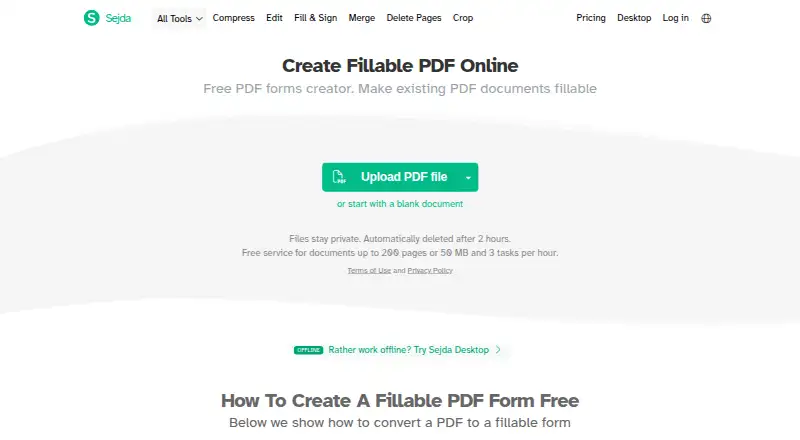
Sejda PDF Forms turns existing PDF documents or blank templates into fillable forms. It is designed for individuals and teams that need to add text fields, multiline textareas, radio buttons, checkboxes, dropdowns, and signature boxes without recreating documents from scratch. Forms can be saved for completion, and the service also provides a desktop application for local PDF processing across Windows, macOS, and Linux.
Its pricing structure suits occasional work as well as longer-term access. Desktop+Web Free costs $0 per user and includes page and hourly limits, limited file uploads, and no signup requirement. Web Week Pass costs $5 per user for 7 days and provides access to Sejda Web, while excluding Sejda Desktop. Web Monthly provides access to Sejda Web. Desktop+Web Annual costs $63 per user per year with annual billing and includes Sejda Web plus a year of Sejda Desktop access. The paid options are useful when free limits are too restrictive or desktop processing is required.
The standout capability is control over form behavior and distribution. Users can mark fields as mandatory, set maximum text length, configure field names, values, and export values, then align, duplicate, and reorder fields. Shareable links let others fill and sign forms, while signatures can be created by typing, drawing, uploading an image, or using a camera. Sejda PDF Forms is a strong fit for straightforward PDF conversion and link-based completion. Choose another product if your priority is access to Desktop during a short Web subscription or a free workflow without usage limits.
Sejda PDF Forms pricing
All 4 Sejda PDF Forms plans and prices →
Sejda PDF Forms fact sheet
| Free plan | Yes |
|---|---|
| Paid from | Not verified |
| Import existing PDFs | Yes |
| Field validation | Yes |
| Conditional logic | Not verified |
| Data export | Not verified |
| API access | Not verified |
| Bulk PDF processing | Not verified |
| Signature fields | Yes |
| Deployment | Cloud, Desktop |
| Platforms | Web, Windows, macOS, Linux |
| Support | Email, Docs |
| Built for | Solo, Small business, Mid-market (editorial estimate) |
| Pricing | Free plan · paid from $5/user (source) |
| Website | sejda.com |
| Facts checked | 20 Sep 2026 |
Alternatives to Sejda PDF Forms
- FormForgeA free, local-first PDF form editor with field detection, validation, and AcroForm export.9.5
- FillableA practical PDF workflow tool for conditional forms, signatures, OCR, and API automation.9.0
- PDF StudioA one-time-license PDF editor for advanced forms across Windows, macOS, and Linux.8.2



See all Sejda PDF Forms alternatives →
Used Sejda PDF Forms? Be the first to review it
The editor score above is our own research. What this page doesn't have yet is a reader's view — what you used Sejda PDF Forms for, what worked and what didn't. No stars are seeded and no review is paid for; an editor reads every one before it appears.
Write a reviewTwo minutes · verified accounts only · read by an editor before it appears
Featured on iTechGuides

Sejda PDF Forms is listed in our PDF Form Software directory. Add the badge to your site — it links back to this page.
<a href="https://www.itechguides.com/products/sejda-pdf-forms/"><img src="https://www.itechguides.com/best/badge/sejda-pdf-forms.svg" alt="Featured on iTechGuides" width="230" height="46"></a>
Reviewed by iTechGuides Editors · Editorial team · Updated Sep 2026
Advertiser disclosure: iTechGuides is reader-supported. We may earn a commission when you click some links. How we rank.
Last updated · How we research and update