iTechGuides is reader-supported. When you buy through links on our site, we may earn an affiliate commission. As an Amazon Associate I earn from qualifying purchases. Learn more
Raken, WorkMax, and VeriClock get lumped together in search results as if they solve the same problem. They do not.
Raken is a field reporting tool that happens to log hours. WorkMax is a labor analytics platform built around cost codes. VeriClock is a dedicated time clock with none of the job-costing depth of the other two.
So when a contractor searches for an “alternative,” the tool they actually need depends entirely on which one they are leaving, and most comparison content skips that question entirely.
TL;DR
- Raken, WorkMax, and VeriClock solve three different problems, so their alternatives aren’t interchangeable: Raken leavers want better field reporting, WorkMax leavers want deeper cost-code analytics, VeriClock leavers want a stronger, more verified version of clock-in capture.
- GPS and geofencing confirm a phone’s location, not who’s holding it. Identity verification at the punch, like face recognition, is what actually closes the buddy-punching gap.
- Of the 7 tools compared, Truein is the only one that runs a live, automated face match at clock-in on a personal phone (not just a shared kiosk), paired with GPS geofencing and offline capture.
- ClockShark, busybusy, Workyard, and Arcoro Time all capture a photo at clock-in for a supervisor to check later, not an automated match, so the identity gap stays open until someone reviews it.
- Every platform here integrates with QuickBooks in some form; fewer connect natively to ADP, Sage, or Viewpoint, so confirm the specific connection type before assuming.
- Before signing anything, run the buyer checklist below and test offline behavior, identity verification, and a full payroll export on an actual job site, not just in a demo.
Why “Raken alternative” and “VeriClock alternative” are Two Different Searches
A general contractor who outgrew Raken is usually chasing better daily logs, photo documentation, and progress reporting tied to a job.
Popular on Amazon

- Ergonomically Designed: Work in tight areas with a compact design that gets into tough spots
- Both tools are designed to fit into difficult to reach spaces
- Complete a wide range of applications with a high-performance motor that delivers up to 300 UWO, and an impact driver delivering up to 1,400 in-lbs of torque
- Both the DEWALT impact driver and drill driver feature integrated LED work lights with a convenient 20-second delay, ensuring enhanced visibility in dimly lit or challenging work areas
- One-Handed Loading - Keep one hand free with a 1/4 in. hex chuck that accepts 1 in. bit tips
A contractor leaving WorkMax wants sharper cost-code analytics: hours mapped to a phase, a task, a budget line.
A contractor leaving VeriClock has a narrower complaint. VeriClock does one job, clock-in capture with GPS tagging, and the person switching away from it usually wants that one job done better, not a reporting suite bolted on top.
Treat these as two different shopping lists. If your pain is daily documentation or cost-code detail, you are shopping for a construction operations platform. If your pain is unverified punches, buddy punching, or site-level accountability, you are shopping for a dedicated time tracking software, and the two categories do not always overlap as much as vendor comparison pages suggest.
Quick wins for a faster PC:
Scan for outdated or missing drivers - takes under a minuteDriver Scan →Clear out junk files and repair common Windows errorsFree Scan →Fix the driver behind crashes, sound loss and screen glitchesFind Drivers →Job costing, tagging labor hours to a specific project, phase, or task so a contractor can compare budgeted hours to actual hours, is the feature that separates a reporting platform from an attendance platform. Raken and WorkMax build around it. VeriClock offers a lighter version.
The seven alternatives below vary widely on how deep that goes, which is exactly why matching the tool to the actual complaint matters more than matching it to a star rating.
Why Construction Companies Actually Go Looking For a Switch
The switch rarely starts with “we want new software.” It starts with a specific failure the current tool did not catch.
- Limited time tracking verification: GPS shows a location, not an identity. A phone can be on-site without the right crew member attached to it.
- Pricing that stops scaling: Several platforms in this category price cleanly at 20 workers and become a negotiation at 150.
- Weak offline support: A site with no signal until midday should not mean six hours of missing records.
- Geofencing with no enforcement: A boundary that exists on paper but does not block or flag an out-of-site clock-in does not do much.
- Payroll integration gaps: Hours that need manual re-entry into QuickBooks or ADP defeat the point of automated capture.
- Field adoption friction: A tool that takes training or a second device is a tool crews route around.
The pricing complaint shows up more than the feature complaint. Contractors rarely leave because a platform lacks a button. They leave because the vendor’s own site stops publishing a number once headcount crosses a threshold, and every renewal turns into a negotiation.
One wrinkle that rarely makes it into vendor comparisons: a contractor managing subcontractor crews carries a version of this problem that a solo GC never sees. When a subcontractor’s headcount and hours flow through the general contractor’s own attendance system, the GC is vouching for people they don’t employ and can’t verify through payroll records alone.
A platform that can separate each subcontractor’s crew into its own scoped view, without needing a separate login or a separate tool per crew, solves a different problem than verifying your own W-2 staff.
GPS Proves the Phone Was There. It Does Not Prove Who Was Holding It.
A GPS pin tells you a device was inside a boundary at a given time. It does not tell you which crew member had that device in their hand.
Geofencing without an identity check catches a location problem, not a people problem, and buddy punching is a people problem: one crew member’s phone, another crew member’s shift.
The Tool Desk
Outbyte PC Repair FREERepair Windows errors before they cause bigger problemsFix Now →Outbyte Driver Updater FREEScan for outdated or missing drivers - takes under a minuteDriver Scan →Face recognition closes that gap. In a well-built system, a face-match failure blocks the clock-in immediately and prompts a retry, on the spot, before the record reaches a timesheet.
An anomaly detection layer running in parallel reviews the pattern of clock-ins across a site for anomalies and surfaces those for a manager to review. Those are two different safeguards, not one.
Can a crew member fake a GPS location? Yes, with a spoofing app or simply handing a phone to someone standing in the right spot. No single control stops that alone.
The decision rule: If a platform verifies location but not identity, ask what happens when the right phone is in the wrong hands, because that is the exact scenario location-only tracking is built to miss. GPS plus geofencing plus an identity check plus a manager’s ability to review flagged exceptions is what closes the loop, not any one piece alone.
What’s actually slowing this PC down?
Pick the symptom - the matching free tool is one click away.
The 7 Best Raken, WorkMax, and VeriClock Alternatives For Construction, Ranked
Ranking criteria: GPS accuracy and geofencing enforcement, offline capture and sync behavior, identity verification method, job or cost-code tracking depth, payroll integration breadth, and how the vendor structures pricing. Every platform below is scored against its own first-party product pages and help documentation, including where a feature name oversells what it actually does.
| Platform | Best For | GPS Tracking | Geofencing | Offline Clock-In | Facial/Biometric Verification | Job/Project Tracking | Payroll Integration | Pricing Approach |
|---|---|---|---|---|---|---|---|---|
| Truein | Multi-site and subcontractor workforces where identity-verified clock-ins and location controls are priorities | Yes | Yes, configurable custom polygon geofencing | Yes, syncs when connectivity returns | Yes, AI face recognition at clock-in and clock-out | Yes, job-based and activity-level time tracking | ADP, QuickBooks, Sage, Xero, Viewpoint, and others via API | Tiered, per-user; starts at $2.25/user/mo, billed annually |
| ClockShark | Franchises and distributed field teams that want scheduling bundled in | Yes | Yes | Yes | Kiosk mode only, comparing clock-in photos against a reference photo | Yes, with job costing | QuickBooks, Sage, ADP, Xero, Paychex, Gusto, and others | Tiered: flat monthly base fee plus per-user cost, Standard and Pro tiers |
| busybusy | Equipment-heavy crews tracking labor and machine hours together | Yes | Location-based restrictions and reminders; not confirmed as strict punch-blocking | Yes | Not available | Yes, plus equipment tracking | QuickBooks Online, Sage, ADP, Viewpoint, Procore, and others | Free tier, paid tiers per-user plus a $40 admin license |
| Workyard | Contractors who want detailed on-clock GPS, jobsite geofences, and payroll exports | Yes, updating roughly every 5 minutes while clocked in with a stable connection | Yes, standard and polygon geofences, with clock-in restricted inside them on the Pro tier and above | Yes | Face detection requiring a facial photo, not automated identity matching | Yes, cost-code level | QuickBooks Online, QuickBooks Desktop, ADP, Gusto, and others | Tiered, per-user, starting at $6/user/month billed annually |
| Arcoro Time (formerly ExakTime) | Large crews at fixed locations wanting rugged hardware options | Yes | Yes, custom perimeter per jobsite | Yes | Photo ID capture at clock-in for later review; Arcoro states this is explicitly not facial recognition | Yes, project and cost-code assignment | 100+ payroll/ERP systems, including QuickBooks, Sage, ADP, Acumatica, Viewpoint | Tiered, per-employee |
| Jibble | Small or budget-conscious crews wanting a free starting tier | Yes | Yes, restricts clock-in to assigned locations | Yes | Yes, AI facial recognition with anti-spoofing controls | Yes, projects, clients, and activities | QuickBooks Online, Xero, and direct transfer to Deel | Free-forever tier, paid tiers scale up |
| Connecteam | Deskless teams that want time tracking bundled with scheduling, forms, and chat | Yes | Yes, restricts clock-in to selected locations | No in the standard product; offline queuing applies only to custom physical-clock integrations built through the API | No native facial verification confirmed; an Enterprise-tier biometric app lock is a device-security feature, not time tracking verification | Yes, unlimited jobs on the Operations Hub | QuickBooks Online, Gusto, Xero, Paychex Flex, and multiple ADP products | Tiered, fixed price for the first 30 users, then per additional user |
A bridge before the individual breakdowns: the table above separates GPS from facial or biometric verification on purpose, because a platform can score well on one and still leave the identity gap wide open. It’s also worth being precise about labels. Several vendors in this category use “photo” and “facial recognition” interchangeably in their own marketing copy, when only some of them actually match a face against an enrolled identity. The rest capture an image for a human to check later, which is a different control with a different failure mode.
1. Truein
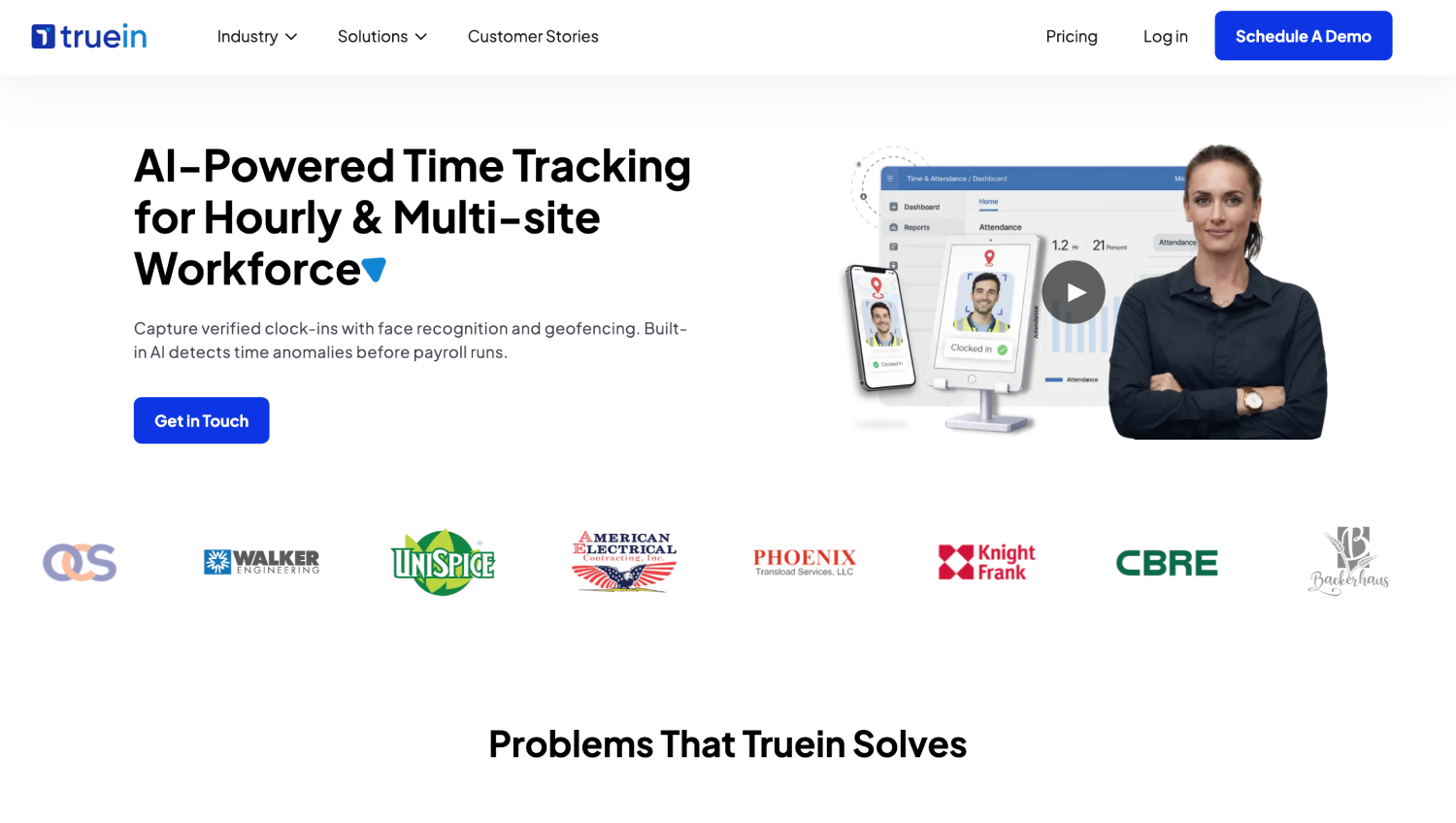
Truein is an AI-powered construction time tracking software that verifies identity at the moment of the clock-in using AI face recognition matched against GPS, on any Android or iOS phone the worker already owns, with no dedicated hardware to procure or maintain.
Also popular on Amazon

- Valued Carpenter Pencil Set: You will get 2 pcs solid carpenter pencils with 26 piece 2.8 mm refills, 1 replaceable sharpener, 1 plastic storage box.The complete carpenter pencils combination allows you to finish your work faster and more easily
- Deep Hole Marker Pencil: The deep-hole construction pencils adopts 45mm elongated tip design, which is more convenient to mark in the small hole or in other tight areas that other carpenter markers cannot reach
- Carpenter Pencils with Sharpener: The sharpener is screwed into the top of the work pencil, which won't get lost either. Built-in pencil sharpener that keep the lead with pointed and smooth to Improves line of sight in fine work
- Stronger Solid Lead: This work pencil is matched with a 2.8 mm thick lead , which is much thicker and stronger during the drawing process of construction work, it will not break or damage easily
- Marks on Various Surfaces: 3 colors solid construction pencil can marks on various surfaces,such as metal, plastic, wood, paper etc. Ideals for woodworkers, contractors, craftsmen, builders, merchants and masons
Where Workyard and Arcoro capture a photo for a supervisor to check later, this system’s face-match runs at the moment of clock-in itself: a mismatch blocks the entry and prompts a retry on the spot, so the wrong crew member cannot clock in even while standing on the right site.
Recommended Free Tools
AI TimeGuard continuously reviews attendance data in the background for risk signals, unusual correction activity, and suspicious clock-in patterns, then surfaces those findings for a manager to review, working alongside the punch-level check rather than replacing it.
The stated accuracy figure is around 95 to 100 percent, including with facial hair, masks, and hard hats, which matters on a site where PPE is mandatory and most facial-recognition claims quietly assume a bare face.
Geofencing runs down to a minimum configurable radius of 20 meters, roughly 65 feet, per site, with each floor, wing, or zone fenceable separately on larger or vertical sites, and offline capture stores clock-ins on-device at low-signal sites, syncing once connectivity returns; those records appear in the dashboard only after sync completes, not the instant they are taken.
Subcontractor accountability is a genuine construction fit here: a general contractor running several subcontractor crews on one project can give each subcontractor’s supervisor a scoped view limited to their own workers, without needing separate software per crew. That is a visibility and control feature, not an automatic fraud detector.
It also produces payroll-ready timesheets, every entry traced back to a face-verified, geofenced clock-in rather than a sign-in sheet or punch card, and integrates with ADP, QuickBooks, Sage, Viewpoint, and Xero via direct connections or API rather than processing payroll itself, and complements an existing HRMS rather than replacing one.
Its honest limitation: This is not a field-reporting or daily-log platform the way Raken is, and it does not carry WorkMax’s depth on granular labor-cost analytics tied to a broader project-management suite.
2. ClockShark
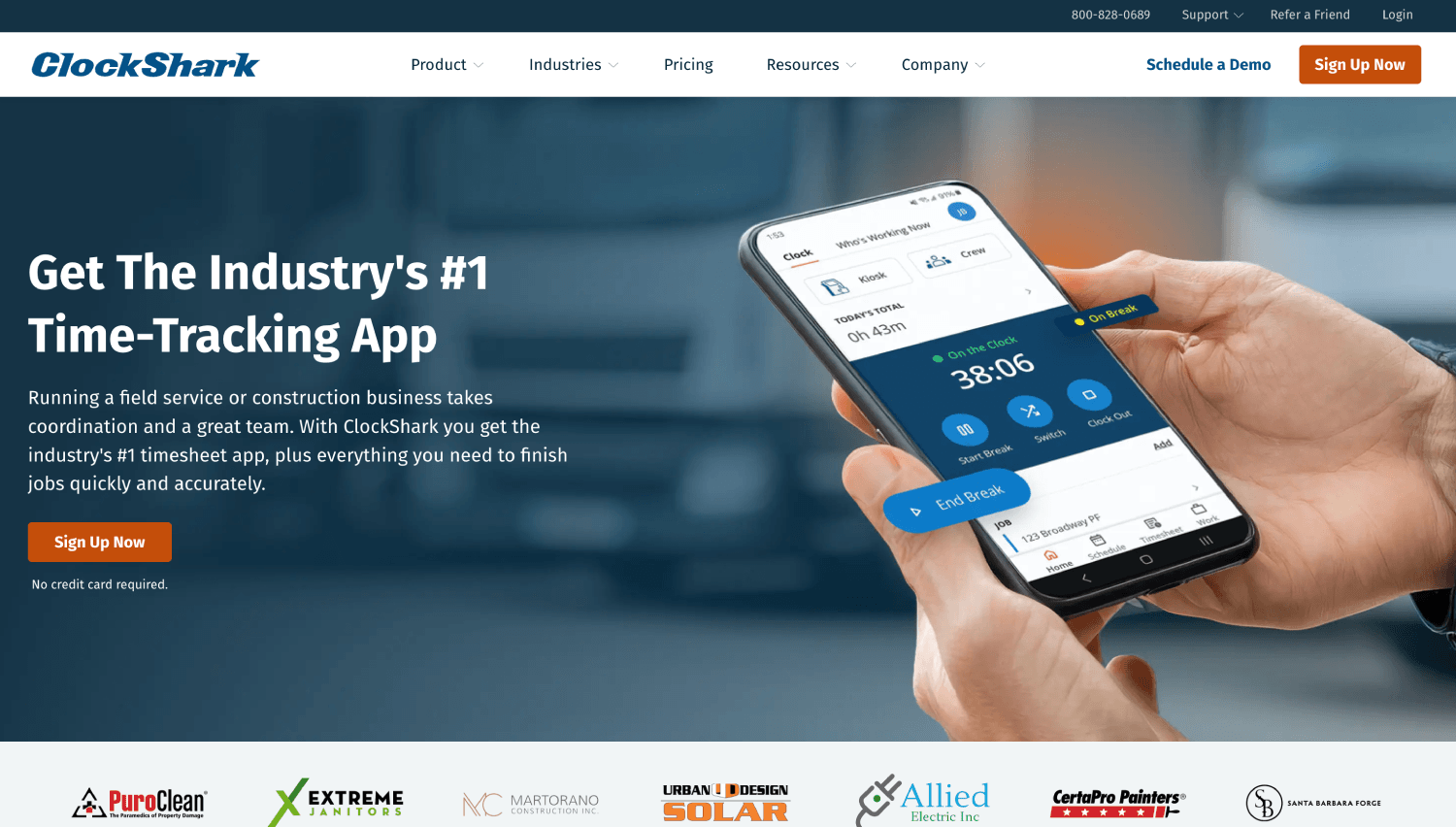
ClockShark bundles scheduling, job costing, invoicing, and customer management alongside time tracking, a reasonable fit for a franchise operator who wants one login for the back office.
Field crews clock in from a mobile app or a shared kiosk, with GPS tagging the punch location.
It’s worth flagging for a contractor comparing total cost: ClockShark combines a flat monthly base fee with a per-user charge across its Standard and Pro tiers, a different structure from the pure per-user pricing used elsewhere in this list, so total cost needs to be modeled at actual headcount rather than compared on the per-user number alone.
Its honest limitation: Facial recognition is confirmed only in ClockShark Kiosk, where it compares a punch photo against a stored reference photo and can alert on a mismatch. A worker clocking in from a personal phone, outside kiosk mode, gets GPS verification alone, so the buddy-punching gap reopens for any crew not tied to a shared device.
3. busybusy
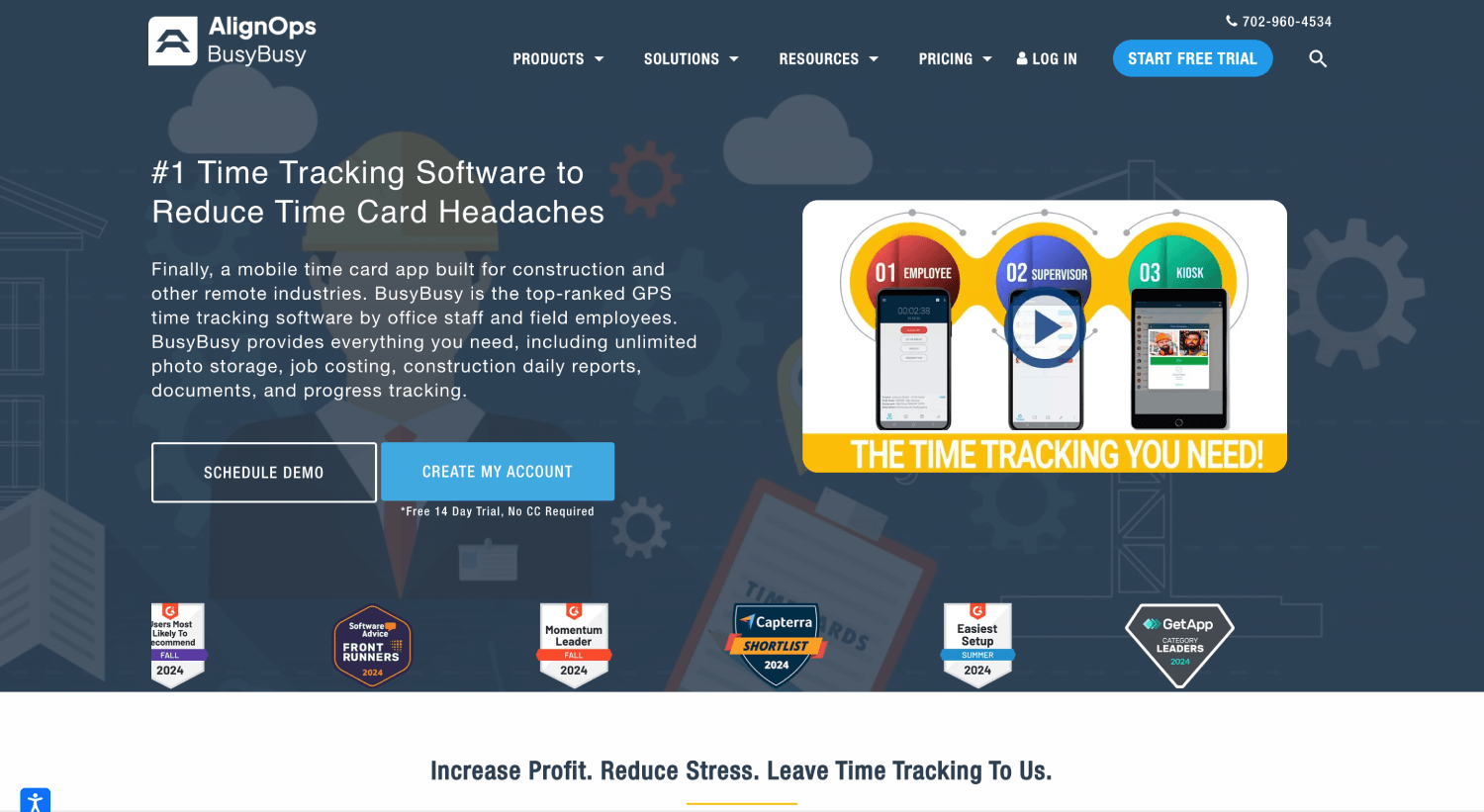
busybusy pairs labor tracking with equipment tracking on the same timecard, useful for excavation, demolition, or heavy civil work where a crew logs hours against both a job and a machine.
Offline mode catches punches locally and syncs once signal returns, and a photo-verification check on clock-in is available on the Pro and Premium tiers.
Do these 3 things before closing this tab:
1Fix the driver behind crashes, sound loss and screen glitches2Repair Windows errors before they cause bigger problems3Scan for outdated or missing drivers - takes under a minutebusybusy’s own documentation describes location-based clock reminders and on-site restrictions rather than an explicit punch-blocking geofence, so a contractor whose priority is strict boundary enforcement should confirm exactly how that behaves during a trial rather than assume it works like a hard geofence.
Its honest limitation: There is no facial or biometric verification layer on any tier, so the clock-in photo is captured for review, not matched automatically.
4. Workyard
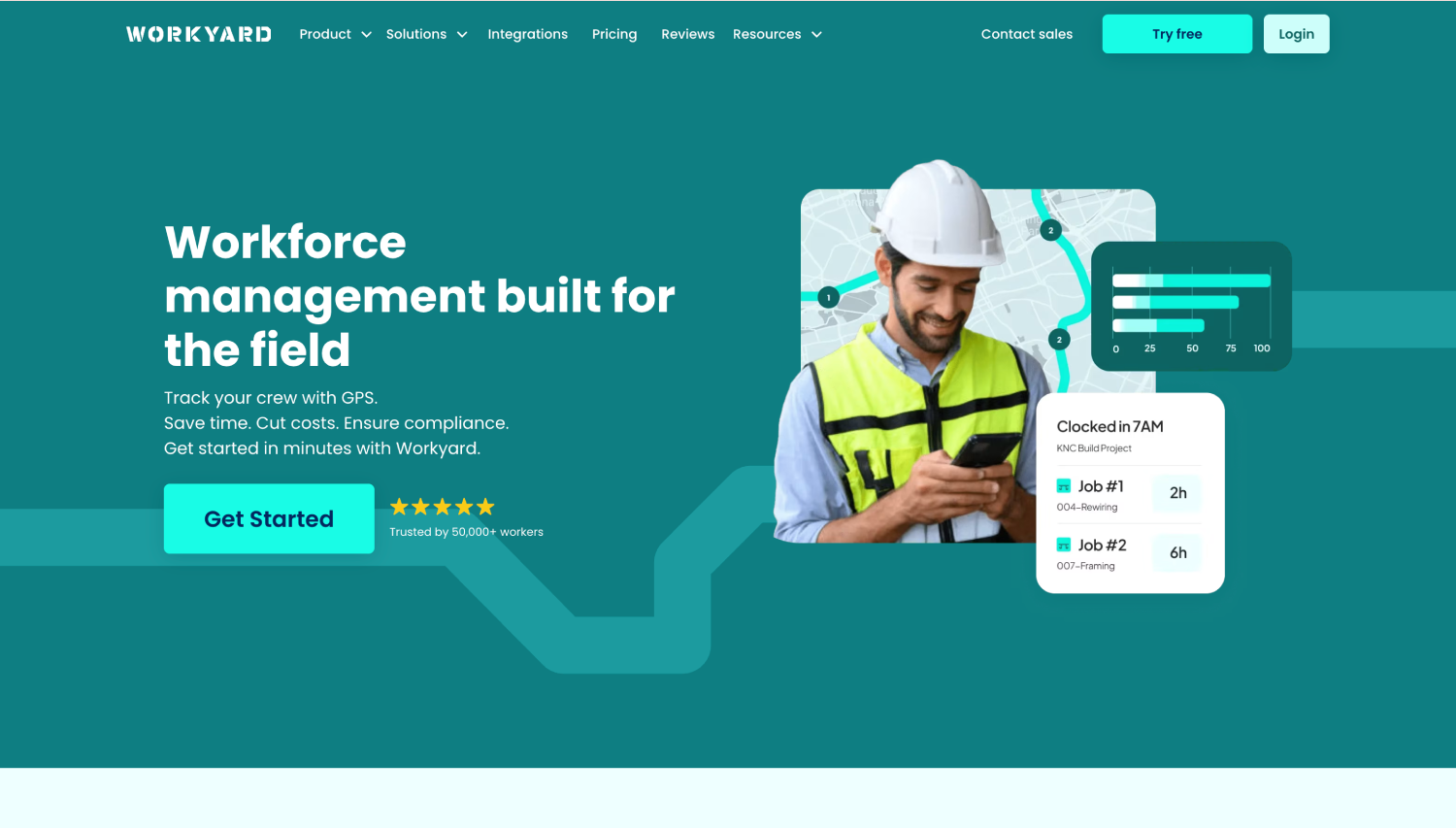
Workyard’s GPS updates roughly every five minutes while a worker is clocked in with a stable connection, rather than tracking continuously, and its payroll sync reaches into QuickBooks, ADP, and Gusto with a one-click export.
Pro tier and above can restrict clock-in to inside a configured geofence, and the platform supports both standard circular and polygon-shaped boundaries for oddly shaped or spread-out job sites.
PC Slower Than It Used to Be?
A free scan shows the junk files, broken settings and background clutter dragging Windows down - then fixes them in one click.Free scan · Windows 10 & 11Crashes, No Sound, or Screen Glitches?
Random freezes, missing sound and display glitches usually trace back to one bad driver. Find and replace yours safely.Free scan · under a minuteIts honest limitation: Identity verification uses face detection to confirm a facial photo was submitted, not an automated match against an enrolled face. That documents who was likely present for a supervisor to review, but it does not block a mismatched punch at the moment it happens the way a true face-match system does.
Also popular on Amazon

- 【Great Compatibility】This Katerk 1/4 inch hex shank bit holder is specifically designed for 1/4 inch hex shank drill bits. It's compatible with most 1/4 fast hex handles, hex sockets, various electric screwdrivers, and handheld screwdrivers. The bit holder makes it a valuable addition for any handyman.
- 【Secure and Safe】Built with a secure backup nut design, each drill bit holder securely locks onto your bits, ensuring they stay firmly in place. Additionally, our bit holder incorporates a high-quality steel ball rolling design that holds up to several kilograms of weight, ensuring your various drill bits don't fall off.
- 【Easy One-Handed Operation】The bit holder for impact driver allows you to change bits single-handedly, simplifying your workflow. Its multi-color design further allows for quick identification of the drill bit you need.
- 【Compact and Convenient】Thanks to its compact size, this 1/4 inch bit holder is easy to carry around. The bit holder allows for easy attachment to various tools, making this a convenient addition to your construction accessories. The Katerk bit holder is cast from high-quality alloy material, promising a long product lifespan. Despite its rugged strength, the bit holder remains lightweight, making it portable.
- 【Cool Christmas Gift For Men Stocking Stuffers】 This screwdriver bit holder, driver bit holder, impact bit holder, can be given as a gift to your loved one, especially for anyone involved in construction or electrical work. It's a must-have for stocking stuffers for men and women, tools gifts for dad, tech gadgets for men, gifts for dad, gifts for him, gifts for husband, gifts for boyfriend, cool gadgets for men, and cool gifts for dad.
5. Arcoro Time (formerly ExakTime)
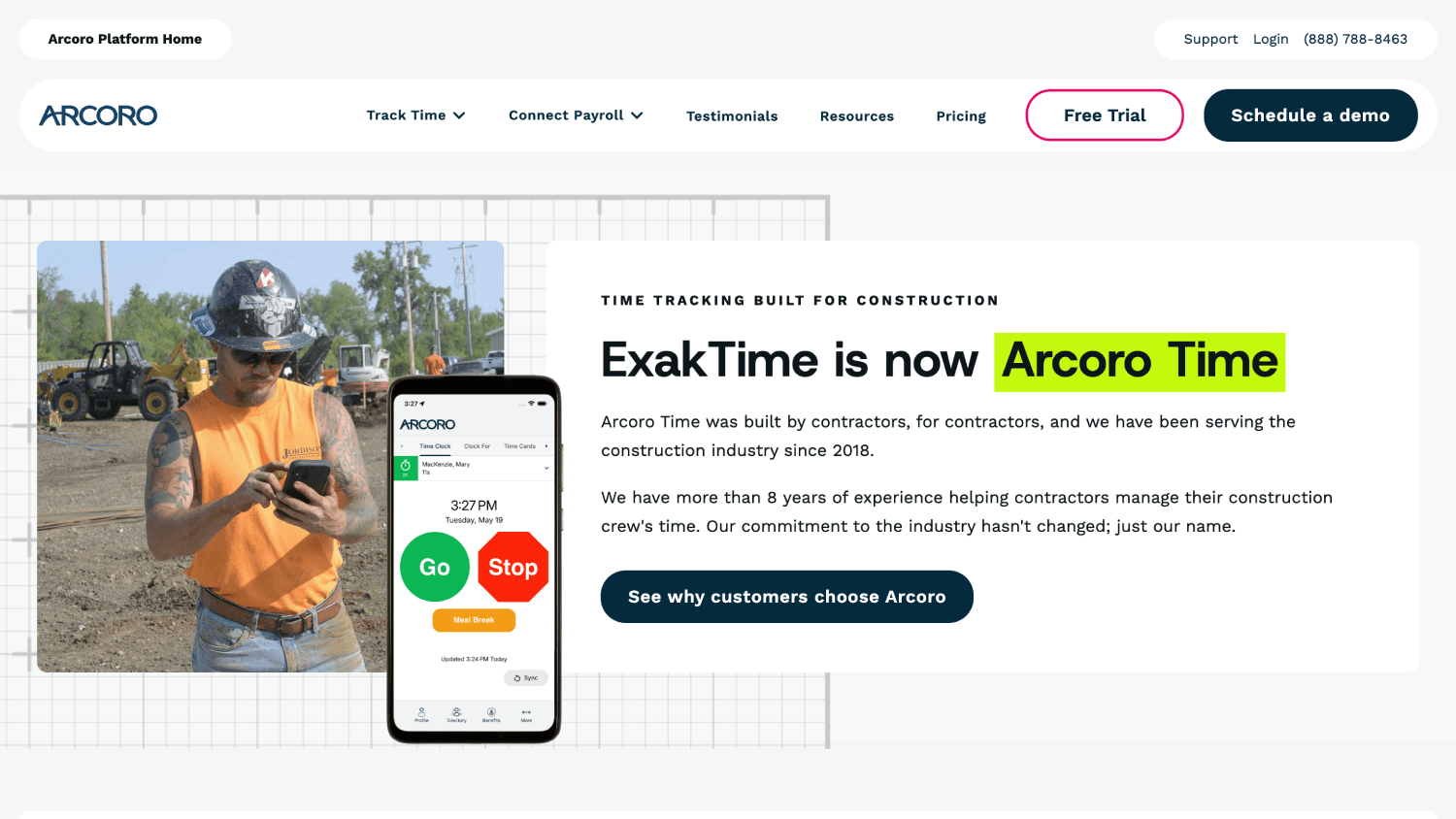
Arcoro Time is built for large crews at one or two fixed locations, with rugged physical time clocks as an option alongside the mobile app, and GPS/geofencing that lets a company set a custom perimeter per jobsite.
Its honest limitation: Arcoro is direct about this one in its own FAQ. Asked whether its Photo ID feature is facial recognition, the company answers ‘No’, and explains that a supervisor reviews the stored photo against the clock-in manually rather than software matching it automatically.
That is a deliberate design choice, aimed at construction sites where dirt, gloves, or PPE make fingerprint or face-matching biometrics unreliable, but it means the identity check happens after the clock-in, not at it.
Free tools Windows power users keep installed
One-click scans. No signup required.
6. Jibble
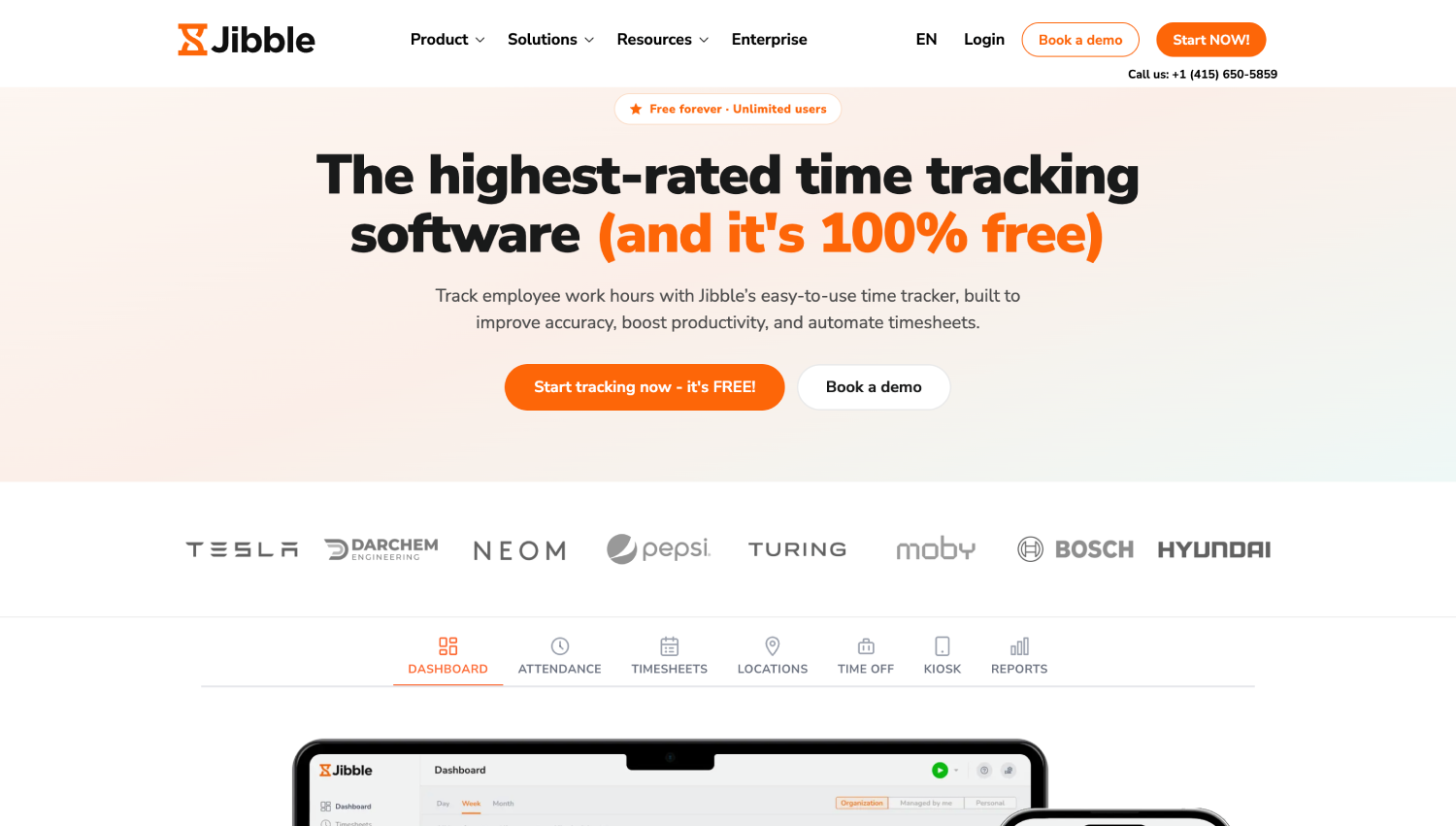
Jibble’s free-forever tier covers GPS-stamped clock-ins, AI facial recognition with anti-spoofing and liveness checks, and geofencing that restricts clock-ins to assigned locations, a genuinely strong starting point for a small crew not ready to commit budget yet.
Jibble also documents offline support for GPS capture and facial recognition, syncing once the connection returns.
Its honest limitation: Job and cost-code tracking runs through projects, clients, and activities rather than construction-specific job costing, so a contractor doing detailed budget-versus-actual analysis by phase will likely find Raken or WorkMax’s reporting depth closer to what they need.
7. Connecteam
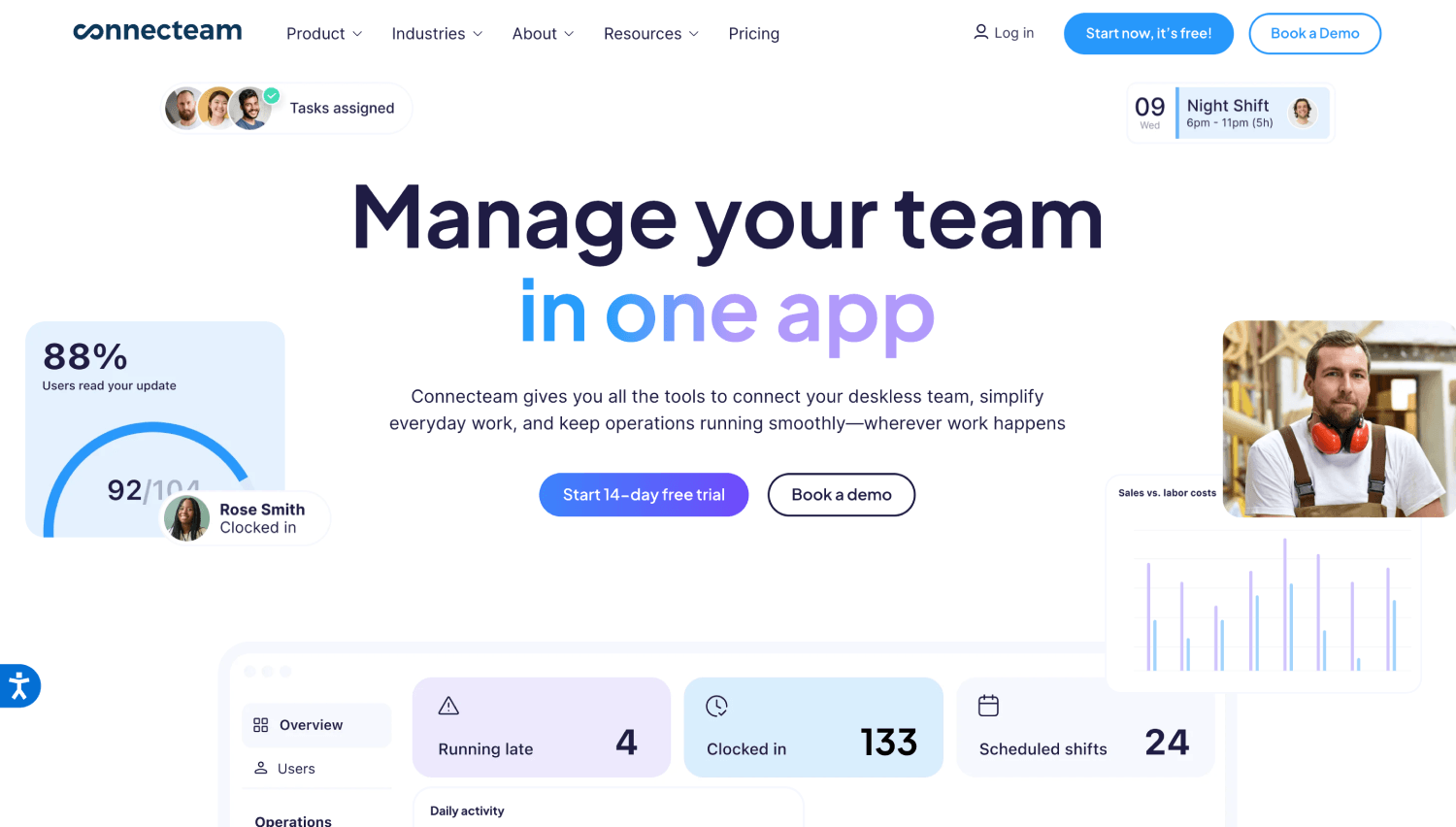
Connecteam bundles time tracking with scheduling, team chat, and digital forms, suited to an operator who wants one app for the crew’s daily workflow, not just time tracking.
The Tool Desk
Outbyte PC Repair FREERepair Windows errors before they cause bigger problemsFix Now →Outbyte Driver Updater FREEScan for outdated or missing drivers - takes under a minuteDriver Scan →Its Time Clock supports job-based hour tracking, and the Operations Hub includes unlimited jobs from the Basic tier up.
Its honest limitation: Connecteam’s own help center states that its Mobile, Kiosk, and Desktop time clock, including in-product NFC clocking, all require an active internet connection to clock in or out. There is no offline punching in the standard product.
The one exception is a custom physical-clock integration built through Connecteam’s API, which is a developer project. A contractor whose sites regularly lose signal should treat this as a real gap, not a minor one.
There is also no native facial verification confirmed in Connecteam’s documentation; an Enterprise-tier “biometric app lock” secures the app itself, not the clock-in.
Recommended Free Tools
Choosing Between a Reporting Platform and a Time Tracking Software
Once the shortlist narrows to two or three names, the decision usually comes down to which category actually matches the original complaint, not which tool has the longer feature list.
Choose a reporting or cost-code platform when the gap is daily documentation: photos, progress notes, weather logs, or labor hours mapped tightly to a budget line for job costing. Raken and WorkMax both live here.
Choose a dedicated time tracking software when the gap is verified hours, locations, and identity. VeriClock’s core job is clock-in capture with GPS, and a contractor leaving it is almost always chasing a stronger version of that same job, not a reporting suite they never asked for.
When both gaps exist at once, some contractors run a reporting tool and a time tracking tool side-by-side rather than forcing one platform to do both jobs adequately. A construction operations platform and a purpose-built time clock layer solve different problems well enough that combining two specialists often beats one generalist.
A vendor’s own comparison page will almost always declare itself the winner in every category at once, and feature names don’t always mean what they sound like.
“Facial recognition” on one product’s marketing page can mean an automated identity match, and on another’s can mean a photo a supervisor checks manually later. Read the vendor’s own help documentation before assuming two “Yes” checkmarks mean the same thing.
The Buyer Checklist For Construction Time Tracking Software
Before signing anything, run every finalist against the same nine criteria:
Also popular on Amazon

- Toolwiz 17-inch magnetic sweeper maintaining a load capacity of up to 8.8 pounds provides a perfect solution to the problem of clearing small ferrous metal objects, such as nails, tacks, bolts, and metal shavings from workshops or garage floors.
- Convenient and portable:17” is good for home, small workshop, or small yard as it is space-saving and more reachable for narrow areas. Perfect for collecting nails or small parts in the car, under the table, and in other nooks or crannies.
- Upgraded Handle Design: The handle features a sturdy, non-telescopic design to completely prevent slipping during use. By simply adding or removing the extension poles, the height can be adjusted to 3 different lengths: 18.9" (48 cm), 32.5" (82.5 cm), and 42.5" (108 cm) from ground to top. This customizable height helps prevent back bending and muscle strain, making your cleaning tasks effortless
- Flexible wheels: Upgrade wheel screws to avoid being too tight to spin or too loose. More comfortable 3-inch rubber wheels roll smoothly on carpet, grass, concrete, and hardwood floors. Just push and pull this rolling magnet-sweeper to pick up metal nails easily.
- Lightweight materials: The magnetic nail sweeper's compact and lightweight design makes the sweeping can be done anywhere you want, Push or pull it under the furniture, passing through the workshop floor, driveway, mud, grass, and gravel.
- GPS verification at clock-in and clock-out.
- Geofencing with actual enforcement.
- Offline mode with reliable sync once signal returns, confirmed in the vendor’s own help documentation.
- Worker identity verification, not location alone, and confirmation of whether it matches automatically or only captures a photo for later review.
- Project or job codes for cost tracking.
- Supervisor approval workflows before a timesheet locks.
- Payroll integration with the accounting platform already in use.
- Reporting depth that matches how the business actually reviews labor cost.
- Multi-site scalability without a pricing cliff at a specific headcount.
What Happens When a Crew Member Clocks in Outside The Geofence, and Other Edge Cases Worth Checking
A few specific behaviors separate a platform that just has a feature from one that has actually built it well.
The three ways platforms handle an out-of-boundary punch are blocking it outright, allowing it but flagging it as an exception, or logging it for supervisor review without blocking anything.
Blocking protects the record most tightly but can frustrate a legitimate edge case, like a worker parked just outside a poorly drawn boundary. Flag-and-review keeps the record complete while still surfacing the exception.
Confirm which behavior a shortlisted vendor uses by default, and whether it is configurable per site; Workyard, for example, documents restricting clock-in within a geofence on its Pro tier and above, while also offering GPS arrival detection that can prompt a reminder rather than a hard block.
What offline capture actually protects against is a payroll dispute, not just a missing app screen: a site with no signal for six hours should not turn into six hours of unpaid or disputed time on the timesheet, though as the FAQ below covers, not every platform on a shortlist handles that the same way.
Quick wins for a faster PC:
Clear out junk files and repair common Windows errorsFree Scan →Scan for outdated or missing drivers - takes under a minuteDriver Scan →Repair Windows errors before they cause bigger problemsFix Now →Who should be able to clock in an entire crew at once is a genuine trade-off. Supervisor-led or bulk clock-in, a feature Workyard documents letting a supervisor clock in an entire crew with one tap, speeds up onboarding for a large crew but weakens exactly the identity-at-clock-in protection most contractors are switching platforms to get.
If buddy punching is the reason for the search, treat any bulk clock-in feature as something to configure carefully, not to lean on by default.
Does GPS tracking mean an employer is watching a worker all day? On a well-designed system, no. Location tracking runs only during a clocked-in session and stops the moment a worker clocks out, like Truein’s Live Location Tracking feature.
A platform that tracks continuously, before a clock-in or after a clock-out, is doing something closer to surveillance than attendance, and that distinction is worth confirming directly with any vendor rather than assuming.
Do these 3 things before closing this tab:
1Fix the driver behind crashes, sound loss and screen glitches2Repair Windows errors before they cause bigger problems3Scan for outdated or missing drivers - takes under a minuteWhat to Test During a Trial Before You Commit
A sales demo shows a platform working the way the vendor wants it to work. A trial on an actual site shows how it behaves when things go wrong, which is the only test that matters.
- Clock in from the actual jobsite to see real GPS accuracy.
- Trigger the geofence boundary deliberately to confirm enforcement actually blocks or flags a clock-in.
- Turn off cellular data mid-shift and confirm whether the platform actually queues the clock-in and syncs it correctly afterward, or simply refuses to let a worker clock in at all.
- Test the identity verification with two different workers to confirm whether it actually blocks a mismatch or only stores a photo for someone to check later.
- Move a crew member from one job or site to another mid-shift and check that hours split correctly.
- Have a supervisor correct a flawed entry and confirm the audit trail records the change.
- Run one full payroll export and check whether it lands in the accounting platform clean or needs manual fixing.
Decision rule: If more than a fifth of a company’s sites lose signal for part of a shift, treat offline capture as a dealbreaker requirement during the trial.
How to Migrate off Raken, WorkMax, or VeriClock Without a Payroll Disaster
A rushed switch is where most of the actual cost of migration shows up.
- Export employee, job, and historical timesheet data from the current platform.
- Configure site locations, geofence boundaries, and pay rules in the new system before adding workers.
- Import the workforce roster, including subcontractor crews if applicable.
- Connect payroll and confirm the mapping between job codes and accounting categories.
- Pilot the new platform on one site for one full pay cycle before rolling it out further.
- Train supervisors specifically, since they will field most of the worker questions in week one.
- Run one parallel payroll cycle, old system and new system side-by-side, before fully cutting over.
Before signing, check for costs that don’t show up on a features page: implementation fees, seat minimums, add-on module charges, kiosk or device costs, API access fees, per-integration payroll charges, default support tier, training costs, and contract lock-in length.
Frequently Asked Questions
1. What’s the best Raken alternative for construction time tracking?
It depends on which part of Raken is not working. If the gap is daily field reporting and job documentation, a construction operations platform with strong photo logs and progress tracking is the closer match.
If the actual complaint is that Raken’s time entries are not verified against who was really on-site, a dedicated time tracking software with identity verification at the moment of clock-in, like Truein, addresses a different problem than Raken was built to solve in the first place.
2. Is Raken a time clock or a field-reporting tool?
Raken is a field reporting platform that also logs hours, not a dedicated time clock. That is why a contractor leaving Raken over unverified time entries needs a tool built around who clocked in, not a second reporting suite. Match the switch to the actual complaint: daily logs and cost codes point to a reporting platform, unverified punches point to a verification-first time clock.
3. Is there a construction time clock that works without cell service on site?
Yes, but not all of them, and it’s worth checking each vendor’s own documentation rather than assuming. busybusy, ClockShark, Jibble, Arcoro Time, Workyard, and Truein all confirm offline capture: punches are stored locally on the device and sync once connectivity returns.
Connecteam is the clear exception in this list. Its help center states plainly that the standard Mobile, Kiosk, and Desktop time clock, including in-product NFC clocking, all require an active internet connection to clock-in, with offline support available only through a custom physical-clock integration built on its API.
Also popular on Amazon

- APPLY TO MOST DRILLS : 6 pieces screw extractors work with any drill and all the screw size or bolt (3-12mm), These extractor tools are used to reverse the damaged screw counterclockwise until it is released
- The DIY Tools for Men-Men won't know they need screw extractor set until they have one! This screw extractor set is GIFTS WRAP AVAILABLE, can be gifted to your loved ones as it reflects a fresh trend with fun and practical. Amazing and Unique tool gifts for men women. The must have stocking stuffers for men, gifts for dad, husband, father, him, guy teens, adult, Boyfriend, son on Birthdays, Christmas, Fathers Day or anniversary. Perfect Holiday Gifts Guide
- HIGH QUALITY - This damaged screw remover tool kit is made from High-Speed Steel H.S.S 4341# , which have high hardness of 63hrc, it's durable and easily to remove any damaged screws.
- EASY TO USE: Just two simple steps to get the job done - drill a hole with a cutting size using the right size screw extractor and easily remove the screw or bolt using the removal tool Hardness 63-65HRC: Titanium hardened steel material, more durable than most screw extractors on the market, better hardness and durability than others, buy with confidence and complete peace of mind
- Cool Gadgets for Men Dad Christmas Birthday Gifts for Men and Women - Men won't know they need screw extractor sets until they have one! Every screw has the potential to rust and break, which can create a situation where it cannot be removed. Owning it, there will be no anxiety about rusty screws. This screw extractor set is GIFTS WRAP AVAILABLE, can be gifted to your loved ones as it reflects a fresh trend with fun and practical. Amazing and unique tool gifts for men women. A must have stocking stuffer for men on birthdays, Christmas, Father's Day or anniversaries, a gifts for dads, husbands, fathers, him, adults, boyfriends, sons. The best and most practical and surprising Christmas gifts
Wherever offline capture is supported, that sync is not instant visibility; the record shows up in the dashboard only after the device reconnects and the data uploads, so a site with all-day signal gaps still needs a process for reviewing offline-flagged entries once they land.
4. How do you track subcontractor crews in your own time system?
Give each subcontractor’s supervisor a scoped view limited to their own crew, inside one account, rather than a separate login or a separate tool per sub. The general contractor sees every crew’s verified hours in one place, and no sub can see another’s. That keeps a GC from vouching for hours it cannot verify through its own payroll.
Free tools Windows power users keep installed
One-click scans. No signup required.
4. Can construction time tracking software stop buddy punching?
No single control stops it alone. GPS confirms a phone’s location, not a worker’s identity, so geofencing by itself only closes half the gap.
Combining GPS, a geofence boundary, and identity verification, like a face match at the moment of clock-in, closes the loop far more effectively than any one piece used in isolation, and a manager’s ability to review flagged exceptions catches what the automated checks miss.
It’s worth double-checking what “identity verification” actually means for a given platform, too: some vendors match a face automatically at the moment of clock-in, while others capture a photo for a supervisor to check manually afterward, and those two approaches close the buddy-punching gap very differently.
5. Which construction time tracking apps integrate with QuickBooks or ADP?
Truein, ClockShark, busybusy, Workyard, Arcoro Time, Jibble, and Connecteam all connect to QuickBooks in some form, and ClockShark, busybusy, Workyard, Arcoro Time, Connecteam, and Truein also integrate with ADP.
What’s actually slowing this PC down?
Pick the symptom - the matching free tool is one click away.
The depth of that integration varies by vendor and sometimes by feature: some sync two ways automatically, some are one-click exports, and others rely on API access rather than a native, pre-built connection.
It’s worth confirming which type of connection a shortlisted vendor actually offers, and whether it covers the specific accounting or payroll platform already in use, before assuming.
6. What’s the difference between GPS tracking and geofencing for construction crews?
GPS tracking records where a device was at the moment of a clock-in. Geofencing is a virtual boundary drawn around a jobsite that restricts or flags clock-ins based on whether the device was physically inside that boundary.
A GPS pin alone can tell you a worker was near the site; geofencing is what actually enforces that the clock-in happened on it, and neither one confirms which worker was holding the device.
PC Slower Than It Used to Be?
A free scan shows the junk files, broken settings and background clutter dragging Windows down - then fixes them in one click.Free scan · Windows 10 & 11Outdated Drivers Are Slowing You Down
One free scan finds every outdated or missing driver and matches the right update for your exact hardware.Free scan · exact hardware match7. Is face recognition attendance legal for construction companies in the U.S.?
Yes, when it is built around consent. Several states, including Illinois, California, Texas, Washington, and Colorado, have biometric consent requirements that apply to workplace attendance, and California in particular gives employees full rights over biometric data collected at work since the CCPA employee exemption expired at the start of 2023.
A consent-first system, where a worker reviews and accepts a consent screen before any face data is captured, is the standard approach for staying aligned with those requirements rather than treating biometric attendance as a legal gray area.
Disclaimer: This section is for general informational purposes only and does not constitute legal advice. Biometric privacy laws vary by state and change over time. The information above reflects publicly available sources as of this article’s publish date and may not reflect subsequent legal developments in your jurisdiction. Before deploying biometric time tracking, consult a licensed attorney familiar with the applicable state and local requirements.
Closing Thoughts
Switching time tracking platforms is disruptive enough that it should only happen once. The seven options above split cleanly into two groups: tools built to document a job in detail, and tools built to verify who actually worked it.
Getting that distinction right before comparing feature lists is what determines whether the new platform actually fixes the problem that sent a contractor looking in the first place, rather than just moving it somewhere new.
For a contractor whose search started with VeriClock, where the core complaint is usually that a verified clock-in does not always mean a verified person, it is worth looking specifically at how identity gets checked at the moment of clock-in, not just at how a photo gets reviewed after the fact.
That single distinction, checked at the moment of clock-in versus reviewed later, tends to matter more to a multi-site crew than any other line on a comparison table.