
Yoink
Yoink: A capable Apple-only shelf and clipboard manager with separate one-time app purchases. Ranked #29 of 39 in Clipboard Manager Software by our editors (5.3/10); pricing: 28-day trial; best for apple users needing a drag-and-drop shelf.
At a glance
- Editor score5.3 / 10
- Pricing28-day trial
- Best forApple users needing a drag-and-drop shelf
- Free planNo
- Paid from$5.99 one-time
- Cross-device syncYes
- Facts checked21 Sep 2026
Where it wins
- Combines a temporary file shelf with clipboard history and search
- Supports iCloud sync, Handoff, previews and rich-text editing
- Fits Apple workflows through Finder, Automator, Terminal and extensions
Where it doesn't
- Mac and iPhone/iPad apps require separate purchases
- There is no free plan
- It supports macOS and iOS, not other platforms
Our verdict on Yoink
Yoink is a file shelf and clipboard utility for macOS, iPhone and iPad. It is designed for Apple users who move files, text, images, links and other app content between locations and want recently copied items available for reuse. On Mac, the temporary shelf supports drag-and-drop workflows, clipboard history, Quick Look previews and multiple data representations. On iPhone and iPad, the shelf stores files and snippets, with background clipboard monitoring, searchable stored items and rich-text editing.
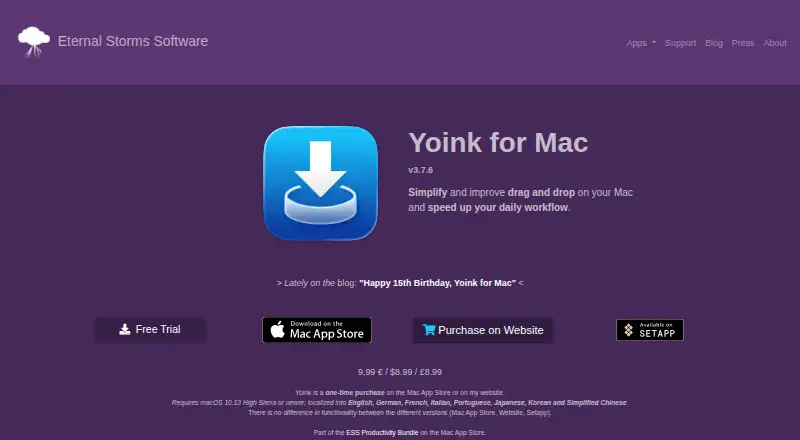
Pricing is straightforward but split by platform. Yoink for Mac costs $8.99 as a one-time purchase and includes the file shelf, clipboard history, Quick Look previews, Handoff and macOS services such as Quick Action, Share extension, Automator and Terminal support. Yoink for iPhone and iPad costs $5.99 as a one-time purchase and adds iCloud sync across iOS devices, search by title and content, the Yoink Keyboard and File Provider extensions, plus rich-text editing. A 28-day free Mac trial is available, while there is no free plan. The Mac and iPhone/iPad apps are separate purchases.
Its strongest fit is the Apple ecosystem. Handoff connects Macs, iPads and iPhones, while iCloud, Finder, Spotlight, Files, Siri Shortcuts, Continuity Camera and Share extension support extend the workflow across Apple apps and services. Users who need a temporary drag-and-drop landing area alongside searchable clipboard storage should find the feature mix well aligned with that use case. Yoink is less suitable for people who need Windows or Android support, a single purchase covering both platforms, or a free plan. Buyers should also distinguish Mac clipboard history from iOS clipboard monitoring: the platform experiences are related but not identical.
Your product? Our editors can test Yoink in depth and publish a review, labelled as paid · from $149/mo →
Yoink pricing
All 2 Yoink plans and prices →
Yoink fact sheet
| Free plan | No |
|---|---|
| Paid from | $5.99 one-time |
| History search | Yes |
| Cross-device sync | Yes |
| Snippets | Yes |
| Rich text support | Yes |
| History limit | Not verified |
| Supported platforms | macOS, iOS |
| Free trial | 28 days |
| Deployment | Desktop, Mobile |
| Platforms | macOS, iOS |
| Support | Email, Docs |
| Built for | Solo, Small business (editorial estimate) |
| Integrations | 10 integrations: iCloud, Handoff, Continuity Camera, Finder, Automator, Terminal … |
| Pricing | 28-day trial (source) |
| Website | eternalstorms.at |
| Facts checked | 21 Sep 2026 |
Yoink integrations
Yoink lists 10 integrations on its own site.
- iCloud
- Handoff
- Continuity Camera
- Finder
- Automator
- Terminal
- Share extension
- Spotlight
- Files app
- Siri Shortcuts
Alternatives to Yoink
- DittoPowerful free clipboard history, search, organization, and scripting for Windows.9.1
- CopyQA flexible, cross-platform clipboard history tool for users who want control and automation.8.5
- Screenshot CaptorA Windows screenshot tool with scrolling capture, annotation, image editing, and clipboard copying.7.9

Used Yoink? Be the first to review it
The editor score above is our own research. What this page doesn't have yet is a reader's view — what you used Yoink for, what worked and what didn't. No stars are seeded and no review is paid for; an editor reads every one before it appears.
Write a reviewTwo minutes · verified accounts only · read by an editor before it appears
Featured on iTechGuides

Yoink is listed in our Clipboard Manager Software directory. Add the badge to your site — it links back to this page.
<a href="https://www.itechguides.com/products/yoink-clipboard-manager/"><img src="https://www.itechguides.com/best/badge/yoink-clipboard-manager.svg" alt="Featured on iTechGuides" width="230" height="46"></a>
Reviewed by iTechGuides Editors · Editorial team · Updated Oct 2026
Advertiser disclosure: iTechGuides is reader-supported. Vendors can pay for top positions in our rankings and for a place on other products' pages, and we may earn a commission when you click some links. Bought places stand at the number bought; this page and our disclosure say so. Paying vendors may get a fuller, more detailed review from our editors, and that review can change their score. How we rank.
Last updated · How we research and update