
WinBatch
WinBatch: A Windows-focused scripting toolkit with recording, administration tools, and compiled executables. Ranked #27 of 35 in Task Automation Software by our editors (6.2/10); pricing: 21-day trial; best for windows admins automating tasks with scripts.
At a glance
- Editor score6.2 / 10
- Pricing21-day trial
- Best forWindows admins automating tasks with scripts
- Free planNo
- Paid from$69 one-time
- Desktop supportWindows
- Facts checked25 Sep 2026
Where it wins
- Automates file, directory, disk, Windows, and network administration
- Controls applications and browsers, including web forms
- Compiler packages scripts as standalone executables
Where it doesn't
- Windows-only desktop deployment
- Requires comfort with scripting for more complex automation
- The $69 one-time WinBatch+Compiler purchase includes up to 12 months of updates
Our verdict on WinBatch
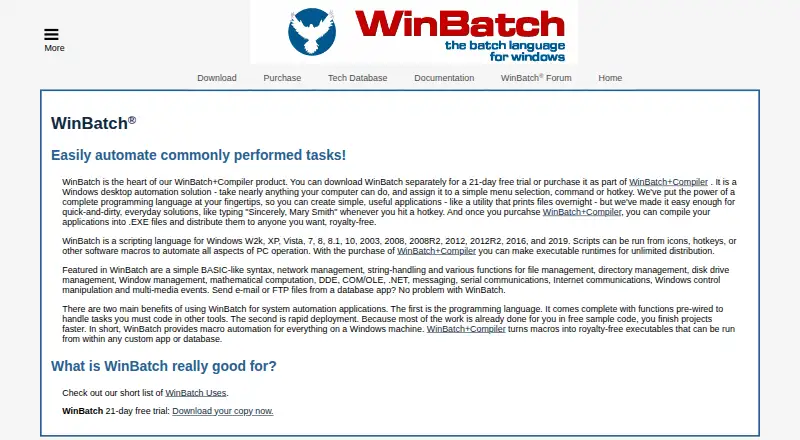
WinBatch is a Windows scripting environment built around Windows Interface Language (WIL), a BASIC-like language for automating desktop and system tasks. It is aimed at power users, system administrators, consultants, and IT teams who want script-driven control rather than a general-purpose visual workflow builder. Keystroke and mouse recording, a visual dialog editor, and a development studio provide additional ways to create and manage automations. Scripts can be launched from icons, hotkeys, or other software macros.
Its breadth within Windows administration is a central strength. WinBatch handles file, directory, and disk management, Windows and network administration, and scheduling operations. For application control, it can use keystrokes, mouse actions, COM, .NET, and other interfaces; browser features include web-page retrieval and web-form filling. Integrations also include ODBC, ADSI, and DDE. The separate Compiler packages scripts as standalone executables for distribution, which suits teams that need to share automations beyond the development environment. This focus makes WinBatch a more natural fit for Windows-centric scripting than for teams seeking a platform spanning multiple operating systems.
According to the vendor's pricing details, WinBatch+Compiler costs $69 one time and includes up to 12 months of free updates. WinBatch without the Compiler is described as a 21-day evaluation, rather than an unlimited free plan; the vendor also lists a 30-day refund period. Support channels include email, community, and documentation. Choose WinBatch if script-based Windows administration, browser control, and executable distribution align with existing work. Teams that need cross-platform automation or prefer to build workflows without scripting should consider a different approach.
Your product? Our editors can test WinBatch in depth and publish a review, labelled as paid · from $149/mo →
WinBatch pricing
All 1 WinBatch plans and prices →
WinBatch fact sheet
| Free plan | No |
|---|---|
| Paid from | $69 one-time |
| Desktop support | Windows |
| Scheduled runs | Yes |
| App triggers | Not verified |
| Browser automation | Yes |
| Desktop recorder | Yes |
| Monthly run limit | Not verified |
| Workflow step limit | Not verified |
| Free trial | 21 days |
| Money-back guarantee | 30 days |
| Deployment | Desktop |
| Platforms | Windows |
| Support | Email, Community, Docs |
| Built for | Solo, Small business, Mid-market, Enterprise (editorial estimate) |
| Integrations | 5 integrations: COM, ODBC, ADSI, .NET, DDE |
| Pricing | 21-day trial (source) |
| Website | winbatch.com |
| Facts checked | 25 Sep 2026 |
WinBatch integrations
WinBatch lists 5 integrations on its own site.
- COM
- ODBC
- ADSI
- .NET
- DDE
Alternatives to WinBatch
- ZapierA broad workflow automation platform with more than 9,000 app integrations.9.3
- MakeA flexible no-code automation platform with multi-step workflows and a free entry plan.9.2
- Microsoft Power AutomateA broad automation suite for Microsoft environments, with paid plans starting at $15 per user monthly.9.0


See all WinBatch alternatives →
Used WinBatch? Be the first to review it
The editor score above is our own research. What this page doesn't have yet is a reader's view — what you used WinBatch for, what worked and what didn't. No stars are seeded and no review is paid for; an editor reads every one before it appears.
Write a reviewTwo minutes · verified accounts only · read by an editor before it appears
Featured on iTechGuides

WinBatch is listed in our Task Automation Software directory. Add the badge to your site — it links back to this page.
<a href="https://www.itechguides.com/products/winbatch/"><img src="https://www.itechguides.com/best/badge/winbatch.svg" alt="Featured on iTechGuides" width="230" height="46"></a>
Reviewed by iTechGuides Editors · Editorial team · Updated Oct 2026
Advertiser disclosure: iTechGuides is reader-supported. Vendors can pay for top positions in our rankings and for a place on other products' pages, and we may earn a commission when you click some links. Bought places stand at the number bought; this page and our disclosure say so. Paying vendors may get a fuller, more detailed review from our editors, and that review can change their score. How we rank.
Last updated · How we research and update