
My Start Menu
My Start Menu: A focused Windows organizer for users who want folders, search, and quick system access. Ranked #20 of 39 in Start Menu Customization Software by our editors (6.9/10); pricing: 30-day trial; best for users organizing large personal or work menus.
At a glance
- Editor score6.9 / 10
- Pricing30-day trial
- Best forUsers organizing large personal or work menus
- Free planNo
- Supported WindowsBoth
- Facts checked20 Sep 2026
Where it wins
- Custom folders, bookmarks, search, and recently opened items
- Direct access to key Windows tools and system functions
- Installer and no-installation versions with flexible activation options
Where it doesn't
- Windows-only platform support
- No permanent free plan
- Does not customize the default Start button or menu
Our verdict on My Start Menu
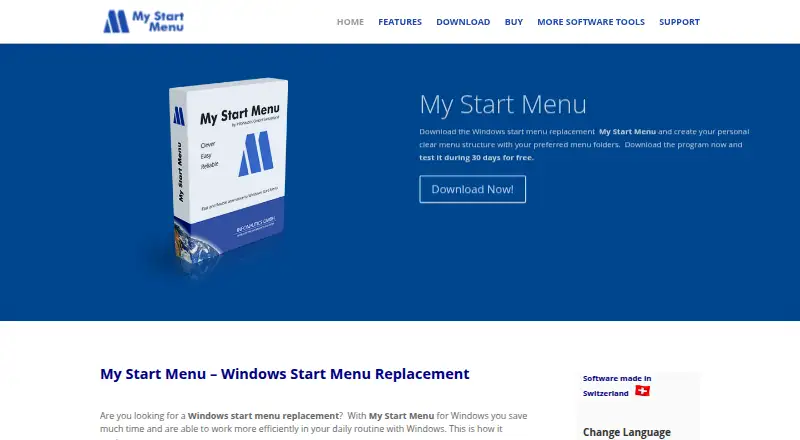
My Start Menu is a Windows start-menu companion for organizing applications, documents, folders, drives, and websites into a personal structure. It suits users whose existing application and document lists have become difficult to navigate, including people managing large personal or work menus. Rather than modifying the default Windows Start menu, it provides an additional launcher that can be activated from the taskbar or a desktop icon. Both supported Windows versions are covered, and the software is available in installer and no-installation versions.
Its strongest area is organization depth within a narrow use case. Users can create personal menu folders and custom structures, add items through drag-and-drop, copy and paste, or a shortcut wizard, and bookmark applications and documents. Search covers menu folders and recently opened documents, while recently started objects and recently opened documents provide another route to frequently used items. Large- and small-icon list views add presentation choices, and direct access to Explorer, Control Panel, Printers, Task Manager, Run, and Shutdown keeps common system functions close at hand. This is a practical fit for users who want a dedicated menu rather than a broader desktop customization suite.
The paid plans are Single at 25, Business at 115, and Corporate at 245, with pricing listed in EUR, USD, or CHF depending on the exchange rate. Single covers one PC or user; Business covers up to 10 PCs or users within the same company; Corporate covers unlimited PCs or users within the same company. Each plan includes a non-expiring license and future updates, while the product also offers a 30-day trial. Choose My Start Menu if structured launching and Windows system access are the priority. Choose an alternative if you need macOS support, a permanent free option, or direct customization of the default Start button and menu.
Your product? Our editors can test My Start Menu in depth and publish a review, labelled as paid · from $149/mo →
My Start Menu pricing
All 3 My Start Menu plans and prices →
My Start Menu fact sheet
| Free plan | No |
|---|---|
| Paid from | Not verified |
| Supported Windows | Both |
| Replacement mode | Overlay |
| Start button controls | No |
| Custom search | Yes |
| Taskbar controls | Basic |
| Saved profiles | Not verified |
| Free trial | 30 days |
| Deployment | Desktop |
| Platforms | Windows |
| Support | Email, Docs |
| Built for | Solo, Small business, Mid-market, Enterprise (editorial estimate) |
| Pricing | 30-day trial (source) |
| Website | infonautics-software.com |
| Facts checked | 20 Sep 2026 |
Alternatives to My Start Menu
- Start11A paid Windows customization tool for detailed Start menu, taskbar, search, and deployment control.9.3
- Seelen UIA broad, free Windows shell replacement for users who want more than Start menu tweaks.9.1
- Open-Shell MenuA flexible classic Start menu replacement with useful search and shortcut controls.8.9

See all My Start Menu alternatives →
Used My Start Menu? Be the first to review it
The editor score above is our own research. What this page doesn't have yet is a reader's view — what you used My Start Menu for, what worked and what didn't. No stars are seeded and no review is paid for; an editor reads every one before it appears.
Write a reviewTwo minutes · verified accounts only · read by an editor before it appears
Featured on iTechGuides

My Start Menu is listed in our Start Menu Customization Software directory. Add the badge to your site — it links back to this page.
<a href="https://www.itechguides.com/products/my-start-menu/"><img src="https://www.itechguides.com/best/badge/my-start-menu.svg" alt="Featured on iTechGuides" width="230" height="46"></a>
Reviewed by iTechGuides Editors · Editorial team · Updated Oct 2026
Advertiser disclosure: iTechGuides is reader-supported. Vendors can pay for top positions in our rankings and for a place on other products' pages, and we may earn a commission when you click some links. Bought places stand at the number bought; this page and our disclosure say so. Paying vendors may get a fuller, more detailed review from our editors, and that review can change their score. How we rank.
Last updated · How we research and update