
Hyper
Hyper: A free, open-source desktop terminal with deep customization and plugin support. Ranked #20 of 40 in Terminal Emulators by our editors (7.5/10); pricing: Free plan; best for users wanting a customizable extensible desktop terminal.
At a glance
- Editor score7.5 / 10
- PricingFree plan
- Best forUsers wanting a customizable extensible desktop terminal
- Free planYes
- Paid fromFree
- Split panesYes
- Facts checked20 Sep 2026
Where it wins
- Free and open source on macOS, Windows, and Linux
- Tabs, split panes, themes, CSS, shortcuts, and extensions
- Supports SSH, WebGL rendering, and configurable shell environments
Where it doesn't
- Integration breadth is limited
- Session features are limited
- Customization may require technical configuration
Our verdict on Hyper
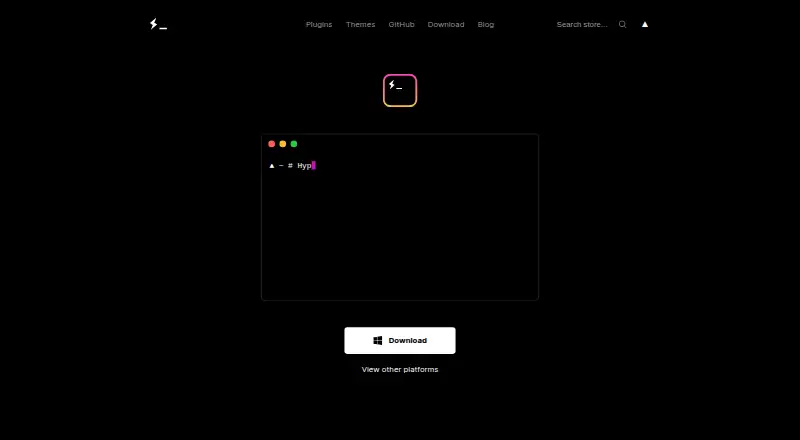
Hyper is a desktop terminal emulator for command-line users who want control over their terminal environment. It runs on macOS, Windows, and Linux, and is built with web technologies and Electron. The product supports configurable shells and shell arguments, tabs, split-pane layouts, customizable keyboard shortcuts, themes, custom CSS, plugins, extensions, SSH protocol handling, and environment-variable configuration. Hyper is open source, distributed under the MIT License, and available as a free desktop application.
Hyper’s strongest differentiator is its extensibility model. Its extension API uses Node.js modules, React components, Redux actions, and Electron interfaces, giving technically inclined users several ways to customize the terminal. Themes and CSS configuration add visual control, while optional WebGL rendering provides a GPU-accelerated terminal rendering path. These capabilities make Hyper a fit for users who value a configurable interface and want to adapt the terminal through plugins rather than rely only on built-in settings.
The trade-off is focus. Hyper covers core terminal workflows across the three major desktop platforms, including shell configuration, SSH, tabs, and split panes, but its integration breadth and session features are limited. Users seeking a broad ecosystem of verified integrations or deeper session management should choose another terminal emulator. Hyper is a better match for developers and command-line users who prioritize open-source licensing, customization, and extensibility over a wider integration catalog or more advanced session tooling.
Your product? Our editors can test Hyper in depth and publish a review, labelled as paid · from $149/mo →
Hyper pricing
Hyper fact sheet
| Free plan | Yes |
|---|---|
| Paid from | Free |
| Supported platforms | macos, windows, linux |
| Split panes | Yes |
| Session sync | Not verified |
| GPU acceleration | Yes |
| Scripting API | Yes |
| SSH support | Yes |
| Deployment | Desktop |
| Platforms | macOS, Windows, Linux |
| Pricing | Free plan |
| Website | hyper.is |
| Facts checked | 20 Sep 2026 |
Alternatives to Hyper
- TabbyA versatile open-source terminal for power users who automate across systems.9.4
- Windows TerminalA free, open-source Windows terminal with tabs, panes, profiles, and automation.9.3
- iTerm2A capable Mac terminal with advanced panes, profiles, session restoration, and automation.9.2


Used Hyper? Be the first to review it
The editor score above is our own research. What this page doesn't have yet is a reader's view — what you used Hyper for, what worked and what didn't. No stars are seeded and no review is paid for; an editor reads every one before it appears.
Write a reviewTwo minutes · verified accounts only · read by an editor before it appears
Featured on iTechGuides

Hyper is listed in our Terminal Emulators directory. Add the badge to your site — it links back to this page.
<a href="https://www.itechguides.com/products/hyper/"><img src="https://www.itechguides.com/best/badge/hyper.svg" alt="Featured on iTechGuides" width="230" height="46"></a>
Reviewed by iTechGuides Editors · Editorial team · Updated Oct 2026
Advertiser disclosure: iTechGuides is reader-supported. Vendors can pay for top positions in our rankings and for a place on other products' pages, and we may earn a commission when you click some links. Bought places stand at the number bought; this page and our disclosure say so. Paying vendors may get a fuller, more detailed review from our editors, and that review can change their score. How we rank.
Last updated · How we research and update