
Zinstall WinWin
Zinstall WinWin: A focused Windows migration tool for moving apps, profiles, settings and files between two PCs. Ranked #8 of 26 in PC Migration Software by our editors (7.5/10); pricing: Paid; best for straightforward Windows-to-Windows migration.
At a glance
- Editor score7.5 / 10
- PricingPaid
- Best forStraightforward Windows-to-Windows migration
- Free planNo
- Paid from$129 one-time
- Application migrationYes
- Founded2009 · Torrance, California, USA
- Facts checked20 Sep 2026
Where it wins
- Moves installed programs, profiles, accounts, settings and personal files
- Supports network, wireless and direct Ethernet-cable transfers
- Leaves the old computer unchanged and supports selective exclusions
Where it doesn't
- Windows-only platform
- Does not support USB or external-drive transfers
- Costs $129 as a one-time purchase
Our verdict on Zinstall WinWin
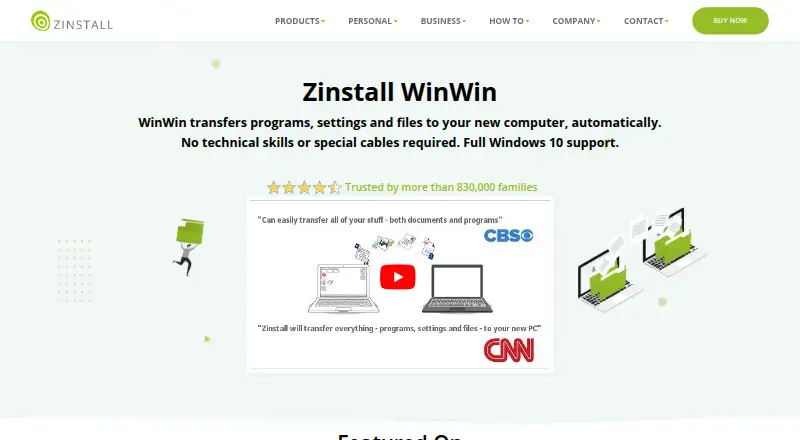
Zinstall WinWin is Windows migration software for moving an old computer’s installed programs, user profiles, accounts, settings and personal files to a new PC. It supports Windows 10 to Windows 11 migration and transfers between different PC hardware. The software runs on both computers, with one license covering one old computer and one new computer. It is aimed at people who want to carry over their existing Windows environment rather than move documents alone.
The $129 one-time plan includes a complete native transfer between two PCs, along with programs, settings and files. Transfer options include a shared network, wireless connection or direct Ethernet cable, giving buyers several ways to connect the computers. The Advanced menu allows selected programs and files to be excluded. That combination suits a planned PC replacement where both machines can be available during the migration.
WinWin’s focus is narrow and clear: Windows-to-Windows migration through a network or cable. It does not support USB or external-drive transfers; those scenarios are directed to Zinstall Migration Kit Pro. The old computer remains unchanged, which supports a lower-risk transition and leaves the original system available after the move. Support is available 24/7 by appointment outside regular business hours. Choose WinWin if you need to transfer applications, profiles, settings and files between two Windows PCs. Choose another Zinstall product if the migration must use removable storage instead of a network or cable.
Your product? Our editors can test Zinstall WinWin in depth and publish a review, labelled as paid · from $149/mo →
Zinstall WinWin pricing
All 1 Zinstall WinWin plans and prices →
Zinstall WinWin fact sheet
| Free plan | No |
|---|---|
| Paid from | $129 one-time |
| Application migration | Yes |
| User profile migration | Yes |
| Settings migration | Yes |
| Transfer methods | Multiple |
| Selective transfer | Yes |
| Included devices | 2 |
| Deployment | Desktop |
| Platforms | Windows |
| Support | Email, Live chat, Phone · 24/7 |
| Built for | Solo, Small business, Enterprise (editorial estimate) |
| Pricing | Paid (source) |
| Website | zinstall.com |
| Facts checked | 20 Sep 2026 |
Alternatives to Zinstall WinWin
- EaseUS Todo PCTransA broad Windows migration toolkit with free access and extensive paid transfer options.9.2
- Laplink PCmoverA paid Windows migration tool with broad transfer controls and multiple connection options.8.7
- IObit PCtransferA portable, free option for selective file and settings transfers between Windows PCs.8.1

See all Zinstall WinWin alternatives →
Zinstall WinWin vs the competition
- Zinstall WinWin vs EaseUS Todo PCTrans
- Zinstall WinWin vs Laplink PCmover
- Zinstall WinWin vs IObit PCtransfer
- Zinstall WinWin vs Dell Migrate
- Zinstall WinWin vs FastMove
- Zinstall WinWin vs Zinstall Migration Kit Pro



Compare Zinstall WinWin with any tool side by side →
Used Zinstall WinWin? Be the first to review it
The editor score above is our own research. What this page doesn't have yet is a reader's view — what you used Zinstall WinWin for, what worked and what didn't. No stars are seeded and no review is paid for; an editor reads every one before it appears.
Write a reviewTwo minutes · verified accounts only · read by an editor before it appears
Featured on iTechGuides

Zinstall WinWin is listed in our PC Migration Software directory. Add the badge to your site — it links back to this page.
<a href="https://www.itechguides.com/products/zinstall-winwin/"><img src="https://www.itechguides.com/best/badge/zinstall-winwin.svg" alt="Featured on iTechGuides" width="230" height="46"></a>
Reviewed by iTechGuides Editors · Editorial team · Updated Oct 2026
Advertiser disclosure: iTechGuides is reader-supported. Vendors can pay for top positions in our rankings and for a place on other products' pages, and we may earn a commission when you click some links. Bought places stand at the number bought; this page and our disclosure say so. Paying vendors may get a fuller, more detailed review from our editors, and that review can change their score. How we rank.
Last updated · How we research and update