
VShell Server
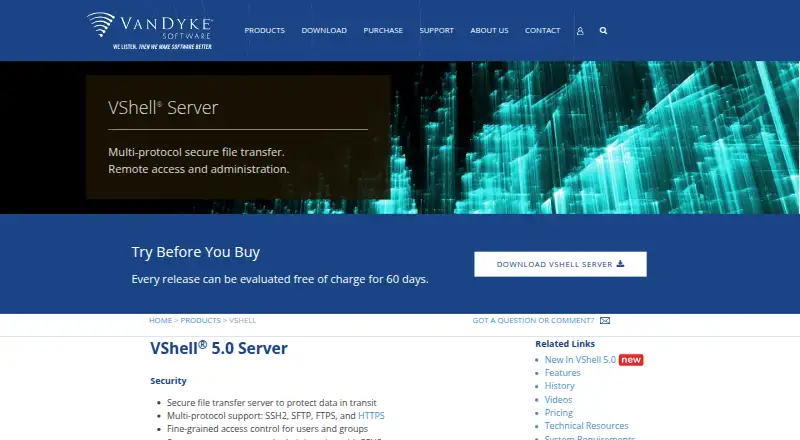
VShell Server: A cross-platform server for secure file exchange, automation, and SSH administration. Ranked #12 of 33 in FTP Server Software by our editors (8.1/10); pricing: 60-day trial; best for cross-platform SSH and FTP administration.
At a glance
- Editor score8.1 / 10
- Pricing60-day trial
- Best forCross-platform SSH and FTP administration
- Free planNo
- Paid from$599 one-time
- Protocols supportedFtp_ftps_sftp
- Founded1995 · Albuquerque, New Mexico, USA
- Facts checked20 Sep 2026
Where it wins
- Supports SSH2, SFTP, SCP, FTPS, FTP, and optional HTTPS transfer
- Includes access-control lists, virtual roots, triggers, and remote execution
- Runs on Windows, Linux, and macOS with Active Directory and LDAP integration
Where it doesn't
- Starts at a $599 one-time license
- Workgroup Edition is limited to 25 concurrent connections
- Does not provide web administration
Our verdict on VShell Server
VShell Server is a commercial secure file transfer and remote administration server from VanDyke Software. It is designed for organizations that need controlled file exchange, partner access, and system administration across Windows, Linux, and macOS environments. Its protocol coverage includes SSH2, SFTP, SCP, FTPS, FTP, and optional HTTPS file transfer. User and group access-control lists, virtual root directories, and support for physical, virtual, or cloud-based servers make it suitable for structured deployments where permissions and file locations need clear boundaries.
The main strength is breadth across transfer and administration workflows. VShell combines file transfer with shell access, port forwarding, remote execution, event triggers, command-line automation utilities, real-time connection monitoring, server logging, and remote syslog support. Integrations with Windows Active Directory, LDAP, syslog, and syslog-ng extend its fit for directory-managed access and centralized operational records. The Enterprise Edition adds unrestricted connections, while the Workgroup Edition provides the same core protocol family with 25 concurrent connections. The HTTPS edition adds browser-based HTTP and HTTPS file transfer alongside unrestricted connections.
Pricing favors organizations that want a perpetual license rather than a recurring subscription. Workgroup Edition costs $599 one time, and Enterprise Edition costs $999 one time; the license includes one year of software updates. A 60-day evaluation is available, but there is no permanent free plan. The product is a strong fit for teams that need one server for secure transfers, SSH administration, automation, monitoring, and directory integration. It is less suitable for buyers who require web administration or a lower-cost entry point, or whose needs are limited to basic FTP without remote administration and operational controls.
Your product? Our editors can test VShell Server in depth and publish a review, labelled as paid · from $149/mo →
VShell Server pricing
All 3 VShell Server plans and prices →
VShell Server fact sheet
| Free plan | No |
|---|---|
| Paid from | $599 one-time |
| Protocols supported | Ftp_ftps_sftp |
| User account limit | Not verified |
| Connection limit | 25 |
| Virtual folders | Yes |
| Web administration | No |
| Automation API | Yes |
| Audit logging | Yes |
| Free trial | 60 days |
| Deployment | Cloud, Self-hosted |
| Platforms | Web, Windows, macOS, Linux |
| Compliance & security | 2FA |
| Support | Email, Docs |
| Built for | Mid-market, Enterprise (editorial estimate) |
| Integrations | 4 integrations: Windows Active Directory, LDAP, syslog, syslog-ng |
| Pricing | 60-day trial (source) |
| Website | vandyke.com |
| Facts checked | 20 Sep 2026 |
VShell Server integrations
VShell Server lists 4 integrations on its own site.
- Windows Active Directory
- LDAP
- syslog
- syslog-ng
Alternatives to VShell Server
- SFTPGoA flexible open-source transfer server for teams needing multiple protocols and strong controls.9.4
- CompleteFTPA broad managed file transfer server for automated, resilient enterprise file exchange.9.2
- CrushFTPA broad, feature-rich self-hosted server with a low one-time entry price.9.0



See all VShell Server alternatives →
Also Ranked In
VShell Server is ranked in 3 of our directories.
Used VShell Server? Be the first to review it
The editor score above is our own research. What this page doesn't have yet is a reader's view — what you used VShell Server for, what worked and what didn't. No stars are seeded and no review is paid for; an editor reads every one before it appears.
Write a reviewTwo minutes · verified accounts only · read by an editor before it appears
Featured on iTechGuides

VShell Server is listed in our FTP Server Software directory. Add the badge to your site — it links back to this page.
<a href="https://www.itechguides.com/products/vshell-server/"><img src="https://www.itechguides.com/best/badge/vshell-server.svg" alt="Featured on iTechGuides" width="230" height="46"></a>
Reviewed by iTechGuides Editors · Editorial team · Updated Oct 2026
Advertiser disclosure: iTechGuides is reader-supported. Vendors can pay for top positions in our rankings and for a place on other products' pages, and we may earn a commission when you click some links. Bought places stand at the number bought; this page and our disclosure say so. Paying vendors may get a fuller, more detailed review from our editors, and that review can change their score. How we rank.
Last updated · How we research and update