vcpkg
vcpkg: A capable choice for cross-platform C/C++ libraries, with manifests, caching, and registry support. Ranked #17 of 92 in Package Managers by our editors (7.6/10); pricing: Free plan; best for cross-platform C/C++ libraries.
At a glance
- Editor score7.6 / 10
- PricingFree plan
- Best forCross-platform C/C++ libraries
- Free planYes
- Paid fromFree
- Founded2016
- Facts checked22 Sep 2026
Where it wins
- Manifest-based dependency declarations with transitive resolution
- Binary and asset caching for CI, offline, and air-gapped workflows
- CMake, MSBuild, Visual Studio, and custom registry integration
Where it doesn't
- Focused on C/C++ library package formats
- Port recipes and triplets add project configuration work
- Build-system integration centers on CMake and MSBuild
Our verdict on vcpkg
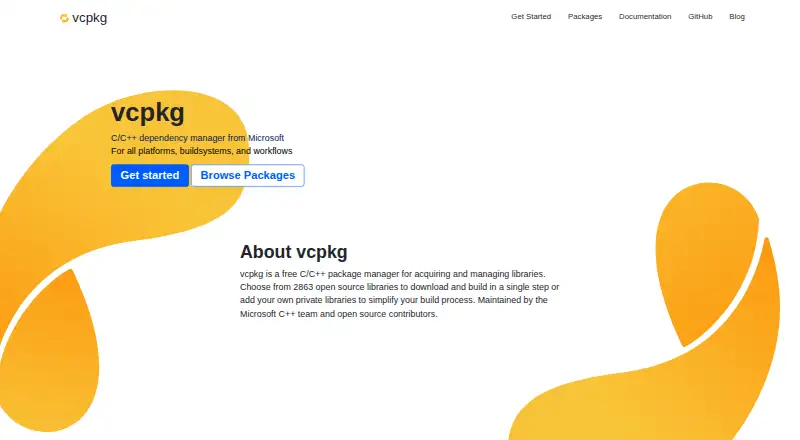
vcpkg is a free, open-source package manager for C and C++ libraries, maintained by Microsoft. It installs and builds libraries from port recipes, resolves transitive dependencies, and lets projects declare dependencies through vcpkg.json manifests. Support for Windows, macOS, Linux, and cross-platform target configurations makes it suited to teams maintaining C/C++ projects across multiple development environments.
Dependency management is the product's central strength. Baselines and version constraints provide control over library versions, while curated, Git, and filesystem registries support different distribution models. Teams can create custom ports, triplets, and private registries, giving vcpkg room for internal libraries and tailored build targets. CMake and MSBuild integration connects package installation with common C/C++ build workflows, and Visual Studio and Visual Studio Code are part of its surrounding development ecosystem.
Caching adds practical value for repeated builds and restricted environments. Binary caching allows compiled artifacts to be reused across machines and CI, while asset caching supports offline and air-gapped workflows. These capabilities make vcpkg a strong fit for teams that need repeatable dependency retrieval across development and automation. It is less suitable when the requirement extends beyond C/C++ libraries or when a project prefers a package manager centered on a different language ecosystem. Teams choosing vcpkg should be comfortable working with port recipes, triplets, manifests, and build-system configuration.
Your product? Our editors can test vcpkg in depth and publish a review, labelled as paid · from $149/mo →
vcpkg pricing
vcpkg fact sheet
| Free plan | Yes |
|---|---|
| Paid from | Free |
| Package formats | C/C++ libraries |
| Supported platforms | Windows, macOS, Linux, Android, iOS |
| Dependency resolution | Yes |
| Lockfile support | Not verified |
| Workspace support | Not verified |
| Private registry auth | Yes |
| Offline installation | Yes |
| Deployment | Self-hosted |
| Platforms | Windows, macOS, Linux |
| Support | Community, Docs |
| Built for | Solo, Small business, Mid-market, Enterprise (editorial estimate) |
| Integrations | 6 integrations: CMake, MSBuild, Visual Studio, Visual Studio Code, CLion, Qt Creator |
| Pricing | Free plan |
| Website | vcpkg.io |
| Facts checked | 22 Sep 2026 |
vcpkg integrations
vcpkg lists 6 integrations on its own site.
- CMake
- MSBuild
- Visual Studio
- Visual Studio Code
- CLion
- Qt Creator
Alternatives to vcpkg
- npmA complete JavaScript package workflow with public access free and private packages at $7/month.9.4
- uvA broad, open-source toolkit for managing modern Python projects across three platforms.9.2
- YarnA capable JavaScript package manager for consistent installs and monorepositories.9.0


Used vcpkg? Be the first to review it
The editor score above is our own research. What this page doesn't have yet is a reader's view — what you used vcpkg for, what worked and what didn't. No stars are seeded and no review is paid for; an editor reads every one before it appears.
Write a reviewTwo minutes · verified accounts only · read by an editor before it appears
Featured on iTechGuides

vcpkg is listed in our Package Managers directory. Add the badge to your site — it links back to this page.
<a href="https://www.itechguides.com/products/vcpkg/"><img src="https://www.itechguides.com/best/badge/vcpkg.svg" alt="Featured on iTechGuides" width="230" height="46"></a>
Reviewed by iTechGuides Editors · Editorial team · Updated Oct 2026
Advertiser disclosure: iTechGuides is reader-supported. Vendors can pay for top positions in our rankings and for a place on other products' pages, and we may earn a commission when you click some links. Bought places stand at the number bought; this page and our disclosure say so. Paying vendors may get a fuller, more detailed review from our editors, and that review can change their score. How we rank.
Last updated · How we research and update