
SmartGaGa
SmartGaGa: A free, Windows-only emulator with game controls and multi-instance support. Ranked #14 of 19 in Android Emulators by our editors (7.3/10); pricing: Free plan; best for free Windows gaming with simple controls.
At a glance
- Editor score7.3 / 10
- PricingFree plan
- Best forFree Windows gaming with simple controls
- Free planYes
- Paid fromFree
- Google Play supportYes
- Founded2015
- Facts checked19 Sep 2026
Where it wins
- Maps keyboard and mouse controls, with gamepad support
- Runs multiple emulator instances
- Supports Google Play, APK installation, macros and scripts
Where it doesn't
- Available for Windows only
- Published information says development is inactive
- Android versions listed are 4.4.2 KitKat and 7.1.2 Nougat
Our verdict on SmartGaGa
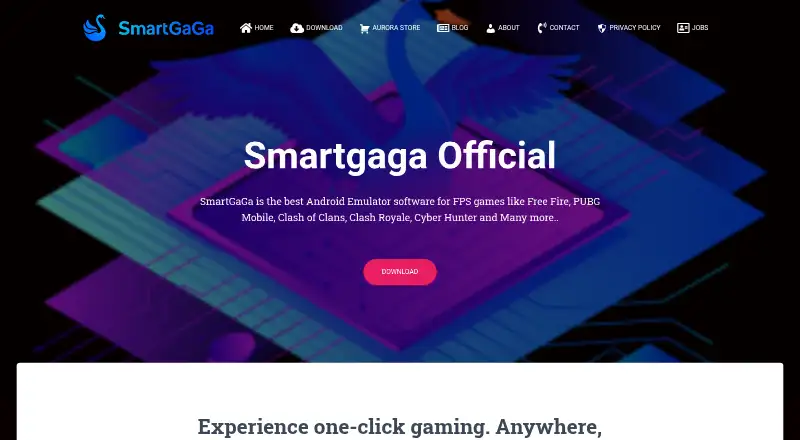
SmartGaGa is a free Android emulator for Windows PCs, aimed at people who want to play mobile games or run Android apps on a desktop. Its published features include Smart Mode for PC-style game controls, keyboard and mouse mapping, gamepad support, and a multi-instance manager. The vendor describes Titan non-virtualized emulation and Turbo GPU technology as part of the product. Google Play support and APK installation provide two routes to add apps, while macros and scripts extend its game-control options.
For gaming, the mix of control mapping and multi-instance management is the clearest fit: users can configure keyboard and mouse input or connect a gamepad, and manage more than one emulator instance. SmartGaGa names Free Fire and PUBG Mobile as examples of compatible games. The listed Android variants are 4.4.2 KitKat and 7.1.2 Nougat, so this is a focused option for desktop gaming and app access rather than a broad Android platform. Google Play is its stated integration, which may suit buyers who mainly need an emulator with familiar app access, but not those seeking a wider ecosystem.
SmartGaGa is presented as freeware, so there are no paid tiers to weigh against the gaming features. The main trade-off is platform and development status: it is Windows-only, and an official article says the site is inactive and the software is not actively developed. That makes it a reasonable fit for someone seeking a free emulator with simple controls and multi-instance support, but a poor choice for buyers who need active development or another desktop platform. Users who depend on current maintenance should consider an actively developed alternative.
Your product? Our editors can test SmartGaGa in depth and publish a review, labelled as paid · from $149/mo →
SmartGaGa pricing
SmartGaGa fact sheet
| Free plan | Yes |
|---|---|
| Paid from | Free |
| Desktop platforms | Windows |
| Google Play support | Yes |
| Multi-instance | Yes |
| Keyboard mapping | Yes |
| Gamepad support | Yes |
| Root access | Not verified |
| Instance limit | Not verified |
| Deployment | Desktop |
| Platforms | Windows |
| Integrations | 1 integrations: Google Play Store |
| Pricing | Free plan |
| Website | smartgaga.me |
| Facts checked | 19 Sep 2026 |
SmartGaGa integrations
SmartGaGa lists 1 integrations on its own site.
- Google Play Store
Alternatives to SmartGaGa
- Android EmulatorA free, configurable emulator for testing Android apps across device types and system images.9.4
- Genymotion DesktopCustomizable virtual devices and testing tools, with a free personal-use plan.8.9
- CuttlefishA Linux-based, AOSP-aligned emulator built for configurable devices and parallel testing.8.6


See all SmartGaGa alternatives →
Used SmartGaGa? Be the first to review it
The editor score above is our own research. What this page doesn't have yet is a reader's view — what you used SmartGaGa for, what worked and what didn't. No stars are seeded and no review is paid for; an editor reads every one before it appears.
Write a reviewTwo minutes · verified accounts only · read by an editor before it appears
Featured on iTechGuides

SmartGaGa is listed in our Android Emulators directory. Add the badge to your site — it links back to this page.
<a href="https://www.itechguides.com/products/smartgaga/"><img src="https://www.itechguides.com/best/badge/smartgaga.svg" alt="Featured on iTechGuides" width="230" height="46"></a>
Guides on android emulators
- Top Android Emulators for Windows in 2026Aug 2026
- Best Android Emulator for Windows 11: 9 Must-Have ToolsAug 2026
- 5 Best Android Emulators for Windows 11Aug 2026
Reviewed by iTechGuides Editors · Editorial team · Updated Oct 2026
Advertiser disclosure: iTechGuides is reader-supported. Vendors can pay for top positions in our rankings and for a place on other products' pages, and we may earn a commission when you click some links. Bought places stand at the number bought; this page and our disclosure say so. Paying vendors may get a fuller, more detailed review from our editors, and that review can change their score. How we rank.
Last updated · How we research and update