Sketchware Pro
Sketchware Pro: A free, visual way to build Android apps directly on an Android device. Ranked #20 of 40 in Mobile Development IDEs by our editors (6.8/10); pricing: Free plan; best for beginners building Android apps without a PC.
At a glance
- Editor score6.8 / 10
- PricingFree plan
- Best forBeginners building Android apps without a PC
- Free planYes
- Paid fromFree
- Facts checked22 Sep 2026
Where it wins
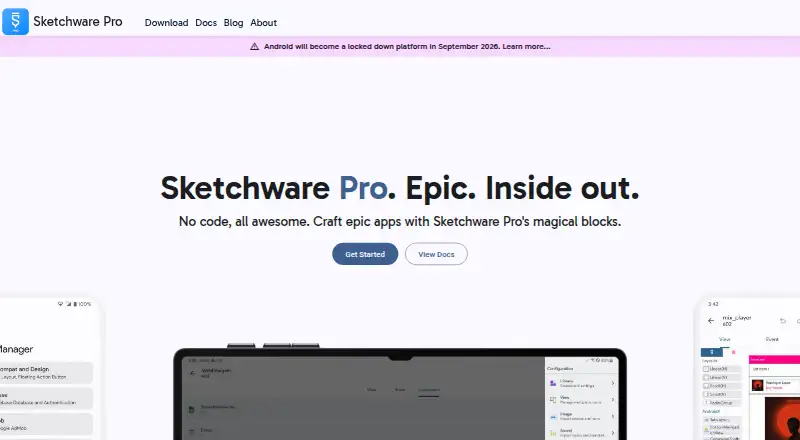
- Drag-and-drop UI design and block-based programming
- Custom blocks, local libraries, and additional app components
- Kotlin support with on-device compilation and installation
Where it doesn't
- Android-only scope limits development to one mobile platform
- Source-available rather than open source
- Support is centered on community resources and documentation
Our verdict on Sketchware Pro
Sketchware Pro is a free Android app development tool for beginners and other developers who want to create apps from an Android smartphone or tablet. Its visual approach combines drag-and-drop interface design with block-based programming, while also supporting Kotlin code. Projects can be compiled and installed directly on the device, so a PC is not required for the core development workflow. That makes Sketchware Pro a focused option for solo developers and small teams working primarily on Android apps.
The standout feature is its combination of visual building blocks and mobile-first development. Users can create, use, and share custom blocks, add local libraries, and work with components such as Google Login, notifications, and phone authentication. On-device compilation and app installation keep the build cycle within the Android device. This approach should suit beginners who prefer a guided visual environment, while Kotlin support gives developers a path toward more code-oriented work. The tool is less suitable for projects that require development across multiple mobile platforms.
Sketchware Pro’s narrow focus is both its main strength and its clearest boundary. It targets Android, supports Java and Kotlin, and packages apps for mobile deployment. The project is source-available rather than open source, and support is provided through community resources and documentation. Developers who want a free, visual Android environment without a PC should consider it. Teams needing broader platform coverage, a wider ecosystem, or an open-source project should choose an alternative.
Your product? Our editors can test Sketchware Pro in depth and publish a review, labelled as paid · from $149/mo →
Sketchware Pro pricing
Sketchware Pro fact sheet
| Free plan | Yes |
|---|---|
| Paid from | Free |
| Mobile targets | Android |
| Desktop platforms | Not verified |
| Emulator or simulator | Not verified |
| Visual UI designer | Yes |
| App packaging | Yes |
| Supported languages | Java, Kotlin |
| Deployment | Mobile |
| Platforms | Android |
| Support | Community, Docs |
| Built for | Solo, Small business (editorial estimate) |
| Pricing | Free plan |
| Website | sketchware.pro |
| Facts checked | 22 Sep 2026 |
Alternatives to Sketchware Pro
- DelphiA mature Windows IDE for native Object Pascal desktop and mobile development.9.2
- Ionic FrameworkA capable web-first toolkit for hybrid iOS and Android development, not a native IDE.9.0
- MobileTogether DesignerA visual Windows IDE for designing, testing, and generating native mobile apps.8.7



See all Sketchware Pro alternatives →
Used Sketchware Pro? Be the first to review it
The editor score above is our own research. What this page doesn't have yet is a reader's view — what you used Sketchware Pro for, what worked and what didn't. No stars are seeded and no review is paid for; an editor reads every one before it appears.
Write a reviewTwo minutes · verified accounts only · read by an editor before it appears
Featured on iTechGuides

Sketchware Pro is listed in our Mobile Development IDEs directory. Add the badge to your site — it links back to this page.
<a href="https://www.itechguides.com/products/sketchware-pro/"><img src="https://www.itechguides.com/best/badge/sketchware-pro.svg" alt="Featured on iTechGuides" width="230" height="46"></a>
Reviewed by iTechGuides Editors · Editorial team · Updated Oct 2026
Advertiser disclosure: iTechGuides is reader-supported. Vendors can pay for top positions in our rankings and for a place on other products' pages, and we may earn a commission when you click some links. Bought places stand at the number bought; this page and our disclosure say so. Paying vendors may get a fuller, more detailed review from our editors, and that review can change their score. How we rank.
Last updated · How we research and update