
Send Anywhere
Send Anywhere: A flexible cross-device transfer service with useful link controls on paid plans. Ranked #45 of 105 in File Transfer Services by our editors (4.6/10); pricing: Free plan; best for cross-device direct and link transfers.
At a glance
- Editor score4.6 / 10
- PricingFree plan
- Best forCross-device direct and link transfers
- Free planYes
- Max file size20 GB
- Facts checked22 Sep 2026
Where it wins
- Supports web, desktop, mobile, and Chrome transfers
- Offers six-digit keys, direct transfers, links, and email attachments
- Paid plans add link controls, notifications, passwords, and customization
Where it doesn't
- No API access for automated transfer workflows
- Paid link limits top out at 30 GB on Standard
- Business-focused transfer and integration depth is limited
Our verdict on Send Anywhere
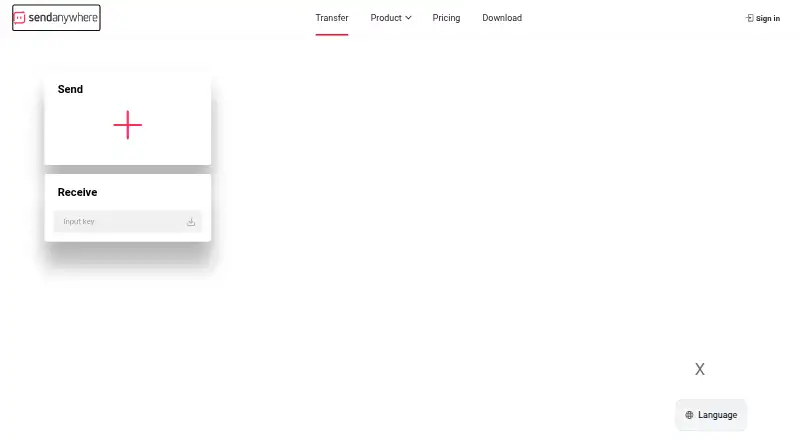
Send Anywhere is a file-transfer service for moving files between computers, mobile devices, and browsers. It suits individuals and teams that need to send files across Windows, macOS, Linux, iOS, Android, and Chrome without relying on a single device type. Transfers can use a six-digit key, a share link, or a direct device connection. Gmail and Microsoft Outlook support large-file attachments, extending the service into common email workflows.
The Free plan includes six-digit-key transfers up to 50 GB, share links up to 10 GB, and 48-hour link validity. Lite costs $5.99 per month and raises share links to 20 GB, allows up to 200 GB of download data, and adds link management plus partial download-page customization. Standard costs $9.99 per month, raises share links to 30 GB and download data to 500 GB, and adds download-page customization. Paid features also include download-count limits, email notifications, password protection, and links with no expiration date.
Send Anywhere’s main strength is its breadth across platforms and transfer methods rather than deep automation. My Link provides link management, while Gmail, Outlook, and Chrome integrations support familiar sharing routes. The service is a practical choice for cross-device transfers, recurring link sharing, and occasional large attachments. Organizations seeking API-driven workflows or more specialized business transfer controls should choose an alternative, since API access is unavailable and the product’s strongest capabilities center on direct transfers and managed links.
Your product? Our editors can test Send Anywhere in depth and publish a review, labelled as paid · from $149/mo →
Send Anywhere pricing
All 3 Send Anywhere plans and prices →
Send Anywhere fact sheet
| Free plan | Yes |
|---|---|
| Paid from | Not verified |
| Max file size | 20 GB |
| Link expiry | Not verified |
| Download tracking | Yes |
| API access | No |
| Custom branding | Yes |
| Desktop app | Yes |
| Deployment | Cloud, Desktop, Mobile, Browser extension |
| Platforms | Web, Windows, macOS, Linux, iOS, Android, Chrome extension |
| Support | Email, Tickets, Docs |
| Built for | Solo, Small business (editorial estimate) |
| Integrations | 4 integrations: Google Chrome Extension, Naver Whale Extension, Office 365 Outlook, WordPress Plugin |
| Pricing | Free plan (source) |
| Website | send-anywhere.com |
| Facts checked | 22 Sep 2026 |
Send Anywhere integrations
Send Anywhere lists 4 integrations on its own site.
- Google Chrome Extension
- Naver Whale Extension
- Office 365 Outlook
- WordPress Plugin
Alternatives to Send Anywhere
- Progress MOVEit TransferA compliance-focused managed file transfer service for regulated organizations.9.3
- AWS Transfer FamilyA broad, usage-priced managed transfer service for teams built around AWS.9.2
- IBM Sterling Secure File TransferA multiprotocol transfer platform for organizations coordinating secure file flows across partner networks.9.1



See all Send Anywhere alternatives →
Also Ranked In
Send Anywhere is ranked in 2 of our directories.
Used Send Anywhere? Be the first to review it
The editor score above is our own research. What this page doesn't have yet is a reader's view — what you used Send Anywhere for, what worked and what didn't. No stars are seeded and no review is paid for; an editor reads every one before it appears.
Write a reviewTwo minutes · verified accounts only · read by an editor before it appears
Featured on iTechGuides

Send Anywhere is listed in our File Transfer Services directory. Add the badge to your site — it links back to this page.
<a href="https://www.itechguides.com/products/send-anywhere/"><img src="https://www.itechguides.com/best/badge/send-anywhere.svg" alt="Featured on iTechGuides" width="230" height="46"></a>
Reviewed by iTechGuides Editors · Editorial team · Updated Oct 2026
Advertiser disclosure: iTechGuides is reader-supported. Vendors can pay for top positions in our rankings and for a place on other products' pages, and we may earn a commission when you click some links. Bought places stand at the number bought; this page and our disclosure say so. Paying vendors may get a fuller, more detailed review from our editors, and that review can change their score. How we rank.
Last updated · How we research and update