ReShoot 360
ReShoot 360: A focused 360 reframing editor with strong social exports, but no stitching or stabilization. Ranked #9 of 30 in 360 Video Software by our editors (7.1/10); pricing: Free plan; best for mobile 360 reframing for social content.
At a glance
- Editor score7.1 / 10
- PricingFree plan
- Best forMobile 360 reframing for social content
- Free planYes
- 360 editingYes
- Facts checked21 Sep 2026
Where it wins
- Reframes 360 media with keyframes and camera movement controls
- AI tracks faces, bodies, and animals
- Exports up to 4K/60fps video and 8K photos
Where it doesn't
- Does not stitch camera footage
- Does not provide 360-video stabilization
- No VR preview is provided
Our verdict on ReShoot 360
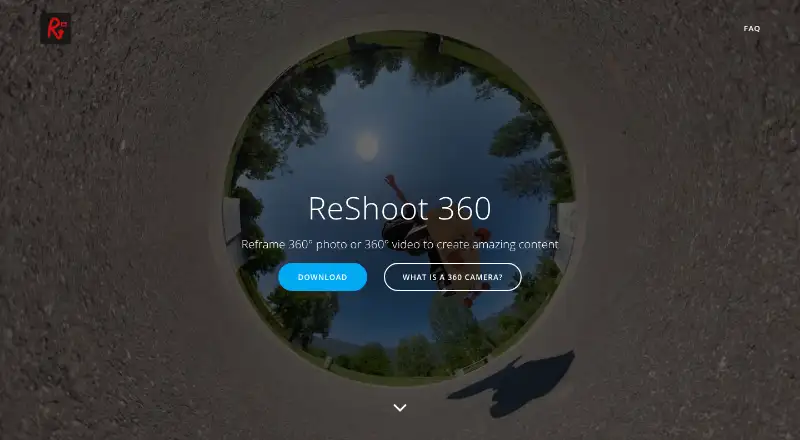
ReShoot 360 is a mobile editor for turning existing 360-degree photos and videos into conventional content. It suits creators working with equirectangular files from 360 cameras, including Insta360, GoPro Max, DJI Osmo 360, and Ricoh Theta workflows. The app is available on iOS and Android, with compatibility also shown for Apple silicon Macs. Its focus is reframing spherical media for social publishing rather than capturing or assembling footage from a camera.
The editing toolkit is centered on controlling the viewer’s perspective. Keyframes and camera movement controls support deliberate reframing, while transitions and video effects add creative options. AI tracking can follow faces, bodies, and animals, which helps maintain a subject’s position during a reframed sequence. Spherical patch and horizon-straightening tools address common presentation issues, and social-media export presets make the output easier to prepare for conventional platforms. Export support reaches 4K/60fps video and 8K photos.
ReShoot 360 uses a freemium model with free access to 360 reframing, keyframes, AI subject tracking, horizon tools, social presets, and 4K/60fps video export. The PRO Monthly, PRO Annual, and PRO plans add high-quality export, spherical tools, creative effects, and Split Pano. The product remains deliberately narrow: it imports existing 360 footage but does not capture or stitch camera footage, and its straighten feature is not 360-video stabilization. Choose it for mobile-first reframing and social content; choose another tool if stitching, stabilization, or VR preview is central to the workflow.
Your product? Our editors can test ReShoot 360 in depth and publish a review, labelled as paid · from $149/mo →
ReShoot 360 pricing
All 3 ReShoot 360 plans and prices →
ReShoot 360 fact sheet
| Free plan | Yes |
|---|---|
| Paid from | Not verified |
| 360 editing | Yes |
| 360 stitching | No |
| 360 stabilization | No |
| VR preview | No |
| Max export resolution | 4k |
| Desktop platforms | macOS |
| 360 camera import | Yes |
| Deployment | Cloud, Desktop, Mobile |
| Platforms | macOS, iOS, Android |
| Support | Email, Docs |
| Built for | Solo, Small business (editorial estimate) |
| Pricing | Free plan (source) |
| Website | reshoot360.com |
| Facts checked | 21 Sep 2026 |
Alternatives to ReShoot 360
- Garmin VIRB EditA focused, no-cost choice for Garmin 360 editing, stitching and telemetry overlays.8.8
- GoPro PlayerA capable free option for 8K 360 reframing, playback, and batch export.8.4
- GoPro QuikA strong mobile and web option for reframing 360 footage, especially from GoPro cameras.7.9



See all ReShoot 360 alternatives →
Used ReShoot 360? Be the first to review it
The editor score above is our own research. What this page doesn't have yet is a reader's view — what you used ReShoot 360 for, what worked and what didn't. No stars are seeded and no review is paid for; an editor reads every one before it appears.
Write a reviewTwo minutes · verified accounts only · read by an editor before it appears
Featured on iTechGuides

ReShoot 360 is listed in our 360 Video Software directory. Add the badge to your site — it links back to this page.
<a href="https://www.itechguides.com/products/reshoot-360/"><img src="https://www.itechguides.com/best/badge/reshoot-360.svg" alt="Featured on iTechGuides" width="230" height="46"></a>
Reviewed by iTechGuides Editors · Editorial team · Updated Oct 2026
Advertiser disclosure: iTechGuides is reader-supported. Vendors can pay for top positions in our rankings and for a place on other products' pages, and we may earn a commission when you click some links. Bought places stand at the number bought; this page and our disclosure say so. Paying vendors may get a fuller, more detailed review from our editors, and that review can change their score. How we rank.
Last updated · How we research and update