
Proxyman
Proxyman: A broad, collaboration-ready proxy for mobile and desktop debugging, with no free plan. Ranked #11 of 27 in Web Debugging Proxies by our editors (8.2/10); pricing: 14-day trial; best for mobile-focused teams wanting collaboration features.
At a glance
- Editor score8.2 / 10
- Pricing14-day trial
- Best forMobile-focused teams wanting collaboration features
- Free planNo
- Paid from$99/seat/yr
- PlatformsDesktop
- Founded2019 · Wilmington, Delaware, United States; Singapore
- Facts checked20 Sep 2026
Where it wins
- Supports macOS, Windows, Linux, iOS, and Android
- Combines breakpoints, mocking, replay, WebSockets, and GraphQL debugging
- Team plans add cloud workspaces, log sharing, and license management
Where it doesn't
- No free plan is available
- Standard starts at $89 one-time for one device
- The Team Subscription requires annual billing
Our verdict on Proxyman
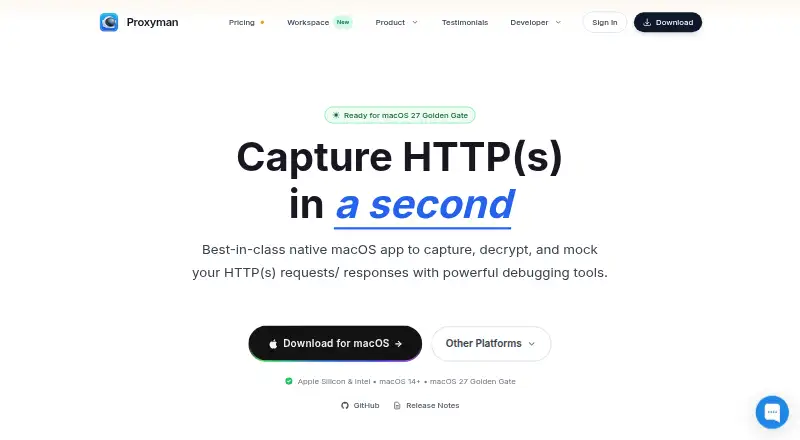
Proxyman is a desktop and mobile HTTP/HTTPS debugging proxy for developers working across macOS, Windows, Linux, iOS, and Android. It captures and decrypts traffic, allowing teams to inspect requests and responses from browsers, apps, and development environments. Its audience is broad, but the product is particularly suited to mobile-focused teams that need both network debugging and shared workflows.
The feature set covers the main stages of HTTP troubleshooting. Developers can edit requests and responses with breakpoints, map responses to local files, mock traffic, replay requests, compose custom API calls, and route traffic through external HTTP, HTTPS, SOCKS, and PAC proxies. WebSocket inspection supports WS and WSS traffic, while GraphQL debugging extends the proxy beyond ordinary request inspection. This breadth makes Proxyman useful when a team needs one tool for capture, modification, replay, and response simulation rather than a narrow traffic viewer.
Pricing is structured around both individual licenses and collaboration. The 14-day Trial provides a limited evaluation version. Standard costs $89 one-time for one device and includes macOS, Windows, and Linux, a perpetual license, and one year of updates. Personal costs $178 one-time for two devices and adds the iOS and Android apps. Team costs $99 per seat per year and adds team/company licensing, license management, and cloud collaboration features. Team Subscription costs $12 per seat per month with annual billing, adding cloud workspaces, 10GB of cloud storage per team, latest-version access, and team license management. Proxyman fits teams that value cross-platform coverage and shared debugging; buyers seeking a free starting point should choose an alternative.
Your product? Our editors can test Proxyman in depth and publish a review, labelled as paid · from $99/mo →
Proxyman pricing
All 5 Proxyman plans and prices →
Proxyman fact sheet
| Free plan | No |
|---|---|
| Paid from | $99/seat/yr |
| Platforms | Desktop |
| Request/response editing | Yes |
| Breakpoint rules | Yes |
| Traffic replay | Yes |
| Response mocking | Yes |
| WebSocket inspection | Yes |
| Proxy chaining | Yes |
| Free trial | 14 days · no card needed |
| Money-back guarantee | 7 days |
| Deployment | Cloud, Desktop, Mobile |
| Platforms | macOS, Windows, Linux, iOS, Android |
| Compliance & security | SOC 2 |
| Support | Email, Community, Docs |
| Built for | Solo, Small business, Mid-market, Enterprise (editorial estimate) |
| Pricing | 14-day trial (source) |
| Website | proxyman.com |
| Facts checked | 20 Sep 2026 |
Alternatives to Proxyman
- mitmproxyA broad, programmable proxy for debugging HTTP, HTTPS, WebSockets, and related traffic.9.4
- FluxzyA broad debugging proxy with a capable free personal tier and €49 perpetual Pro access.9.3
- HTTP ToolkitA broad HTTP debugging proxy for teams working across browsers, apps, containers, and APIs.9.2



See all Proxyman alternatives →
Used Proxyman? Be the first to review it
The editor score above is our own research. What this page doesn't have yet is a reader's view — what you used Proxyman for, what worked and what didn't. No stars are seeded and no review is paid for; an editor reads every one before it appears.
Write a reviewTwo minutes · verified accounts only · read by an editor before it appears
Featured on iTechGuides

Proxyman is listed in our Web Debugging Proxies directory. Add the badge to your site — it links back to this page.
<a href="https://www.itechguides.com/products/proxyman/"><img src="https://www.itechguides.com/best/badge/proxyman.svg" alt="Featured on iTechGuides" width="230" height="46"></a>
Reviewed by iTechGuides Editors · Editorial team · Updated Oct 2026
Advertiser disclosure: iTechGuides is reader-supported. Vendors can pay for top positions in our rankings and for a place on other products' pages, and we may earn a commission when you click some links. How we rank.
Last updated · How we research and update