Keypable
Keypable: A $4 Windows mapper for mixed controllers, sim gear, profiles, and accessibility controls. Ranked #8 of 27 in Game Controller Mapper Software by our editors (7.3/10); pricing: Paid; best for low-cost Windows users with mixed controllers and sim gear.
At a glance
- Editor score7.3 / 10
- PricingPaid
- Best forLow-cost Windows users with mixed controllers and sim gear
- Free planNo
- Paid from$4 one-time
- Virtual-controller outputYes
- Facts checked20 Sep 2026
Where it wins
- $4 one-time Website edition includes updates and a transferable license
- Supports up to four controllers plus racing wheels, pedals, and sim gear
- Adds profiles, calibration, gyro, touchpad, adaptive triggers, and accessibility mappings
Where it doesn't
- Windows-only, with no free plan
- Nintendo Switch and sim-gear support are marked beta
- Activates on up to two PCs rather than unlimited devices
Our verdict on Keypable
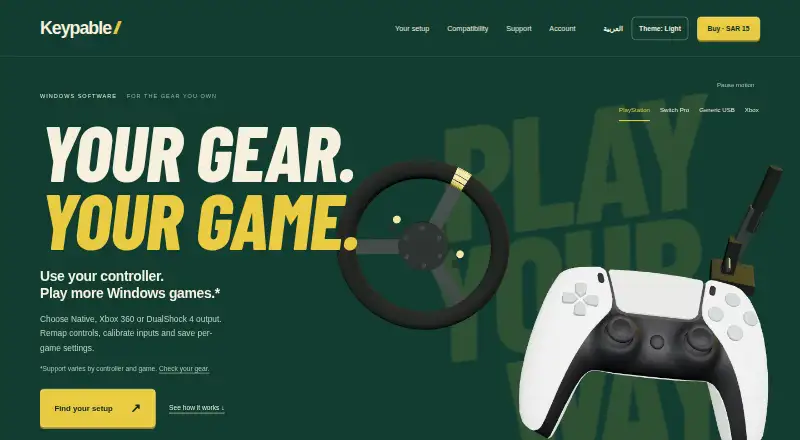
Keypable is a Windows desktop utility for remapping PlayStation controllers, supported Nintendo devices, and racing equipment for PC games. It is aimed at players who combine gamepads with wheels, pedals, handbrakes, button boxes, or accessibility controls. The software can present compatible devices as virtual Xbox 360 or native controllers, hide physical devices to prevent double input, and switch per-game profiles automatically when a game is foregrounded.
Pricing is straightforward: the Website edition costs $4 one-time. The plan includes updates, activates on up to two PCs, and provides a transferable license. Keypable is paid software with no free plan, so it suits buyers who want a focused utility at a low upfront cost rather than a free mapper. Its listed integrations include Steam and Logitech G HUB, supporting a Windows PC setup that already uses those tools.
Its main strength is the range of input and output controls in one utility. Keypable supports up to four game controllers simultaneously, plus sim gear, and offers guided calibration for sticks, triggers, wheels, pedals, and handbrakes. It also includes gyro aiming, DualSense touchpad mouse controls, adaptive-trigger effects, rumble, audio routing, lightbar customization, and accessibility mappings such as toggle actions and adjustable hold time. Nintendo Switch and sim-gear support are marked beta, and the software is limited to Windows. Choose Keypable for low-cost Windows setups with mixed controllers or racing hardware; choose an alternative if you need another operating system or prefer free software.
Your product? Our editors can test Keypable in depth and publish a review, labelled as paid · from $149/mo →
Keypable pricing
All 1 Keypable plans and prices →
Keypable fact sheet
| Free plan | No |
|---|---|
| Paid from | $4 one-time |
| Keyboard/mouse output | Yes |
| Virtual-controller output | Yes |
| Profile switching | Yes |
| Per-app profiles | Yes |
| Platform support | Windows |
| Maximum profiles | Not verified |
| Controller input types | DualSense, DualSense Edge, DualShock 4, Nintendo Switch Pro, Joy-Con, racing wheels, pedals, handbrakes, button boxes |
| Deployment | Desktop |
| Platforms | Windows |
| Support | Email, Docs |
| Built for | Solo, Small business (editorial estimate) |
| Integrations | 2 integrations: Steam, Logitech G HUB |
| Pricing | Paid (source) |
| Website | keypable.digi.sa |
| Facts checked | 20 Sep 2026 |
Keypable integrations
Keypable lists 2 integrations on its own site.
- Steam
- Logitech G HUB
Alternatives to Keypable
- Steam InputA free, mature mapper for per-game controller profiles across Windows, macOS, and Linux.8.6
- DS4WindowsA capable free mapper for PlayStation controllers, limited to Windows PCs.7.9
- JoyShockMapperA free, gyro-focused mapper for Windows and Linux with deep binding controls.7.8


See all Keypable alternatives →
Keypable vs the competition
- Keypable vs Steam Input
- Keypable vs DS4Windows
- Keypable vs JoyShockMapper
- Keypable vs GameFlow
- Keypable vs PadForge
- Keypable vs OmniControl


Compare Keypable with any tool side by side →
Used Keypable? Be the first to review it
The editor score above is our own research. What this page doesn't have yet is a reader's view — what you used Keypable for, what worked and what didn't. No stars are seeded and no review is paid for; an editor reads every one before it appears.
Write a reviewTwo minutes · verified accounts only · read by an editor before it appears
Featured on iTechGuides

Keypable is listed in our Game Controller Mapper Software directory. Add the badge to your site — it links back to this page.
<a href="https://www.itechguides.com/products/keypable/"><img src="https://www.itechguides.com/best/badge/keypable.svg" alt="Featured on iTechGuides" width="230" height="46"></a>
Reviewed by iTechGuides Editors · Editorial team · Updated Oct 2026
Advertiser disclosure: iTechGuides is reader-supported. Vendors can pay for top positions in our rankings and for a place on other products' pages, and we may earn a commission when you click some links. Bought places stand at the number bought; this page and our disclosure say so. Paying vendors may get a fuller, more detailed review from our editors, and that review can change their score. How we rank.
Last updated · How we research and update