
iFax
iFax: A flexible online fax service for teams that need OCR, workflows, and shared inboxes. Ranked #10 of 102 in Online Fax Services by our editors (8.1/10); pricing: 7-day trial; best for teams needing OCR and workflows.
At a glance
- Editor score8.1 / 10
- Pricing7-day trial
- Best forTeams needing OCR and workflows
- Free planNo
- Paid from$12.49/mo
- Monthly page allowance200 pages/mo
- Founded2008 · San Francisco, California, United States
- Facts checked23 Sep 2026
Where it wins
- OCR, data extraction, annotations, and eSignatures
- Shared and personal inboxes with audit trails
- Web, desktop, mobile, API, and business integrations
Where it doesn't
- No free plan is available
- Basic supports sending but not receiving faxes
- Enterprise pricing requires a volume-based sales discussion
Our verdict on iFax
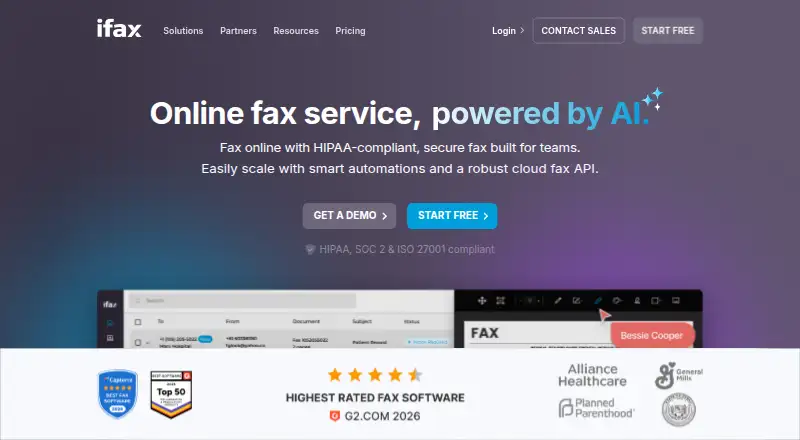
iFax is a cloud fax service for individuals, businesses, and healthcare teams that need to send, receive, and manage faxes online. It supports web, Windows, Mac, iOS, and Android applications, along with virtual fax numbers, number porting, shared team inboxes, personal inboxes, document scanning, and delivery notifications. Its API also gives developers a way to connect faxing with other systems.
Pricing is structured around monthly plans. Basic costs $12.49 per month and includes sending faxes and 200 pages per month. Plus costs $24.99 per month and adds sending and receiving, 500 pages per month, one fax number, HIPAA compliance, and apps for iOS, Android, Windows, and Mac. Enterprise offers volume pricing and commitment-based discounts. A 7-day free trial is available, while there is no free plan. The plan differences make Basic suitable for outbound faxing, while Plus is the clearer fit for teams that need inbound faxing and a dedicated number.
The product’s strongest focus is workflow-oriented fax management. OCR and data extraction can help turn faxed documents into usable information, while annotations, eSignatures, real-time delivery notifications, and audit trails support document-heavy processes. Integrations include Google Drive, Dropbox, iCloud, Box, Gmail, Google Workspace, Microsoft 365, OneDrive, Zapier, and EMR/EHR systems. Fax broadcast, high-volume faxing, international faxing to more than 200 countries, and a programmable API extend its scope beyond basic document transmission. Teams needing receiving, compliance support, mobile apps, or automation should consider iFax; users who only need occasional outbound faxing may find the Plus features unnecessary.
Your product? Our editors can test iFax in depth and publish a review, labelled as paid · from $149/mo →
iFax pricing
iFax fact sheet
| Free plan | No |
|---|---|
| Paid from | $12.49/mo |
| Monthly page allowance | 200 pages/mo |
| Virtual fax number | Yes |
| Inbound faxing | Yes |
| Mobile apps | Yes |
| International faxing | Yes |
| Compliance support | Hipaa and gdpr |
| Users included | Not verified |
| Free trial | 7 days |
| Deployment | Cloud, Desktop, Mobile |
| Platforms | Web, Windows, macOS, iOS, Android |
| Compliance & security | HIPAA, GDPR, 2FA |
| Support | Email, Live chat · 24/7 |
| Built for | Solo, Small business, Mid-market, Enterprise (editorial estimate) |
| Integrations | 5 integrations: Google Drive, Gmail, Google Docs, Google Sheets, Dropbox |
| Pricing | 7-day trial (source) |
| Website | ifaxapp.com |
| Facts checked | 23 Sep 2026 |
iFax integrations
iFax lists 5 integrations on its own site.
- Google Drive
- Gmail
- Google Docs
- Google Sheets
- Dropbox
Alternatives to iFax
- Dropbox Fax (formerly HelloFax)A practical choice for occasional faxing from Dropbox and other cloud-storage services.9.2
- OVHcloud FaxA low-cost European fax service with desktop tools, API sending, and number porting.9.1
- TELUS Cloud FaxA practical email-based fax service with API access, number retention, and audit trails.9.0


Also Ranked In
iFax is ranked in 2 of our directories.
Used iFax? Be the first to review it
The editor score above is our own research. What this page doesn't have yet is a reader's view — what you used iFax for, what worked and what didn't. No stars are seeded and no review is paid for; an editor reads every one before it appears.
Write a reviewTwo minutes · verified accounts only · read by an editor before it appears
Featured on iTechGuides

iFax is listed in our Online Fax Services directory. Add the badge to your site — it links back to this page.
<a href="https://www.itechguides.com/products/ifax/"><img src="https://www.itechguides.com/best/badge/ifax.svg" alt="Featured on iTechGuides" width="230" height="46"></a>
Reviewed by iTechGuides Editors · Editorial team · Updated Oct 2026
Advertiser disclosure: iTechGuides is reader-supported. Vendors can pay for top positions in our rankings and for a place on other products' pages, and we may earn a commission when you click some links. Bought places stand at the number bought; this page and our disclosure say so. Paying vendors may get a fuller, more detailed review from our editors, and that review can change their score. How we rank.
Last updated · How we research and update