
Homebrew
Homebrew: A free, open-source package manager with broad developer ecosystem support. Ranked #32 of 92 in Package Managers by our editors (6.1/10); pricing: Open source; best for macOS command-line tools and apps.
At a glance
- Editor score6.1 / 10
- PricingOpen source
- Best formacOS command-line tools and apps
- Paid fromFree
- Lockfile supportNo
- Facts checked21 Sep 2026
Where it wins
- Installs tools, libraries, services, and apps through formulae and casks
- Supports dependencies, third-party taps, Brewfiles, bottles, and source builds
- Connects with ecosystems including npm, Cargo, Go, Flatpak, and GitHub Actions
Where it doesn't
- Windows support runs through Windows Subsystem for Linux rather than natively
- Does not provide lockfile support
- Its primary coverage is macOS and Linux/WSL, not uniform multi-platform use
Our verdict on Homebrew
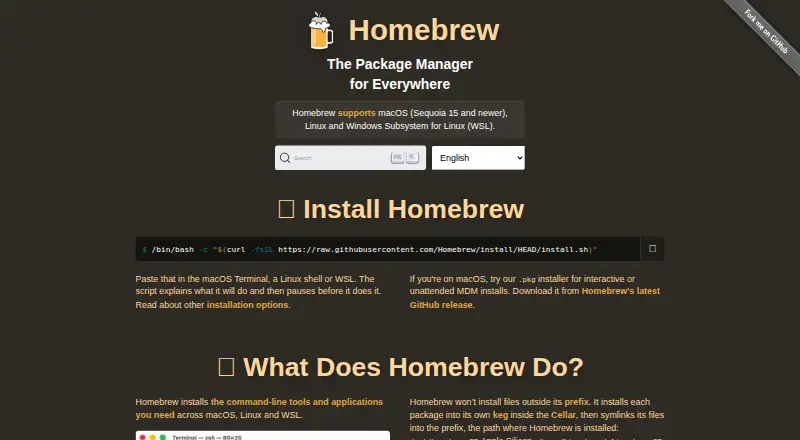
Homebrew is an open-source package manager for macOS, Linux, and Windows Subsystem for Linux. It is aimed at developers and technical users who need to install command-line tools, libraries, services, and applications from formulae and casks. Homebrew resolves declared dependencies and supports both official repositories and third-party taps, including custom Git repositories. It also covers applications as well as command-line software, making it a practical fit for macOS development environments and Linux-based workflows.
Its strongest distinction is ecosystem breadth. Homebrew can work with Mac App Store apps, WinGet packages on WSL, Visual Studio Code extensions, Go packages, Cargo packages, npm packages, uv tools, Flatpak packages, krew kubectl plugins, and GitHub Actions. Homebrew Bundle adds declarative Brewfiles for defining an environment, checking dependencies, and dumping, restoring, or cleaning up package declarations. This makes Homebrew suitable for repeatable developer setup across supported environments, while its support for bottles and source builds gives users different installation paths.
The main trade-off is platform scope. Windows support is provided through Windows Subsystem for Linux rather than a native Windows package-manager installation, so teams seeking one uniform experience across macOS, Linux, and Windows should account for that difference. Homebrew also does not provide lockfile support, which may matter for workflows that require lockfile-based dependency reproducibility. Choose Homebrew for macOS-centric development, Linux environments, and projects that benefit from broad package integrations and Brewfiles. Consider an alternative when native Windows coverage or lockfile support is a primary requirement.
Your product? Our editors can test Homebrew in depth and publish a review, labelled as paid · from $149/mo →
Homebrew pricing
Homebrew fact sheet
| Free plan | Not verified |
|---|---|
| Paid from | Free |
| Package formats | formulae, casks |
| Supported platforms | macOS, Linux, Windows Subsystem for Linux (WSL) |
| Dependency resolution | Yes |
| Lockfile support | No |
| Workspace support | Not verified |
| Private registry auth | Not verified |
| Offline installation | Yes |
| Deployment | Self-hosted |
| Platforms | macOS, Linux, Windows |
| Support | Community, Docs |
| Built for | Solo, Small business, Mid-market, Enterprise (editorial estimate) |
| Pricing | Open source |
| Website | brew.sh |
| Facts checked | 21 Sep 2026 |
Alternatives to Homebrew
- npmA complete JavaScript package workflow with public access free and private packages at $7/month.9.4
- uvA broad, open-source toolkit for managing modern Python projects across three platforms.9.2
- YarnA capable JavaScript package manager for consistent installs and monorepositories.9.0


See all Homebrew alternatives →
Also Ranked In
Homebrew is ranked in 4 of our directories.
Used Homebrew? Be the first to review it
The editor score above is our own research. What this page doesn't have yet is a reader's view — what you used Homebrew for, what worked and what didn't. No stars are seeded and no review is paid for; an editor reads every one before it appears.
Write a reviewTwo minutes · verified accounts only · read by an editor before it appears
Featured on iTechGuides

Homebrew is listed in our Package Managers directory. Add the badge to your site — it links back to this page.
<a href="https://www.itechguides.com/products/homebrew/"><img src="https://www.itechguides.com/best/badge/homebrew.svg" alt="Featured on iTechGuides" width="230" height="46"></a>
Reviewed by iTechGuides Editors · Editorial team · Updated Oct 2026
Advertiser disclosure: iTechGuides is reader-supported. Vendors can pay for top positions in our rankings and for a place on other products' pages, and we may earn a commission when you click some links. Bought places stand at the number bought; this page and our disclosure say so. Paying vendors may get a fuller, more detailed review from our editors, and that review can change their score. How we rank.
Last updated · How we research and update