
GNOME Secrets
GNOME Secrets: A focused, free Linux password manager for KeePass v4 users. Ranked #82 of 90 in Password Managers by our editors (6.0/10); pricing: Free plan; best for linux users wanting a simple KeePass interface.
At a glance
- Editor score6.0 / 10
- PricingFree plan
- Best forLinux users wanting a simple KeePass interface
- Free planYes
- Paid fromFree
- Facts checked16 Sep 2026
Where it wins
- Free and open-source distribution through Flathub
- Manages KeePass v4 databases and password safes
- Supports attachments, mobile mode, and GNOME desktop integration
Where it doesn't
- Available for Linux-based desktop and mobile environments only
- Focused on KeePass database management rather than a broad suite
- No documented business administration or family plans
Our verdict on GNOME Secrets
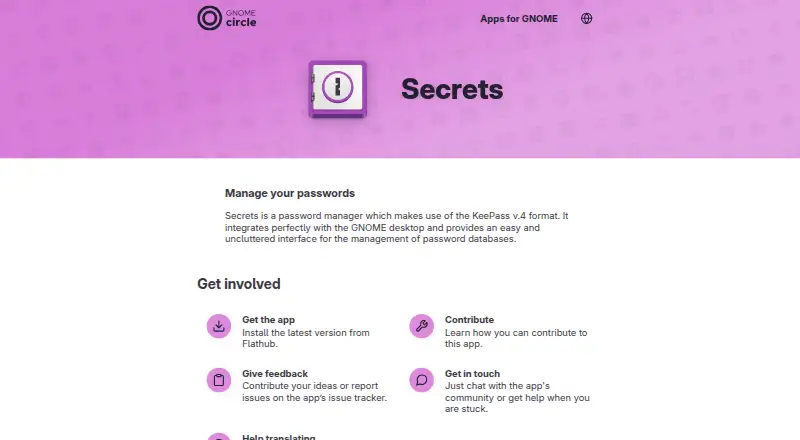
GNOME Secrets is a free, open-source password manager for Linux-based desktop and mobile environments. It manages KeePass version 4 password databases through a GNOME-integrated interface for creating, unlocking, and managing password safes. That makes it a natural fit for Linux users who already organize credentials in KeePass-compatible files and want a straightforward GNOME experience rather than a broader account-based password service.
The pricing structure is simple: the published plan is Free, with distribution through Flathub. Its ecosystem fit is equally focused. KeePass v4 format support provides the central compatibility point, while GNOME desktop integration connects the application to its intended Linux environment. The product also supports mobile mode, so its documented scope extends beyond a desktop-only workflow, although the overall platform focus remains Linux.
Its practical feature set covers the core safe-management workflow: creating and unlocking password safes, managing password entries, and handling attachments associated with those entries. Release notes also describe mobile-mode entry reopening and handling for fingerprint-reader disconnection. These details make GNOME Secrets appealing for users who value a local, uncluttered KeePass interface and open-source distribution. Users seeking a wider password-management suite should choose an alternative if they need documented secure sharing, business administration, family plans, passkeys, or passwordless account login. GNOME Secrets is the clearer choice for a focused KeePass v4 workflow on Linux.
Questions about GNOME Secrets
Does GNOME Secrets have a free plan? Yes, there is a free plan.
What does GNOME Secrets run on? Linux. It runs as a desktop app.
What does GNOME Secrets integrate with? 3 integrations: KeePass v4 format, GNOME desktop and Flathub.
Your product? Our editors can test GNOME Secrets in depth and publish a review, labelled as paid · from $149/mo →
GNOME Secrets pricing
All 1 GNOME Secrets plans and prices →
GNOME Secrets fact sheet
| Free plan | Yes |
|---|---|
| Paid from | Free |
| Passkey support | Not verified |
| Secure sharing | Not verified |
| Business admin controls | Not verified |
| Supported platforms | linux |
| Family plan | Not verified |
| Passwordless account login | Not verified |
| Deployment | Desktop |
| Platforms | Linux |
| Integrations | 3 integrations: KeePass v4 format, GNOME desktop, Flathub |
| Pricing | Free plan (source) |
| Website | apps.gnome.org |
| Facts checked | 16 Sep 2026 |
GNOME Secrets integrations
GNOME Secrets lists 3 integrations on its own site.
- KeePass v4 format
- GNOME desktop
- Flathub
Alternatives to GNOME Secrets
- Proton PassA broad free password manager with passkeys, sharing, and apps across major platforms.9.4
- 1PasswordBroad vault, passkey, sharing, and administration features, with no free plan.9.2
- NordPassA broad password manager with a capable free plan and clear business tiers.9.0


See all GNOME Secrets alternatives →
Used GNOME Secrets? Be the first to review it
The editor score above is our own research. What this page doesn't have yet is a reader's view — what you used GNOME Secrets for, what worked and what didn't. No stars are seeded and no review is paid for; an editor reads every one before it appears.
Write a reviewTwo minutes · verified accounts only · read by an editor before it appears
Featured on iTechGuides

GNOME Secrets is listed in our Password Managers directory. Add the badge to your site — it links back to this page.
<a href="https://www.itechguides.com/products/gnome-secrets/"><img src="https://www.itechguides.com/best/badge/gnome-secrets.svg" alt="Featured on iTechGuides" width="230" height="46"></a>
Reviewed by iTechGuides Editors · Editorial team · Updated Nov 2026
Advertiser disclosure: iTechGuides is reader-supported. Vendors can pay for top positions in our rankings and for a place on other products' pages, and we may earn a commission when you click some links. Bought places stand at the number bought; this page and our disclosure say so. Paying vendors may get a fuller, more detailed review from our editors, and that review can change their score. How we rank.
Last updated · How we research and update