
Git
Git: A broad, free distributed workflow for developers who need precise history control. Ranked #1 of 61 in Version Control Software by our editors (9.4/10); pricing: Free plan; best for general-purpose distributed version control.
At a glance
- Editor score9.4 / 10
- PricingFree plan
- Best forGeneral-purpose distributed version control
- Free planYes
- Paid fromFree
- Versioning modelDistributed
- Founded2005
- Facts checked22 Sep 2026
Where it wins
- Branching, merging, rebasing, cherry-picking, and selective staging
- Distributed repositories with local history and remote synchronization
- Runs on Windows, macOS, and Linux with sparse checkout and submodules
Where it doesn't
- Primarily a command-line tool rather than a single visual application
- File locking is not part of core Git
- Large-file handling requires the separate Git LFS extension
Our verdict on Git
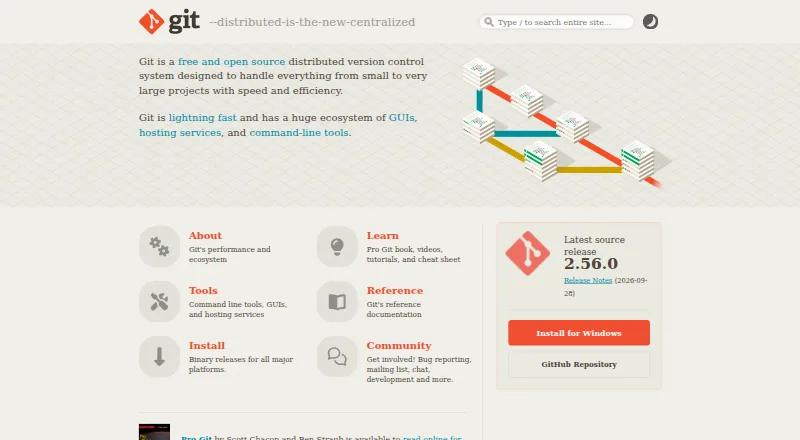
Git is a free, open-source distributed version control system for developers and teams managing projects from small codebases to very large repositories. It records file changes in local repositories, preserves project history, and supports sharing changes with remote repositories. The workflow covers repository initialization and cloning, commits, comparisons, branching, merging, tags, and remote fetch, pull, and push operations. With support for Windows, macOS, and Linux, Git fits teams working across the three major desktop platforms and projects that need local control over their history.
Its strongest advantage is the depth of its core workflow. Developers can rebase, cherry-pick, revert, and reset changes, while the staging area supports selective file updates before a commit. Sparse checkout limits the working copy to selected paths, and submodules support nested repositories. These capabilities make Git suitable for general-purpose development workflows that need fine-grained control over changes and repository structure. Git is also self-hosted and open source, with graphical interfaces, editor integrations, hosting services, and extensions available across its broader ecosystem.
Git's main trade-off is that it is primarily a command-line tool, so teams seeking one integrated visual experience may prefer a graphical interface or a platform built around one. Core Git does not provide file locking, and large-file versioning and file-locking capabilities come through Git LFS as a separate extension. Git is a strong choice for developers and teams that want free, distributed version control with a wide command set. It is less suited to projects that require built-in file locking or large-file workflows without adding an extension.
Your product? Our editors can test Git in depth and publish a review, labelled as paid · from $149/mo →
Git pricing
Git fact sheet
| Free plan | Yes |
|---|---|
| Paid from | Free |
| Versioning model | Distributed |
| Self-hosted deployment | Yes |
| Desktop platforms | Windows, macOS, Linux |
| Large-file handling | Extension |
| File locking | Not verified |
| Sparse checkout | Yes |
| Nested repositories | Yes |
| Deployment | Desktop, Self-hosted |
| Platforms | Windows, macOS, Linux |
| Support | Community, Docs |
| Built for | Solo, Small business, Mid-market, Enterprise (editorial estimate) |
| Pricing | Free plan |
| Website | git-scm.com |
| Facts checked | 22 Sep 2026 |
Alternatives to Git
- Perforce P4 (Helix Core)A strong choice for teams managing locked files, binaries, and large repositories.9.2
- UnityA broad game and application engine, but not a dedicated version-control system.9.0
- Apache SubversionA free, open-source choice for teams that prefer centralized repositories.8.8



Git vs the competition
- Git vs Perforce P4 (Helix Core)
- Git vs Unity
- Git vs Apache Subversion
- Git vs BitKeeper
- Git vs OpenText Dimensions CM
- Git vs IBM DevOps Code ClearCase

Compare Git with any tool side by side →
Also Ranked In
Git is ranked in 8 of our directories; the 6 strongest besides Version Control Software.
Used Git? Be the first to review it
The editor score above is our own research. What this page doesn't have yet is a reader's view — what you used Git for, what worked and what didn't. No stars are seeded and no review is paid for; an editor reads every one before it appears.
Write a reviewTwo minutes · verified accounts only · read by an editor before it appears
Featured on iTechGuides

Git is listed in our Version Control Software directory. Add the badge to your site — it links back to this page.
<a href="https://www.itechguides.com/products/git/"><img src="https://www.itechguides.com/best/badge/git.svg" alt="Featured on iTechGuides" width="230" height="46"></a>
Reviewed by iTechGuides Editors · Editorial team · Updated Oct 2026
Advertiser disclosure: iTechGuides is reader-supported. Vendors can pay for top positions in our rankings and for a place on other products' pages, and we may earn a commission when you click some links. Bought places stand at the number bought; this page and our disclosure say so. Paying vendors may get a fuller, more detailed review from our editors, and that review can change their score. How we rank.
Last updated · How we research and update