
Batch It
Batch It: An inexpensive Windows batch processor with resizing, effects, profiles, and format controls. Ranked #10 of 28 in Photo Resizing Software by our editors (6.7/10); pricing: From $16.95 · 14-day trial; best for windows users wanting inexpensive batch effects.
At a glance
- Editor score6.7 / 10
- PricingFrom $16.95 · 14-day trial
- Best forWindows users wanting inexpensive batch effects
- Free planNo
- Batch resizingYes
- Founded1998
- Facts checked20 Sep 2026
Where it wins
- One-time $16.95 price with a 14-day trial
- Batch resizing, effects, captions, watermarks, and renaming
- Reusable profiles and multiple output quality controls
Where it doesn't
- Windows-only desktop application
- License is for a single user
- No free plan after the trial
Our verdict on Batch It
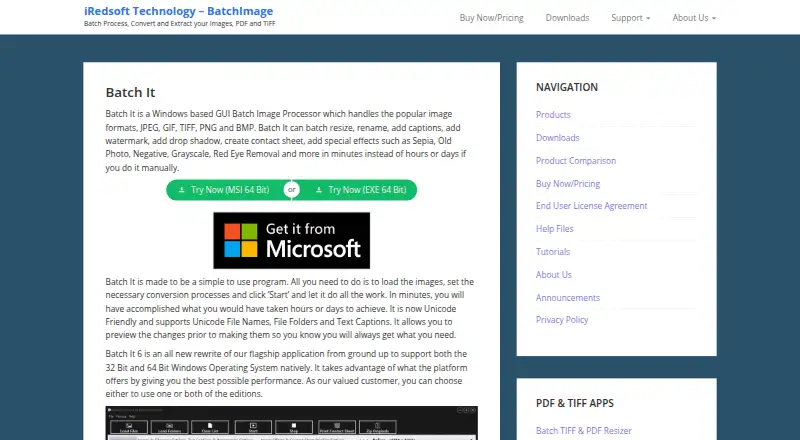
Batch It is a Windows desktop application for photographers, hobbyists, organizations, and businesses that process multiple images in repeatable workflows. It combines batch resizing with format conversion, quality controls, captions, watermarks, effects, renaming, contact-sheet creation, and printing. Resizing can use pixels, percentages, or preset frames, with options to preserve or change aspect ratio. The standalone format suits users who want a focused desktop utility rather than a browser-based image service.
Pricing is straightforward: the Batch It plan costs $16.95 USD as a one-time purchase and includes a single-user standalone license. A 14-day trial is available, while there is no free plan. The paid application includes the Windows GUI and the full set of listed processing capabilities, including reusable processing profiles for recurring jobs. This structure is a good fit for occasional or regular image processing when a subscription is not preferred, but it is less suitable for teams that need shared licensing or multiple users under one purchase.
Its main strength is breadth within a batch-processing workflow. Users can create JPEG, JPEG 2000, BMP, PNG, and TIFF output, apply JPEG, JPEG 2000, and PNG quality controls, add transparent captions or copyright tags, position watermarks, and apply grayscale, negative, sepia, or red-eye removal effects. Drag-and-drop input and batch renaming add practical workflow support, while contact sheets extend the tool beyond resizing. Choose Batch It for Windows-based batch effects and repeatable image preparation at a one-time price. Choose an alternative if cross-platform access, collaborative licensing, or a free plan is important.
Batch It pricing
All 1 Batch It plans and prices →
Batch It fact sheet
| Free plan | No |
|---|---|
| Paid from | Not verified |
| Batch resizing | Yes |
| Output formats | JPEG, JPEG 2000, BMP, PNG, TIFF |
| Resize methods | Not verified |
| Quality controls | Yes |
| Maximum batch size | Not verified |
| Supported platforms | Desktop |
| Free trial | 14 days |
| Money-back guarantee | 14 days |
| Deployment | Desktop |
| Platforms | Windows |
| Support | Email, Docs |
| Built for | Solo, Small business, Enterprise (editorial estimate) |
| Pricing | From $16.95 · 14-day trial (source) |
| Website | batchimage.com |
| Facts checked | 20 Sep 2026 |
Alternatives to Batch It
- XnResizeA capable offline batch resizer with broad format support and detailed quality controls.9.0
- PhotoResize ProA capable desktop batch processor for creative teams handling large image collections.8.3
- ConverseenA capable free desktop tool for batch resizing, conversion, compression, and renaming.8.2


See all Batch It alternatives →
Used Batch It? Be the first to review it
The editor score above is our own research. What this page doesn't have yet is a reader's view — what you used Batch It for, what worked and what didn't. No stars are seeded and no review is paid for; an editor reads every one before it appears.
Write a reviewTwo minutes · verified accounts only · read by an editor before it appears
Featured on iTechGuides

Batch It is listed in our Photo Resizing Software directory. Add the badge to your site — it links back to this page.
<a href="https://www.itechguides.com/products/batch-it/"><img src="https://www.itechguides.com/best/badge/batch-it.svg" alt="Featured on iTechGuides" width="230" height="46"></a>
Reviewed by iTechGuides Editors · Editorial team · Updated Sep 2026
Advertiser disclosure: iTechGuides is reader-supported. We may earn a commission when you click some links. How we rank.
Last updated · How we research and update