
XnResize
XnResize: A capable offline batch resizer with broad format support and detailed quality controls. Ranked #1 of 28 in Photo Resizing Software by our editors (9.4/10); pricing: Free plan; best for offline batch resizing across major desktop platforms.
At a glance
- Editor score9.4 / 10
- PricingFree plan
- Best forOffline batch resizing across major desktop platforms
- Free planYes
- Batch resizingYes
- Facts checked20 Sep 2026
Where it wins
- Processes files or entire folders locally without uploading images
- Offers dimensions, percentages, longest-side and bounding-box resizing
- Preserves metadata and supports extensive output format conversion
Where it doesn't
- Commercial company use requires a paid license
- Desktop application rather than a web-based workflow
- No AI-powered image features
Our verdict on XnResize
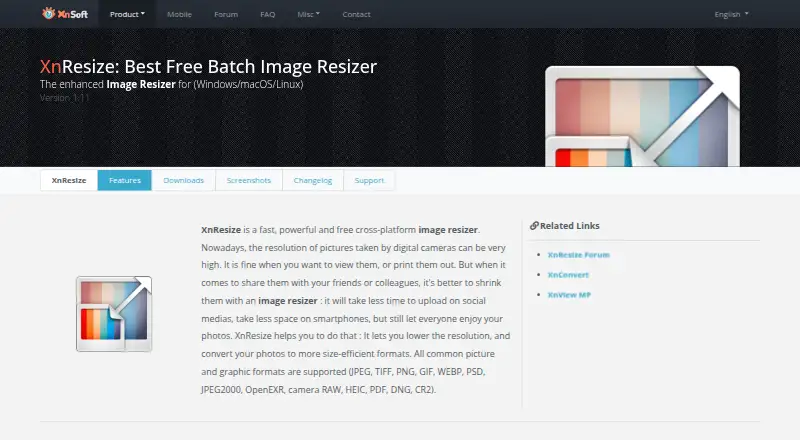
XnResize is a desktop utility for resizing multiple photographs at once on Windows, macOS and Linux. It suits users who need to process individual files or entire folders locally, including photographers, educators, nonprofit teams and public-service users. The workflow covers image dimensions, predefined sizes, output filenames, orientation correction and format conversion. Because processing happens on the local computer, it is designed for offline work rather than browser-based uploading.
Its main strength is control over batch resizing. Users can set image height and width, resize by percentage, use the longest side or define a bounding box, and select resampling filters such as Lanczos and bicubic. Quality controls are paired with support for output formats including JPEG, TIFF, PNG, GIF, WebP, PSD, JPEG 2000, OpenEXR, camera RAW, HEIC, PDF and DNG. XnResize can also preserve EXIF, IPTC and XMP metadata while resizing, which makes it a practical fit for workflows where image information must remain attached to the files.
The licensing model is important when choosing XnResize. It is free for private, educational, public-service and nonprofit use, while commercial company use requires a paid license. That makes it a strong choice for personal and organizational offline batch work when broad platform coverage and format flexibility matter. It is less suitable for teams seeking a browser-first service, AI-assisted resizing or a workflow centered on online collaboration. Users who need local processing, multiple resize methods and metadata preservation should find its feature set well matched to those priorities.
Your product? Our editors can test XnResize in depth and publish a review, labelled as paid · from $149/mo →
XnResize pricing
XnResize fact sheet
| Free plan | Yes |
|---|---|
| Paid from | Not verified |
| Batch resizing | Yes |
| Output formats | JPEG, TIFF, PNG, GIF, WebP, PSD, JPEG 2000, OpenEXR, camera RAW, HEIC, PDF, DNG, CR2 |
| Resize methods | Dimensions |
| Quality controls | Yes |
| Maximum batch size | Not verified |
| Supported platforms | Web_desktop |
| Deployment | Desktop |
| Platforms | Windows, macOS, Linux |
| Support | Community |
| Built for | Solo, Small business (editorial estimate) |
| Pricing | Free plan |
| Website | xnview.com |
| Facts checked | 20 Sep 2026 |
Alternatives to XnResize
- ConverseenA capable free desktop tool for batch resizing, conversion, compression, and renaming.9.2
- PhotoResize ProA capable desktop batch processor for creative teams handling large image collections.9.1
- PixelModA flexible batch resizer with local desktop processing and a useful free tier.9.0


See all XnResize alternatives →
XnResize vs the competition
- XnResize vs Converseen
- XnResize vs PhotoResize Pro
- XnResize vs PixelMod
- XnResize vs BulkPic
- XnResize vs BatchPhoto
- XnResize vs FastStone Photo Resizer



Compare XnResize with any tool side by side →
Used XnResize? Be the first to review it
The editor score above is our own research. What this page doesn't have yet is a reader's view — what you used XnResize for, what worked and what didn't. No stars are seeded and no review is paid for; an editor reads every one before it appears.
Write a reviewTwo minutes · verified accounts only · read by an editor before it appears
Featured on iTechGuides

XnResize is listed in our Photo Resizing Software directory. Add the badge to your site — it links back to this page.
<a href="https://www.itechguides.com/products/xnresize/"><img src="https://www.itechguides.com/best/badge/xnresize.svg" alt="Featured on iTechGuides" width="230" height="46"></a>
Reviewed by iTechGuides Editors · Editorial team · Updated Oct 2026
Advertiser disclosure: iTechGuides is reader-supported. Vendors can pay for top positions in our rankings and for a place on other products' pages, and we may earn a commission when you click some links. Bought places stand at the number bought; this page and our disclosure say so. Paying vendors may get a fuller, more detailed review from our editors, and that review can change their score. How we rank.
Last updated · How we research and update