
iTechGuides is reader-supported. When you buy through links on our site, we may earn an affiliate commission. As an Amazon Associate I earn from qualifying purchases. Learn more
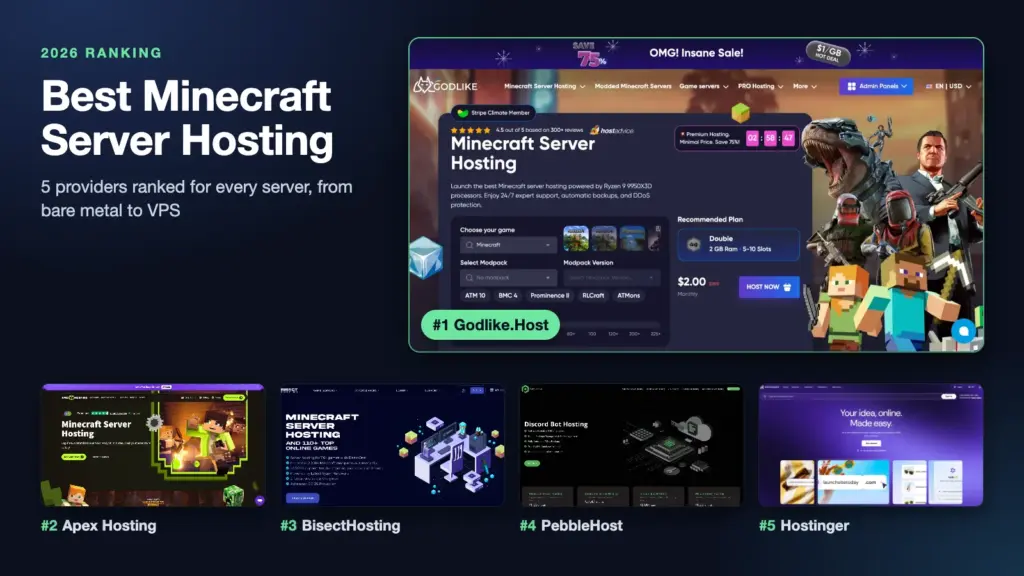
A vanilla world for a weekend and a modded server for fifty players run into different bottlenecks, even though they start the same way — by choosing a host. We broke down the best Minecraft server hosting into rankings: from the bare-metal leader to a VPS for those who like to stay in the driver’s seat.
#1. Godlike.Host — Best Overall / Best Value
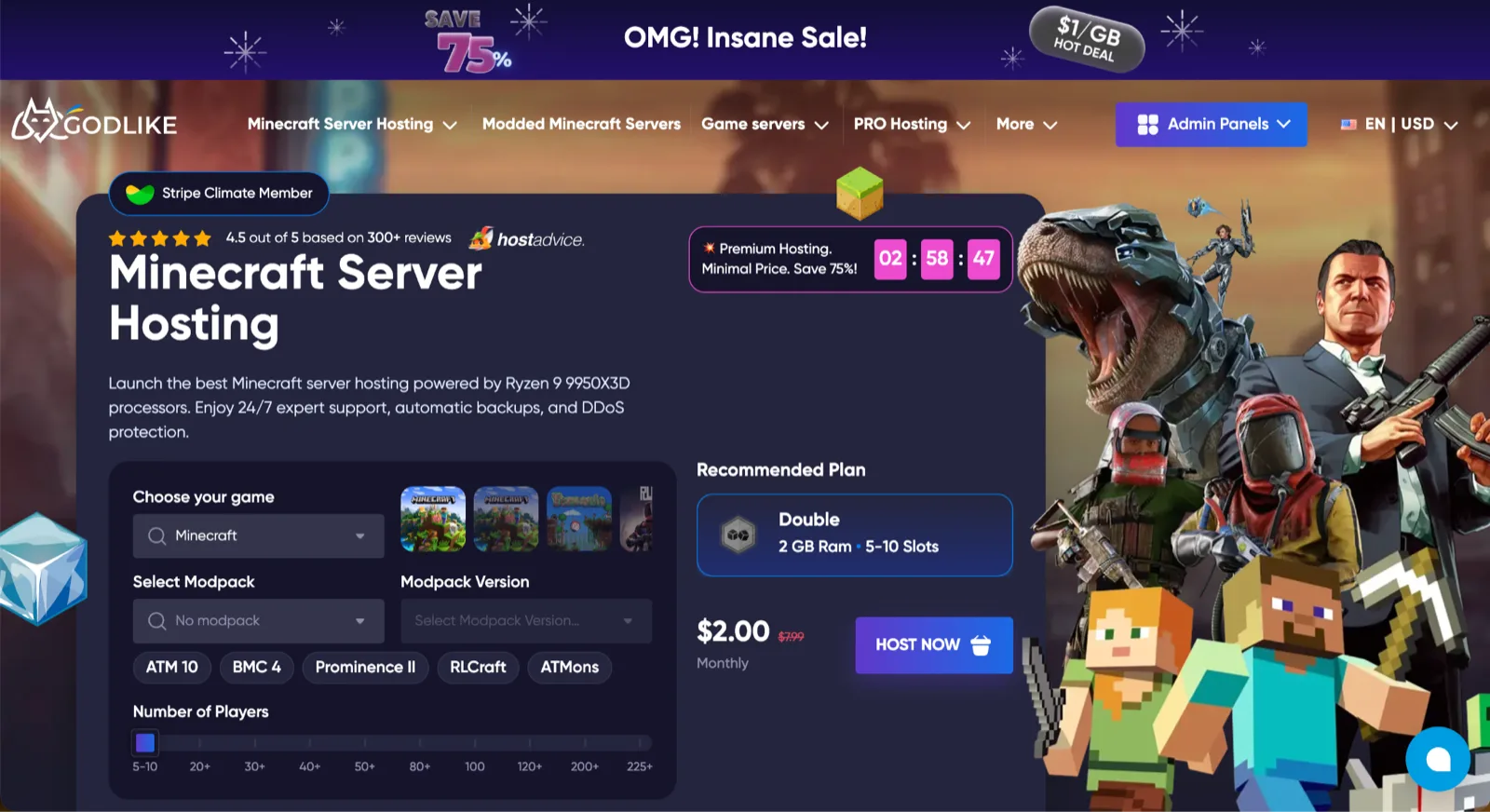
Godlike avoids reselling third-party infrastructure and deploys its own bare-metal hardware: Ryzen 9 9950X3D, DDR5-4800, and NVMe Samsung 990 PRO on PCIe 4.0. Pricing starts at $2/mo, paired with a functional free tier, while user ratings hold steady around 4.9 out of 5.
| # | Preview | Product | Price | |
|---|---|---|---|---|
| 1 |

|
Minecraft | Java & Bedrock Deluxe Collection | Windows Digital Code | $39.99 | Buy on Amazon |
| 2 |

|
Minecraft | Java & Bedrock Ultimate Collection | Windows Digital Code | $49.99 | Buy on Amazon |
| 3 |

|
Minecraft | Standard Edition | XBOX Digital Code | $19.99 | Buy on Amazon |
| 4 |

|
Minecraft | $6.99 | Buy on Amazon |
| 5 |

|
Minecraft - Bedrock Edition PS4 | $49.90 | Buy on Amazon |
Pros:
- Forge, Fabric, Spigot, Paper, Bukkit, RLCraft and ATM10 presets;
- Deployment in a couple of minutes;
- Automated backups up to three times a day;
- Server management via Discord;
- Live 24/7/365 support and migration assistance.
Cons:
- The free plan is time-limited;
- Premium plans cost more than budget alternatives;
- No hourly billing available.
Best for: Beginners, modders, and growing communities.
#2. Apex Hosting — Best for Beginners & Managed Setup
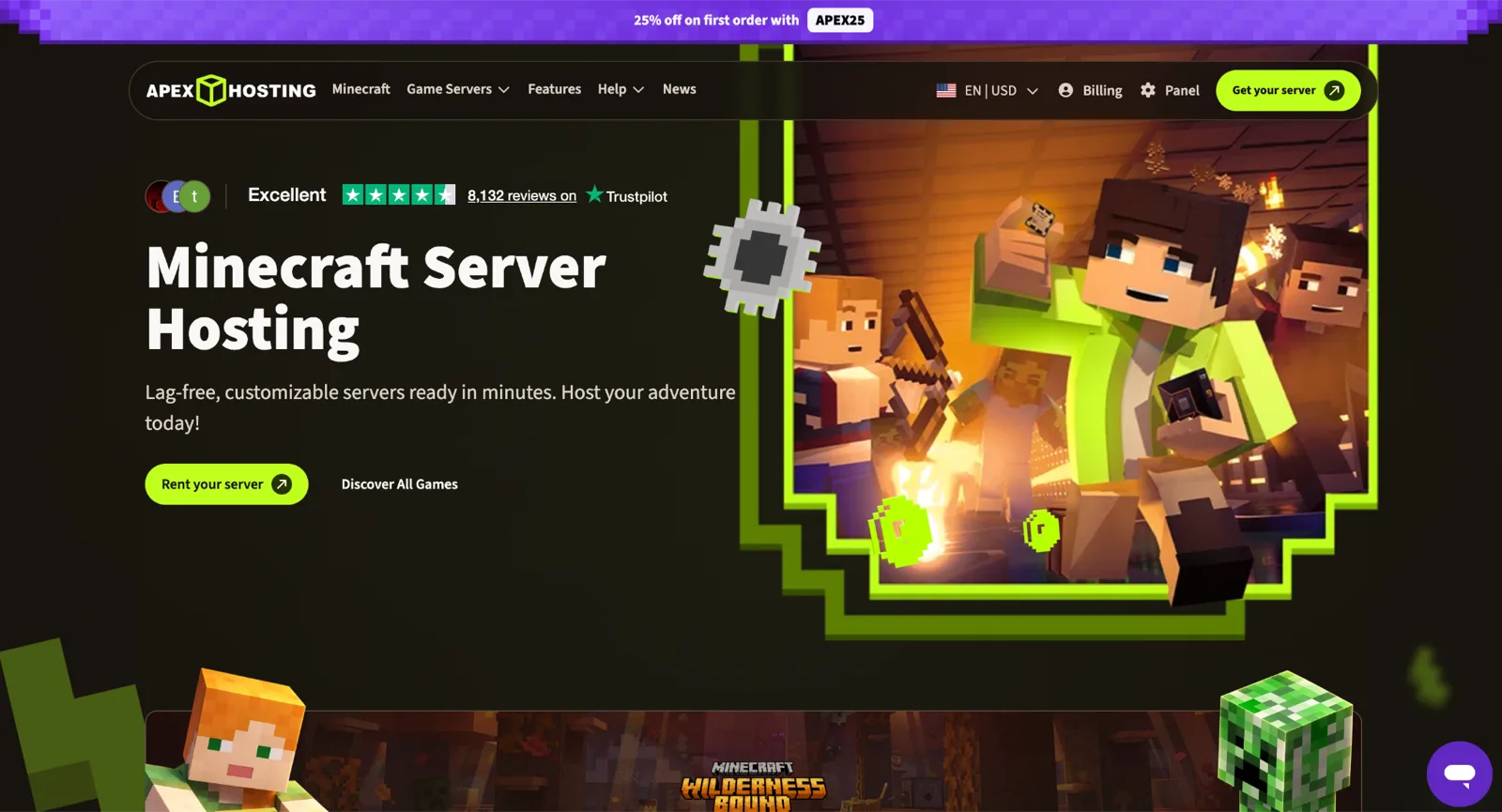
Apex guides newcomers step by step: modpacks install in a couple of clicks, while detailed guides answer most questions before you even open a ticket. The 2 GB plan costs $7.99 per month, with a 25% discount applied to the first billing cycle.
Popular on Amazon
- DELUXE COLLECTION — Includes Minecraft: Java & Bedrock Edition, three Bedrock add-ons, three exclusive Character Creator items, and 700 Minecoins.
- CREATE YOUR WORLD — Build whatever you imagine in an infinite world that’s unique in every playthrough.
- EXPLORE AND CRAFT — Discover biomes, resources, and mobs, then craft your way through a sandbox world filled with surprises.
- SURVIVE THE ADVENTURE — Face mysterious foes, travel across exciting landscapes, and venture into perilous dimensions.
- PLAY TOGETHER — Play cross-platform with friends in Bedrock Edition on console, mobile, and PC, or join community servers in Java Edition on PC, Mac, and Linux. Online console multiplayer requires a platform-specific subscription (sold separately).
Pros:
- Modpacks installed in a few clicks;
- Vast library of educational tutorials;
- Automated backups;
- Free server migration assistance.
Cons:
- Renewal pricing is higher than initial promotional rates;
- Select add-ons carry additional fees;
- Refunds are restricted to a 7-day window.
Best for: Beginners prioritizing simple deployment.
#3. BisectHosting — Best for Modpacks & Location Choice
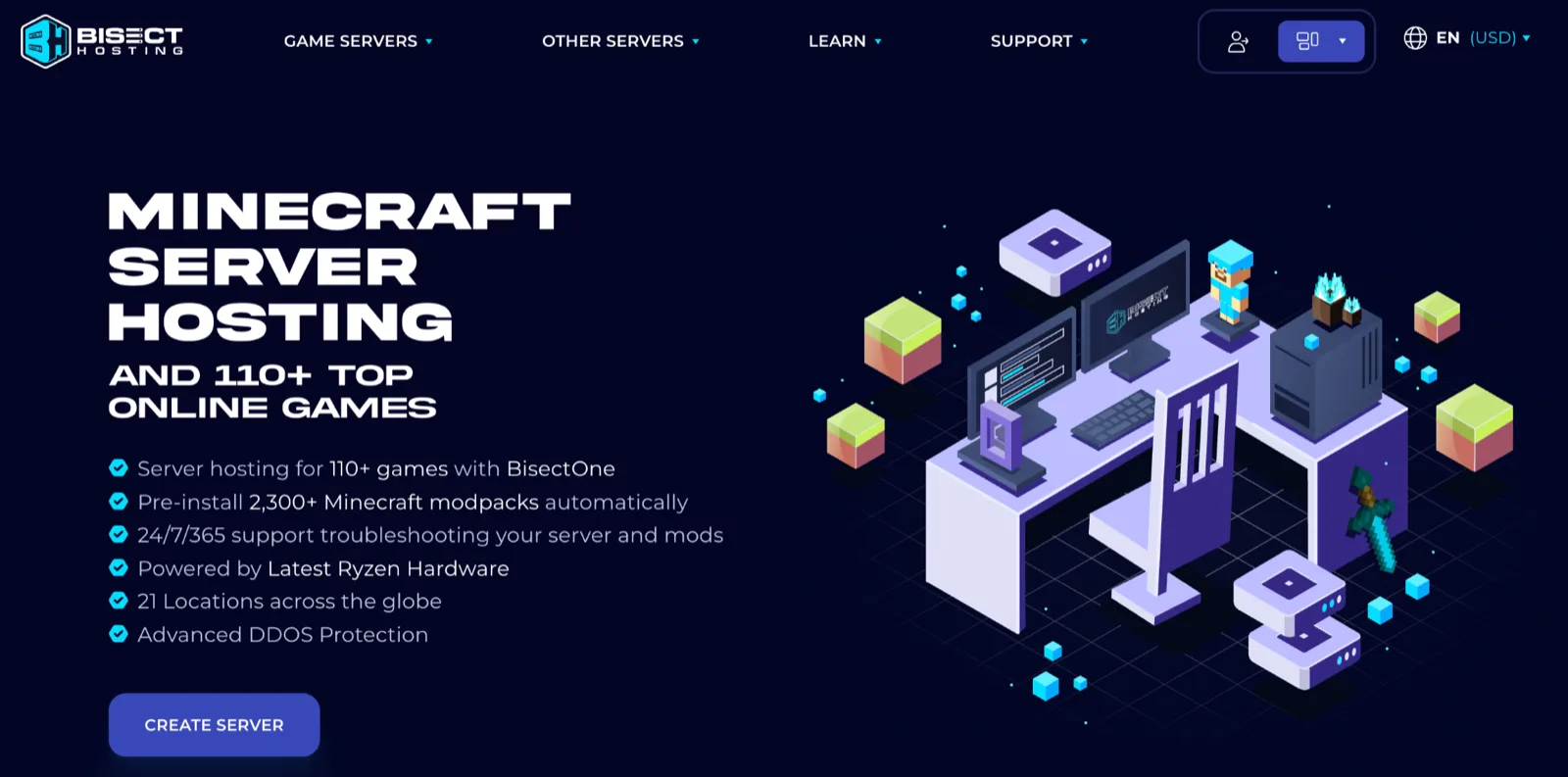
Bisect relies on its massive library: 2300+ modpacks install in a single click, and support will help set up your build if something fails to load. Plans start at $2.99 per month with unlimited slots and a choice across 21 locations.
Also popular on Amazon
- ULTIMATE COLLECTION — Includes Minecraft: Java & Bedrock Edition, five Bedrock add-ons, five exclusive Character Creator items, and 1000 Minecoins.
- CREATE YOUR WORLD — Build whatever you imagine in an infinite world that’s unique in every playthrough.
- EXPLORE AND CRAFT — Discover biomes, resources, and mobs, then craft your way through a sandbox world filled with surprises.
- SURVIVE THE ADVENTURE — Face mysterious foes, travel across exciting landscapes, and venture into perilous dimensions.
- PLAY TOGETHER — Play cross-platform with friends in Bedrock Edition on console, mobile, and PC, or join community servers in Java Edition on PC, Mac, and Linux. Online console multiplayer requires a platform-specific subscription (sold separately).
Pros:
- Vast selection of modpacks;
- Extensive geographic server coverage;
- NVMe storage;
- Assistance with modpack installation.
Cons:
- Storage and backup limits depend on the plan;
- Automatic backups on the Budget tier require an extra fee;
- Certain individual mods must be installed manually.
Best for: Modded servers and groups spread across different regions.
Quick wins for a faster PC:
Repair Windows errors before they cause bigger problemsFix Now →Scan for outdated or missing drivers - takes under a minuteDriver Scan →Clear out junk files and repair common Windows errorsFree Scan →#4. PebbleHost — Best for Budget Flexibility
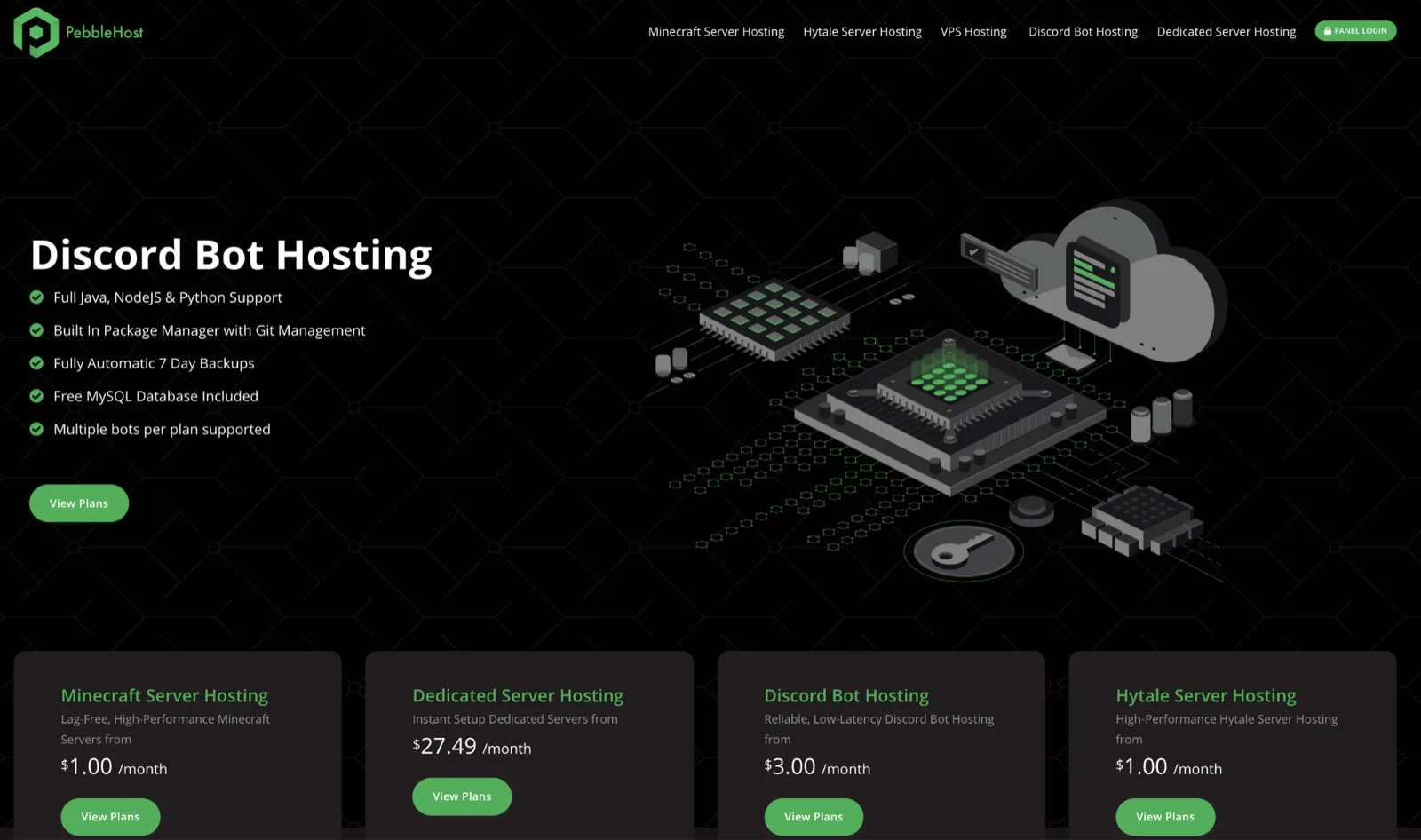
Pebble splits its lineup into two: Budget starts at $1 per gigabyte running on Ryzen 5700X and i9-9900K, while Premium costs around two dollars on Ryzen 9 9900X with DDR5. Furthermore, Premium includes daily backups and an installer with over 12,000 modpacks.
Also popular on Amazon
- CREATE YOUR WORLD — Build whatever you imagine in an infinite world that is unique in every playthrough.
- EXPLORE AND CRAFT — Discover biomes, resources, and mobs, then craft your way through a sandbox world full of surprises.
- SURVIVAL ADVENTURES — Face mysterious foes, travel across varied landscapes, and venture into perilous dimensions.
- PLAY TOGETHER — Play solo or join friends in local split-screen and cross-platform play across console, mobile, and PC. Online multiplayer supports up to 8 players.
- COMMUNITY PLAY — Connect with players on community servers, or subscribe to Realms Plus (sold separately) to play with up to 10 friends on a private server.
Pros:
- Two separate product lines for varying budgets;
- NVMe storage;
- DDR5 memory and one-click modpacks on Premium.
Cons:
- Hardware and feature sets depend on the selected plan;
- Budget tiers rely on previous-generation processors;
- Backup retention terms should be clarified in advance.
Best for: Budget-conscious owners seeking flexible configurations.
Independent reader supportYour contribution helps us test, update, and keep practical guides available for everyone.#5. Hostinger — Best VPS-Based Flexibility
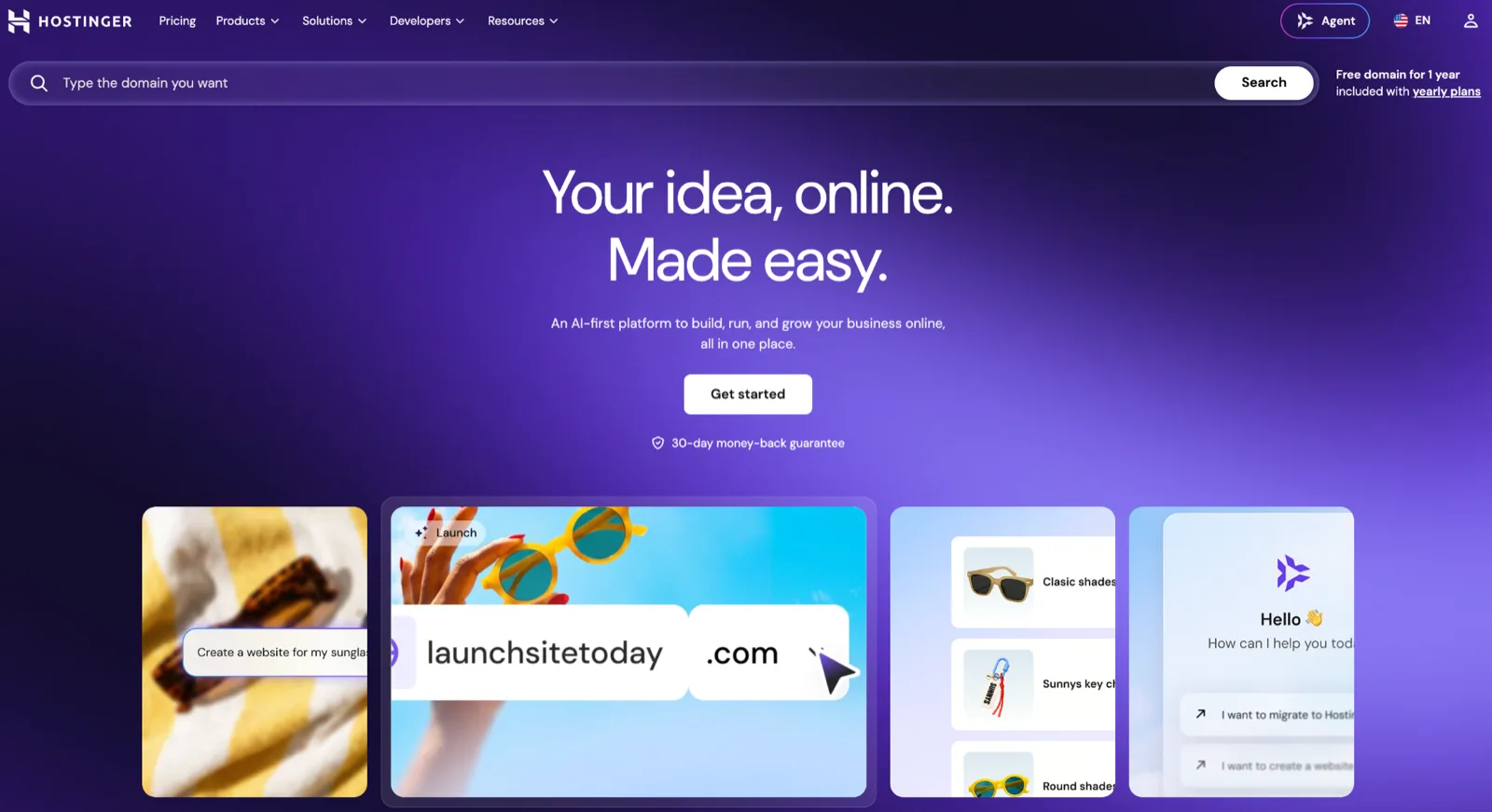
Hostinger powers its Minecraft servers on VPS environments with AMD EPYC processors, ensuring resources remain dedicated strictly to your instance. Entry pricing starts at $6.99 per month, provided you commit to a 24-month term. The Game Panel lineup scales as follows:
Also popular on Amazon
- Skins! We have biome settlers, city folk, town folk, and more!
- The Nether and all its inhabitants. Fight Ghasts and make friends with Pigmen
- Cross platform play for up to five players between Pocket Edition and Windows 10
- Revamped touch controls, controller support, and a controller mapping screen
- Enhanced Weather effects! Accumulating snow and more
| Plan | VCPU | RAM | NVMe storage |
|---|---|---|---|
| Game Panel 1 | 1 | 4 GB | 50 GB |
| Game Panel 2 | 2 | 8 GB | 100 GB |
| Game Panel 4 | 4 | 16 GB | 200 GB |
| Game Panel 8 | 8 | 32 GB | 400 GB |
For vanilla gameplay with a dozen friends, the starter plan is plenty, while modded servers should look at the second tier or higher. Given root access, configuration requires a bit more manual work than with a specialized game host.
What’s actually slowing this PC down?
Pick the symptom - the matching free tool is one click away.
Pros:
- Dedicated resources and root access;
- One-click modpacks and plugins;
- DDoS protection and dedicated IP;
- Kodee AI assistant integration;
- 30-day money-back guarantee.
Cons:
- Requires more manual configuration;
- Standard customer support without dedicated gaming expertise;
- Renewal rates are higher than promotional entry prices.
Best for: Those who need full server control for 10–60 players.
Quick Recap
Also popular on Amazon
- Play and share with friends on console, mobile and Windows 10
- discover community creations in the new in-game store
- access new mini games and game modes through servers

