
Windows Malicious Software Removal Tool
Windows Malicious Software Removal Tool: A free Windows cleanup tool for selected malware families, not full antivirus protection. Ranked #26 of 30 in Malware Removal Software by our editors (6.8/10); pricing: Free plan; best for free Windows cleanup for specific malware families.
At a glance
- Editor score6.8 / 10
- PricingFree plan
- Best forFree Windows cleanup for specific malware families
- Free planYes
- Paid fromFree
- Founded1975 · Redmond, Washington, USA
- Facts checked23 Sep 2026
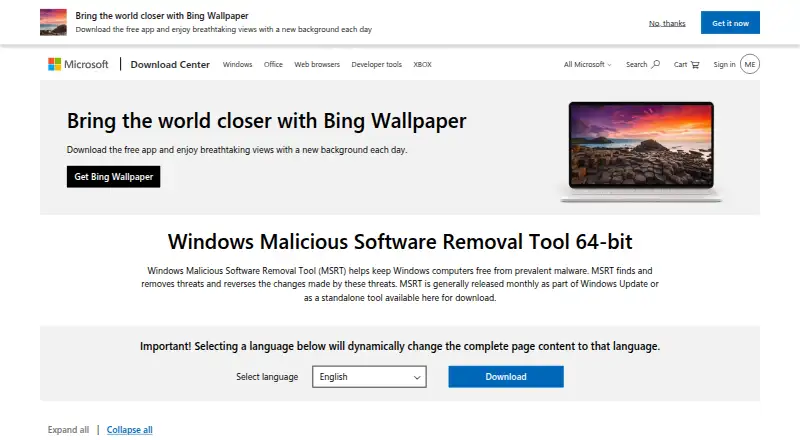
Where it wins
- Detects and removes specific prevalent malware families
- Can reverse changes made by detected malware
- Supports quick, extended, and command-line scans
Where it doesn't
- Targets selected malware families rather than broad threats
- Has no quarantine feature
- Runs only on Windows
Our verdict on Windows Malicious Software Removal Tool
Windows Malicious Software Removal Tool (MSRT) is a free Microsoft utility for Windows that detects and removes selected prevalent malware families. It is intended for post-infection cleanup, with quick and extended/full scan options, threat reporting, and the ability to reverse some changes made by detected malware. MSRT is not designed to replace full antivirus protection, so it suits Windows users who need a focused removal utility rather than a complete security suite.
MSRT fits the Windows ecosystem through Windows Update, Microsoft Update, and Automatic Updates. It can run automatically in the background through updates, while a standalone on-demand download provides another way to start a scan. Quiet mode supports automatic-update deployments, and command-line switches allow quiet operation, detect-only scans, extended scans, and automatic cleaning. These options make the tool practical for administrative workflows that need repeatable or less visible execution.
Its main trade-off is scope. MSRT focuses on specific prevalent malware families, so it is narrower than software intended for broad, ongoing threat prevention. It also does not provide quarantine, limiting how detected items are held or managed after discovery. Choose MSRT for free Windows cleanup, targeted remediation, and command-line control. Choose a broader security product instead when you need comprehensive antivirus coverage, wider threat detection, or quarantine-based handling.
Your product? Our editors can test Windows Malicious Software Removal Tool in depth and publish a review, labelled as paid · from $149/mo →
Windows Malicious Software Removal Tool pricing
Windows Malicious Software Removal Tool fact sheet
| Free plan | Yes |
|---|---|
| Paid from | Free |
| Scan modes | Not verified |
| Threat quarantine | Not verified |
| Bootable rescue media | Not verified |
| Scheduled scans | Not verified |
| Operating systems | Windows |
| Remediation automation | Assisted |
| Deployment | Desktop |
| Platforms | Windows |
| Support | Docs |
| Built for | Solo, Small business, Mid-market, Enterprise (editorial estimate) |
| Pricing | Free plan |
| Website | microsoft.com |
| Facts checked | 23 Sep 2026 |
Alternatives to Windows Malicious Software Removal Tool
- Microsoft Defender OfflineA free Windows scanner for persistent malware, rootkits, and offline remediation.9.4
- ESET Online ScannerA straightforward free scanner for periodic Windows malware checks and removal.9.2
- Kaspersky Virus Removal ToolA focused free scanner for deep manual disinfection, not continuous protection.9.1


See all Windows Malicious Software Removal Tool alternatives →
Also Ranked In
Windows Malicious Software Removal Tool is ranked in 5 of our directories.
Used Windows Malicious Software Removal Tool? Be the first to review it
The editor score above is our own research. What this page doesn't have yet is a reader's view — what you used Windows Malicious Software Removal Tool for, what worked and what didn't. No stars are seeded and no review is paid for; an editor reads every one before it appears.
Write a reviewTwo minutes · verified accounts only · read by an editor before it appears
Featured on iTechGuides

Windows Malicious Software Removal Tool is listed in our Malware Removal Software directory. Add the badge to your site — it links back to this page.
<a href="https://www.itechguides.com/products/windows-malicious-software-removal-tool/"><img src="https://www.itechguides.com/best/badge/windows-malicious-software-removal-tool.svg" alt="Featured on iTechGuides" width="230" height="46"></a>
Reviewed by iTechGuides Editors · Editorial team · Updated Oct 2026
Advertiser disclosure: iTechGuides is reader-supported. Vendors can pay for top positions in our rankings and for a place on other products' pages, and we may earn a commission when you click some links. Bought places stand at the number bought; this page and our disclosure say so. Paying vendors may get a fuller, more detailed review from our editors, and that review can change their score. How we rank.
Last updated · How we research and update