Western Digital Kitfox
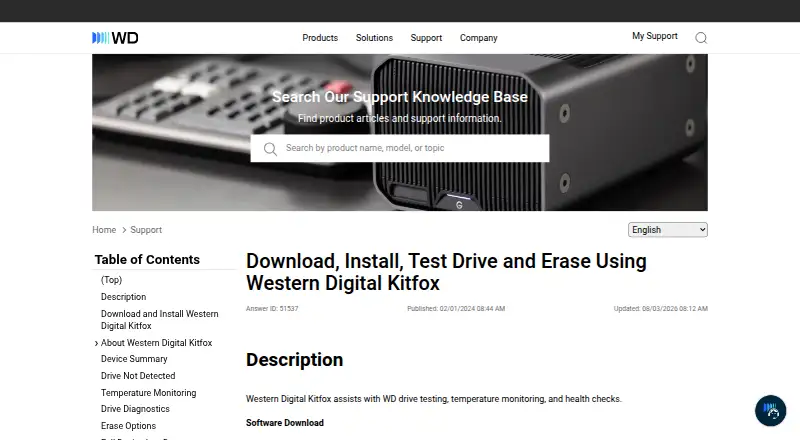
Western Digital Kitfox: A focused Windows tool for monitoring, diagnosing, erasing, and updating supported WD drives. Ranked #28 of 30 in Disk Health Monitoring Software by our editors (6.3/10); pricing: Free plan; best for windows users of Western Digital drives.
At a glance
- Editor score6.3 / 10
- PricingFree plan
- Best forWindows users of Western Digital drives
- Free planYes
- Paid fromFree
- SMART monitoringYes
- Facts checked23 Sep 2026
Where it wins
- SMART health, temperature, and diagnostic monitoring
- Includes alerts, firmware information, and configuration logs
- Provides disk usage views and zero-write erase options
Where it doesn't
- Limited to supported Western Digital drives
- Windows 11 is the documented supported operating system
- Does not provide SSD wear tracking
Our verdict on Western Digital Kitfox
Western Digital Kitfox is a Windows desktop utility for monitoring and managing supported Western Digital drives. It gives users access to SMART data, device health information, temperature readings, diagnostic tests, alerts, device identification, configuration logs, disk-space usage, firmware details, and erase functions. The documented device range includes specified WD internal HDDs and WD_BLACK P10 and D10 external drives. It is most suitable for Windows users who want drive information and maintenance tools centered on Western Digital hardware rather than a cross-platform disk-monitoring application.
Its feature set covers the core checks many drive owners need. Short and extended diagnostic tests provide different levels of drive checking, while health and diagnostic alerts help surface device status. Users can also review firmware-version and update information, inspect volume usage, and choose between quick and full zero-write erase operations. These erase functions make Kitfox more relevant for drive administration than a utility limited to passive health reporting. Temperature monitoring is included, although the documented feature set does not clearly establish configurable temperature alerts.
The main trade-off is its narrow hardware and platform focus. Kitfox is documented for Windows 11 and is not compatible with macOS, while its supported products are specific Western Digital drives and selected external models. It also does not provide SSD wear tracking, so users seeking that specific metric should consider another tool. Choose Kitfox when your drives fit the supported Western Digital range and you need diagnostics, health data, firmware information, space usage, alerts, or erase controls in one Windows utility. Choose an alternative for broader drive-brand coverage, macOS support, or SSD wear monitoring.
Your product? Our editors can test Western Digital Kitfox in depth and publish a review, labelled as paid · from $149/mo →
Western Digital Kitfox pricing
Western Digital Kitfox fact sheet
| Free plan | Yes |
|---|---|
| Paid from | Free |
| SMART monitoring | Yes |
| SSD wear tracking | No |
| Temperature alerts | Not verified |
| Failure warnings | Yes |
| Remote monitoring | Not verified |
| Drives on cheapest plan | Not verified |
| Supported platforms | Windows 11 |
| Deployment | Desktop |
| Platforms | Windows |
| Support | Docs |
| Built for | Solo, Small business (editorial estimate) |
| Pricing | Free plan |
| Website | support-en.wd.com |
| Facts checked | 23 Sep 2026 |
Alternatives to Western Digital Kitfox
- Hard Disk SentinelA full-featured Windows and Linux monitor with diagnostics, alerts, backups, and remote management.9.4
- smartmontoolsBroad, free disk-health monitoring for technical users comfortable with command-line tools.9.2
- DA Drive AnalyzerA low-cost, cross-platform drive monitor with AI predictions and NAS coverage.9.0


See all Western Digital Kitfox alternatives →
Used Western Digital Kitfox? Be the first to review it
The editor score above is our own research. What this page doesn't have yet is a reader's view — what you used Western Digital Kitfox for, what worked and what didn't. No stars are seeded and no review is paid for; an editor reads every one before it appears.
Write a reviewTwo minutes · verified accounts only · read by an editor before it appears
Featured on iTechGuides

Western Digital Kitfox is listed in our Disk Health Monitoring Software directory. Add the badge to your site — it links back to this page.
<a href="https://www.itechguides.com/products/western-digital-kitfox/"><img src="https://www.itechguides.com/best/badge/western-digital-kitfox.svg" alt="Featured on iTechGuides" width="230" height="46"></a>
Reviewed by iTechGuides Editors · Editorial team · Updated Oct 2026
Advertiser disclosure: iTechGuides is reader-supported. Vendors can pay for top positions in our rankings and for a place on other products' pages, and we may earn a commission when you click some links. Bought places stand at the number bought; this page and our disclosure say so. Paying vendors may get a fuller, more detailed review from our editors, and that review can change their score. How we rank.
Last updated · How we research and update