
WebGazer
WebGazer: Hosted monitoring with a free plan, status pages, and alerts across several channels. Ranked #46 of 48 in Uptime Monitoring Software by our editors (6.0/10); pricing: Free plan · paid from $19/mo · 14-day trial; best for small teams wanting simple hosted monitoring.
At a glance
- Editor score6.0 / 10
- PricingFree plan · paid from $19/mo · 14-day trial
- Best forSmall teams wanting simple hosted monitoring
- Free planYes
- Paid from$19/mo
- Check interval1 minute
- Facts checked19 Sep 2026
Where it wins
- Free plan includes 50 monitors and basic status pages.
- Basic adds 200 monitors, one-minute checks, SSL monitoring, and root-cause analysis.
- Alerts can go to Slack, PagerDuty, webhooks, SMS, or phone calls.
Where it doesn't
- Hobbyist checks run every five minutes; one-minute checks start with Basic.
- Performance monitoring and custom-domain status pages start with Pro.
- Its platform coverage is web-based, limiting teams seeking other platform options.
Our verdict on WebGazer
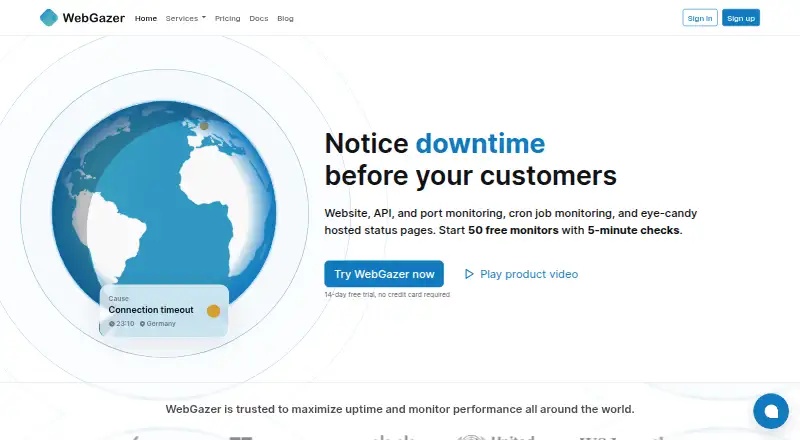
WebGazer is a web-based uptime monitoring and analytics platform for teams tracking websites, APIs, servers, cron jobs, and network ports. Its hosted checks cover HTTP, heartbeat, ping, TCP ports, and SSL certificates, with expiration alerts, historical uptime and response-time reports, and status pages. Small teams wanting straightforward hosted monitoring can start with the free plan, while teams with larger monitor counts or more frequent checks can move to a paid tier.
The plan ladder is clear. Hobbyist includes 50 monitors, five-minute checks, email notifications, basic status pages, and one user. Basic costs $19 per month and raises capacity to 200 monitors with one-minute checks, SSL monitoring, detailed response times, and root-cause analysis. Pro is $69 per month for 300 monitors, adding performance monitoring, full-fledged status pages, and a custom domain. Business costs $179 per month and raises capacity to 500 monitors with 30-second checks. A 14-day free trial is also offered. Teams that need more alerting and analysis have a reason to move beyond Hobbyist; those needing just occasional checks may not need the paid tiers.
Alerts can be sent by email, SMS, phone calls, Slack, Discord, Matrix, PagerDuty, and webhooks, giving teams options to route downtime notifications into existing workflows. The main trade-off is scope: WebGazer is web-based, and its feature set centers on availability checks, reporting, alerts, and hosted status pages. Teams looking for a broader monitoring platform should compare alternatives; teams that want hosted website and endpoint checks with multiple alert channels are a closer fit.
WebGazer pricing
All 4 WebGazer plans and prices →
WebGazer fact sheet
| Free plan | Yes |
|---|---|
| Paid from | $19/mo |
| Monitor limit | 200 monitors |
| Check interval | 1 minute |
| Monitoring locations | Not verified |
| SSL expiry alerts | Yes |
| Keyword monitoring | Not verified |
| Server monitoring | Yes |
| Alert channels | email, SMS, phone calls, Slack, Discord, Matrix, PagerDuty, webhooks |
| Free trial | 14 days |
| Deployment | Cloud |
| Platforms | Web |
| Integrations | 8 integrations: Slack, Discord, Matrix, PagerDuty, webhooks, email … |
| Pricing | Free plan · paid from $19/mo · 14-day trial (source) |
| Website | webgazer.io |
| Facts checked | 19 Sep 2026 |
WebGazer integrations
WebGazer lists 8 integrations on its own site.
- Slack
- Discord
- Matrix
- PagerDuty
- webhooks
- SMS
- phone calls
Alternatives to WebGazer
- SolidPingBroad protocol coverage, status pages, and on-call tools, with hosted plans from €5 per month.9.4
- HyperpingBroad hosted checks and response workflows, with paid plans starting at $24 per month billed annually.9.3
- UptimiaBroad monitoring coverage with selectable global checkpoints and plans for different check volumes.9.2



See all WebGazer alternatives →
Also listed in
Used WebGazer? Be the first to review it
The editor score above is our own research. What this page doesn't have yet is a reader's view — what you used WebGazer for, what worked and what didn't. No stars are seeded and no review is paid for; an editor reads every one before it appears.
Write a reviewTwo minutes · verified accounts only · read by an editor before it appears
Featured on iTechGuides

WebGazer is listed in our Uptime Monitoring Software directory. Add the badge to your site — it links back to this page.
<a href="https://www.itechguides.com/products/webgazer/"><img src="https://www.itechguides.com/best/badge/webgazer.svg" alt="Featured on iTechGuides" width="230" height="46"></a>
Reviewed by iTechGuides Editors · Editorial team · Updated Oct 2026
Advertiser disclosure: iTechGuides is reader-supported. We may earn a commission when you click some links. How we rank.
Last updated · How we research and update