
Tidio review
An all-in-one help desk with live chat, the Lyro AI agent and Flows automation in one inbox, from a free plan.
Reviewed by iTechGuides Editors · Editorial team · Updated Oct 2026
Tidio is one of the most complete customer service platforms a small or mid-size business can buy in 2026. It puts website live chat, an AI agent called Lyro, no-code automation (Flows) and a ticketing help desk into one inbox that also handles email, Instagram, Messenger and WhatsApp. In our October 2026 re-review we rate it 9.2 out of 10: it is the strongest all-in-one choice for teams whose support starts in chat, and one of the best AI customer service tools for Shopify stores.
We re-reviewed Tidio against its official product, pricing and security pages, its Shopify App Store listing, and user ratings on G2, Capterra and the Shopify App Store, all checked in October 2026. This review focuses on the three areas buyers ask about most: the help desk, live chat and the Lyro AI agent.
| Our rating | 9.2 / 10 (Help Desk, Live Chat and AI Agent) |
|---|---|
| User ratings | G2 4.6 / 5 (about 1,960 reviews) · Capterra 4.7 / 5 · Shopify App Store 4.8 / 5 (1,352 reviews) |
| Price | Free plan; paid plans from $24.17 per month billed annually; 7-day free trial of the full feature set |
| AI agent | Lyro, powered by Anthropic's Claude and Tidio's own models; Tidio says it resolves around 67% of customer questions on average |
| Channels | Website live chat, email, Instagram, Messenger and WhatsApp in one inbox |
| Free trial | 7 days on Starter, Growth, Lyro and Flows, no credit card; the account then moves to the Free plan |
| Platforms | Web app; desktop apps for Windows, macOS and Linux; iOS and Android apps; Chrome extension; API |
| Security | SOC 2, GDPR and PCI DSS listed; two-factor authentication; SSO on Premium |
| Best for | Small and mid-size businesses and online stores that want chat, AI and ticketing in one tool |
Pros and cons
What we like
- Everything in one place: live chat, the Lyro AI agent, Flows automation and a help desk share one inbox and one customer history.
- An AI agent that works from day one: Lyro answers from your own support content, and when it cannot help it creates a ticket for a human.
- Ecommerce depth: on Shopify, Lyro can check order status, handle refunds and order edits within your rules, and recommend products on product pages.
- A genuinely usable free plan: 50 billable conversations a month with 10 agent seats, live chat and ticketing included.
- Predictable AI spend: Lyro is billed per conversation (not per message) and pauses at your limit.
- Strong user sentiment: 4.6 on G2 and 4.8 on the Shopify App Store, with ease of use and quick setup the most praised points.
What to keep in mind
- Pricing is based on conversations, so high-volume teams should model their real monthly volume before choosing a plan.
- Lyro and Flows have their own usage quotas on top of the customer service plan.
- Teams running very large, rule-heavy ticket operations may still prefer an enterprise help desk for governance features.
What is Tidio?
Tidio is a cloud customer service platform built around conversations. A visitor who opens the chat widget, a customer who emails, and a shopper who writes on Instagram or WhatsApp all land in the same inbox, where the Lyro AI agent can answer first, Flows can automate routine steps, and your team picks up anything that needs a human. Tidio runs in the browser and has desktop apps for Windows, macOS and Linux, mobile apps for iOS and Android, a Chrome extension and an API.
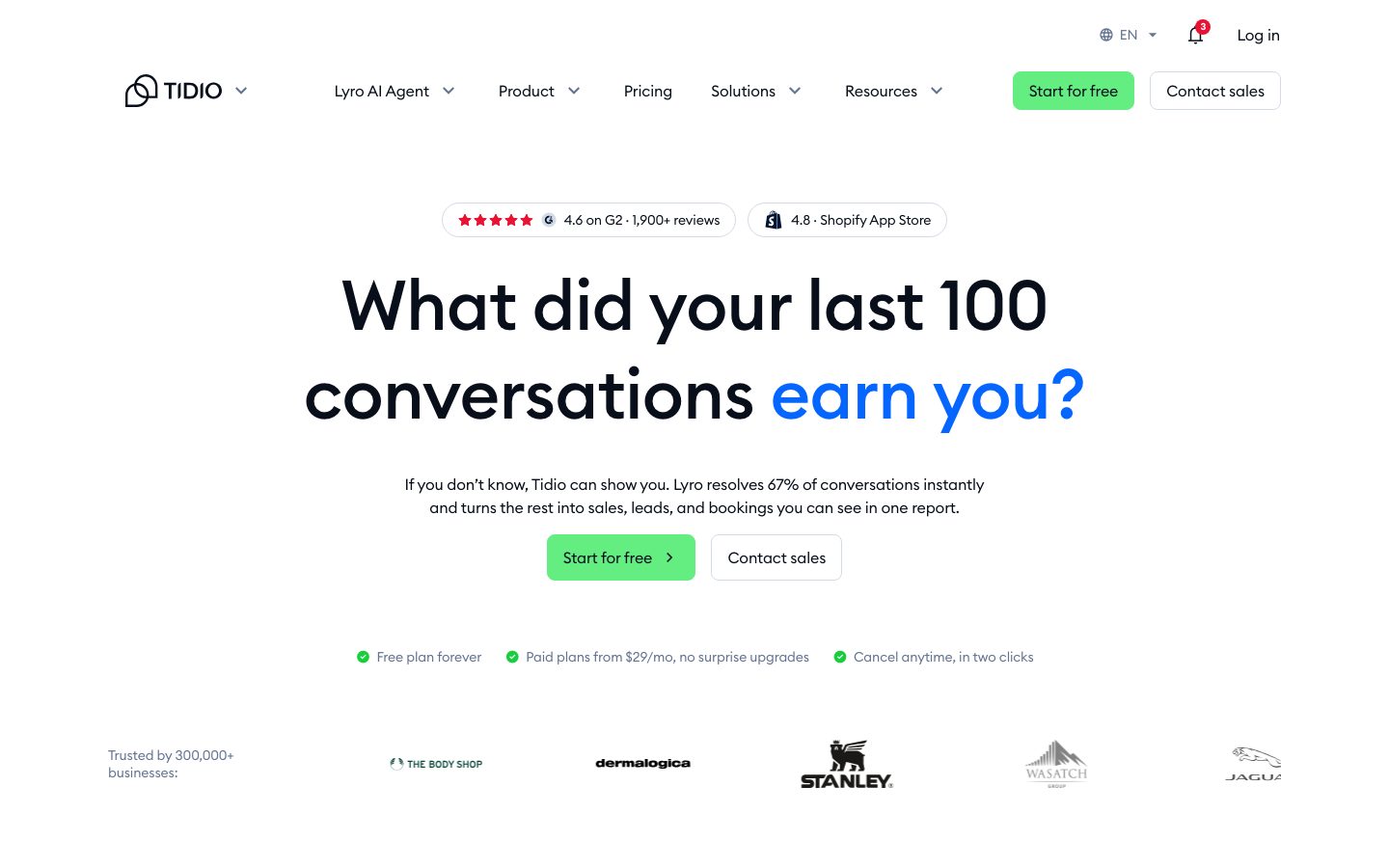
Two things set Tidio apart from most chat tools. First, the AI is not an afterthought: Lyro sits at the center of the product and is trained on your own help content. Second, the help desk is part of the same platform, so a chat that turns into a support case becomes a ticket without copying anything between tools.
Lyro AI agent
Lyro is Tidio's conversational AI agent, and it is the main reason to choose Tidio in 2026. You share your support content with Lyro (help center articles, FAQs, website pages) and activate it; it then answers customer questions in natural language, across multiple conversations at once. Tidio says Lyro lifts the resolution rate to around 67% on average, and that it is powered by Claude from Anthropic together with Tidio's own in-house models.
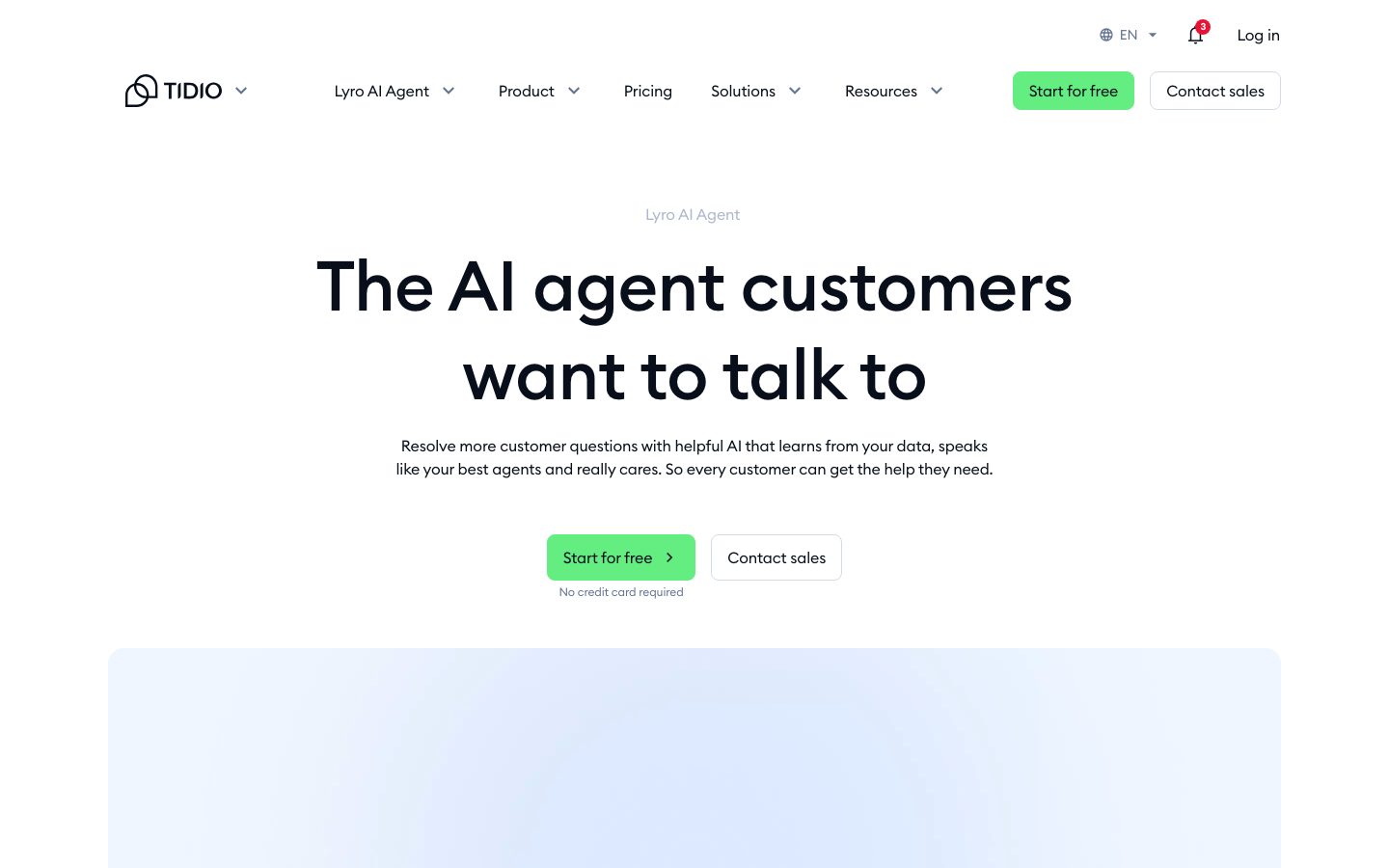
What we like most is how Lyro hands over. When a question falls outside what Lyro knows, it creates a ticket so a person can answer, instead of guessing or leaving the customer stuck. Lyro is not limited to predefined questions, and it is billed by conversation: even if Lyro replies a dozen times to solve one problem, or the customer leaves and comes back later, that is still one Lyro conversation.
Lyro can also run outside Tidio. With Lyro Connect (Plus and Premium plans), you can add Lyro as an AI layer to an existing help desk such as Zendesk or Salesforce and pay only for AI conversations; Tidio quotes Lyro Connect conversations from $0.50 each. On Premium, Tidio goes further: fully managed Lyro, billing by resolution and a guaranteed 50% Lyro resolution rate.
- Setup: one-click activation once your support content is connected; every account starts with 50 free Lyro conversations.
- Safety net: unanswerable questions become tickets for your team.
- Cost control: usage is capped, so Lyro pauses at your limit rather than producing a surprise bill.
Live chat and Flows automation
Tidio's live chat widget is the front door for most customers. Agents see who is on the site in real time, which pages they have viewed and what they are typing before they send it (live typing preview on Growth and above), so replies can be fast and specific. Canned responses, automatic chat assignment and conversation history keep a small team efficient.
Flows is Tidio's no-code automation builder for support and sales. You can greet visitors on specific pages, collect leads, answer common questions with buttons, route conversations, or start proactive chats with shoppers. Flows and Lyro work together: Flows handles scripted journeys, while Lyro handles open-ended questions in natural language. You do not have to choose one or the other.
Help desk and ticketing
Tidio's help desk turns incoming emails, live chat conversations and social media messages into tickets that can be assigned to available operators. Agents can add internal notes and custom tags, and Tidio automatically analyzes conversations and organizes them by customer intent, so urgent requests are easier to spot and prioritize.
For a small or mid-size team, this is the right amount of help desk: one shared inbox across channels, tickets when a conversation needs follow-up, and AI in front of it all. Teams that need advanced enterprise governance can still add Lyro to their existing help desk through Lyro Connect. See how Tidio compares with every major option in our help desk software directory.
Tidio for ecommerce and Shopify
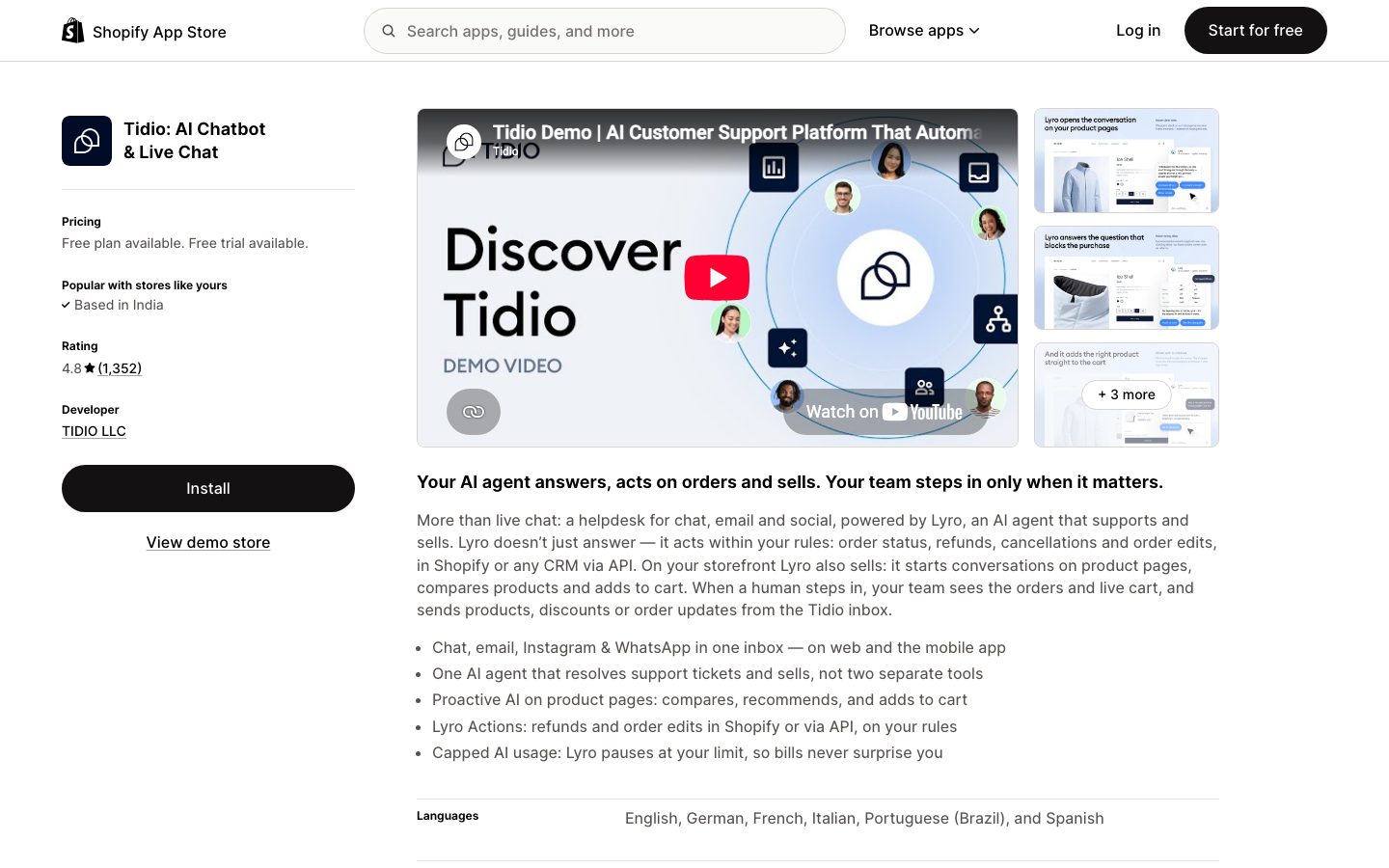
Tidio is especially strong for online stores. Its Shopify app is rated 4.8 out of 5 from 1,352 reviews on the Shopify App Store, and the listing describes an AI agent that answers, acts on orders and sells. On a Shopify store, Lyro can:
- answer order-status questions and, within the rules you set, handle refunds, cancellations and order edits (Lyro Actions), in Shopify or in any CRM through the API;
- start conversations on product pages, compare products, recommend items and add them to the cart;
- hand the conversation to your team, who can see the customer's orders and live cart and send products, discounts or order updates from the Tidio inbox.
Tidio also integrates with WooCommerce, Adobe Commerce, BigCommerce and other platforms, and can answer TikTok Shop order questions with the order status already shown in the agent panel. That makes it one of the most capable AI shopping assistants for stores that want pre-sale and post-sale help in one place.
Integrations
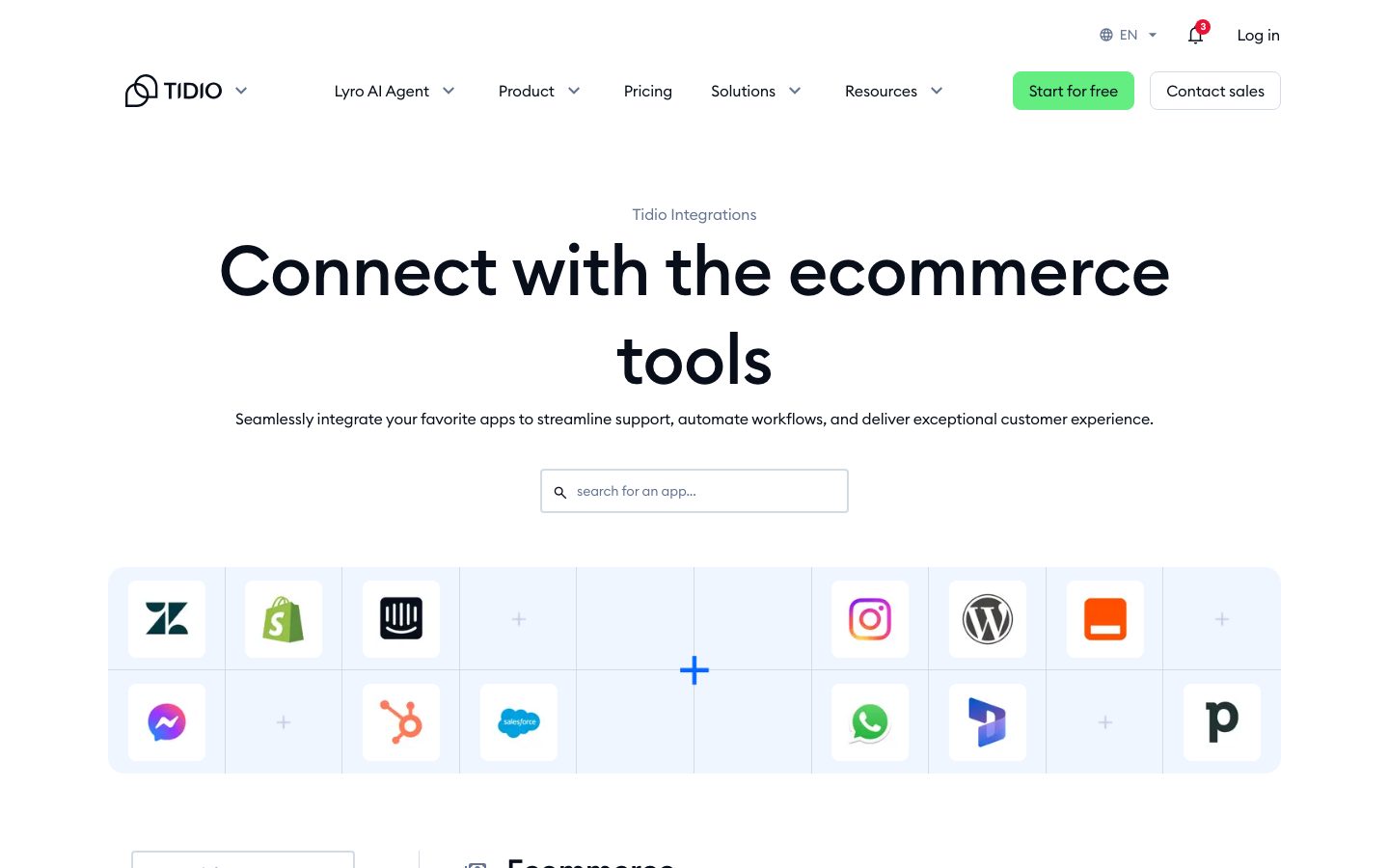
Tidio connects to the tools small and mid-size businesses already use: Shopify, WooCommerce, WordPress, Wix, Adobe Commerce, HubSpot, Salesforce, Zendesk, Pipedrive, Mailchimp, ActiveCampaign, Google Analytics, Google Tag Manager and Zapier, plus messaging channels including Instagram, Messenger and WhatsApp. Plus and Premium add OpenAPI access for custom work.
Getting started with Tidio
Setup is quick, which matches what reviewers say most often. A typical first hour looks like this:
- Add the chat widget with the Shopify app, the WordPress or WooCommerce plugin, or a JavaScript snippet on any other site.
- Connect your channels (email, Instagram, Messenger and WhatsApp) so every conversation lands in the same inbox.
- Give Lyro your content (help center articles, FAQs or website pages) and check its answers before you switch it on for customers.
- Turn on a few Flows from templates, such as a welcome message, lead capture or an order-status shortcut.
- Invite your team and set operating hours, assignment and tags so tickets reach the right person.
Tidio pricing
Tidio's pricing is built from three parts you can mix: a customer service plan (live chat, ticketing and the inbox), the Lyro AI Agent and Flows. The pricing page includes a calculator, and annual billing gives you two months free. Every new account can use the full feature set free for 7 days, and then moves to the Free plan unless you upgrade.

| Plan | Price | What you get |
|---|---|---|
| Free | $0 | 50 billable conversations a month, 10 agent seats, live chat, ticketing and app integrations; 50 one-off Lyro conversations |
| Starter | $24.17 per month, billed annually | 100 billable conversations, live visitor list, operating hours and basic analytics |
| Growth | $49.17 per month, billed annually | 250 to 2,000 billable conversations, advanced analytics, automatic chat assignment, live typing preview and viewed-pages history |
| Plus | $300 per month | Custom conversation quotas and seats, premium support, a dedicated success manager, departments and OpenAPI |
| Premium | Custom | From 3,000 Lyro conversations, fully managed Lyro with a guaranteed 50% resolution rate, billing by resolution, custom analytics, SSO and Slack support |
A billable conversation is a live chat, ticket, email or social conversation that your team handles; replies from Lyro and Flows are not counted as agent replies. Lyro and Flows are priced on their own quotas: the Lyro AI Agent starts at $32.50 per month for 50 conversations, and Flows at $24.17 per month for 2,000 reached visitors (both billed annually). Removing Tidio branding on Growth costs $16.67 per month. Check the current calculator on Tidio's pricing page for your exact volume, or see every plan and its limits on our Tidio pricing page.
Security and privacy
Tidio lists SOC 2, GDPR and PCI DSS among its compliance coverage and supports two-factor authentication; SSO is available on Premium. Tidio says Lyro is powered by Claude from Anthropic and follows its data-handling and retention practices. As with any AI agent, decide which help content Lyro may use and review its answers during the first weeks.
What users say
Tidio's user ratings are consistently strong: 4.6 out of 5 on G2 from roughly 1,960 reviews, 4.7 on Capterra, and 4.8 on the Shopify App Store from 1,352 reviews. Reviewers most often praise ease of use, quick setup (many report getting started in under an hour), helpful support and the chatbot features. The most common criticism is cost as volume grows, which is why we recommend modeling your conversation volume on the pricing calculator before choosing a plan.
Tidio vs. the alternatives
| Tool | Best for | How it compares with Tidio |
|---|---|---|
| Tidio | SMBs and online stores that want chat, AI and a help desk in one tool | Free plan with 10 seats, Lyro AI agent built in, the strongest Shopify actions in this group |
| Intercom | AI-first, in-app SaaS support | Powerful, but priced per seat plus a fee for each AI outcome, which adds up quickly for small teams |
| Zendesk | Large, complex omnichannel support operations | Deeper enterprise governance, but heavier to run and priced per agent; Tidio can also add Lyro to Zendesk |
| Freshdesk | Ticket-centric SMB and mid-market teams | A strong ticketing tool priced per agent; Tidio is the better pick when support starts in chat |
| Gorgias | Ecommerce support teams | Commerce-focused with ticket-volume pricing; Tidio adds proactive selling on product pages and a free plan |
See every Tidio alternative ranked, read our detailed Tidio vs Kayako comparison, or compare more options in our directories of AI customer service software and customer service automation software.
Who should choose Tidio?
- Small and mid-size businesses that want one tool for chat, email, social messages and tickets.
- Shopify and other ecommerce stores that want an AI agent to answer order questions, recommend products and recover sales.
- Teams adding AI for the first time that want an agent trained on their own content, with a clean handover to humans.
- Companies on another help desk that only want the AI layer: Lyro Connect adds Lyro to Zendesk or Salesforce.
Look elsewhere if you run a very large, rule-heavy ticket operation that depends on deep enterprise workflow governance, or if your volume is high enough that per-conversation pricing would cost more than a flat per-agent plan.
How we reviewed Tidio
Our editors re-reviewed Tidio in October 2026 for the three areas buyers ask about most: help desk, live chat and AI agent. Every fact in this review was checked against Tidio's own product, pricing, Lyro, ecommerce and security pages and its Shopify App Store listing, and we weighed user ratings on G2, Capterra and the Shopify App Store. Prices and limits are as Tidio published them when we checked, so confirm current numbers on Tidio's pricing calculator before you buy. If anything here is out of date, tell us at contact@itechguides.com and we will correct it.
Frequently Asked Questions
Is Tidio free?
Yes. Tidio's Free plan includes live chat, ticketing and app integrations with 50 billable conversations a month and 10 agent seats, plus 50 one-off Lyro AI conversations. Every new account can also try the full feature set free for 7 days.
How much does Tidio cost?
Tidio has a free plan. Starter costs $24.17 per month and Growth starts at $49.17 per month, both billed annually; Plus starts at $300 per month plus usage, and Premium is custom-priced. The Lyro AI Agent (from $32.50 per month) and Flows (from $24.17 per month) are priced on their own quotas.
What is Lyro AI agent and how well does it work?
Lyro is Tidio's conversational AI agent, powered by Anthropic's Claude. It answers customer questions from your own support content and creates a ticket when it cannot help. Tidio reports that users automate around 67% of customer inquiries with Lyro on average, and Premium comes with a guaranteed 50% Lyro resolution rate.
Does Tidio work with Shopify?
Yes. Tidio's Shopify app is rated 4.8 out of 5 from 1,352 reviews. Lyro can answer order-status questions, handle refunds and order edits within your rules, and recommend products and add them to the cart on product pages.
Is Tidio a help desk?
Yes. Tidio includes a ticketing help desk that turns emails, live chats and social messages into assignable tickets with notes, tags and intent-based organization, all in the same inbox as live chat and Lyro.
Can I use Lyro with Zendesk or Salesforce?
Yes. Lyro Connect, available on the Plus and Premium plans, adds Lyro to an existing help desk such as Zendesk or Salesforce, so you pay only for AI conversations without changing platforms.
Verdict
Tidio earns a 9.2 out of 10. It brings live chat, an AI agent trained on your own content, no-code automation and a help desk together in a single, approachable product, with a free plan to start and strong ecommerce actions for Shopify stores. For small and mid-size businesses whose support starts in chat, and for online stores that want AI to answer, act and sell, Tidio is our top recommendation in 2026. Start on the free plan, connect your help content to Lyro, and within a week you will know how much of your support it can take off your team.
Tidio fact sheet, pricing and score →
Advertiser disclosure: iTechGuides is reader-supported. We may earn a commission when you click some links. How we rank.
Last updated · How we research and update