
TestDisk
TestDisk: A capable free choice for partition repair, filesystem recovery, and file undelete. Ranked #3 of 129 in Data Recovery Software by our editors (9.1/10); pricing: Free plan; best for free partition and filesystem recovery.
At a glance
- Editor score9.1 / 10
- PricingFree plan
- Best forFree partition and filesystem recovery
- Free planYes
- Paid fromFree
- Bootable recoveryYes
- Founded1998
- Facts checked21 Sep 2026
Where it wins
- Free and open source across Windows, macOS, and Linux
- Supports partition repair, boot structures, RAID, and disk images
- Can inspect files before copying and run from a live USB
Where it doesn't
- Command-line workflows may require technical recovery knowledge
- Filesystem undelete support is limited to listed supported filesystems
- Less feature-rich than DMDE for advanced reconstruction and diagnostics
Our verdict on TestDisk
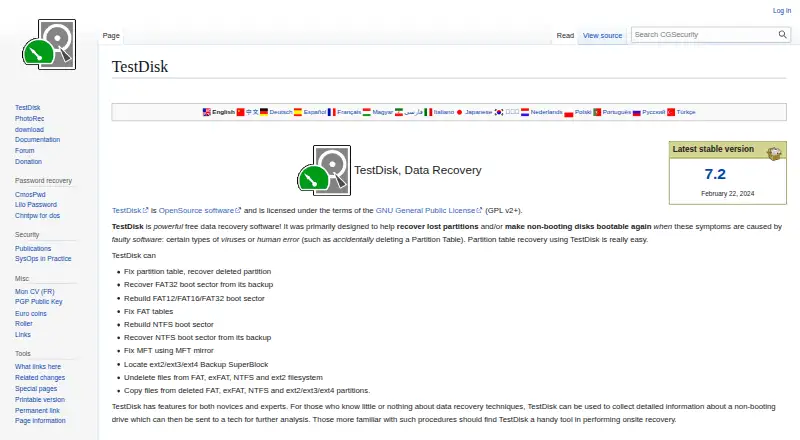
TestDisk is free, open-source data recovery software from CGSecurity for recovering lost or deleted partitions, repairing partition tables and filesystem boot structures, and undeleting files. It is suited to people recovering data from hard drives, USB drives, memory cards, Smart Cards, disk images, or forensic images. Windows, Windows Server, Linux, macOS, DOS, FreeBSD, NetBSD, OpenBSD, and SunOS are supported, giving it a broad operating-system footprint. Its command-line workflows are aimed at users who can work through technical recovery steps rather than those seeking a guided consumer interface.
The product’s recovery scope is broader than simple file undelete. TestDisk can rebuild partition tables, repair FAT, exFAT, NTFS, and ext filesystem boot structures, and undelete files from FAT, exFAT, NTFS, and ext2 filesystems. It also supports data recovery from Linux RAID arrays, raw and forensic disk images, and live USB recovery environments. File listing and inspection before copying can help users verify available content during a recovery process, while logs record technical recovery information for review.
TestDisk is a strong fit when partition loss, boot-structure damage, RAID recovery, or a bootable recovery environment is central to the task, especially when a free and open-source tool is preferred. Its narrow filesystem coverage for undelete operations and command-line presentation make it less suitable for users who want extensive reconstruction and diagnostic features or a more guided workflow. For advanced reconstruction and diagnostics, DMDE is the more appropriate alternative; TestDisk is better suited to technically oriented recovery work across varied operating systems and storage sources.
Your product? Our editors can test TestDisk in depth and publish a review, labelled as paid · from $149/mo →
TestDisk pricing
TestDisk fact sheet
| Free plan | Yes |
|---|---|
| Paid from | Free |
| Recovery sources | hard drives; USB drives; memory cards; disk images; DAS; SAN; Linux RAID devices |
| Operating systems | Windows; macOS; Linux; DOS; FreeBSD; NetBSD; OpenBSD; SunOS |
| Free recovery limit | Not verified |
| Memory card recovery | Yes |
| RAID recovery | Yes |
| Bootable recovery | Yes |
| File preview | Yes |
| Deployment | Desktop |
| Platforms | Windows, macOS, Linux |
| Support | Community, Docs |
| Pricing | Free plan |
| Website | cgsecurity.org |
| Facts checked | 21 Sep 2026 |
Alternatives to TestDisk
- R-StudioA broad recovery toolkit for professionals handling disks, RAID, images, and networks.9.3
- RecoveritA broad recovery toolkit with strong media repair and storage-device coverage.9.0
- Disk DrillA broad recovery toolkit with free Windows recovery and paid unlimited access.8.8



See all TestDisk alternatives →
TestDisk vs the competition
- TestDisk vs R-Studio
- TestDisk vs Recoverit
- TestDisk vs Disk Drill
- TestDisk vs PhotoRec
- TestDisk vs DMDE
- TestDisk vs UFS Explorer



Compare TestDisk with any tool side by side →
Also Ranked In
TestDisk is ranked in 6 of our directories.
Used TestDisk? Be the first to review it
The editor score above is our own research. What this page doesn't have yet is a reader's view — what you used TestDisk for, what worked and what didn't. No stars are seeded and no review is paid for; an editor reads every one before it appears.
Write a reviewTwo minutes · verified accounts only · read by an editor before it appears
Featured on iTechGuides

TestDisk is listed in our Data Recovery Software directory. Add the badge to your site — it links back to this page.
<a href="https://www.itechguides.com/products/testdisk/"><img src="https://www.itechguides.com/best/badge/testdisk.svg" alt="Featured on iTechGuides" width="230" height="46"></a>
Reviewed by iTechGuides Editors · Editorial team · Updated Oct 2026
Advertiser disclosure: iTechGuides is reader-supported. Vendors can pay for top positions in our rankings and for a place on other products' pages, and we may earn a commission when you click some links. Bought places stand at the number bought; this page and our disclosure say so. Paying vendors may get a fuller, more detailed review from our editors, and that review can change their score. How we rank.
Last updated · How we research and update