Superpaper
Superpaper: A focused open-source choice for corrected multi-display wallpaper layouts. Ranked #24 of 34 in Desktop Wallpaper Software by our editors (7.0/10); pricing: Open source; best for multi-display users needing geometric corrections.
At a glance
- Editor score7.0 / 10
- PricingOpen source
- Best forMulti-display users needing geometric corrections
- Paid fromFree
- Platform coverageMulti_platform
- Facts checked20 Sep 2026
Where it wins
- Corrects pixel density, bezels, and perspective across displays
- Supports Windows, macOS, and Linux
- Offers local slideshows, hotkeys, tray controls, and CLI operation
Where it doesn't
- macOS support is partial and requires manual dependency installation
- Does not include live or video wallpapers
- Hotkey support is limited to Linux and Windows
Our verdict on Superpaper
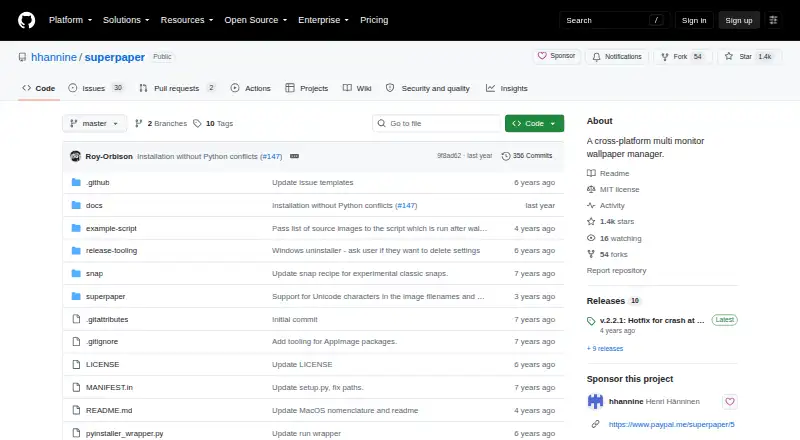
Superpaper is an open-source desktop wallpaper manager for people who run multiple displays and need more control than a basic wallpaper picker provides. It can place one image across all displays, assign separate images to each display, or span an image across display groups. Its strongest fit is for multi-display setups where pixel-density, bezel, or perspective correction matters. It supports Windows, macOS, and Linux, and is distributed under the MIT License.
The platform coverage is broad, but the experience differs by operating system. Windows and Linux include hotkey support, while macOS support is partial and requires installing dependencies and running the project. Superpaper also provides a command-line interface, a tray applet for slideshow control, and configurable slideshows from local image sources. Those options suit users who want local control and keyboard-driven management rather than a wallpaper service built around an online catalog.
Superpaper stays focused on static desktop wallpaper management. Its multi-display layout tools and geometric corrections are more specialized than a simple rotation utility, but the feature set does not extend to live or video wallpapers. Users who need corrected images across several displays, local slideshow rotation, and cross-platform availability should find its scope appropriate. Users seeking animated backgrounds, broader macOS convenience, or hotkey support on macOS should choose a different type of wallpaper application.
Your product? Our editors can test Superpaper in depth and publish a review, labelled as paid · from $149/mo →
Superpaper pricing
Superpaper fact sheet
| Free plan | Not verified |
|---|---|
| Paid from | Free |
| Platform coverage | Multi_platform |
| Live wallpapers | Not verified |
| Automatic rotation | Yes |
| Multi-monitor support | Yes |
| Video wallpapers | Not verified |
| Interactive wallpapers | Not verified |
| Performance controls | Not verified |
| Deployment | Desktop |
| Platforms | Windows, macOS, Linux |
| Support | Community, Docs |
| Built for | Solo, Small business (editorial estimate) |
| Pricing | Open source |
| Website | github.com |
| Facts checked | 20 Sep 2026 |
Alternatives to Superpaper
- Lively WallpaperA feature-rich free wallpaper app for Windows users who want animated, interactive desktops.9.3
- DesktopHutA capable free choice for Windows users who want flexible live wallpapers.9.2
- Wallpaper EngineA broad wallpaper platform for power users who want creation tools and control.9.1



See all Superpaper alternatives →
Used Superpaper? Be the first to review it
The editor score above is our own research. What this page doesn't have yet is a reader's view — what you used Superpaper for, what worked and what didn't. No stars are seeded and no review is paid for; an editor reads every one before it appears.
Write a reviewTwo minutes · verified accounts only · read by an editor before it appears
Featured on iTechGuides

Superpaper is listed in our Desktop Wallpaper Software directory. Add the badge to your site — it links back to this page.
<a href="https://www.itechguides.com/products/superpaper/"><img src="https://www.itechguides.com/best/badge/superpaper.svg" alt="Featured on iTechGuides" width="230" height="46"></a>
Reviewed by iTechGuides Editors · Editorial team · Updated Oct 2026
Advertiser disclosure: iTechGuides is reader-supported. Vendors can pay for top positions in our rankings and for a place on other products' pages, and we may earn a commission when you click some links. Bought places stand at the number bought; this page and our disclosure say so. Paying vendors may get a fuller, more detailed review from our editors, and that review can change their score. How we rank.
Last updated · How we research and update