
Scapple
Scapple: A flexible desktop canvas for writers and researchers who prefer unstructured visual notes. Ranked #15 of 72 in Mind Mapping Software by our editors (7.7/10); pricing: 30-day trial; best for scrivener users who prefer a free-form canvas.
At a glance
- Editor score7.7 / 10
- Pricing30-day trial
- Best forScrivener users who prefer a free-form canvas
- Free planNo
- Founded2006 · Cornwall, UK
- Facts checked20 Sep 2026
Where it wins
- Place, move, resize, style, and connect notes freely
- Group ideas with background shapes or stacked columns
- Export or print maps and drag notes into Scrivener
Where it doesn't
- No real-time collaboration
- No AI assistance or presentation mode
- Available only on macOS and Windows
Our verdict on Scapple
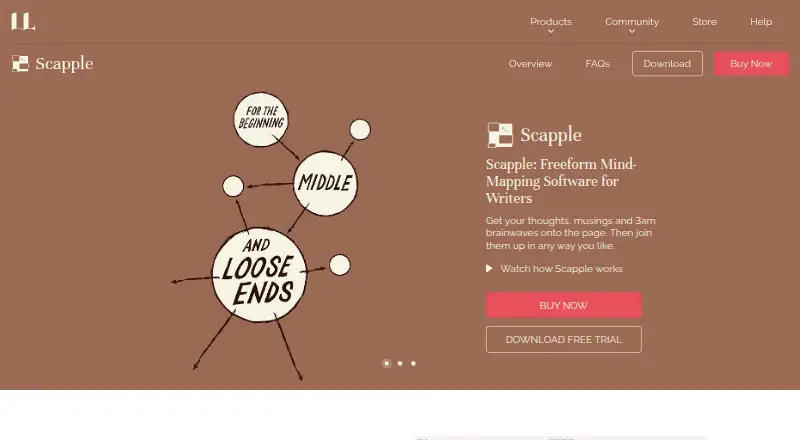
Scapple is a desktop mind-mapping and brainstorming application for writers, researchers, students, and anyone organizing unstructured thoughts. Its open canvas lets users place notes anywhere, move and arrange them freely, connect related ideas with lines or arrows, and customize their appearance. Notes can also be stacked in columns or grouped with background shapes. Full-screen mode, export, printing, and Scrivener transfer make it especially relevant to writing workflows that begin with loose ideas and develop into structured projects.
The product uses paid, platform-specific licenses rather than a free plan, with separate macOS and Windows versions. A 30-day trial is available. The Standard Licence includes a Mac App Store listing and requires macOS 10.15 or later for the Mac version. Export options include PDF, PNG, TXT, RTF, RTFD, and OPML, giving users several ways to preserve or move their maps. Scrivener and iCloud are the listed integrations, making Scapple a focused fit for users already working within that ecosystem.
Scapple’s main strength is the depth of its free-form canvas: it supports flexible placement instead of requiring a fixed starting hierarchy. That approach suits brainstorming, research organization, and early-stage writing where relationships may change as ideas develop. It is less suitable for teams seeking real-time collaboration, or for users who expect AI assistance and presentation mode. Choose Scapple for a focused desktop tool that connects naturally with Scrivener; consider another option if collaboration, wider platform coverage, or presentation-oriented workflows are central requirements.
Your product? Our editors can test Scapple in depth and publish a review, labelled as paid · from $149/mo →
Scapple pricing
All 4 Scapple plans and prices →
Scapple fact sheet
| Free plan | No |
|---|---|
| Paid from | Not verified |
| Supported platforms | macOS, Windows |
| Export formats | PDF, PNG, Plain Text (.txt), Rich Text (.rtf), Rich Text with Attachments (.rtfd), Plain Text List (.txt), Outline Markup (.opml) |
| Real-time collaboration | Not verified |
| Offline mode | Not verified |
| AI assistance | Not verified |
| Presentation mode | Not verified |
| Collaborator limit | Not verified |
| Free trial | 30 days |
| Money-back guarantee | 30 days |
| Deployment | Desktop |
| Platforms | Windows, macOS |
| Support | Email, Community, Docs |
| Built for | Solo, Small business (editorial estimate) |
| Integrations | 1 integrations: Scrivener |
| Pricing | 30-day trial (source) |
| Website | literatureandlatte.com |
| Facts checked | 20 Sep 2026 |
Scapple integrations
Scapple lists 1 integrations on its own site.
- Scrivener
Alternatives to Scapple
- XmindA flexible mind-mapping workspace with AI, presentations, collaboration, and broad exports.9.3
- MindomoA broad mind-mapping workspace with AI, collaboration, planning, and multi-platform access.9.2
- MindMeisterA collaborative mind mapping workspace with AI generation, presentations, exports, and mobile apps.9.1



See all Scapple alternatives →
Also Ranked In
Scapple is ranked in 2 of our directories.
Used Scapple? Be the first to review it
The editor score above is our own research. What this page doesn't have yet is a reader's view — what you used Scapple for, what worked and what didn't. No stars are seeded and no review is paid for; an editor reads every one before it appears.
Write a reviewTwo minutes · verified accounts only · read by an editor before it appears
Featured on iTechGuides

Scapple is listed in our Mind Mapping Software directory. Add the badge to your site — it links back to this page.
<a href="https://www.itechguides.com/products/scapple/"><img src="https://www.itechguides.com/best/badge/scapple.svg" alt="Featured on iTechGuides" width="230" height="46"></a>
Reviewed by iTechGuides Editors · Editorial team · Updated Oct 2026
Advertiser disclosure: iTechGuides is reader-supported. Vendors can pay for top positions in our rankings and for a place on other products' pages, and we may earn a commission when you click some links. Bought places stand at the number bought; this page and our disclosure say so. Paying vendors may get a fuller, more detailed review from our editors, and that review can change their score. How we rank.
Last updated · How we research and update