RetroBar
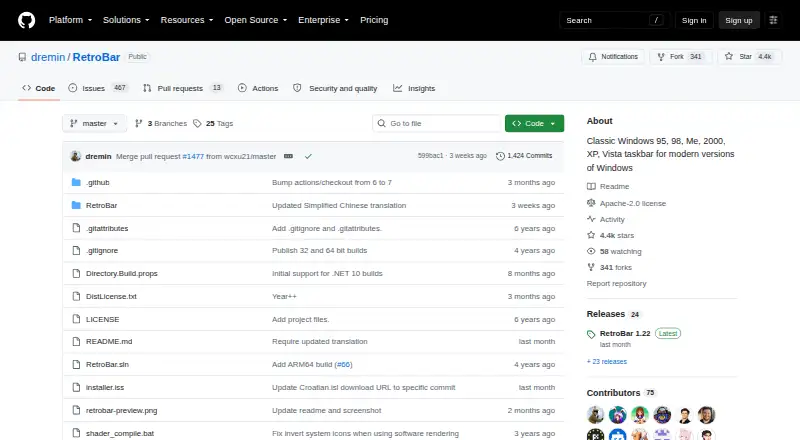
RetroBar: A free, open-source taskbar replacement for classic layouts and multi-monitor setups. Ranked #11 of 34 in Taskbar Customization Software by our editors (7.5/10); pricing: Free plan; best for classic taskbar layouts across multiple monitors.
At a glance
- Editor score7.5 / 10
- PricingFree plan
- Best forClassic taskbar layouts across multiple monitors
- Free planYes
- Paid fromFree
- PlatformWindows
- Facts checked20 Sep 2026
Where it wins
- Classic Windows 95 through Vista-style layouts
- Multi-monitor taskbars with positioning and resizing
- Free, open-source project with installer and portable versions
Where it doesn't
- Windows-only availability
- Retro visual focus may not suit modern interface preferences
- No AI features
Our verdict on RetroBar
RetroBar replaces the default Windows taskbar with classic Windows 95, 98, Me, 2000, XP, or Vista-style layouts. It is designed for Windows users who want a retro desktop interface while keeping everyday taskbar functions, including a notification area, task list, quick launch toolbar, clock, and input language switching. The project supports Windows 7 SP1, Windows 8.1, Windows 10, and Windows 11, with installer and portable distributions.
Its strongest fit is multi-monitor customization. RetroBar can place the taskbar on any screen side, display the taskbar, notification area, and clock across multiple monitors, and resize the taskbar with multiple rows. Users can also enable auto-hide, lock or unlock the appearance, reorder tasks by dragging, and use UWP app support in the task list. Custom theme support adds control beyond selecting a single classic layout.
RetroBar is free and open source under the Apache License 2.0, with no paid tiers described. That makes it suitable for users who want a complete taskbar replacement without a subscription or commercial plan. It is less appropriate for someone seeking a modern visual redesign, since its purpose is to recreate older Windows taskbar styles rather than introduce a contemporary interface. It also targets Windows only and does not provide AI features. Choose RetroBar for classic layouts, multi-monitor coverage, and detailed taskbar behavior; choose another tool if you want broader platform support or a modern-first design.
Your product? Our editors can test RetroBar in depth and publish a review, labelled as paid · from $149/mo →
RetroBar pricing
RetroBar fact sheet
| Free plan | Yes |
|---|---|
| Paid from | Free |
| Platform | Windows |
| Taskbar positioning | Yes |
| Transparency controls | Yes |
| App grouping controls | Not verified |
| Multi-monitor support | Yes |
| Taskbar sizing | Yes |
| Portable version | Yes |
| Deployment | Desktop |
| Platforms | Windows |
| Support | Community |
| Built for | Solo (editorial estimate) |
| Pricing | Free plan |
| Website | github.com |
| Facts checked | 20 Sep 2026 |
Alternatives to RetroBar
- ObjectDockA feature-rich Windows dock replacement with strong customization and multi-monitor support.9.2
- TaskbarXA free, portable Windows 10 taskbar customizer with limited modern Windows 11 support.8.8
- YASB RebornA flexible Windows taskbar replacement for users comfortable with deep customization.8.6


See all RetroBar alternatives →
Used RetroBar? Be the first to review it
The editor score above is our own research. What this page doesn't have yet is a reader's view — what you used RetroBar for, what worked and what didn't. No stars are seeded and no review is paid for; an editor reads every one before it appears.
Write a reviewTwo minutes · verified accounts only · read by an editor before it appears
Featured on iTechGuides

RetroBar is listed in our Taskbar Customization Software directory. Add the badge to your site — it links back to this page.
<a href="https://www.itechguides.com/products/retrobar/"><img src="https://www.itechguides.com/best/badge/retrobar.svg" alt="Featured on iTechGuides" width="230" height="46"></a>
Reviewed by iTechGuides Editors · Editorial team · Updated Oct 2026
Advertiser disclosure: iTechGuides is reader-supported. Vendors can pay for top positions in our rankings and for a place on other products' pages, and we may earn a commission when you click some links. Bought places stand at the number bought; this page and our disclosure say so. Paying vendors may get a fuller, more detailed review from our editors, and that review can change their score. How we rank.
Last updated · How we research and update