
phpMyAdmin
phpMyAdmin: A capable open-source web console for administering MySQL and MariaDB servers. Ranked #15 of 33 in Database Administration Tools by our editors (7.8/10); pricing: Free plan; best for mySQL and MariaDB web administration.
At a glance
- Editor score7.8 / 10
- PricingFree plan
- Best forMySQL and MariaDB web administration
- Free planYes
- Paid fromFree
- Deployment modelSelf-hosted
- Founded1998
- Facts checked22 Sep 2026
Where it wins
- Free and open-source with self-hosted web deployment
- Manages multiple servers, users, privileges, and database objects
- Includes SQL bookmarks, imports, exports, and schema visualization
Where it doesn't
- Requires deployment with a PHP-capable web server
- Does not provide database-server provisioning
- High-availability management is outside its documented scope
Our verdict on phpMyAdmin
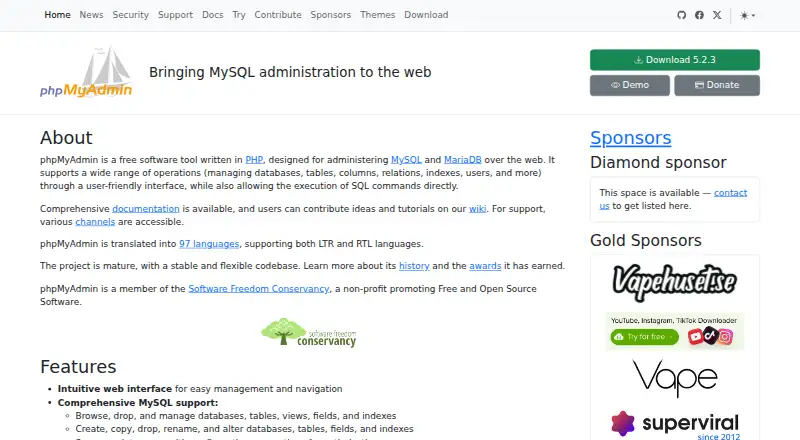
phpMyAdmin is a free, open-source web application for administering MySQL and MariaDB database servers. It suits database administrators, developers, and teams that want browser-based control over databases without adopting a separate paid service. Its interface covers creating, browsing, editing, and dropping databases, tables, views, columns, and indexes, along with managing users and privileges. It can also administer multiple database servers from the same deployment.
The feature set is broad for day-to-day database administration. Administrators can execute, edit, and bookmark SQL statements, including batch queries; create and manage stored procedures, functions, events, and triggers; search databases globally; and visualize schemas. Import support includes CSV, XML, OpenDocument, and SQL files. Export options include CSV, XML, PDF, OpenDocument, Word, LaTeX, and other formats, giving teams several ways to move or present data. These capabilities make phpMyAdmin a practical fit for teams whose work centers on MySQL or MariaDB objects, queries, permissions, and data movement.
Deployment is self-hosted rather than managed. The official downloads page provides installable software, and an official Docker image supports container-based deployment, but teams remain responsible for the PHP-capable web server and database environment. The documented scope focuses on administration rather than database-server provisioning or high-availability management. Choose phpMyAdmin when you need a free web interface with substantial object, privilege, SQL, import, export, and multi-server coverage. Choose an alternative when your primary requirement is managed infrastructure automation, provisioning, or high-availability operations.
Your product? Our editors can test phpMyAdmin in depth and publish a review, labelled as paid · from $149/mo →
phpMyAdmin pricing
phpMyAdmin fact sheet
| Free plan | Yes |
|---|---|
| Paid from | Free |
| Deployment model | Self-hosted |
| Supported database engines | MySQL, MariaDB |
| Automated provisioning | Not verified |
| High availability management | Not verified |
| Roles and permissions | Yes |
| Audit logging | Not verified |
| Deployment | Self-hosted |
| Platforms | Web, Linux |
| Compliance & security | 2FA |
| Support | Community, Docs |
| Built for | Solo, Small business, Mid-market, Enterprise (editorial estimate) |
| Pricing | Free plan |
| Website | phpmyadmin.net |
| Facts checked | 22 Sep 2026 |
Alternatives to phpMyAdmin
- ClusterControlA broad operations platform for teams automating multi-database infrastructure.9.4
- OpenEverestA broad, self-hosted control plane for teams managing multiple database engines.9.2
- Oracle Enterprise ManagerA broad administration suite for complex Oracle, hybrid, and multicloud database estates.9.0



See all phpMyAdmin alternatives →
Used phpMyAdmin? Be the first to review it
The editor score above is our own research. What this page doesn't have yet is a reader's view — what you used phpMyAdmin for, what worked and what didn't. No stars are seeded and no review is paid for; an editor reads every one before it appears.
Write a reviewTwo minutes · verified accounts only · read by an editor before it appears
Featured on iTechGuides

phpMyAdmin is listed in our Database Administration Tools directory. Add the badge to your site — it links back to this page.
<a href="https://www.itechguides.com/products/phpmyadmin/"><img src="https://www.itechguides.com/best/badge/phpmyadmin.svg" alt="Featured on iTechGuides" width="230" height="46"></a>
Reviewed by iTechGuides Editors · Editorial team · Updated Oct 2026
Advertiser disclosure: iTechGuides is reader-supported. Vendors can pay for top positions in our rankings and for a place on other products' pages, and we may earn a commission when you click some links. Bought places stand at the number bought; this page and our disclosure say so. Paying vendors may get a fuller, more detailed review from our editors, and that review can change their score. How we rank.
Last updated · How we research and update