
NZBGet
NZBGet: A free, open-source Usenet downloader with automation, repair and remote control. Ranked #40 of 58 in Download Manager Software by our editors (5.2/10); pricing: Free plan; best for usenet users needing automation and repair.
At a glance
- Editor score5.2 / 10
- PricingFree plan
- Best forUsenet users needing automation and repair
- Free planYes
- Paid fromFree
- Video downloadingYes
- Facts checked21 Sep 2026
Where it wins
- Multithreaded downloads with queue prioritization and scheduling
- RSS duplicate detection plus verification, repair and retry support
- Web interface, APIs, and Sonarr and Radarr integrations
Where it doesn't
- Focused on Usenet downloads through NZB files
- Post-processing may require extension scripts for specific workflows
- Administration-oriented features may exceed basic downloader needs
Our verdict on NZBGet
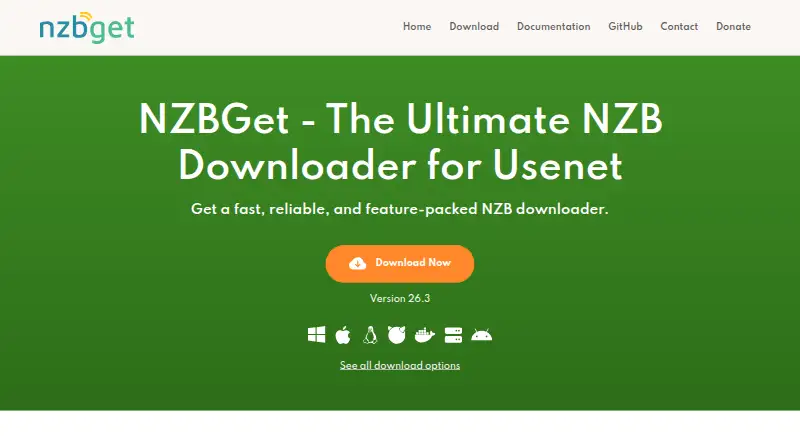
NZBGet is a free, open-source downloader for retrieving binary files from Usenet through NZB files. It is aimed at home users, media automation setups and administrators who run downloads on PCs, NAS devices, servers or low-powered hardware. The project supports Windows, macOS, Linux and FreeBSD, along with Docker, NAS and Android deployment options. Its core toolkit covers multithreaded downloading, queue management, prioritization, scheduled downloads and remote control through a browser-based web interface.
Automation is the main reason to choose NZBGet. RSS feeds can detect duplicates, while the scheduler supports scheduled downloads and scheduler extensions. The software can retry failed articles or file pieces, perform automatic par verification and repair, and handle post-processing, unpacking and extension scripts. These capabilities suit media automation workflows that need downloads to move from queue to processing with limited manual intervention. Sonarr and Radarr integrations further connect it to established media-management setups, while XML-RPC, JSON-RPC and JSON-P-RPC APIs support custom administration and external control.
The published offering is free and open source, with no paid tier structure to compare. Deployment flexibility is a clear part of its fit: users can run it across desktop operating systems, Android, Docker, NAS devices or servers, depending on their preferred setup. NZBGet is a strong pick for Usenet users who value automation, repair, APIs and low-resource operation. It is less suitable for someone seeking a general-purpose downloader for arbitrary web files, or for a simple download tool without queue, scheduling, post-processing and service-management requirements.
Your product? Our editors can test NZBGet in depth and publish a review, labelled as paid · from $149/mo →
NZBGet pricing
NZBGet fact sheet
| Free plan | Yes |
|---|---|
| Paid from | Free |
| Supported platforms | Windows, macOS, Linux, FreeBSD, Docker, NAS, Android |
| Browser integration | Not verified |
| Video downloading | Yes |
| Download scheduling | Yes |
| Concurrent downloads | Not verified |
| Remote control | Yes |
| Portable version | Not verified |
| Deployment | Self-hosted, Desktop, Mobile |
| Platforms | Windows, macOS, Linux, Android |
| Support | Community, Docs |
| Built for | Solo, Small business (editorial estimate) |
| Integrations | 2 integrations: Sonarr, Radarr |
| Pricing | Free plan |
| Website | nzbget.com |
| Facts checked | 21 Sep 2026 |
NZBGet integrations
NZBGet lists 2 integrations on its own site.
- Sonarr
- Radarr
Alternatives to NZBGet
- Free Download ManagerA broad free manager with acceleration, torrents, scheduling, and multi-platform support.9.3
- JDownloaderA broad free download manager for queues, plugins, archives, streams, and remote control.9.2
- Internet Download ManagerA capable paid Windows manager for organized, resumable and scheduled downloads.9.1


Used NZBGet? Be the first to review it
The editor score above is our own research. What this page doesn't have yet is a reader's view — what you used NZBGet for, what worked and what didn't. No stars are seeded and no review is paid for; an editor reads every one before it appears.
Write a reviewTwo minutes · verified accounts only · read by an editor before it appears
Featured on iTechGuides

NZBGet is listed in our Download Manager Software directory. Add the badge to your site — it links back to this page.
<a href="https://www.itechguides.com/products/nzbget/"><img src="https://www.itechguides.com/best/badge/nzbget.svg" alt="Featured on iTechGuides" width="230" height="46"></a>
Reviewed by iTechGuides Editors · Editorial team · Updated Oct 2026
Advertiser disclosure: iTechGuides is reader-supported. Vendors can pay for top positions in our rankings and for a place on other products' pages, and we may earn a commission when you click some links. Bought places stand at the number bought; this page and our disclosure say so. Paying vendors may get a fuller, more detailed review from our editors, and that review can change their score. How we rank.
Last updated · How we research and update