
NComputing vSpace Pro
NComputing vSpace Pro: A focused VDI platform for centralized Windows sessions and NComputing thin clients. Ranked #24 of 25 in Virtual Desktop Infrastructure Software by our editors (6.8/10); pricing: 7-day trial; best for NComputing thin-client environments.
At a glance
- Editor score6.8 / 10
- Pricing7-day trial
- Best forNComputing thin-client environments
- Free planNo
- Facts checked20 Sep 2026
Where it wins
- Centralized device and user-session management through vSpace Console
- UXP Turbo and vCAST support multimedia-focused workloads
- Scales beyond 100 concurrent sessions per server
Where it doesn't
- Paid use requires appropriate licensing or Annual Maintenance Program coverage
- Designed around NComputing thin clients, LEAF OS and software clients
- Windows host PCs or servers are required for deployment
Our verdict on NComputing vSpace Pro
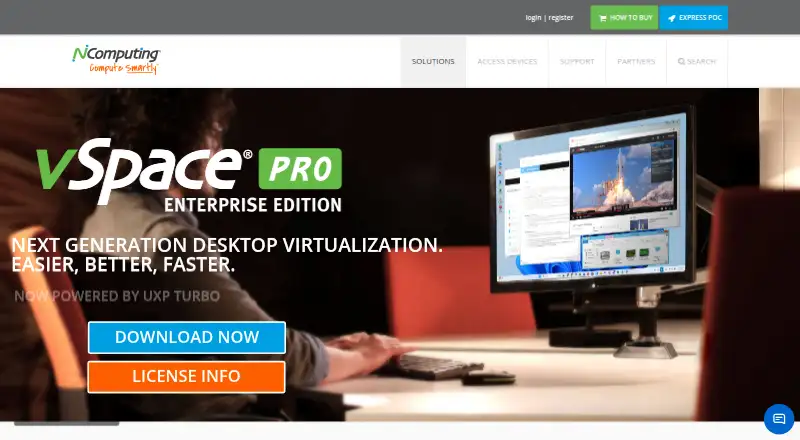
NComputing vSpace Pro Enterprise Edition is self-hosted desktop virtualization software installed on Windows host PCs or servers. It delivers virtual desktop sessions to NComputing thin clients, repurposed PCs running LEAF OS and the vSpace Pro Windows client. The product is aimed at organizations that want centralized management of devices and user sessions within a Windows-based environment, rather than a broad VDI platform spanning many deployment models.
Its feature set centers on session delivery and endpoint control. vSpace Console provides centralized device and user-session management, while support for Windows Server 2025, 2022 and 2019, along with Windows 11, fits Windows-focused deployments. UXP Turbo uses H.264 encoding for multimedia-intensive workloads, and vCAST streams browser and local media content. USB peripherals, webcams, smart cards and multi-touch devices are supported. Health monitoring and scalability beyond 100 concurrent sessions per server add operational coverage for larger environments. Active Directory, NComputing Management Portal and PMC Endpoint Manager provide ecosystem connections.
The commercial model is paid, with a seven-day evaluation period. Continued use requires appropriate licensing, and enterprise use requires compliance with NComputing’s Annual Maintenance Program or applicable connection licenses. AMP for vSpace Pro covers vSpace Pro environments. Choose vSpace Pro when NComputing thin clients, LEAF OS or Windows software clients are central to the deployment and centralized session management matters. Consider another VDI option if you need a broader platform focus beyond NComputing’s client ecosystem or a free plan.
Your product? Our editors can test NComputing vSpace Pro in depth and publish a review, labelled as paid · from $149/mo →
NComputing vSpace Pro pricing
All 1 NComputing vSpace Pro plans and prices →
NComputing vSpace Pro fact sheet
| Free plan | No |
|---|---|
| Paid from | Not verified |
| Deployment model | Not verified |
| Desktop types | Not verified |
| Profile management | Not verified |
| Application virtualization | Not verified |
| Identity integration | Yes |
| GPU support | Yes |
| Client platforms | Windows, Chrome, LEAF OS |
| Free trial | 7 days |
| Deployment | Self-hosted |
| Platforms | Windows, Linux, Chrome extension |
| Support | Tickets, Live chat, Phone, Docs |
| Built for | Mid-market, Enterprise (editorial estimate) |
| Integrations | 3 integrations: Active Directory, NComputing Management Portal, PMC Endpoint Manager |
| Pricing | 7-day trial (source) |
| Website | ncomputing.com |
| Facts checked | 20 Sep 2026 |
NComputing vSpace Pro integrations
NComputing vSpace Pro lists 3 integrations on its own site.
- Active Directory
- NComputing Management Portal
- PMC Endpoint Manager
Alternatives to NComputing vSpace Pro
- Omnissa HorizonEnterprise VDI with broad infrastructure support, automation, and contact-sales pricing.9.3
- Parallels RASA broad hybrid VDI platform for centralized desktop, application, and remote PC delivery.9.1
- Citrix DaaSBroad VDI coverage for organizations managing complex hybrid and multi-cloud environments.9.0



See all NComputing vSpace Pro alternatives →
Used NComputing vSpace Pro? Be the first to review it
The editor score above is our own research. What this page doesn't have yet is a reader's view — what you used NComputing vSpace Pro for, what worked and what didn't. No stars are seeded and no review is paid for; an editor reads every one before it appears.
Write a reviewTwo minutes · verified accounts only · read by an editor before it appears
Featured on iTechGuides

NComputing vSpace Pro is listed in our Virtual Desktop Infrastructure Software directory. Add the badge to your site — it links back to this page.
<a href="https://www.itechguides.com/products/ncomputing-vspace-pro/"><img src="https://www.itechguides.com/best/badge/ncomputing-vspace-pro.svg" alt="Featured on iTechGuides" width="230" height="46"></a>
Reviewed by iTechGuides Editors · Editorial team · Updated Oct 2026
Advertiser disclosure: iTechGuides is reader-supported. Vendors can pay for top positions in our rankings and for a place on other products' pages, and we may earn a commission when you click some links. Bought places stand at the number bought; this page and our disclosure say so. Paying vendors may get a fuller, more detailed review from our editors, and that review can change their score. How we rank.
Last updated · How we research and update