Kraken
Kraken: A trainable OCR system for specialists working with archives, handwriting, and non-Latin scripts. Ranked #27 of 40 in OCR Software by our editors (6.0/10); pricing: Free plan; best for trainable OCR for historical scripts.
At a glance
- Editor score6.0 / 10
- PricingFree plan
- Best forTrainable OCR for historical scripts
- Free planYes
- Paid fromFree
- Facts checked23 Sep 2026
Where it wins
- Trainable layout, reading-order, segmentation, and character models
- Supports handwriting and right-to-left, bidirectional, and vertical scripts
- Exports ALTO, PageXML, AbbyyXML, and hOCR with detailed recognition data
Where it doesn't
- Requires technical workflows through command-line or Python interfaces
- Focused on specialist OCR rather than general end-user document workflows
- Runs locally on Linux and macOS rather than across a broad platform range
Our verdict on Kraken
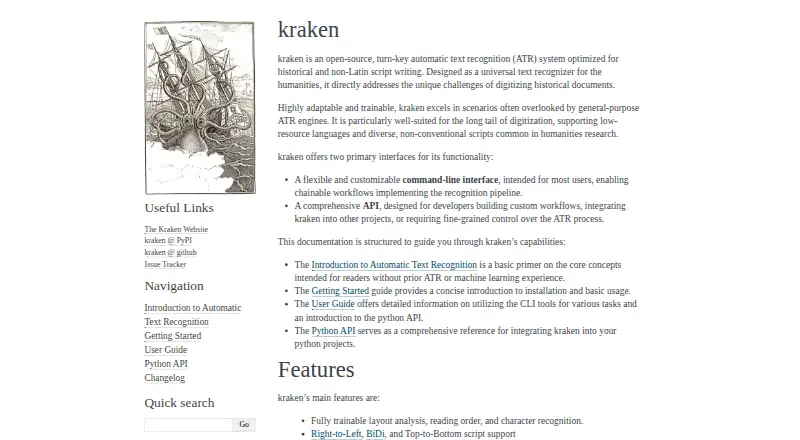
Kraken is an open-source OCR and automatic text recognition system for historical documents, handwriting, and non-Latin scripts. It is suited to digital-humanities specialists, archivists, researchers, and developers who need to adapt recognition and layout models to particular materials. Kraken can process images and PDFs locally on Linux and macOS, with command-line and Python API interfaces for building repeatable workflows.
Its main strength is trainability. The software supports trainable layout analysis, reading-order detection, segmentation, and character recognition, including model training and fine-tuning for specific scripts or handwriting. Support for right-to-left, bidirectional, and top-to-bottom writing makes it suitable for documents that require more than standard left-to-right recognition. Output options include ALTO, PageXML, AbbyyXML, and hOCR, while word bounding boxes and character cuts provide structured results for archival and research workflows.
Kraken also fits established humanities-oriented ecosystems through integrations with eScriptorium, OCR4all, OCR-D, and Arkindex. Command-line workflows can be chained, and the Python API covers preprocessing, segmentation, recognition, and serialization. The trade-off is a specialist orientation: users looking for a simple, general-purpose desktop OCR workflow may find the command-line and programming interfaces less approachable. Kraken is a strong choice when trainable models, historical materials, complex writing directions, or archival output formats matter; a more general end-user OCR tool may be a better fit for routine document conversion.
Your product? Our editors can test Kraken in depth and publish a review, labelled as paid · from $149/mo →
Kraken pricing
Kraken fact sheet
| Free plan | Yes |
|---|---|
| Paid from | Free |
| Searchable PDF | Not verified |
| Word export | No |
| Handwriting OCR | Yes |
| Supported languages | Not verified |
| Monthly page limit | Not verified |
| Primary platform | Desktop |
| Supported inputs | Both |
| Deployment | Self-hosted |
| Platforms | Linux, macOS |
| Support | Community, Docs |
| Built for | Small business, Mid-market, Enterprise (editorial estimate) |
| Integrations | 4 integrations: eScriptorium, OCR4all, OCR-D suite, arkindex by Teklia |
| Pricing | Free plan |
| Website | kraken.re |
| Facts checked | 23 Sep 2026 |
Kraken integrations
Kraken lists 4 integrations on its own site.
- eScriptorium
- OCR4all
- OCR-D suite
- arkindex by Teklia
Alternatives to Kraken
- PaddleOCRA developer-focused OCR toolkit with multilingual, handwriting, and document parsing workflows.9.3
- Tesseract OCRA mature, developer-focused OCR engine with broad outputs and self-hosting flexibility.9.1
- ABBYY FineReader PDFA broad desktop PDF suite for OCR, editing, conversion, forms, and document control.9.0

Also Ranked In
Kraken is ranked in 2 of our directories.
Used Kraken? Be the first to review it
The editor score above is our own research. What this page doesn't have yet is a reader's view — what you used Kraken for, what worked and what didn't. No stars are seeded and no review is paid for; an editor reads every one before it appears.
Write a reviewTwo minutes · verified accounts only · read by an editor before it appears
Featured on iTechGuides

Kraken is listed in our OCR Software directory. Add the badge to your site — it links back to this page.
<a href="https://www.itechguides.com/products/kraken/"><img src="https://www.itechguides.com/best/badge/kraken.svg" alt="Featured on iTechGuides" width="230" height="46"></a>
Reviewed by iTechGuides Editors · Editorial team · Updated Oct 2026
Advertiser disclosure: iTechGuides is reader-supported. Vendors can pay for top positions in our rankings and for a place on other products' pages, and we may earn a commission when you click some links. Bought places stand at the number bought; this page and our disclosure say so. Paying vendors may get a fuller, more detailed review from our editors, and that review can change their score. How we rank.
Last updated · How we research and update