
iBarcoder
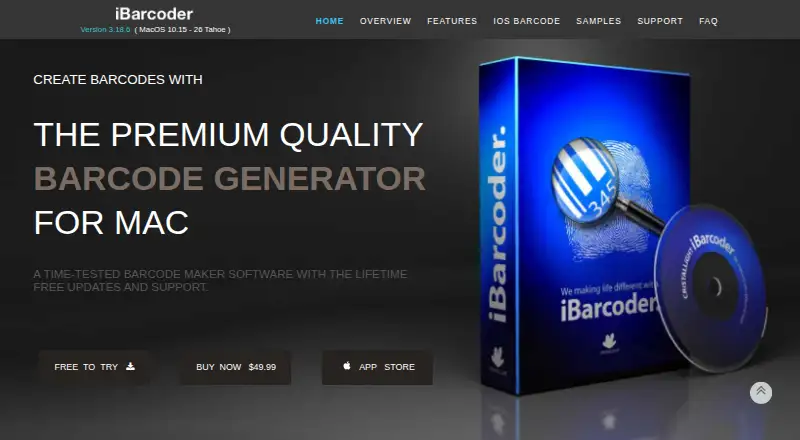
iBarcoder: A capable Mac barcode label tool for bulk generation, imports and print-ready exports. Ranked #27 of 35 in Barcode Labeling Software by our editors (6.6/10); pricing: Paid; best for mac users needing bulk barcode labels.
At a glance
- Editor score6.6 / 10
- PricingPaid
- Best forMac users needing bulk barcode labels
- Free planNo
- Paid from$49.99 one-time
- DeploymentDesktop
- Facts checked22 Sep 2026
Where it wins
- Creates more than 50 linear and 2D barcode types
- Imports CSV, text and Excel data for bulk generation
- Exports raster and vector files with advanced print controls
Where it doesn't
- Limited integration with Contacts as the listed ecosystem connection
- Designed for macOS rather than a cloud deployment
- The $49.99 purchase may not suit buyers seeking free software
Our verdict on iBarcoder
iBarcoder is desktop barcode and label-making software for macOS, aimed at users who need to create, organize and print individual or bulk barcode labels. It supports more than 50 linear and 2D barcode types, including QR Code, UPC, ISBN, EAN-13, GS1-128, SSCC-18 and PDF417. Labels can combine barcode, text, image and graphic objects, while sequential generation and variable-data imports support larger batches.
According to the published plan, iBarcoder costs $49.99 as a one-time purchase and includes a lifetime license, free updates and free technical support. The software supports macOS, and the vendor also offers a separate iOS barcode generation and scanning app with in-app subscriptions. The listed integration is Contacts, which can encode contact data into QR Code and DataMatrix barcodes. Buyers looking for a broader connected software ecosystem may find the platform fit narrow.
Its strongest area is control over label production and output. Users can import barcode data from CSV, text and Excel files, choose preset or custom label formats, and apply print ranges, offsets, bleeds and crop marks. Export options include raster and vector barcode files, including PDF and EPS, with RGB and CMYK color modes. That combination suits Mac users preparing labels for print workflows, packaging or inventory-related batches. It is less suited to teams seeking cloud deployment, extensive integrations or a single product spanning desktop and mobile workflows. Choose iBarcoder when bulk creation, label design and export control matter most; consider an alternative when connected automation is the priority.
Your product? Our editors can test iBarcoder in depth and publish a review, labelled as paid · from $149/mo →
iBarcoder pricing
All 1 iBarcoder plans and prices →
iBarcoder fact sheet
| Free plan | No |
|---|---|
| Paid from | $49.99 one-time |
| Deployment | Desktop |
| Variable data | Yes |
| Batch printing | Yes |
| Data import | Yes |
| API access | Not verified |
| Included users | Not verified |
| Print limit | Not verified |
| Deployment | Desktop, Mobile |
| Platforms | macOS, iOS |
| Support | |
| Built for | Solo, Small business (editorial estimate) |
| Integrations | 1 integrations: Contacts (Address Book) |
| Pricing | Paid (source) |
| Website | ibarcoder.com |
| Facts checked | 22 Sep 2026 |
iBarcoder integrations
iBarcoder lists 1 integrations on its own site.
- Contacts (Address Book)
Alternatives to iBarcoder
- BarcodeLabelGenA free, open-source workflow for designing, importing, and printing barcode labels.9.4
- ZPLabA free, open-source ZPL editor with validation, variable data, and batch printing.9.3
- PrintSpiritA broad labeling toolkit for teams that need APIs, databases, and remote printing.9.1

See all iBarcoder alternatives →
Used iBarcoder? Be the first to review it
The editor score above is our own research. What this page doesn't have yet is a reader's view — what you used iBarcoder for, what worked and what didn't. No stars are seeded and no review is paid for; an editor reads every one before it appears.
Write a reviewTwo minutes · verified accounts only · read by an editor before it appears
Featured on iTechGuides

iBarcoder is listed in our Barcode Labeling Software directory. Add the badge to your site — it links back to this page.
<a href="https://www.itechguides.com/products/ibarcoder/"><img src="https://www.itechguides.com/best/badge/ibarcoder.svg" alt="Featured on iTechGuides" width="230" height="46"></a>
Reviewed by iTechGuides Editors · Editorial team · Updated Oct 2026
Advertiser disclosure: iTechGuides is reader-supported. Vendors can pay for top positions in our rankings and for a place on other products' pages, and we may earn a commission when you click some links. Bought places stand at the number bought; this page and our disclosure say so. Paying vendors may get a fuller, more detailed review from our editors, and that review can change their score. How we rank.
Last updated · How we research and update