
Git Extensions
Git Extensions: A capable free Git GUI for Windows developers working in Microsoft tooling. Ranked #18 of 32 in Git GUI Clients by our editors (7.5/10); pricing: Free plan; best for windows developers using Microsoft tooling.
At a glance
- Editor score7.5 / 10
- PricingFree plan
- Best forWindows developers using Microsoft tooling
- Free planYes
- Paid fromFree
- Supported platformswindows
- Facts checked20 Sep 2026
Where it wins
- Free, open-source Git client with repository graphs and history browsing
- Interactive rebase, submodules, stash, worktrees, and conflict resolution
- Integrates with Windows Explorer, Visual Studio, and Visual Studio Code
Where it doesn't
- Windows-only maintained application
- No AI-assisted features
- Desktop-focused workflows may not suit users seeking a cross-platform client
Our verdict on Git Extensions
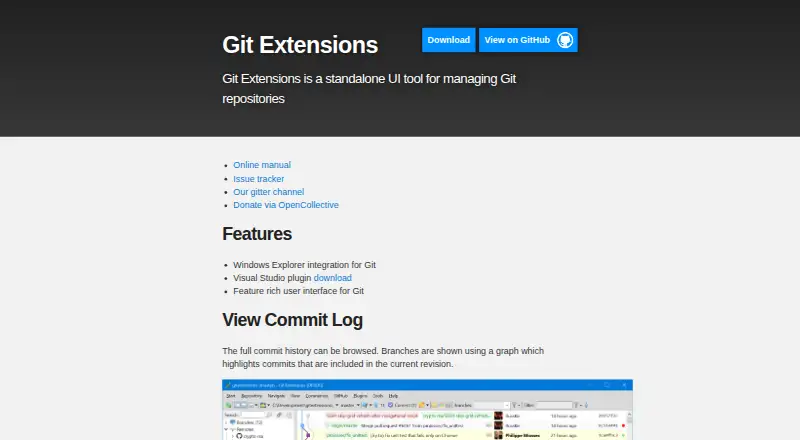
Git Extensions is an open-source desktop Git client for developers who prefer graphical repository management on Windows. It covers repository browsing, commit history visualization, file history with automatic rename and move detection, file blame, branching, rebasing, submodules, conflict resolution, stash, and worktrees. Its strongest fit is with Windows teams already working in Microsoft Visual Studio, Visual Studio Code, and Windows Explorer, while developers who need a client across multiple operating systems should look elsewhere.
The published project details show a free plan and an open-source pricing model, with no paid tier structure to evaluate. Its feature set is unusually broad for a desktop Git interface: users can inspect repository graphs and file history, review blame information, manage submodules, run interactive rebase workflows, and address merge conflicts through a dedicated dialog with merge-tool integration. These capabilities make it suitable for developers who want visual support for both everyday history review and more involved repository maintenance.
Platform fit is the clearest decision point. The maintained application is described as Windows-only, and the available integrations focus on Microsoft's desktop development environment: Windows Explorer, Visual Studio, and Visual Studio Code. That combination should appeal to Windows developers who want Git workflows close to their existing tools without adopting a paid product. Git Extensions is less suitable for teams that require a cross-platform desktop client, browser-based collaboration, or AI-assisted Git features. Choose it for a free, focused graphical interface with substantial repository-management coverage on Windows; choose an alternative when operating-system flexibility or broader collaboration capabilities matter more.
Your product? Our editors can test Git Extensions in depth and publish a review, labelled as paid · from $149/mo →
Git Extensions pricing
Git Extensions fact sheet
| Free plan | Yes |
|---|---|
| Paid from | Free |
| Supported platforms | windows |
| Offline mode | Not verified |
| Git LFS support | Not verified |
| Git submodules | Yes |
| Interactive rebase | Yes |
| Conflict editor | Yes |
| Deployment | Desktop |
| Platforms | Windows |
| Support | Community, Docs |
| Built for | Solo, Small business (editorial estimate) |
| Integrations | 3 integrations: Windows Explorer, Microsoft Visual Studio, Visual Studio Code |
| Pricing | Free plan |
| Website | gitextensions.github.io |
| Facts checked | 20 Sep 2026 |
Git Extensions integrations
Git Extensions lists 3 integrations on its own site.
- Windows Explorer
- Microsoft Visual Studio
- Visual Studio Code
Alternatives to Git Extensions
- GitemberA broad, free Git desktop client with history, review, LFS, submodules, and local AI.9.4
- platypusgitDeep Git control across macOS, Windows, and Linux without accounts or telemetry.9.3
- GitKraken DesktopA mature Git GUI with deep repository workflows, hosting integrations, and team tiers.9.1



See all Git Extensions alternatives →
Also Ranked In
Git Extensions is ranked in 2 of our directories.
Used Git Extensions? Be the first to review it
The editor score above is our own research. What this page doesn't have yet is a reader's view — what you used Git Extensions for, what worked and what didn't. No stars are seeded and no review is paid for; an editor reads every one before it appears.
Write a reviewTwo minutes · verified accounts only · read by an editor before it appears
Featured on iTechGuides

Git Extensions is listed in our Git GUI Clients directory. Add the badge to your site — it links back to this page.
<a href="https://www.itechguides.com/products/git-extensions/"><img src="https://www.itechguides.com/best/badge/git-extensions.svg" alt="Featured on iTechGuides" width="230" height="46"></a>
Reviewed by iTechGuides Editors · Editorial team · Updated Oct 2026
Advertiser disclosure: iTechGuides is reader-supported. Vendors can pay for top positions in our rankings and for a place on other products' pages, and we may earn a commission when you click some links. Bought places stand at the number bought; this page and our disclosure say so. Paying vendors may get a fuller, more detailed review from our editors, and that review can change their score. How we rank.
Last updated · How we research and update