
FolderMatch
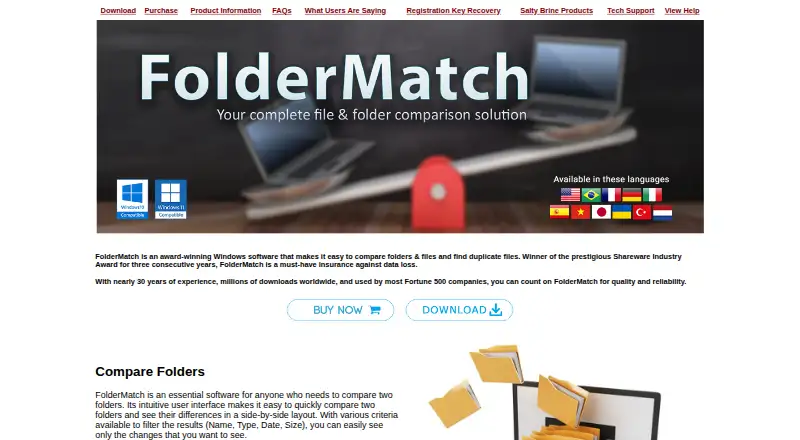
FolderMatch: A Windows folder utility with broad file comparison, synchronization, and duplicate-finding tools. Ranked #21 of 32 in File Comparison Software by our editors (6.7/10); pricing: Paid; best for windows users focused on folder operations.
At a glance
- Editor score6.7 / 10
- PricingPaid
- Best forWindows users focused on folder operations
- Paid from$36 one-time
- Facts checked20 Sep 2026
Where it wins
- Compares folders, drives, computers, and files, including subfolders
- Supports text comparison across Office, PDF, XML, and OpenDocument files
- Combines synchronization, duplicate finding, and file-management actions
Where it doesn't
- Windows-only software for desktop use
- Single User License covers one computer
- Focused on two-way comparisons rather than version-control workflows
Our verdict on FolderMatch
FolderMatch is a Windows desktop utility for comparing and synchronizing two files, folders, drives, or computers. It suits home users, programmers, testers, trainers, network administrators, and support technicians who need to inspect differences and act on them from one interface. Side-by-side displays cover folder trees, subfolders, and file differences, while comparison results can be copied, moved, deleted, renamed, or exported. The software also includes bulk timestamp editing and duplicate-file removal, giving it a broader file-management role than a basic folder-difference viewer.
Pricing is centered on one-time licenses. The Single User License costs $36 for one computer. An Upgrade License costs $18 and requires an existing FolderMatch license. Lifetime Upgrade Assurance costs $49.95, covers future versions at no additional cost, and applies to one computer. A Home License Add-On costs $21.99 and allows one FolderMatch license to be used on all computers in the home. These options make the purchase structure relevant for both individual computer use and household coverage, while upgrades and future-version access are handled separately.
Its strongest distinction is breadth within local file comparison. FolderMatch compares text in text, Office, PDF, RTF, HTML, XML, and OpenDocument files, displays binary contents through a hexadecimal viewer, and offers predefined or custom synchronization methods. That combination fits users managing folders and files directly on Windows. It is less suitable for teams seeking a version-control-centered workflow, collaborative review, or three-way merge tooling. Choose it when folder operations, synchronization, duplicate finding, and varied document comparison matter more than development-platform integration.
Your product? Our editors can test FolderMatch in depth and publish a review, labelled as paid · from $149/mo →
FolderMatch pricing
All 4 FolderMatch plans and prices →
FolderMatch fact sheet
| Free plan | Not verified |
|---|---|
| Paid from | $36 one-time |
| Three-way merge | Not verified |
| Folder comparison | Yes |
| Merge conflict tools | Not verified |
| Binary comparison | Yes |
| Supported platforms | Windows 7-11, 32-bit and 64-bit |
| Version-control support | Not verified |
| Deployment | Desktop |
| Platforms | Windows |
| Support | Email, Tickets, Docs |
| Built for | Solo, Small business, Mid-market (editorial estimate) |
| Pricing | Paid (source) |
| Website | foldermatch.com |
| Facts checked | 20 Sep 2026 |
Alternatives to FolderMatch
- P4MergeA free desktop diff and merge tool with Git and Perforce workflow support.9.1
- MeldA free Git-aware comparison tool with strong merge workflows, limited to Windows and Linux.9.0
- KDiff3A free, open-source desktop utility for detailed two- and three-way file merging.8.8



See all FolderMatch alternatives →
Used FolderMatch? Be the first to review it
The editor score above is our own research. What this page doesn't have yet is a reader's view — what you used FolderMatch for, what worked and what didn't. No stars are seeded and no review is paid for; an editor reads every one before it appears.
Write a reviewTwo minutes · verified accounts only · read by an editor before it appears
Featured on iTechGuides

FolderMatch is listed in our File Comparison Software directory. Add the badge to your site — it links back to this page.
<a href="https://www.itechguides.com/products/foldermatch/"><img src="https://www.itechguides.com/best/badge/foldermatch.svg" alt="Featured on iTechGuides" width="230" height="46"></a>
Reviewed by iTechGuides Editors · Editorial team · Updated Oct 2026
Advertiser disclosure: iTechGuides is reader-supported. Vendors can pay for top positions in our rankings and for a place on other products' pages, and we may earn a commission when you click some links. Bought places stand at the number bought; this page and our disclosure say so. Paying vendors may get a fuller, more detailed review from our editors, and that review can change their score. How we rank.
Last updated · How we research and update