fio
fio: A free, open-source benchmark for deeply configurable storage I/O workloads. Ranked #23 of 72 in PC Benchmark Software by our editors (7.0/10); pricing: Free plan; best for advanced storage I/O benchmarking.
At a glance
- Editor score7.0 / 10
- PricingFree plan
- Best forAdvanced storage I/O benchmarking
- Free planYes
- Paid fromFree
- Workload areasStorage I/O: read, write, trim, mixed workloads; bandwidth, IOPS, and latency
- Founded2006
- Facts checked24 Sep 2026
Where it wins
- Detailed sequential, random, mixed, and trim workload control
- Measures bandwidth, IOPS, and submission, completion, and total latency
- Runs on Linux, Windows, and macOS with CLI and job-file automation
Where it doesn't
- Specialized for technical storage I/O benchmarking
- Workloads require configuration through job files or command-line options
- Broader PC benchmarking needs may require a different tool
Our verdict on fio
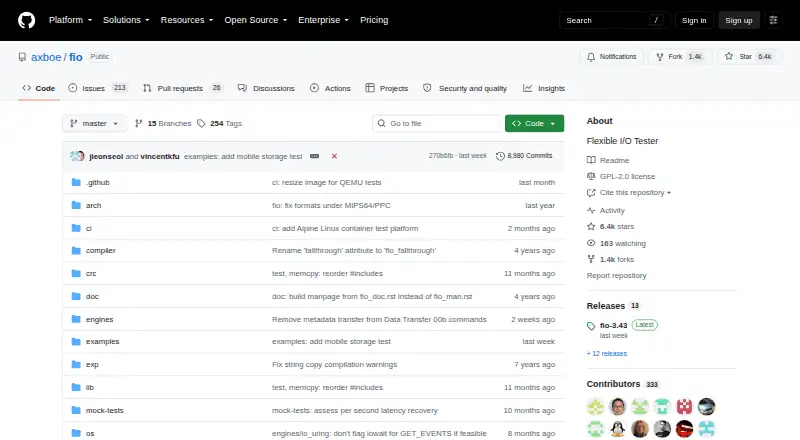
fio is an open-source I/O workload generator and benchmark tool for storage devices, filesystems, operating-system I/O subsystems, and schedulers. It suits engineers, developers, and advanced users who need to define and repeat detailed storage tests rather than run a general-purpose PC score. Workloads can include sequential reads and writes, random reads and writes, mixed read/write activity, and trim operations. fio supports Linux, Windows, and macOS.
Its main strength is workload depth. Job files use INI-style sections and parameters, while command-line options support automation. A workload can run multiple jobs, threads, processes, and concurrent operations, with configurable I/O engines and queue depths. Results include bandwidth, IOPS, submission latency, completion latency, and total latency. Bandwidth, IOPS, and latency logging add detail for analysis, and output can be produced as normal text, terse CSV, JSON, or JSON+.
fio is free and open source, making it a practical choice when repeatable, customizable storage measurements matter more than a simplified interface. Its breadth across operating systems and its automation features also fit scripted benchmarking and detailed workload comparison. The trade-off is specialization: users looking for a straightforward, broad PC benchmark may find fio too technical or too focused on storage I/O. Choose it for configurable storage workloads, concurrency, queue-depth control, latency analysis, and machine-readable reporting; choose an alternative when the priority is general PC performance coverage or a simpler benchmarking workflow.
Your product? Our editors can test fio in depth and publish a review, labelled as paid · from $149/mo →
fio pricing
fio fact sheet
| Free plan | Yes |
|---|---|
| Paid from | Free |
| Workload areas | Storage I/O: read, write, trim, mixed workloads; bandwidth, IOPS, and latency |
| Operating systems | Linux, Solaris, AIX, HP-UX, macOS, NetBSD, OpenBSD, Windows, FreeBSD, DragonFly |
| Comparison database | No |
| Result export formats | normal text, terse (semicolon-delimited), JSON, JSON+, bandwidth/latency logs |
| Custom test profiles | Yes |
| CLI or automation | Yes |
| Deployment | Self-hosted |
| Platforms | Windows, Linux, macOS |
| Support | Community, Docs |
| Built for | Solo, Small business, Mid-market, Enterprise (editorial estimate) |
| Pricing | Free plan |
| Website | github.com |
| Facts checked | 24 Sep 2026 |
Alternatives to fio
- GeekbenchA broad benchmark suite for comparing CPU and GPU performance across five platforms.9.3
- PassMark PerformanceTestA broad benchmark suite with free standard tests and a $39 one-time advanced tier.9.1
- 3DMarkA broad benchmark suite for comparing GPU, CPU, storage, and gaming performance.9.1


Used fio? Be the first to review it
The editor score above is our own research. What this page doesn't have yet is a reader's view — what you used fio for, what worked and what didn't. No stars are seeded and no review is paid for; an editor reads every one before it appears.
Write a reviewTwo minutes · verified accounts only · read by an editor before it appears
Featured on iTechGuides

fio is listed in our PC Benchmark Software directory. Add the badge to your site — it links back to this page.
<a href="https://www.itechguides.com/products/fio/"><img src="https://www.itechguides.com/best/badge/fio.svg" alt="Featured on iTechGuides" width="230" height="46"></a>
Reviewed by iTechGuides Editors · Editorial team · Updated Oct 2026
Advertiser disclosure: iTechGuides is reader-supported. Vendors can pay for top positions in our rankings and for a place on other products' pages, and we may earn a commission when you click some links. Bought places stand at the number bought; this page and our disclosure say so. Paying vendors may get a fuller, more detailed review from our editors, and that review can change their score. How we rank.
Last updated · How we research and update