
Eclipse IDE
Eclipse IDE: A broad, free desktop IDE for Java and C/C++ across Windows, macOS, and Linux. Ranked #6 of 65 in Integrated Development Environments by our editors (8.9/10); pricing: Free plan; best for free Java and C/C++ development.
At a glance
- Editor score8.9 / 10
- PricingFree plan
- Best forFree Java and C/C++ development
- Free planYes
- Paid fromFree
- Founded2004 · Brussels, Belgium
- Facts checked20 Sep 2026
Where it wins
- Free and open source on Windows, macOS, and Linux
- Integrated debugging, JUnit testing, Git, Maven, and build tools
- Extensible plug-in architecture for varied development workflows
Where it doesn't
- Its verified feature breadth is below top commercial IDEs
- Core project management capabilities are not established here
- Dev container support is not established as a core capability
Our verdict on Eclipse IDE
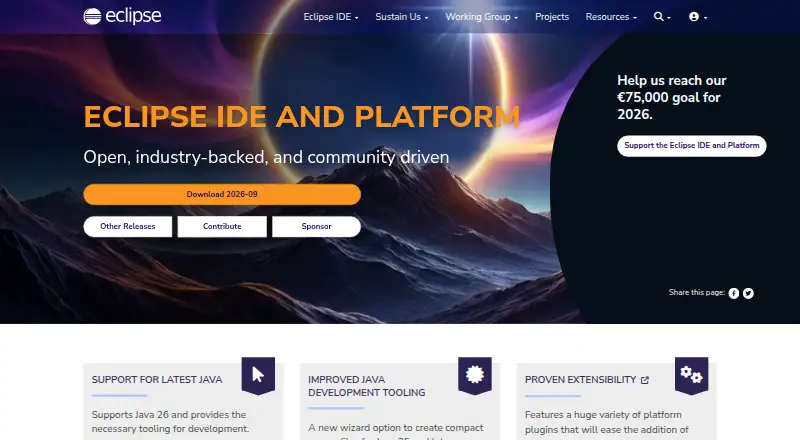
Eclipse IDE is a free, open-source desktop development environment maintained by the Eclipse Foundation. It is aimed at developers working with Java, C, and C++, as well as teams that need an extensible environment for plug-in development. Official packages also target embedded development and RCP/RAP workflows. Eclipse IDE runs on Windows, macOS, and Linux, making it a practical fit for developers who want the same open-source desktop option across major platforms.
Its strongest case is the breadth of core development tooling available without a paid plan. Java editing and development tools sit alongside C/C++ support, integrated debugging with breakpoints, stepping, and variable inspection, and JUnit workflows for creating, running, and reviewing tests. Build support covers CMake, Make, and other build chains, while Git and Maven integrations connect source control and Java project workflows. Docker-related C/C++ launch tooling adds a focused option for those development scenarios. The published product details describe Eclipse IDE as free and open source rather than a tiered commercial product.
The plug-in architecture is central to Eclipse IDE’s fit. It allows the environment to support different languages, project types, and development workflows beyond its core packages. That flexibility suits developers who value customization and need Java or C/C++ tooling across desktop operating systems. The trade-off is that its verified feature breadth sits below top commercial IDEs, so teams seeking a more extensive integrated environment may prefer another option. Eclipse IDE is the clearer choice for free, open-source Java and C/C++ development; it is less suitable for buyers prioritizing the broadest commercial feature set or capabilities outside the confirmed core tooling.
Your product? Our editors can test Eclipse IDE in depth and publish a review, labelled as paid · from $149/mo →
Eclipse IDE pricing
Eclipse IDE fact sheet
| Free plan | Yes |
|---|---|
| Paid from | Free |
| Supported operating systems | Not verified |
| Integrated debugger | Yes |
| Integrated testing tools | Yes |
| Build tools | Yes |
| Project management | Not verified |
| Dev container support | Not verified |
| Deployment | Desktop |
| Platforms | Windows, macOS, Linux |
| Support | Tickets, Community, Docs |
| Built for | Solo, Small business, Mid-market, Enterprise (editorial estimate) |
| Integrations | 6 integrations: Git, Maven, CMake, Make, Docker, JUnit |
| Pricing | Free plan |
| Website | eclipseide.org |
| Facts checked | 20 Sep 2026 |
Eclipse IDE integrations
Eclipse IDE lists 6 integrations on its own site.
- Git
- Maven
- CMake
- Make
- Docker
- JUnit
Alternatives to Eclipse IDE
- IntelliJ IDEAA full-featured, cross-platform IDE for Java and Kotlin teams.9.4
- Visual StudioA full-featured Windows IDE for .NET and C++ teams with broad tooling.9.3
- PyCharmA full-featured Python IDE with strong testing, debugging, data, and remote workflows.9.2



See all Eclipse IDE alternatives →
Eclipse IDE vs the competition
- Eclipse IDE vs IntelliJ IDEA
- Eclipse IDE vs Visual Studio
- Eclipse IDE vs PyCharm
- Eclipse IDE vs Rider
- Eclipse IDE vs CLion
- Eclipse IDE vs Qt Creator



Compare Eclipse IDE with any tool side by side →
Also Ranked In
Eclipse IDE is ranked in 3 of our directories.
Used Eclipse IDE? Be the first to review it
The editor score above is our own research. What this page doesn't have yet is a reader's view — what you used Eclipse IDE for, what worked and what didn't. No stars are seeded and no review is paid for; an editor reads every one before it appears.
Write a reviewTwo minutes · verified accounts only · read by an editor before it appears
Featured on iTechGuides

Eclipse IDE is listed in our Integrated Development Environments directory. Add the badge to your site — it links back to this page.
<a href="https://www.itechguides.com/products/eclipse-ide/"><img src="https://www.itechguides.com/best/badge/eclipse-ide.svg" alt="Featured on iTechGuides" width="230" height="46"></a>
Reviewed by iTechGuides Editors · Editorial team · Updated Oct 2026
Advertiser disclosure: iTechGuides is reader-supported. Vendors can pay for top positions in our rankings and for a place on other products' pages, and we may earn a commission when you click some links. Bought places stand at the number bought; this page and our disclosure say so. Paying vendors may get a fuller, more detailed review from our editors, and that review can change their score. How we rank.
Last updated · How we research and update