
DeskDrawer
DeskDrawer: A focused Windows organizer that groups desktop items without moving their files. Ranked #28 of 47 in Desktop Organization Software by our editors (6.7/10); pricing: Paid; best for windows users wanting simple non-moving boards.
At a glance
- Editor score6.7 / 10
- PricingPaid
- Best forWindows users wanting simple non-moving boards
- Free planNo
- Platform supportWindows_only
- Facts checked20 Sep 2026
Where it wins
- Preserves native Windows menus, shortcuts, copy, paste, and drag-and-drop
- Supports multiple monitors and mixed DPI scaling
- Sorts boards manually or by name, type, size, and date
Where it doesn't
- Windows-only platform support
- No free plan
- No automatic filing rules or saved layout switching
Our verdict on DeskDrawer
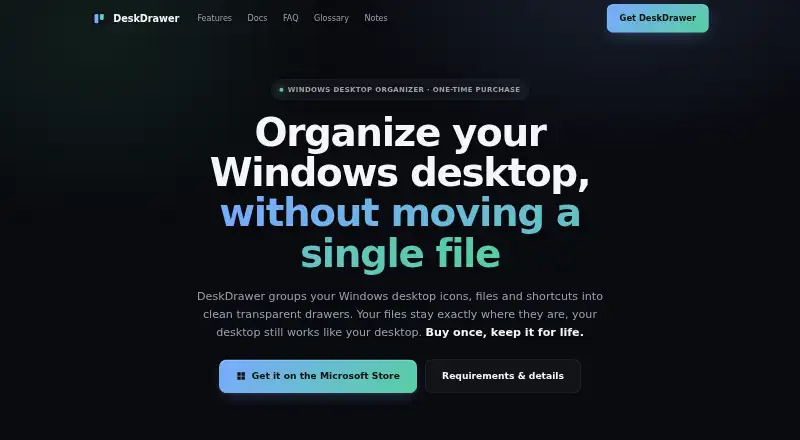
DeskDrawer is a Windows desktop organization tool for users who want to group icons, files, folders, and shortcuts without changing where those items are stored. It uses transparent boards as virtual containers, letting users create, rename, resize, fold, delete, and reposition groups on the desktop. The product is aimed at people who prefer a focused organizer rather than a launcher, file manager, dock, or theming suite. It supports Windows 10 and 11 and runs as a system-tray application without background services.
Its strongest fit is preserving familiar Windows behavior while adding structure to a busy desktop. Board membership is stored without moving desktop files, and native context menus, shortcuts, copy, paste, and drag-and-drop remain available. Users can sort each board manually or by name, type, size, and date. Multiple-monitor support, including mixed DPI scaling, extends the organization model across more than one display, while boards automatically re-tile after icon-size changes. These features make DeskDrawer suitable for users who want visible grouping and manual control without changing their existing file locations.
DeskDrawer is less suitable for users seeking automation or repeatable workspace presets. It does not provide automatic filing rules or saved layout switching, so ongoing organization depends on the board structure and sorting options available in the application. Its scope is also deliberately narrow: it organizes the Windows desktop rather than replacing file management or providing a broader application-launching environment. Choose DeskDrawer if transparent, non-moving boards and native Windows operations are the priority; consider an alternative if you need automatic placement, saved layouts, or support beyond Windows.
Your product? Our editors can test DeskDrawer in depth and publish a review, labelled as paid · from $149/mo →
DeskDrawer pricing
All 1 DeskDrawer plans and prices →
DeskDrawer fact sheet
| Free plan | No |
|---|---|
| Paid from | Not verified |
| Platform support | Windows_only |
| Organization model | Virtual_containers |
| Automatic sorting | Yes |
| Maximum containers | Not verified |
| Saved layouts | No |
| Multi-monitor support | Yes |
| Deployment | Desktop |
| Platforms | Windows |
| Support | Email, Community |
| Built for | Solo, Small business (editorial estimate) |
| Pricing | Paid (source) |
| Website | deskdrawer.pages.dev |
| Facts checked | 20 Sep 2026 |
Alternatives to DeskDrawer
- AutoShelfDeep automated file sorting for Mac users who want precise control.9.4
- Desktop Frames+A flexible Windows desktop organizer with frames, profiles, rules, and search.9.3
- DeskBoxDeskBox combines automatic desktop organization with search, widgets, todos, and recovery tools.9.2


See all DeskDrawer alternatives →
Used DeskDrawer? Be the first to review it
The editor score above is our own research. What this page doesn't have yet is a reader's view — what you used DeskDrawer for, what worked and what didn't. No stars are seeded and no review is paid for; an editor reads every one before it appears.
Write a reviewTwo minutes · verified accounts only · read by an editor before it appears
Featured on iTechGuides

DeskDrawer is listed in our Desktop Organization Software directory. Add the badge to your site — it links back to this page.
<a href="https://www.itechguides.com/products/deskdrawer/"><img src="https://www.itechguides.com/best/badge/deskdrawer.svg" alt="Featured on iTechGuides" width="230" height="46"></a>
Reviewed by iTechGuides Editors · Editorial team · Updated Oct 2026
Advertiser disclosure: iTechGuides is reader-supported. Vendors can pay for top positions in our rankings and for a place on other products' pages, and we may earn a commission when you click some links. Bought places stand at the number bought; this page and our disclosure say so. Paying vendors may get a fuller, more detailed review from our editors, and that review can change their score. How we rank.
Last updated · How we research and update