bspwm
bspwm: A free, scriptable tiling window manager for Linux users comfortable with shell configuration. Ranked #14 of 65 in Window Management Software by our editors (8.0/10); pricing: Free plan; best for linux users who want scriptable binary-tree tiling.
At a glance
- Editor score8.0 / 10
- PricingFree plan
- Best forLinux users who want scriptable binary-tree tiling
- Free planYes
- Paid fromFree
- Facts checked19 Sep 2026
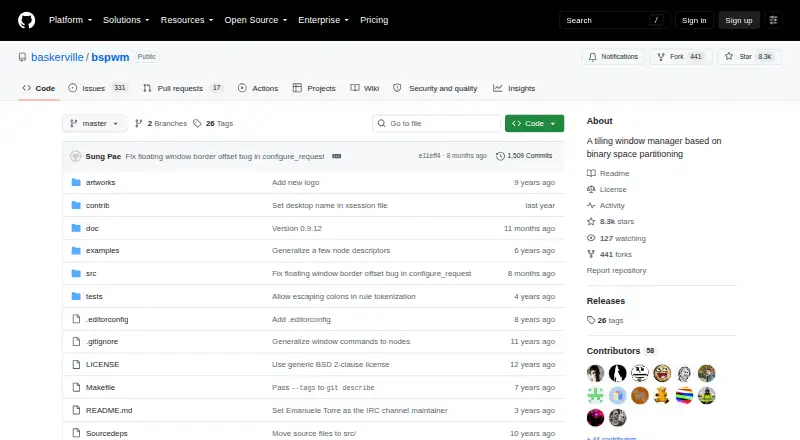
Where it wins
- Arranges windows using binary-tree tiling with configurable insertion modes
- Manages monitors, desktops, and tiled, floating, fullscreen, or pseudo-tiled states
- Supports shell-based configuration and application-specific window rules
Where it doesn't
- Designed for Linux X11 sessions, not other listed platforms
- Keyboard and pointer bindings are handled externally, commonly with sxhkd
- Configuration depends on a shell-based bspwmrc file
Our verdict on bspwm
bspwm is an open-source tiling window manager for Linux X11 sessions. It suits Linux users who want to control window placement through scripts and command-line tools rather than rely on a conventional desktop window manager. Windows are represented as leaves in a binary tree, while bspwm manages monitors, desktops, nodes, layouts, and window states. Its scope is focused on window management, not a broader desktop environment.
The main draw is the combination of binary-tree tiling and state control. Windows can be tiled, pseudo-tiled, floating, or fullscreen, and insertion can be automatic or manual. Application-specific rules let users define behavior for particular apps. Monitor and desktop management make it relevant to multi-monitor setups, while bspc provides command-line control through a dedicated socket. This depth favors people who want to shape their own window workflow; anyone seeking reusable saved layout presets or persistent named window groups should consider whether those capabilities are essential before choosing it.
Configuration is deliberately script-oriented: bspwm reads a shell-based bspwmrc, and keyboard and pointer bindings are handled externally, commonly through sxhkd. That separation gives technically comfortable users distinct controls for window behavior and input bindings, but it also means setup involves more than adjusting settings in one integrated interface. bspwm is free and open source, with no paid tiers to compare. Choose it if Linux X11, binary-tree tiling, and scriptable control match your setup; look elsewhere if you need a manager for another platform or prefer a self-contained graphical configuration process.
Your product? Our editors can test bspwm in depth and publish a review, labelled as paid · from $149/mo →
bspwm pricing
bspwm fact sheet
| Free plan | Yes |
|---|---|
| Paid from | Free |
| Platforms | linux |
| Maximum displays | Not verified |
| Layout presets | Not verified |
| Application rules | Yes |
| Window grouping | Not verified |
| Virtual desktop controls | Yes |
| Deployment | Desktop |
| Platforms | Linux |
| Integrations | 2 integrations: sxhkd, bspc |
| Pricing | Free plan |
| Website | github.com |
| Facts checked | 19 Sep 2026 |
bspwm integrations
bspwm lists 2 integrations on its own site.
- sxhkd
- bspc
Alternatives to bspwm
- i3A configurable X11 window manager for Linux users who want precise tiling and workspace control.9.4
- SwayA free, open-source Wayland compositor for configurable window layouts and i3 users.9.3
- HyprlandA flexible Linux building block for users who want to configure their own desktop.9.2



Used bspwm? Be the first to review it
The editor score above is our own research. What this page doesn't have yet is a reader's view — what you used bspwm for, what worked and what didn't. No stars are seeded and no review is paid for; an editor reads every one before it appears.
Write a reviewTwo minutes · verified accounts only · read by an editor before it appears
Featured on iTechGuides

bspwm is listed in our Window Management Software directory. Add the badge to your site — it links back to this page.
<a href="https://www.itechguides.com/products/bspwm/"><img src="https://www.itechguides.com/best/badge/bspwm.svg" alt="Featured on iTechGuides" width="230" height="46"></a>
Reviewed by iTechGuides Editors · Editorial team · Updated Oct 2026
Advertiser disclosure: iTechGuides is reader-supported. Vendors can pay for top positions in our rankings and for a place on other products' pages, and we may earn a commission when you click some links. Bought places stand at the number bought; this page and our disclosure say so. Paying vendors may get a fuller, more detailed review from our editors, and that review can change their score. How we rank.
Last updated · How we research and update