
Avery Design & Print
Avery Design & Print: A free web label designer with mail merge, codes, numbering, and PDF export. Ranked #9 of 32 in Label Design Software by our editors (8.4/10); pricing: Free plan; best for free web label design and mail merge.
At a glance
- Editor score8.4 / 10
- PricingFree plan
- Best forFree web label design and mail merge
- Free planYes
- Paid fromFree
- Barcode supportYes
- Founded1935 · Brea, California, United States
- Facts checked20 Sep 2026
Where it wins
- Free browser-based access with no paid tiers
- Mail merge, spreadsheet import, barcodes, and QR codes
- Supports PDF export, sharing, and inkjet or laser printing
Where it doesn't
- Designed around Avery labels and printable products
- Requires a web-based workflow rather than downloadable software
- Self-printing depends on compatible Avery media and printer type
Our verdict on Avery Design & Print
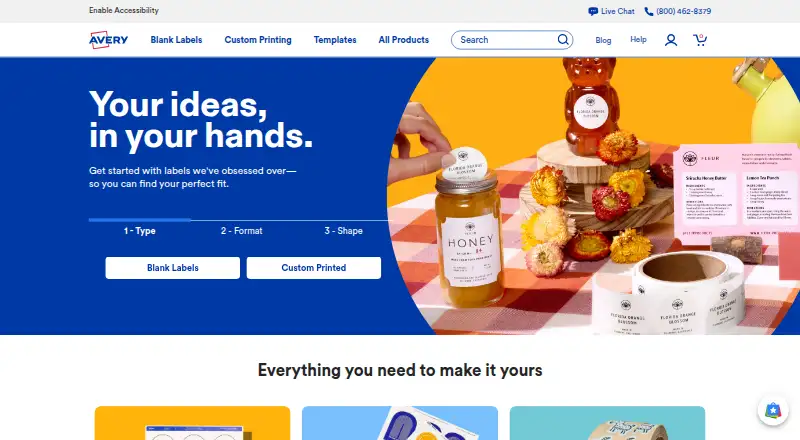
Avery Design & Print is a browser-based tool for designing and printing labels, cards, tags, badges, stickers, shipping labels, and other Avery printable products. It is suited to individuals, small businesses, offices, and organizations that need templates and variable-data printing without a software purchase. The editor supports text, images, shapes, fonts, colors, and graphics, while Edit One and Edit All controls help manage individual or repeated labels. Projects can be saved online or to a computer, shared through project links, and reordered through Avery.
The product’s strongest functional area is data-driven label production. Mail merge and spreadsheet data import support variable content, while barcode and QR-code generation and sequential numbering cover common identification and tracking needs. PDF export provides a route to self-printing, and the published printer support covers both inkjet and laser printers when used with compatible product media. These capabilities make Avery Design & Print a practical fit for shipping labels, badges, numbered items, and other repeated layouts rather than only one-off decorative designs.
Its ecosystem also extends beyond the browser through integrations with Google Drive, Microsoft Word, Apple Pages, Microsoft Publisher, Adobe Photoshop, Adobe InDesign, Adobe Illustrator, Pitney Bowes, and Constant Contact. The current product is online; Avery retired its downloadable software in 2020. Choose Avery Design & Print if free web access, Avery templates, mail merge, and PDF-based printing match your workflow. Those who specifically need downloadable label software should consider a different application.
Your product? Our editors can test Avery Design & Print in depth and publish a review, labelled as paid · from $149/mo →
Avery Design & Print pricing
Avery Design & Print fact sheet
| Free plan | Yes |
|---|---|
| Paid from | Free |
| Barcode support | Yes |
| Shipping labels | Yes |
| Compliance labels | Not verified |
| Variable data printing | Yes |
| Print automation | Not verified |
| Supported printers | inkjet, laser |
| Deployment model | Web |
| Deployment | Cloud |
| Platforms | Web |
| Support | Email, Live chat, Phone, Docs |
| Built for | Solo, Small business (editorial estimate) |
| Integrations | 9 integrations: Google Drive, Microsoft Word, Apple Pages, Microsoft Publisher, Adobe Photoshop, Adobe InDesign … See all → |
| Pricing | Free plan |
| Website | avery.com |
| Facts checked | 20 Sep 2026 |
Avery Design & Print integrations
Avery Design & Print lists 9 integrations on its own site.
- Google Drive
- Microsoft Word
- Apple Pages
- Microsoft Publisher
- Adobe Photoshop
- Adobe InDesign
- Adobe Illustrator
- Pitney Bowes
- Constant Contact
See all Avery Design & Print integrations →
Alternatives to Avery Design & Print
- EtikStudioA feature-rich choice for enterprise label automation, with pricing that requires sales contact.9.4
- BarTenderA broad labeling platform for organizations that need automation, control, and data-driven printing.9.2
- PrintSpiritA low-cost, integration-ready label platform with broad deployment options.9.0

See all Avery Design & Print alternatives →
Also Ranked In
Avery Design & Print is ranked in 6 of our directories.
Used Avery Design & Print? Be the first to review it
The editor score above is our own research. What this page doesn't have yet is a reader's view — what you used Avery Design & Print for, what worked and what didn't. No stars are seeded and no review is paid for; an editor reads every one before it appears.
Write a reviewTwo minutes · verified accounts only · read by an editor before it appears
Featured on iTechGuides

Avery Design & Print is listed in our Label Design Software directory. Add the badge to your site — it links back to this page.
<a href="https://www.itechguides.com/products/avery-design-print/"><img src="https://www.itechguides.com/best/badge/avery-design-print.svg" alt="Featured on iTechGuides" width="230" height="46"></a>
Reviewed by iTechGuides Editors · Editorial team · Updated Oct 2026
Advertiser disclosure: iTechGuides is reader-supported. Vendors can pay for top positions in our rankings and for a place on other products' pages, and we may earn a commission when you click some links. Bought places stand at the number bought; this page and our disclosure say so. Paying vendors may get a fuller, more detailed review from our editors, and that review can change their score. How we rank.
Last updated · How we research and update