
AppControl
AppControl: Free Windows monitoring with three-day history, alerts, and application controls. Ranked #6 of 26 in Process Monitoring Software by our editors (8.8/10); pricing: Free plan; best for free Windows monitoring with controls and alerts.
At a glance
- Editor score8.8 / 10
- PricingFree plan
- Best forFree Windows monitoring with controls and alerts
- Free planYes
- Paid fromFree
- Facts checked21 Sep 2026
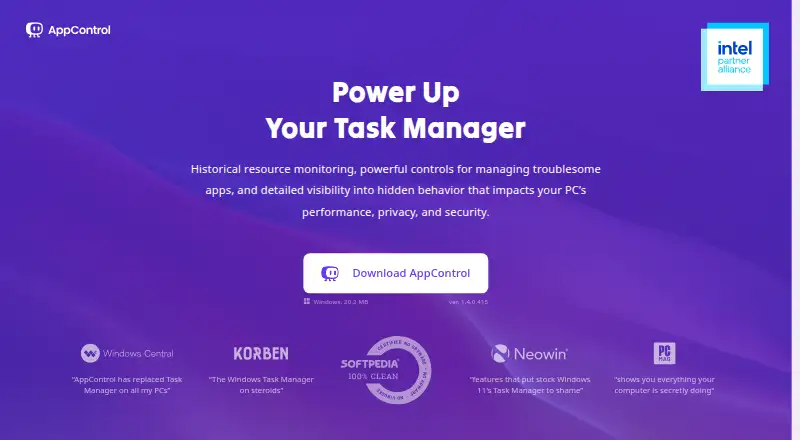
Where it wins
- Three-day, second-level history for CPU, GPU, memory, disk, and temperature
- Real-time alerts for unusual, unsigned, or privacy-sensitive app activity
- Terminate, disable, block, and create custom rules for applications
Where it doesn't
- Windows-only coverage excludes macOS and other platforms
- Three-day history limits longer-term trend analysis
- AI-assisted queries require the optional MCP integration
Our verdict on AppControl
AppControl is a free Windows desktop utility that extends Task Manager with historical monitoring and process controls. It is aimed at gamers, IT professionals, privacy-conscious users, and general PC users who want more visibility into applications, system resources, services, and privacy events. The product records activity locally, covering CPU, GPU, memory, disk, temperatures, processes, and executable descriptions. Windows Services display, command-line monitoring, and a process event log add operational context beyond a basic task view.
Its strongest area is the combination of short-term history, alerting, and direct process actions. The published capabilities show three-day activity history with second-level monitoring, allowing users to review recent resource use rather than only observing current activity. Real-time alerts can flag new, unusual, unsigned, or privacy-sensitive app activity. When an application or publisher is troublesome, AppControl can terminate, permanently disable, or block it, while custom rules provide more specific control. That makes it a practical fit for users who need both monitoring and intervention on one Windows machine.
The free pricing model keeps the core product accessible, while the optional MCP integration connects AppControl’s local system data with Claude, Cursor, Gemini CLI, OpenAI, and Windsurf for AI-assisted queries. This ecosystem fit may appeal to technical users who already work with those tools. The main boundary is platform scope: AppControl is designed for Windows rather than mixed-device environments. Users seeking Windows process history, alerts, services, and application controls should consider it; teams needing monitoring across multiple operating systems or longer retention should choose a broader alternative.
Your product? Our editors can test AppControl in depth and publish a review, labelled as paid · from $149/mo →
AppControl pricing
AppControl fact sheet
| Free plan | Yes |
|---|---|
| Paid from | Free |
| Supported platforms | Windows |
| Remote monitoring | Not verified |
| Service monitoring | Yes |
| Process alerting | Yes |
| History retention | 72 days |
| Process controls | Yes |
| Activity logs | Yes |
| Money-back guarantee | 30 days |
| Deployment | Desktop |
| Platforms | Windows |
| Support | Email, Community, Docs |
| Built for | Solo, Small business (editorial estimate) |
| Integrations | 5 integrations: Claude, Cursor, Gemini CLI, OpenAI, Windsurf |
| Pricing | Free plan |
| Website | appcontrol.com |
| Facts checked | 21 Sep 2026 |
AppControl integrations
AppControl lists 5 integrations on its own site.
- Claude
- Cursor
- Gemini CLI
- OpenAI
- Windsurf
Alternatives to AppControl
- GlancesA broad, free monitoring toolkit for cross-platform and self-hosted infrastructure.9.4
- PM2A capable Node.js process manager with deeper monitoring in paid tiers.9.2
- MonitA focused self-hosted monitor for service health, system checks, and automatic recovery.9.1



See all AppControl alternatives →
AppControl vs the competition
- AppControl vs Glances
- AppControl vs PM2
- AppControl vs Monit
- AppControl vs Supervisor
- AppControl vs Process Lasso
- AppControl vs atop

Compare AppControl with any tool side by side →
Also Ranked In
AppControl is ranked in 2 of our directories.
Used AppControl? Be the first to review it
The editor score above is our own research. What this page doesn't have yet is a reader's view — what you used AppControl for, what worked and what didn't. No stars are seeded and no review is paid for; an editor reads every one before it appears.
Write a reviewTwo minutes · verified accounts only · read by an editor before it appears
Featured on iTechGuides

AppControl is listed in our Process Monitoring Software directory. Add the badge to your site — it links back to this page.
<a href="https://www.itechguides.com/products/appcontrol/"><img src="https://www.itechguides.com/best/badge/appcontrol.svg" alt="Featured on iTechGuides" width="230" height="46"></a>
Reviewed by iTechGuides Editors · Editorial team · Updated Oct 2026
Advertiser disclosure: iTechGuides is reader-supported. Vendors can pay for top positions in our rankings and for a place on other products' pages, and we may earn a commission when you click some links. Bought places stand at the number bought; this page and our disclosure say so. Paying vendors may get a fuller, more detailed review from our editors, and that review can change their score. How we rank.
Last updated · How we research and update