
Outdated Drivers Are Slowing You Down
One free scan finds every outdated or missing driver and matches the right update for your exact hardware.Free scan · exact hardware matchPC Slower Than It Used to Be?
A free scan shows the junk files, broken settings and background clutter dragging Windows down - then fixes them in one click.Free scan · Windows 10 & 11Creating a logo can be difficult when you’re not a designer. You need to choose the right colors, fonts, icons, and layout to ensure the finished design accurately represents your business. Hiring a professional designer is one option, but it may not fit every budget or timeline.
AI logo generators offer another solution. They can quickly create logo concepts based on your business name, industry, and preferences, giving you a starting point that you can customize yourself.


With so many tools available, however, it can be difficult to know which one is actually worth using.
We’ve compared five popular AI logo generators in 2026 to see how they differ in design variety, AI capabilities, customization, branding features, ease of use, and overall value.
Free tools Windows power users keep installed
One-click scans. No signup required.
#1 Best Overall
Best AI Logo Generators at a Glance
Refer to the table below for a quick comparison of the tools:
| AI Logo Generator | Best For | Key Strength |
|---|---|---|
| Design.com | Complete AI-powered branding | AI logo generation plus a broad branding ecosystem |
| Canva | Template-based DIY logos | Huge template library plus Magic Studio AI tools |
| Squarespace | Simple logo creation | Straightforward browser-based logo maker |
| Adobe Express | DIY design and customization | Templates, Adobe Stock assets, and AI tools |
| Wix / Wixel | AI-powered brand creation | AI design agent and broader brand asset creation |
What Makes a Good AI Logo Generator?
Before comparing individual platforms, it helps to know what actually matters when choosing one.
AI Logo Generation
A good AI logo generator should make it easy to go from an idea to several usable concepts. Look at how much information you can provide about your business and how much control you have over the results.
Design Variety
You don’t want every business to end up with the same-looking logo.
What’s actually slowing this PC down?
Pick the symptom - the matching free tool is one click away.
A large selection of templates, icons, fonts, styles, and layouts gives you more opportunities to find a direction that fits your brand.
Customization
AI can create the starting point, but you should still be able to make the logo your own.
Look for tools that let you change colors, fonts, icons, layouts, spacing, and other design elements.
Branding Features
A logo is only one part of your visual identity.
Some platforms let you apply your logo, colors, and fonts to business cards, social media graphics, websites, presentations, and other branded materials. This can be useful if you’re building a business from scratch.
File Formats
Think about where you plan to use the logo.
A business may need a logo for a website, social media, packaging, signage, business cards, and printed materials. Check which file formats are available and whether you can download vector files when you need scalable artwork.
Ease of Use
Finally, the tool should be easy enough to use without professional design experience.
The whole point of an AI logo generator is to simplify the process, so a complicated interface can defeat the purpose.
Check out the five tools below:
1. Design.com
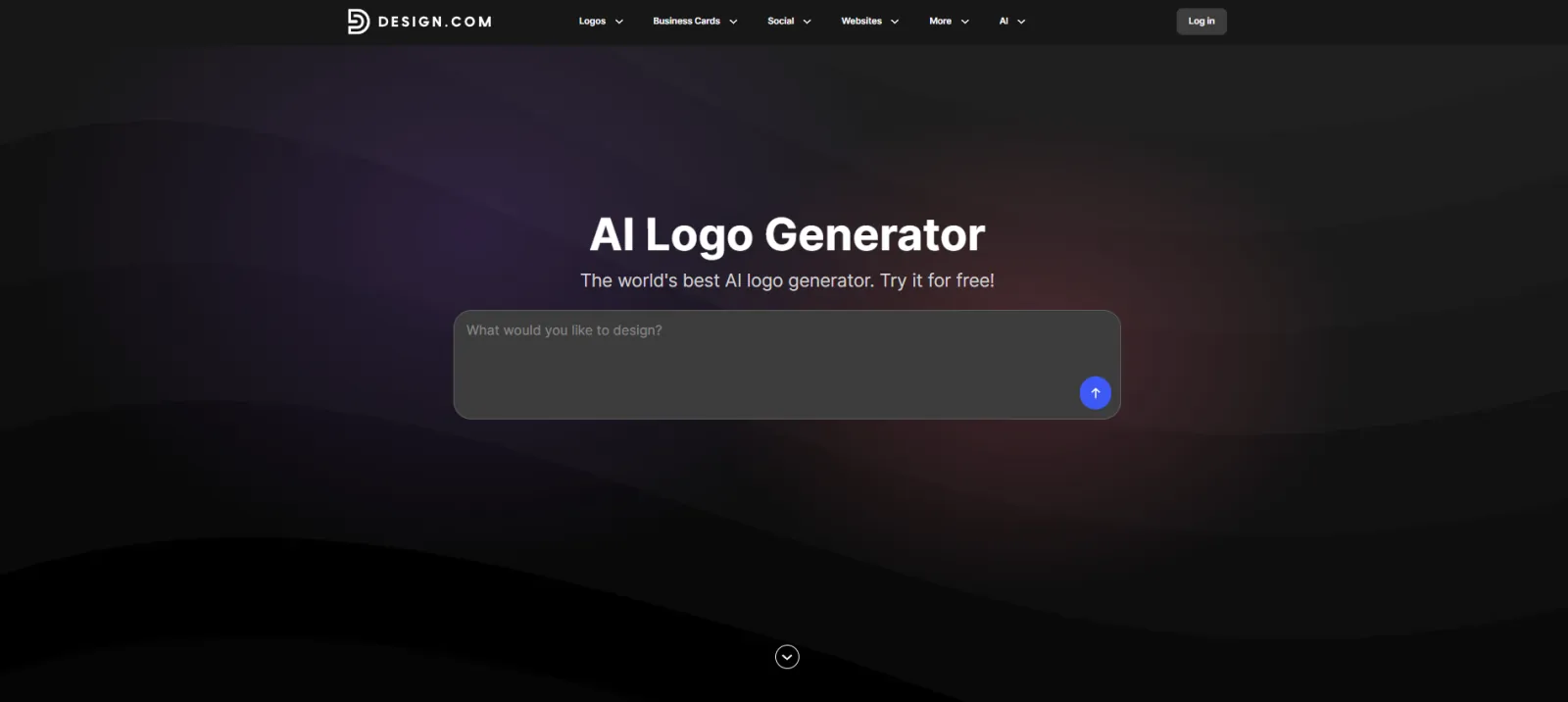
Best for: Businesses that want AI logo generation and a complete branding workflow
Design.com takes a broader approach to AI logo creation. Rather than simply generating a logo and stopping there, its AI logo generator is integrated with a broader suite of branding and design tools.
Rank #2
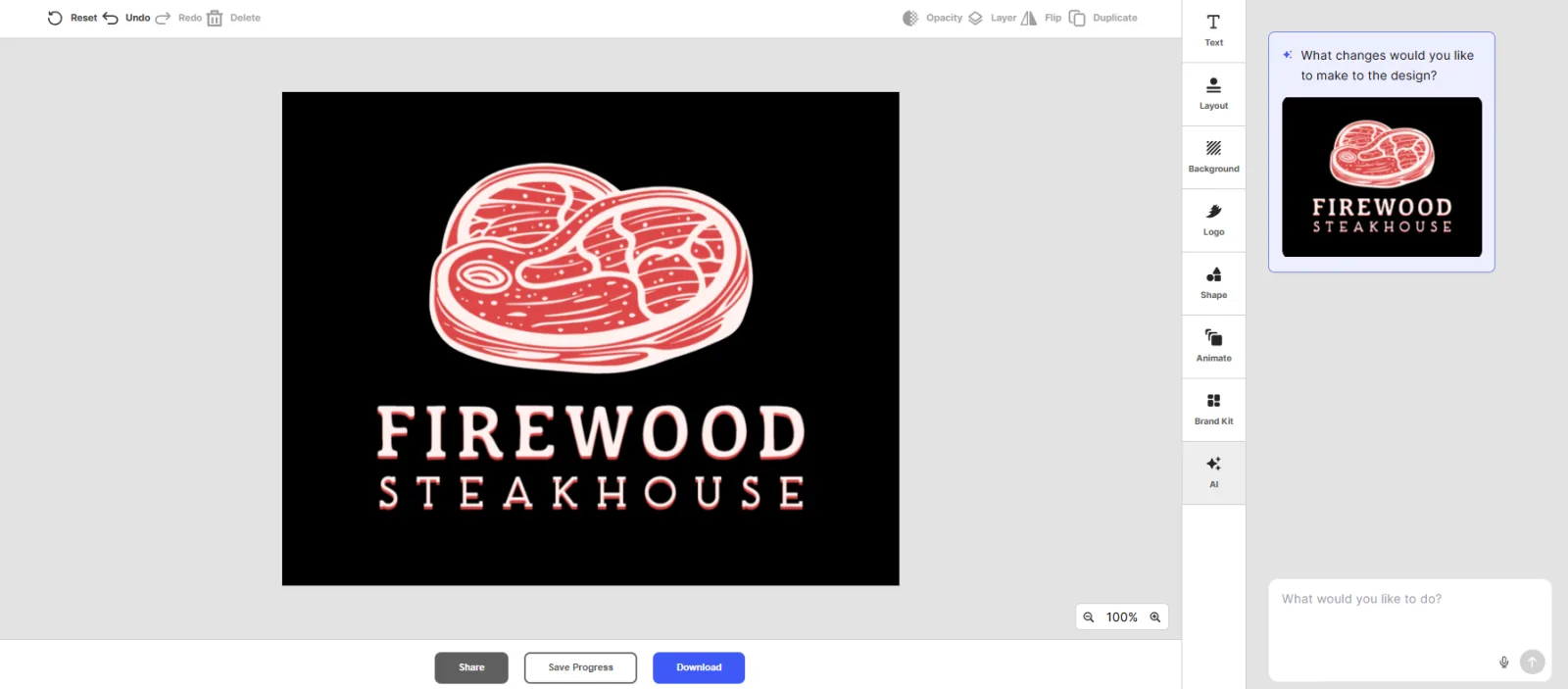
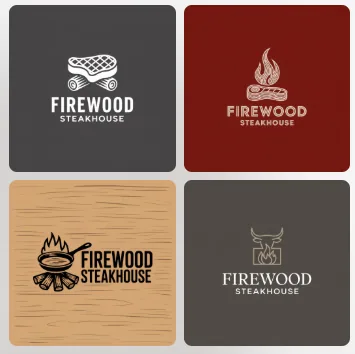
To test the logo generator, we entered a fictional business, Firewood Steakhouse, and used the tool to generate logo ideas based on the business name.
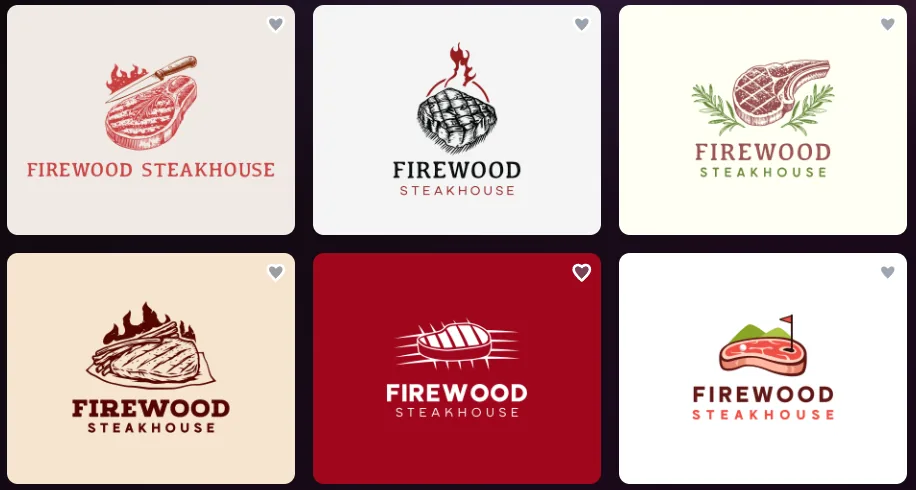
These are just some of the logo variations we received. The tool generates multiple designs, giving you different styles and directions to choose from rather than limiting you to a single result.
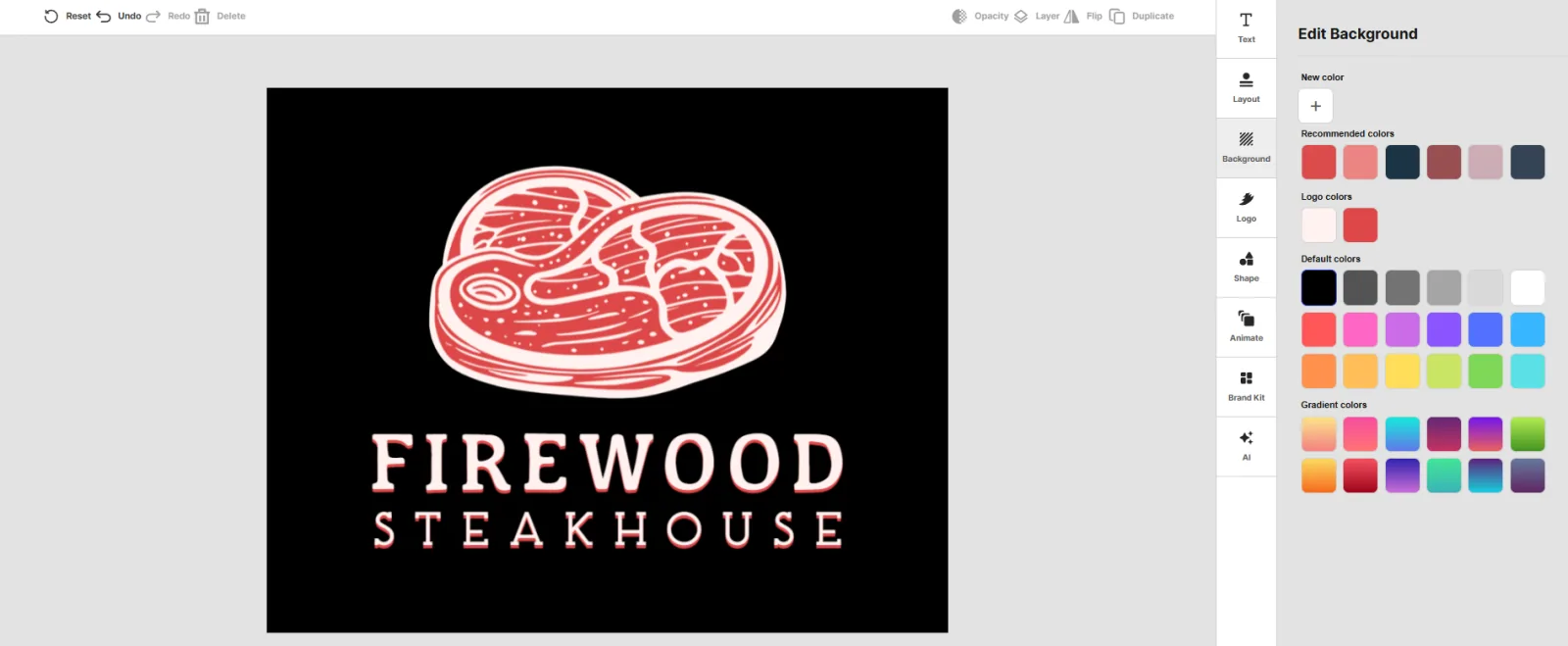
Once you choose a template, you can customize different parts of the design. For example, you can change the background colors to better match your brand.
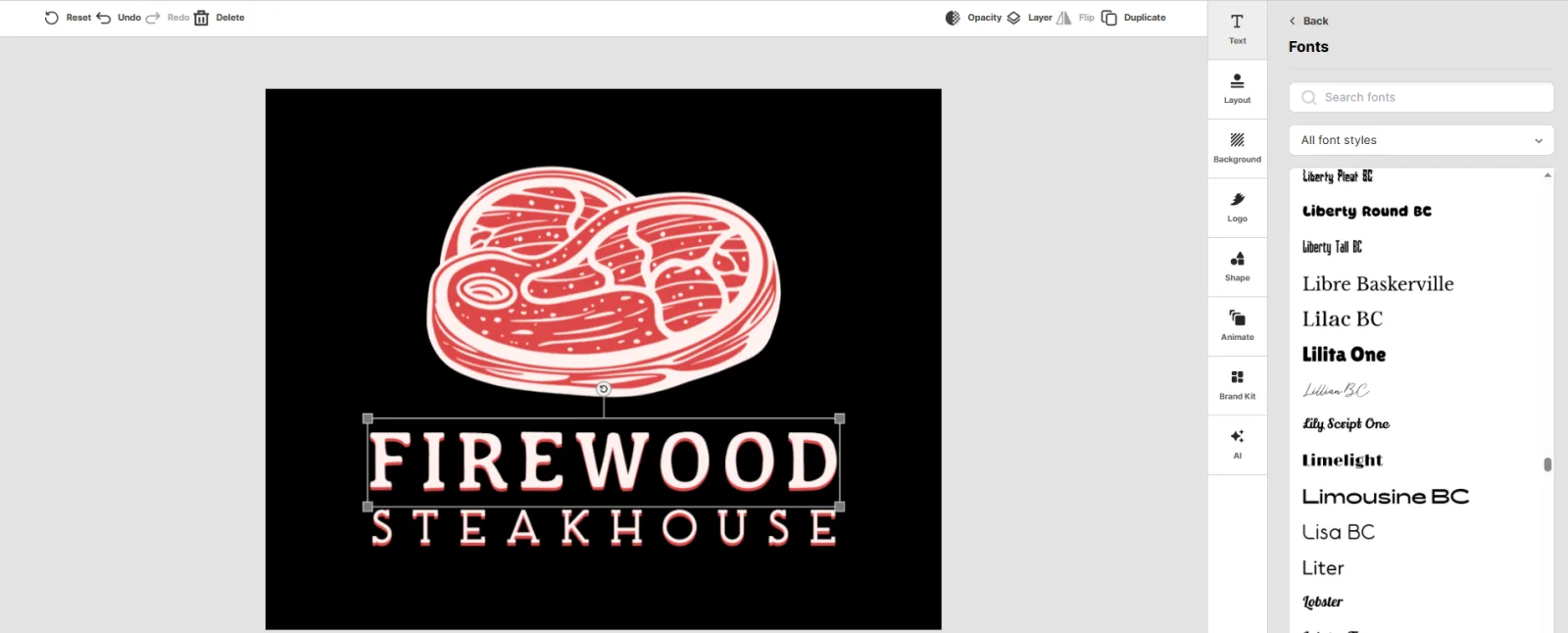
You can also adjust the font and other design elements directly in the editor.
If you want to make changes without editing everything yourself, Design.com also lets you interact with an AI chatbot. You can describe the changes you want, and the AI can adjust the design for you.
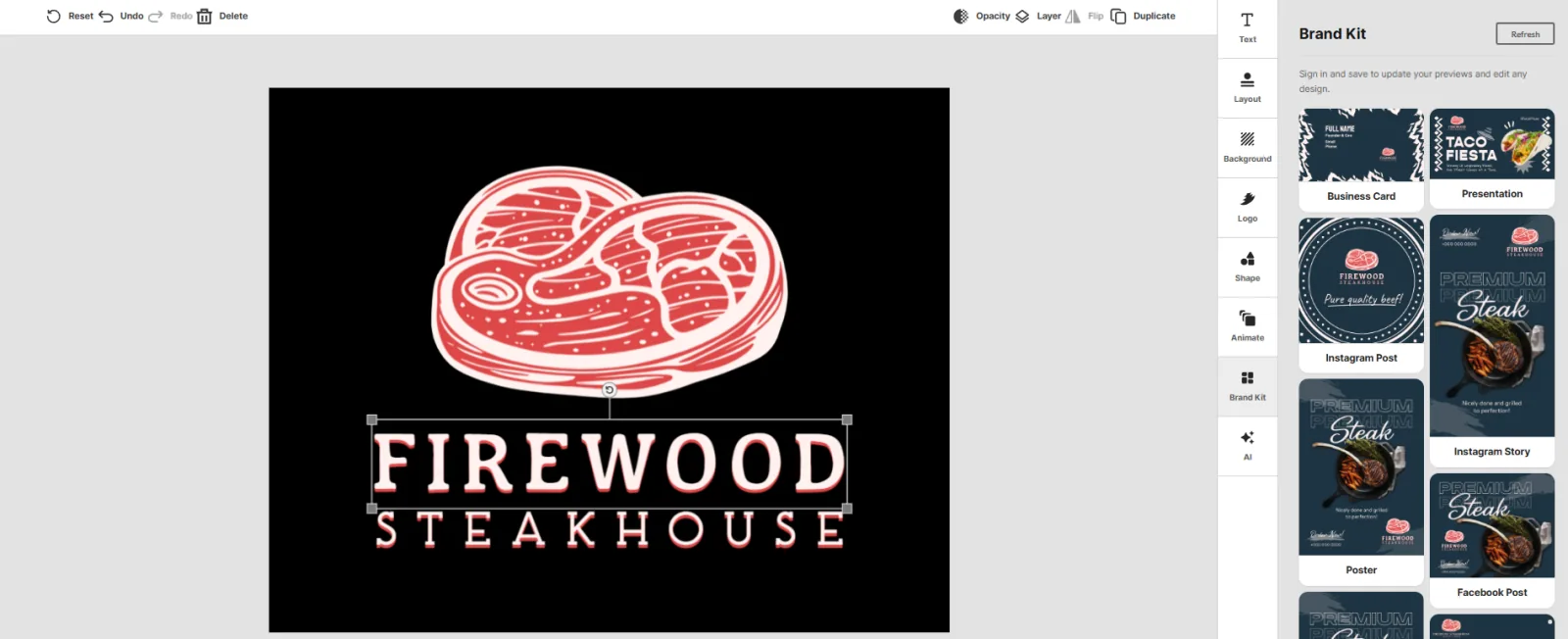
The platform also goes beyond the logo itself. Once you have a design you like, you can see how your branding could look across different business materials. This gives you a better idea of how the logo functions within a broader brand identity rather than as a standalone graphic.
Another major advantage is the size of its wider design ecosystem. Design.com has 500,000+ logos in its AI-powered logo library and 1M+ templates across its platform. It also offers 50+ design tools, allowing users to apply their branding to other business assets.
Quick wins for a faster PC:
Fix the driver behind crashes, sound loss and screen glitchesFind Drivers →Clear out junk files and repair common Windows errorsFree Scan →Scan for outdated or missing drivers - takes under a minuteDriver Scan →That makes it particularly useful for startups and small businesses that need more than a logo. Once you have a design you like, you can use the broader platform to create business cards, websites, flyers, presentations, QR codes, and other branded materials.
Key Features
- AI-powered logo generation
- 500k AI-generated logo designs
- 1M+ templates across the broader platform
- 50+ design tools
- Thousands of AI-generated logo variations
- AI-generated brand kit
- Logo, color, and font matching across branded assets
- AI image generator for creating custom visuals
- Additional AI tools for websites, business cards, presentations, AI image generation, and more
Pros
- Strong AI-focused logo generation
- Large logo and design ecosystem
- Useful beyond the initial logo
- Suitable for startups, small businesses, and entrepreneurs
- Makes it easier to build a consistent visual identity
Potential Limitations
We did not find any limitations or drawbacks for Design.com.
Our Verdict
Design.com is the strongest all-around option in this comparison. Its main advantage is that it treats the logo as the starting point for a broader brand identity rather than an isolated design.
If you’re launching a business and expect to need other branded materials, its combination of AI logo generation, customization, and additional design tools makes it particularly useful.
The Tool Desk
Outbyte PC Repair FREEClear out junk files and repair common Windows errorsFree Scan →Outbyte Driver Updater FREEFix the driver behind crashes, sound loss and screen glitchesFind Drivers →2. Canva
Best for: DIY logo design with a huge template library and built-in AI tools
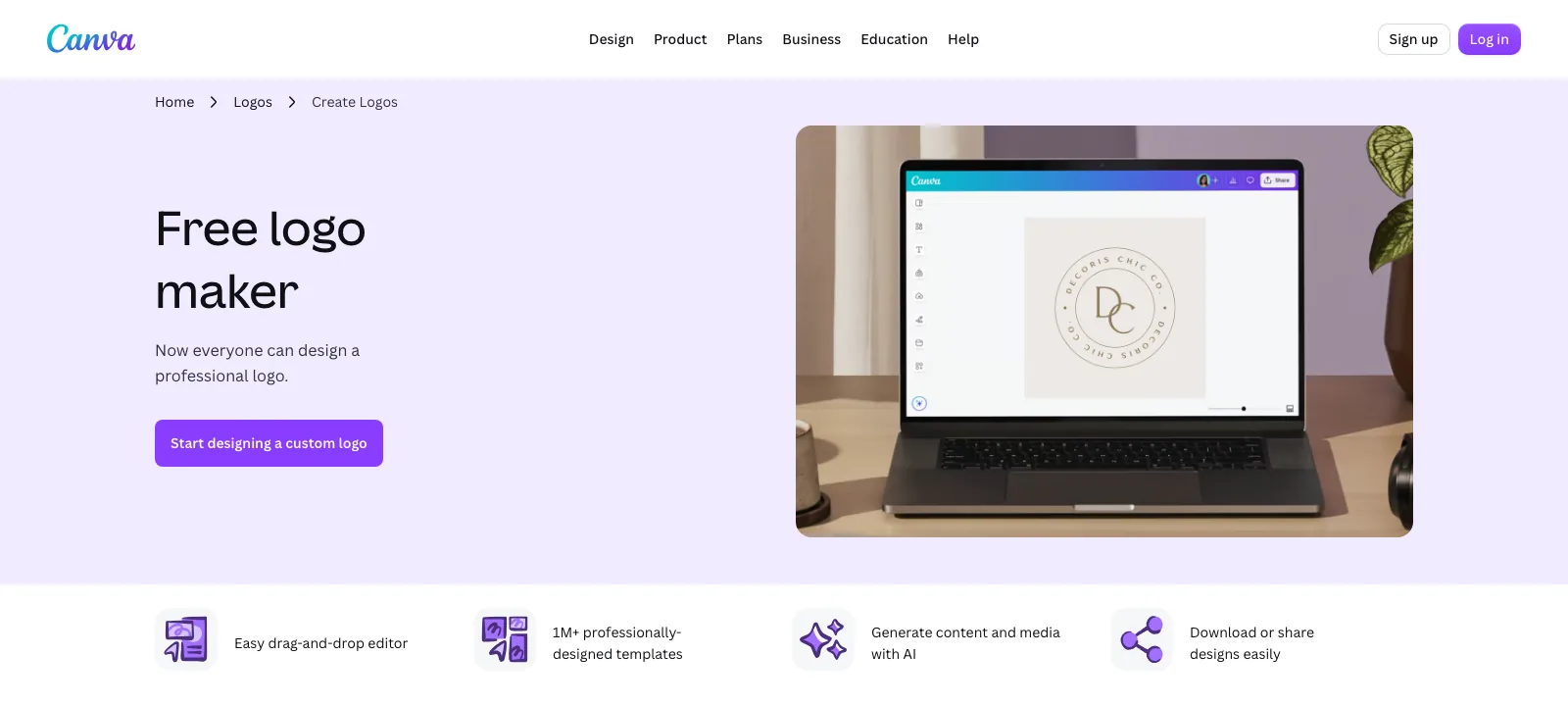
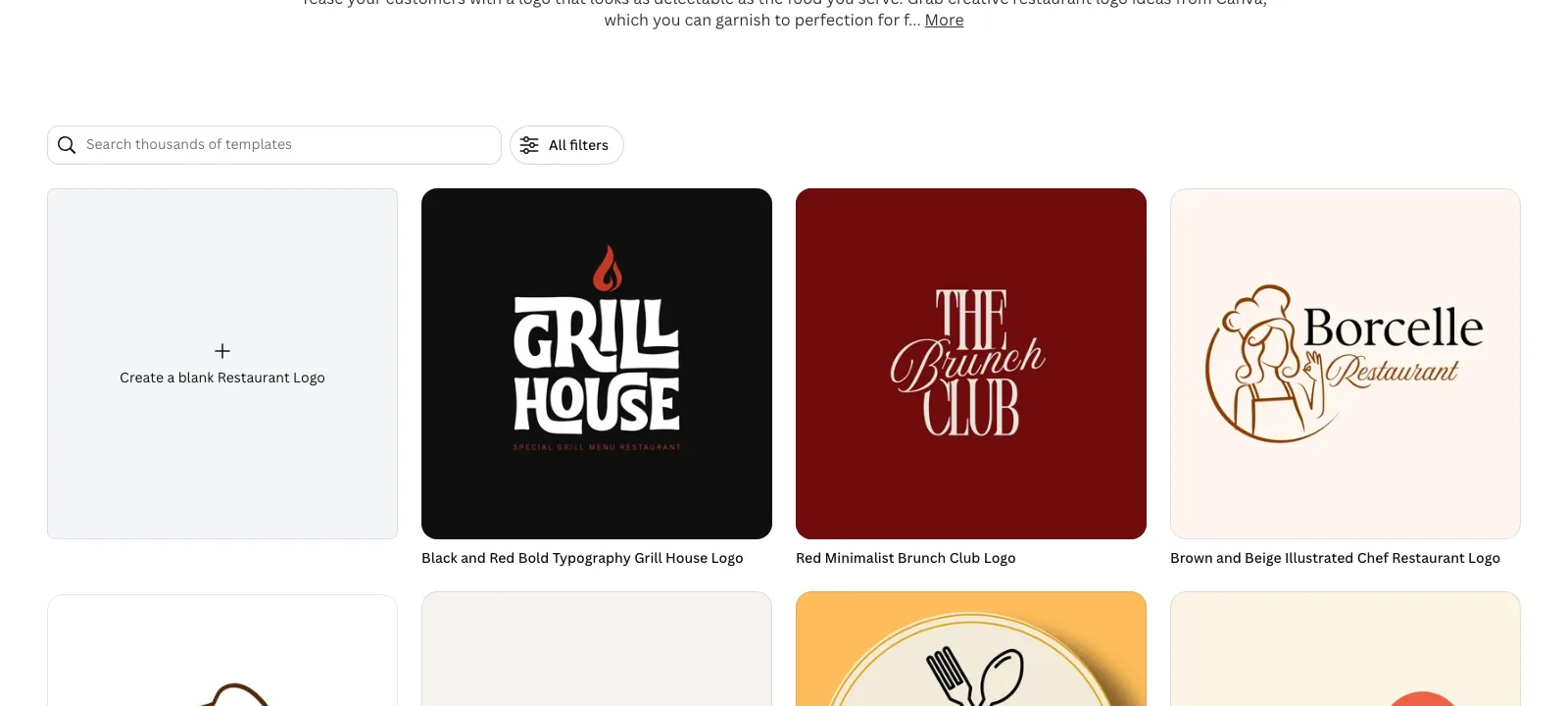
Canva approaches logo creation as one part of an all-purpose design platform. Its logo maker starts from thousands of editable logo templates, and you adjust icons, fonts, colors, and layout in the same drag-and-drop editor used for social posts, presentations, and print designs.
Canva’s AI features, grouped under Magic Studio, can suggest layouts and generate images or design elements from a text prompt, which helps when you want a starting point rather than a blank canvas. The AI tools and usage limits available to you depend on your plan.
The free plan lets you design a logo and download it as a PNG, JPG, or PDF. A transparent background and SVG export are part of Canva Pro, so budget for a paid plan if you need print-ready vector files.
Recommended Free Tools
One important point for businesses: logos built from Canva’s templates and stock elements are not exclusive to you, and Canva’s license restricts trademarking designs that rely on its stock content. If you plan to register your logo, build it from your own shapes and text.
Key Features
- Thousands of editable logo templates
- Drag-and-drop editor with fonts, icons, and color palettes
- Magic Studio AI tools for layouts and generated visuals
- Brand Kit for keeping logos, colors, and fonts consistent
- PNG, JPG, and PDF downloads on the free plan
- Transparent PNG and SVG downloads with Canva Pro
Pros
- Free to start, with a very large template library
- Very easy to use
- The same logo carries straight into social media, print, and presentation designs
- Strong collaboration features for teams
Potential Limitations
- Template-based logos are not exclusive
- Transparent backgrounds and SVG files require Canva Pro
- Less focused on generating logo concepts automatically than dedicated AI logo makers
Our Verdict
Canva is a practical choice if you want to design and customize your logo yourself and keep using the same tool for your other marketing materials. Check the license terms before using a template-based design as a registered trademark.
3. Squarespace
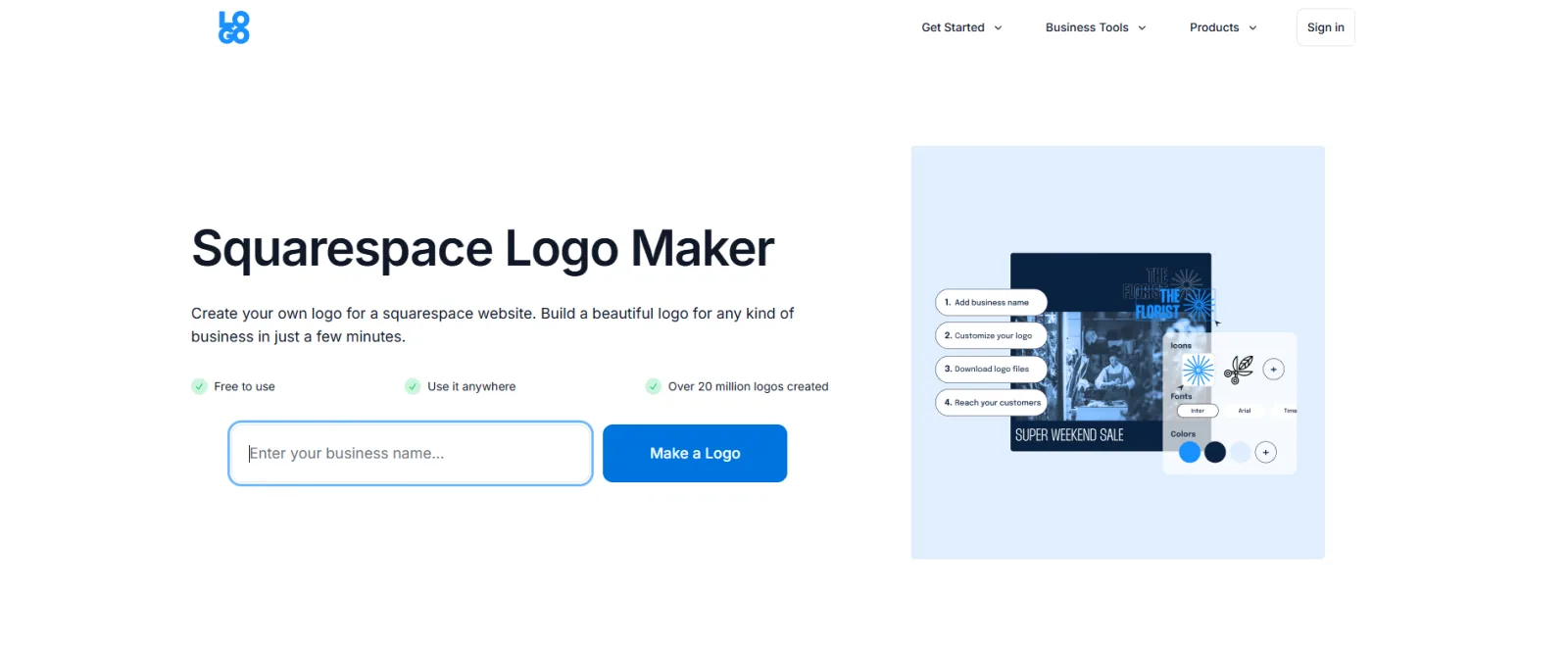
Best for: Simple logo creation for websites and small businesses
Squarespace takes a much simpler approach to logo creation than Design.com and Canva.
To test the logo maker, we entered the business name and browsed through the available logo options.
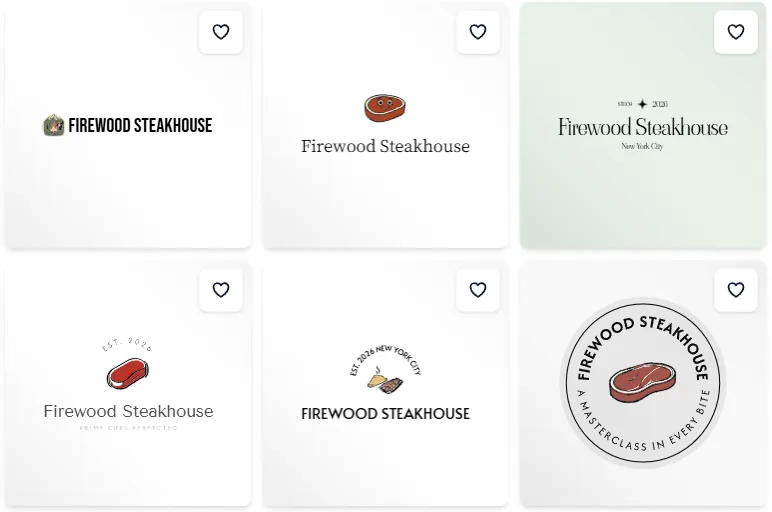
Once you find a design you like, you can select it and customize it directly in the browser. The editor lets you adjust the logo’s font, colors, size, positioning, and other elements without needing separate design software.
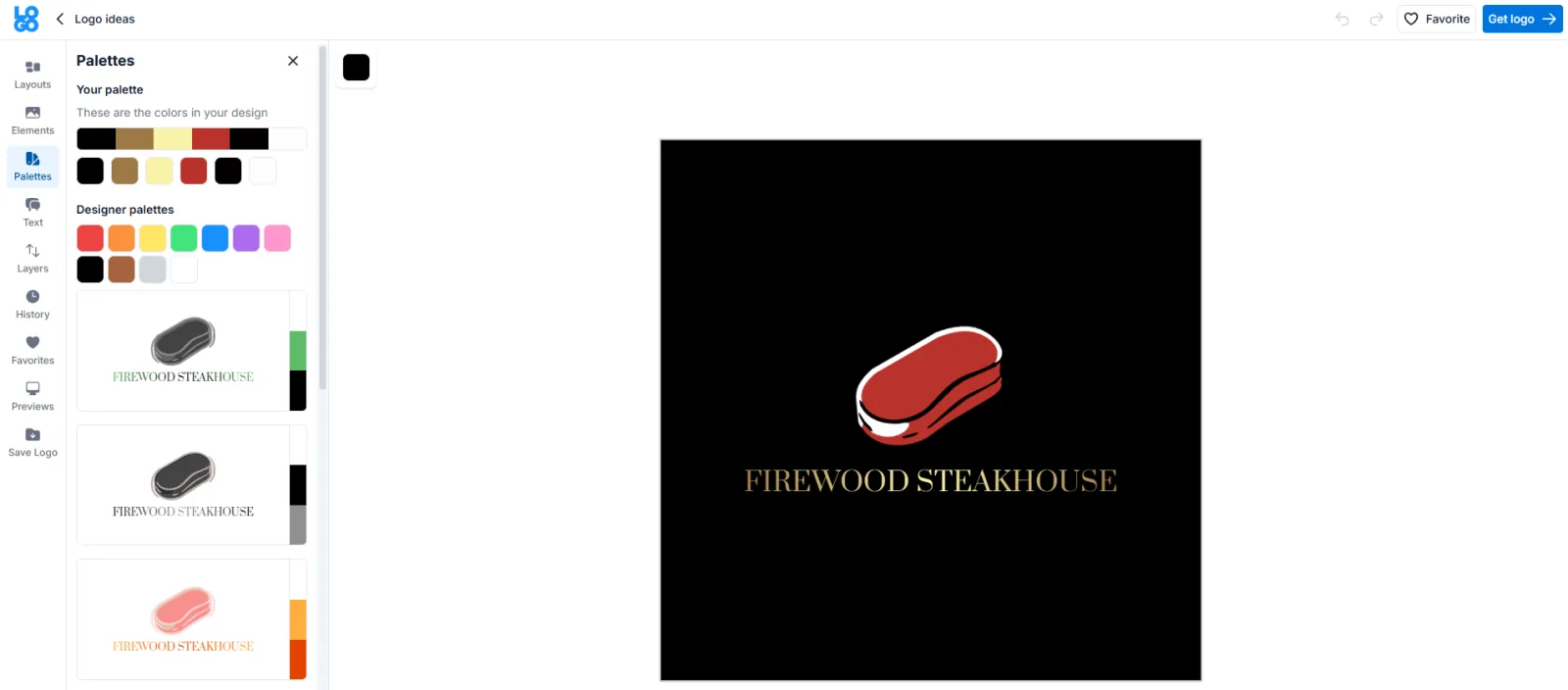
You can also add an optional tagline and choose from a library of icons provided through The Noun Project. Once you’re happy with the design, Squarespace lets you download the logo in black, white, and color.
Another useful feature is the ability to preview your logo in different contexts, such as on a website, business card, or T-shirt. This gives you a quick idea of how the design might look when used as part of your branding.
One of Squarespace Logo’s biggest advantages is its simplicity. The browser-based editor keeps the process straightforward, making it a good option if you want to create a basic logo without learning complicated design software.
However, it is more limited than Design.com, particularly if you want a wider range of AI-generated concepts or additional branding tools.
Key Features
- Browser-based logo maker
- Custom company name and tagline
- Icon library from The Noun Project
- Font, color, size, and positioning controls
- Logo previews in different contexts
- Black, white, and full-color versions
- High-resolution downloads for eligible Squarespace accounts
Pros
- Very easy to use
- Simple customization
- Good for basic business logos
- Useful for Squarespace website owners
- Free for users with a Squarespace 7.0 or 7.1 account
Potential Limitations
- Less AI-focused than Design.com
- Smaller range of advanced branding features
- More limited customization compared with dedicated AI branding platforms
Our Verdict
Squarespace is a good choice if simplicity matters more than extensive AI generation. It works particularly well for someone who needs a straightforward logo for a website or small business and doesn’t need a large collection of advanced branding tools.
4. Adobe Express
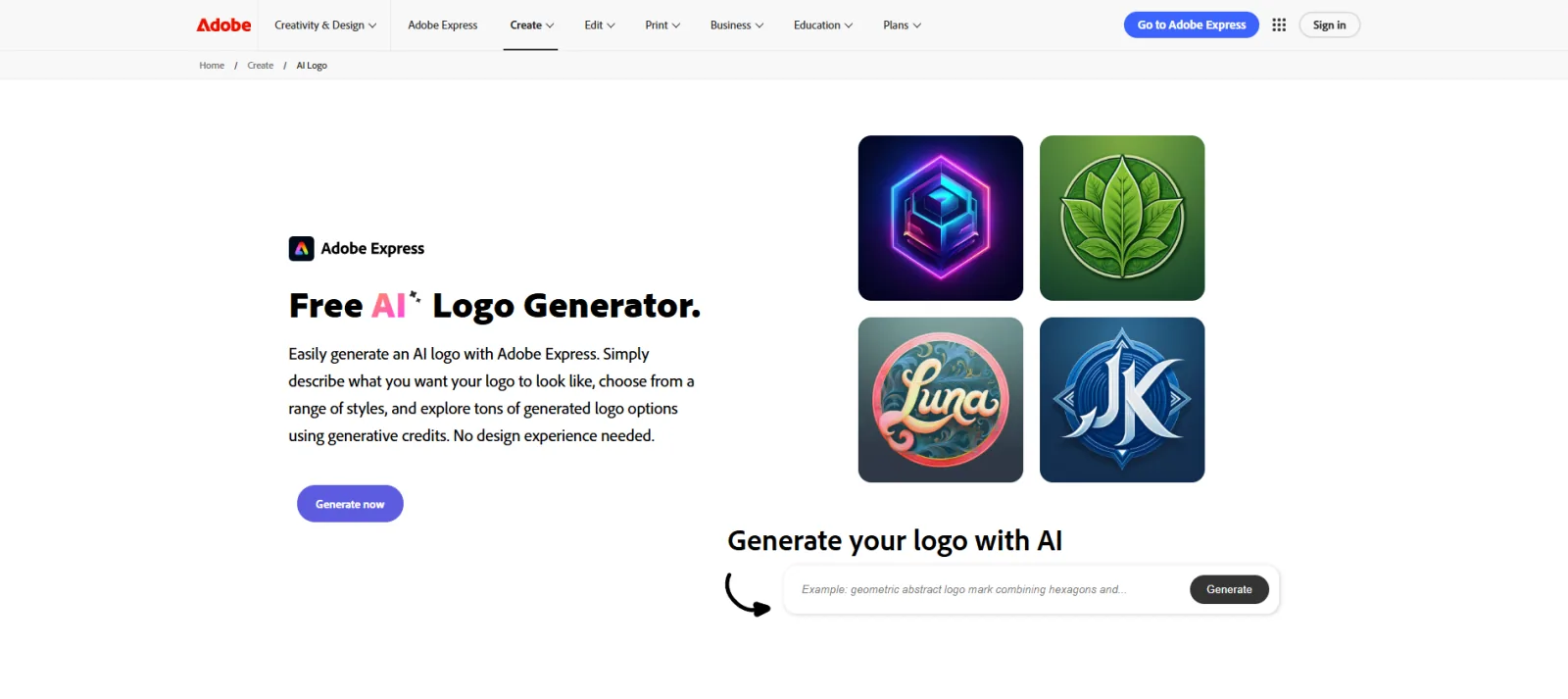
Best for: Users who want AI tools alongside broader design capabilities
Do these 3 things before closing this tab:
1Fix the driver behind crashes, sound loss and screen glitches2Repair Windows errors before they cause bigger problems3Scan for outdated or missing drivers - takes under a minuteAdobe Express approaches logo creation as part of a larger visual design platform.
We browsed through its available logo templates and design options. The platform offers thousands of professionally designed logo templates, along with images, icons, and other design assets.
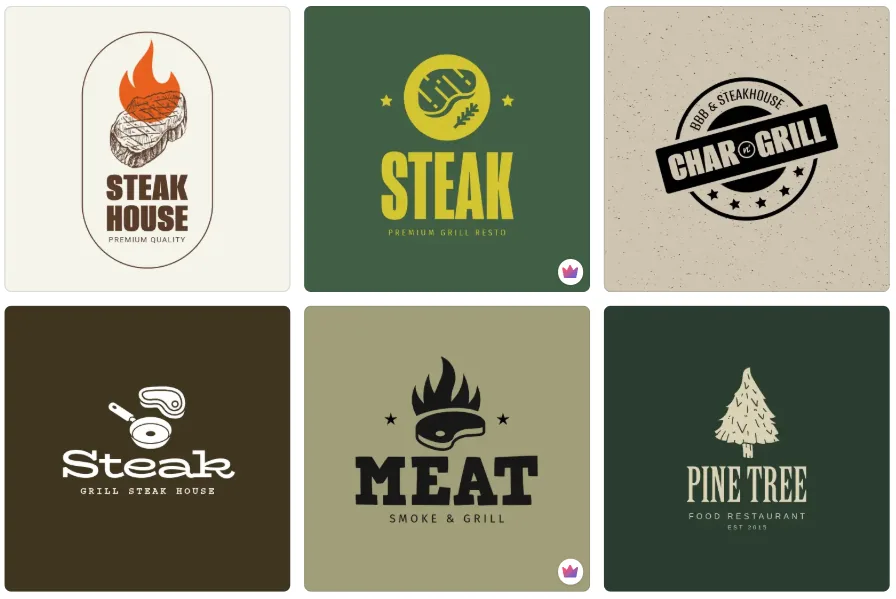
You can start with a template and customize it in Adobe Express, or build a logo from scratch. Once you choose a design, the editor gives you control over various elements, allowing you to adjust the logo to suit your brand.
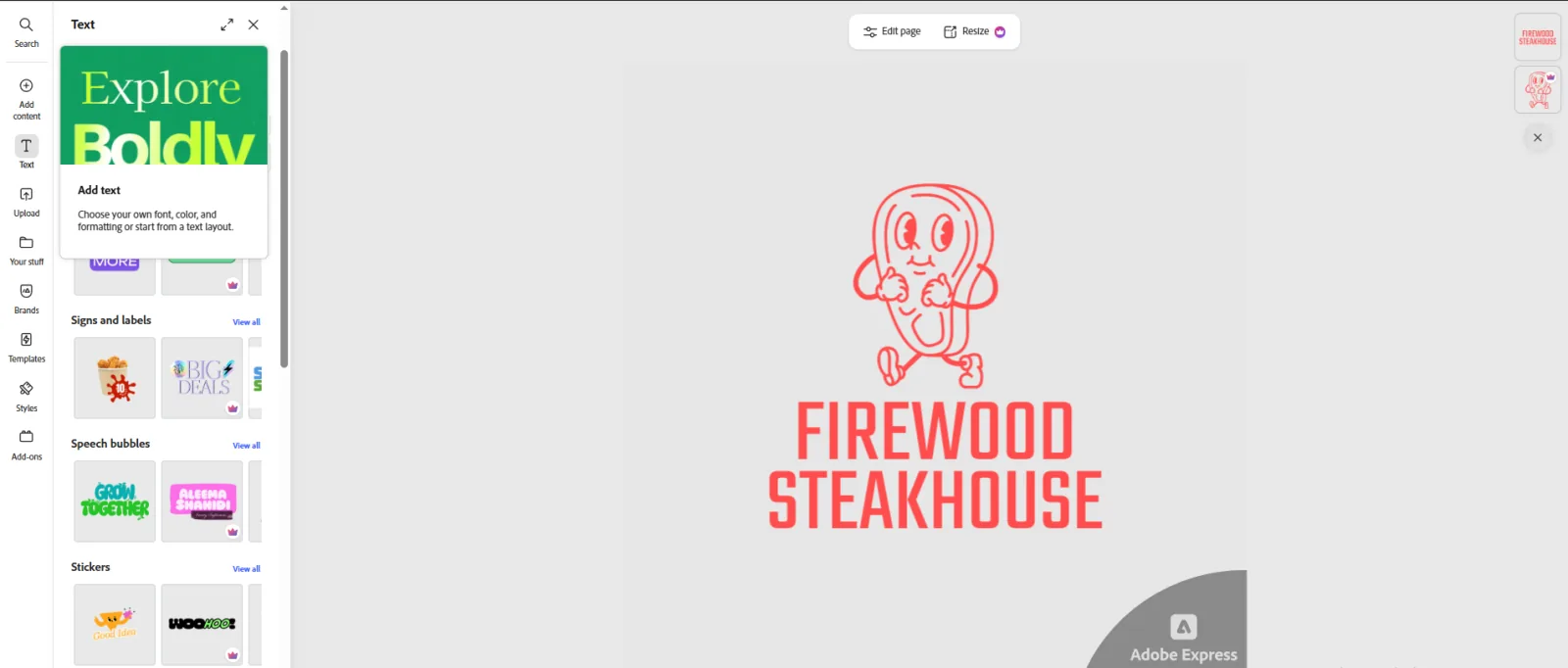
Adobe Express also includes AI-powered features. Adobe says some of its AI-assisted tools, powered by Adobe Firefly, can generate graphics, text effects, and color variations, though availability may vary by region.
What’s actually slowing this PC down?
Pick the symptom - the matching free tool is one click away.
The bigger advantage of Adobe Express is that your logo is not limited to a standalone design. You can continue using the platform to create social media posts, videos, flyers, presentations, documents, and other marketing materials.
The platform also supports brand management, allowing you to save your logos, colors, fonts, and graphics in one place. This can make it easier to maintain your visual identity consistency across different types of content.
Overall, Adobe Express is a good fit if you want a logo maker that also gives you access to a broader set of design and marketing tools. However, users specifically looking for a dedicated AI logo generator may find the experience less focused than platforms built primarily around logo creation.
Key Features
- Thousands of logo templates
- Adobe Firefly-powered AI features
- Custom images, icons, and graphics
- Logo editing and customization
- Brand management tools
- Social media and marketing design tools
- PNG, JPG, and PDF downloads
Pros
- Large design ecosystem
- Strong customization options
- Useful for creating other marketing materials
- Adobe Firefly integration
- Free plan available
Potential Limitations
- It can feel broader and more complex than a dedicated logo generator.
- Some AI and advanced features depend on the plan and regional availability.
Our Verdict
Adobe Express is a strong option for people who want to create more than just a logo. It’s especially useful for marketers, creators, and small businesses that want one platform for logos and other visual content.
5. Wix / Wixel
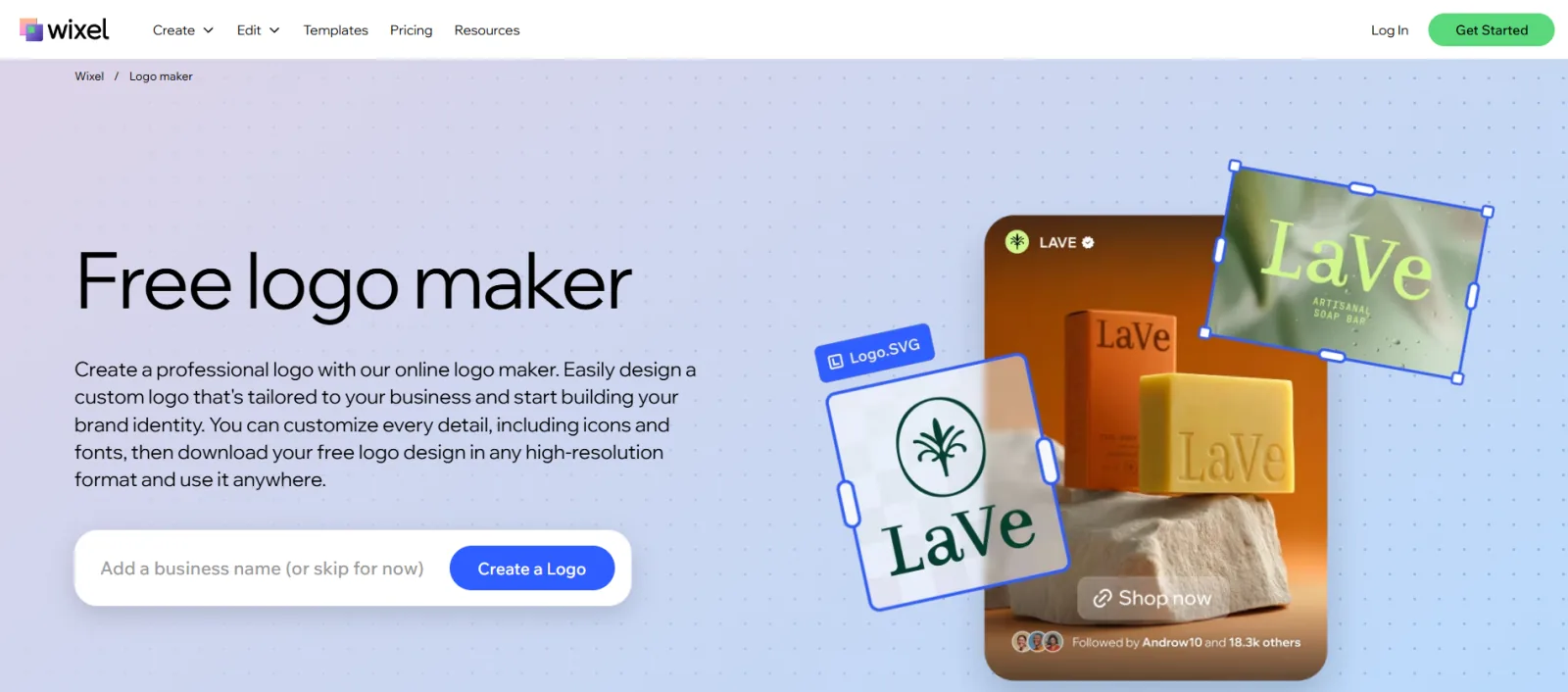
Best for: Businesses that want an AI logo creation connected to a broader website and branding workflow
Wix has changed the way it handles new logo creation. Its newer Wixel platform is now Wix’s main recommendation for creating new logos and visual brand assets, while the older Wix Logo Maker remains available with more limited AI support.
Wixel’s AI-powered logo generator uses an AI design agent called Aria. You can describe your business and the type of logo you want, and Aria can suggest logo concepts, color palettes, and fonts based on your business and industry.
Once you have a design you like, you can customize it to better match your brand. You can make adjustments to the generated design rather than accepting the initial AI result as is.
Recommended Free Tools
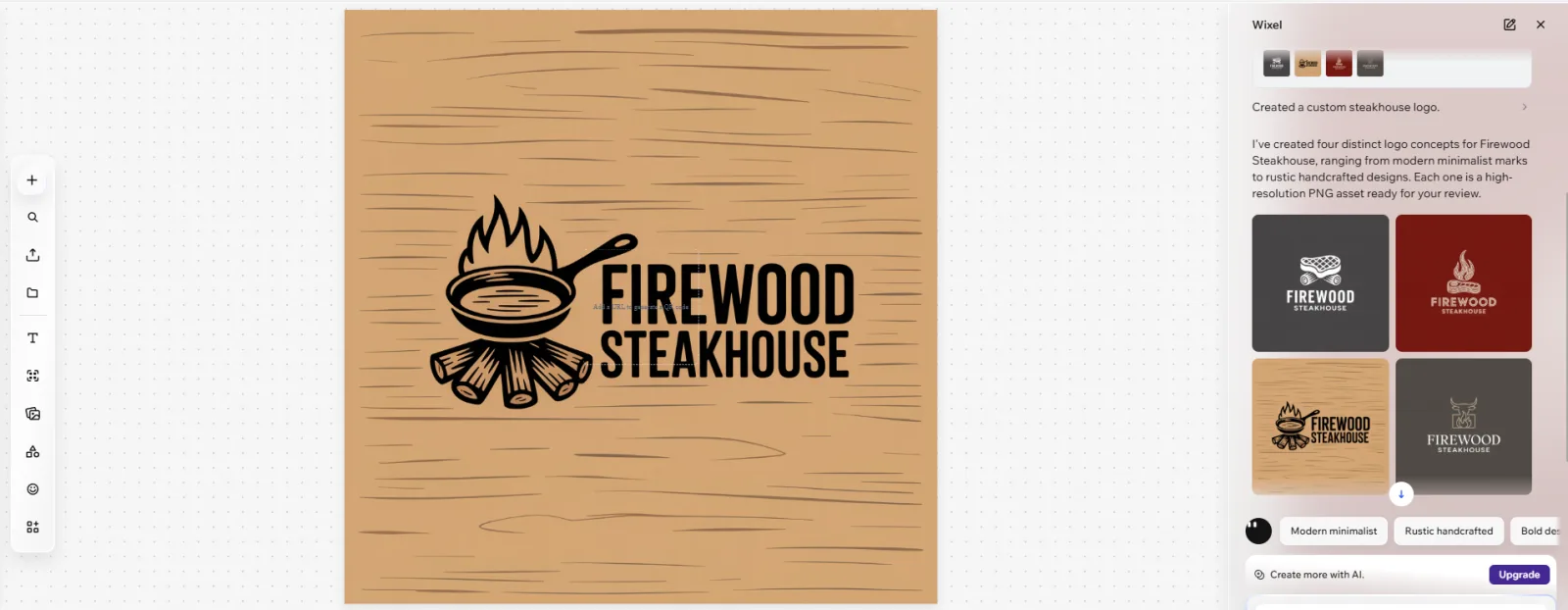
You can then use the logo as part of a wider collection of branded assets. This is where Wix is particularly useful for entrepreneurs who are already building a website or online business.
Rather than treating the logo as a standalone file, Wixel lets you develop it alongside other visual elements for your brand. This can make sense if you want to create your logo and broader brand identity within the same platform.
Overall, Wix is a good option for users who want AI-assisted logo creation integrated with a broader website and branding workflow. However, if your main priority is generating a large number of logo concepts specifically, dedicated AI logo makers may offer a more focused experience.
Key Features
- AI-powered logo generation through Wixel
- An AI design agent called Aria
- Business and industry-based logo suggestions
- Suggested color palettes and fonts
- Customizable logo designs
- Wider AI design platform
- Tools for creating additional branded assets
Pros
- AI-assisted logo creation
- Easy to describe your design ideas
- Useful for website owners
- Broader branding and design tools
- Convenient for Wix users
Potential Limitations
- New logo creation is increasingly centered around Wixel rather than the older Wix Logo Maker.
- AI logo generation uses AI credits.
- Users specifically looking for a dedicated logo platform may find the broader website and design features unnecessary.
Our Verdict
Wix/Wixel is a practical choice for businesses that are already building their online presence on Wix. Its biggest advantage is the seamless integration of logo creation, website building, and other visual assets.
Free tools Windows power users keep installed
One-click scans. No signup required.
How to Choose the Right AI Logo Generator
Before making your choice, ask yourself a few simple questions.
Do you want lots of logo ideas? Look at platforms such as Design.com and Canva that provide large libraries and many concepts to explore.
Do you want a simple logo quickly? Squarespace may be enough if you don’t need extensive AI or branding features.
Do you need other marketing designs? Adobe Express, Design.com, and Canva are worth considering because they offer more than just logo creation.
Are you already using a website platform? Wix or Squarespace may be convenient if you want your logo and website workflow to integrate.
Do you want to build a complete brand identity? A broader AI branding platform may be more useful than a standalone logo generator.
Final Thoughts
AI logo generators have made creating professional-looking logos much more accessible. Instead of starting with a blank canvas, you can generate ideas, compare different styles, and customize a design without needing advanced graphic design skills.
That said, the best tool depends on what you actually need. But on this list, we recommend Design.com as the strongest overall choice for businesses seeking AI logo generation alongside a broader branding ecosystem.
Do these 3 things before closing this tab:
1Repair Windows errors before they cause bigger problems2Scan for outdated or missing drivers - takes under a minute3Clear out junk files and repair common Windows errorsRather than choosing a logo generator simply because it uses AI, consider the quality of its designs, customization options, file formats, branding features, and how well it fits into your workflow. That’s what ultimately determines whether the tool is actually useful for your business.

