yWriter
yWriter: A free, structured workspace for novelists who prefer chapters and scenes to one long document. Ranked #101 of 135 in Writing Apps by our editors (3.0/10); pricing: Free plan; best for novelists wanting free offline project structure.
At a glance
- Editor score3.0 / 10
- PricingFree plan
- Best forNovelists wanting free offline project structure
- Free planYes
- Publishing toolsYes
- Facts checked19 Sep 2026
Where it wins
- Organizes novels into chapters, scenes, characters, and story elements
- Automatic backups, earlier-backup restoration, and word-count tracking
- Exports to document, ebook, and print-oriented formats
Where it doesn't
- No collaboration features
- No AI features
- Integration support is limited to Dropbox and Calibre
Our verdict on yWriter
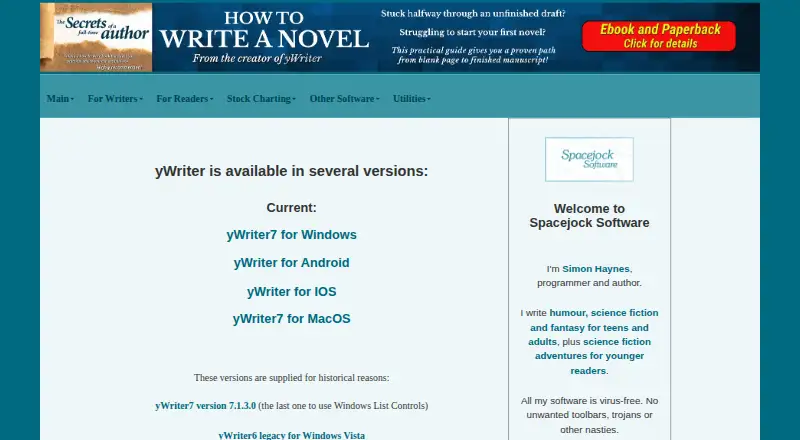
Rather than treating a novel as one long document, yWriter organizes a project into chapters and scenes, with space to track characters and other story elements. It suits novelists who want a structured workspace, word-count tracking, and a free desktop option, especially those who prefer to work offline. Its companion apps extend chapter-and-scene editing to Android and iOS, while the desktop software supports Windows and Linux use through Wine.
The project-management features are geared toward keeping a manuscript organized as it grows. A built-in scene editor includes automatic backups, and earlier project backups can be restored. Tags can be applied to scenes, characters, locations, and items, providing ways to keep story components connected to the writing project. Writers can import work in progress from RTF files. Export options include Text, RTF, DOCX, and HTML, along with EPUB; yWriter also supports MOBI ebook workflows and LaTeX for print or PDF workflows. These options make it relevant to authors who want writing structure and publishing-oriented output in one tool, though it is not a collaborative writing environment.
The desktop software is free, and the Android and iOS apps edit novels in chapters and scenes and work with yWriter7 desktop projects. On iOS, projects can be transferred between local and cloud storage. Dropbox and Calibre are the listed integrations, so the surrounding ecosystem is narrower than the export list might suggest. The fit is strongest for an individual novelist who values project structure, backups, and format flexibility over collaboration, AI assistance, or broad integration support. Writers whose workflow depends on those capabilities should consider another tool.
Your product? Our editors can test yWriter in depth and publish a review, labelled as paid · from $149/mo →
yWriter pricing
All 3 yWriter plans and prices →
yWriter fact sheet
| Free plan | Yes |
|---|---|
| Paid from | Not verified |
| Publishing tools | Yes |
| Real-time collaboration | Not verified |
| Version history | Yes |
| Offline mode | Yes |
| Mobile apps | Yes |
| Export formats | Extensive |
| Deployment | Desktop, Mobile |
| Platforms | Windows, Linux, iOS, Android |
| Integrations | 2 integrations: Dropbox, Calibre |
| Pricing | Free plan (source) |
| Website | spacejock.com |
| Facts checked | 19 Sep 2026 |
yWriter integrations
yWriter lists 2 integrations on its own site.
- Dropbox
- Calibre
Alternatives to yWriter
- Final DraftA screenplay-focused toolkit with deep planning, production, revision, and collaboration features.9.4
- ScrivenerA structured workspace for drafting, organizing, and compiling long-form work.9.3
- CeltxScriptwriting and production planning for screenwriters working with collaborators.9.2



See all yWriter alternatives →
Also Ranked In
yWriter is ranked in 3 of our directories.
Used yWriter? Be the first to review it
The editor score above is our own research. What this page doesn't have yet is a reader's view — what you used yWriter for, what worked and what didn't. No stars are seeded and no review is paid for; an editor reads every one before it appears.
Write a reviewTwo minutes · verified accounts only · read by an editor before it appears
Featured on iTechGuides

yWriter is listed in our Writing Apps directory. Add the badge to your site — it links back to this page.
<a href="https://www.itechguides.com/products/ywriter/"><img src="https://www.itechguides.com/best/badge/ywriter.svg" alt="Featured on iTechGuides" width="230" height="46"></a>
Reviewed by iTechGuides Editors · Editorial team · Updated Oct 2026
Advertiser disclosure: iTechGuides is reader-supported. Vendors can pay for top positions in our rankings and for a place on other products' pages, and we may earn a commission when you click some links. Bought places stand at the number bought; this page and our disclosure say so. Paying vendors may get a fuller, more detailed review from our editors, and that review can change their score. How we rank.
Last updated · How we research and update