VTracer
VTracer: A configurable, free SVG tracer for users who want open-source image vectorization. Ranked #9 of 26 in Image Vectorization Software by our editors (8.2/10); pricing: Free plan; best for open-source users needing configurable SVG tracing.
At a glance
- Editor score8.2 / 10
- PricingFree plan
- Best forOpen-source users needing configurable SVG tracing
- Free planYes
- Paid fromFree
- Facts checked20 Sep 2026
Where it wins
- Free and open source across web, Windows, macOS, and Linux
- Supports color clustering, palettes, thresholding, and three curve modes
- Desktop app includes A/B comparison and curve inspection tools
Where it doesn't
- Output is focused on SVG rather than multiple vector formats
- Batch conversion is not part of the documented workflow
- Advanced controls may be more than casual users need
Our verdict on VTracer
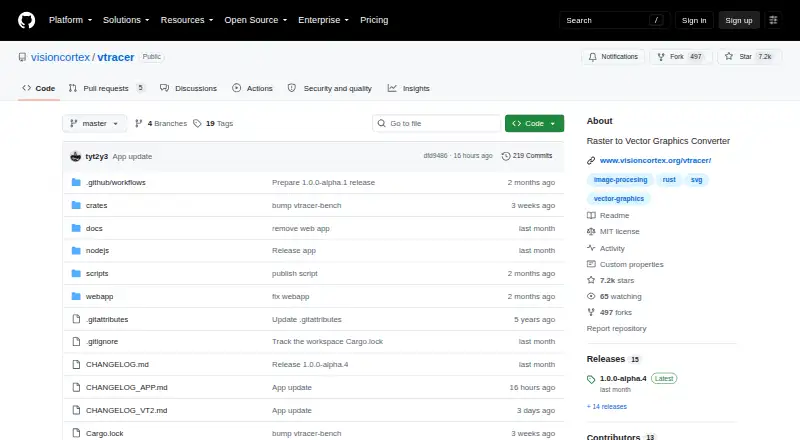
VTracer is an open-source raster-to-vector converter for turning JPEG and PNG images into SVG graphics. It supports both full-color vectorization and black-and-white thresholding, making it suitable for designers, developers, and technical users who want configurable tracing without a paid plan. The project is available through a browser-based web app, desktop applications for Windows, macOS, and Linux, a command-line tool, and libraries for Rust, Python, and JavaScript.
Its main strength is control over how raster detail becomes vector geometry. VTracer provides color clustering, fixed palettes, maximum-color quantization, and curve fitting through pixel, polygon, and spline modes. Curve simplification can reduce geometric detail, while seam-free mosaic output addresses edge continuity in traced artwork. The desktop application adds A/B comparison and curve inspection, giving users a way to review tracing variations and examine the resulting curves. These controls make it a fit for users who need to tune color handling and curve behavior rather than accept a single automatic result.
VTracer is free and open source, with the same SVG-centered focus across its web, desktop, command-line, and library forms. That narrow output focus is useful when SVG is the target, but users seeking several export formats should consider a different tool. The project also suits configurable workflows better than simple one-click conversion, particularly when palette limits, curve modes, or simplification matter. Choose VTracer for an open-source SVG tracing workflow with adjustable vectorization controls; choose an alternative when broader output support or a documented batch workflow is a priority.
Your product? Our editors can test VTracer in depth and publish a review, labelled as paid · from $149/mo →
VTracer pricing
VTracer fact sheet
| Free plan | Yes |
|---|---|
| Paid from | Free |
| Batch conversion | Not verified |
| Tracing modes | Full-color |
| Available platforms | Web+desktop |
| Vector output formats | SVG |
| Batch file limit | Not verified |
| Maximum color count | Not verified |
| Deployment | Self-hosted, Desktop |
| Platforms | Web, Windows, macOS, Linux |
| Built for | Solo, Small business, Mid-market, Enterprise (editorial estimate) |
| Pricing | Free plan |
| Website | github.com |
| Facts checked | 20 Sep 2026 |
Alternatives to VTracer
- VectorItA free offline vectorizer with detailed tracing controls and broad desktop export options.9.4
- EdgeSVGA developer-focused engine for automated, measurable raster-to-SVG conversion.9.3
- Adobe CaptureA free mobile vectorization tool for Creative Cloud workflows, with broad Adobe integrations.9.2



See all VTracer alternatives →
Used VTracer? Be the first to review it
The editor score above is our own research. What this page doesn't have yet is a reader's view — what you used VTracer for, what worked and what didn't. No stars are seeded and no review is paid for; an editor reads every one before it appears.
Write a reviewTwo minutes · verified accounts only · read by an editor before it appears
Featured on iTechGuides

VTracer is listed in our Image Vectorization Software directory. Add the badge to your site — it links back to this page.
<a href="https://www.itechguides.com/products/vtracer/"><img src="https://www.itechguides.com/best/badge/vtracer.svg" alt="Featured on iTechGuides" width="230" height="46"></a>
Reviewed by iTechGuides Editors · Editorial team · Updated Oct 2026
Advertiser disclosure: iTechGuides is reader-supported. Vendors can pay for top positions in our rankings and for a place on other products' pages, and we may earn a commission when you click some links. Bought places stand at the number bought; this page and our disclosure say so. Paying vendors may get a fuller, more detailed review from our editors, and that review can change their score. How we rank.
Last updated · How we research and update